Get 10% back in Relic Coins on every order
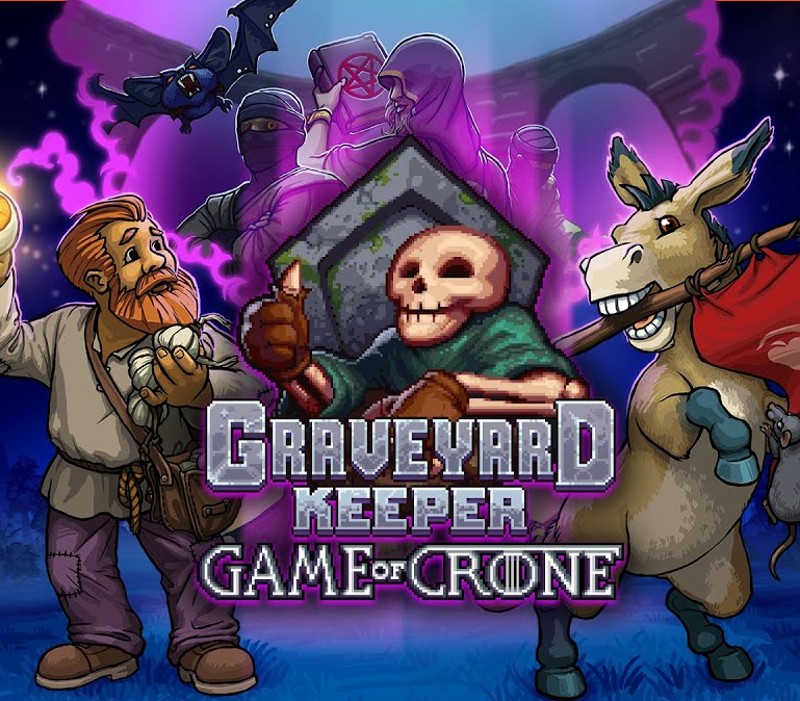
Graveyard Keeper - Game Of Crone DLC cover

Steam Europe - All Countries· DLC

Graveyard Keeper - Game Of Crone DLC

€1.39

+€0.14 cashback eligibility in Relic Coins

Check before you play

Platform
Steam
Region
Europe - All Countries
Product type
DLC

Check the required base game and edition before purchasing this add-on.

Developer
Lazy Bear Games
Publisher
tinyBuild
Supplier release date
2020-10-27
Genres
Adventure, RPG, Simulation, Indie, Story rich

About this product

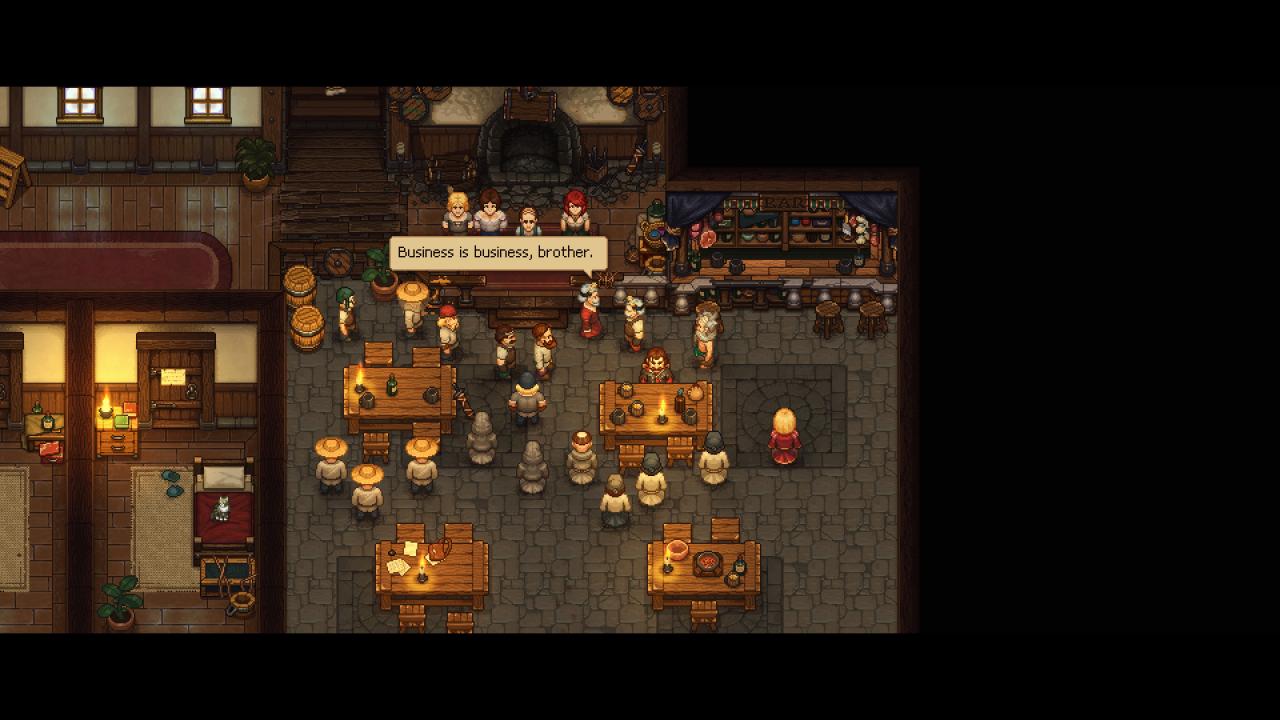
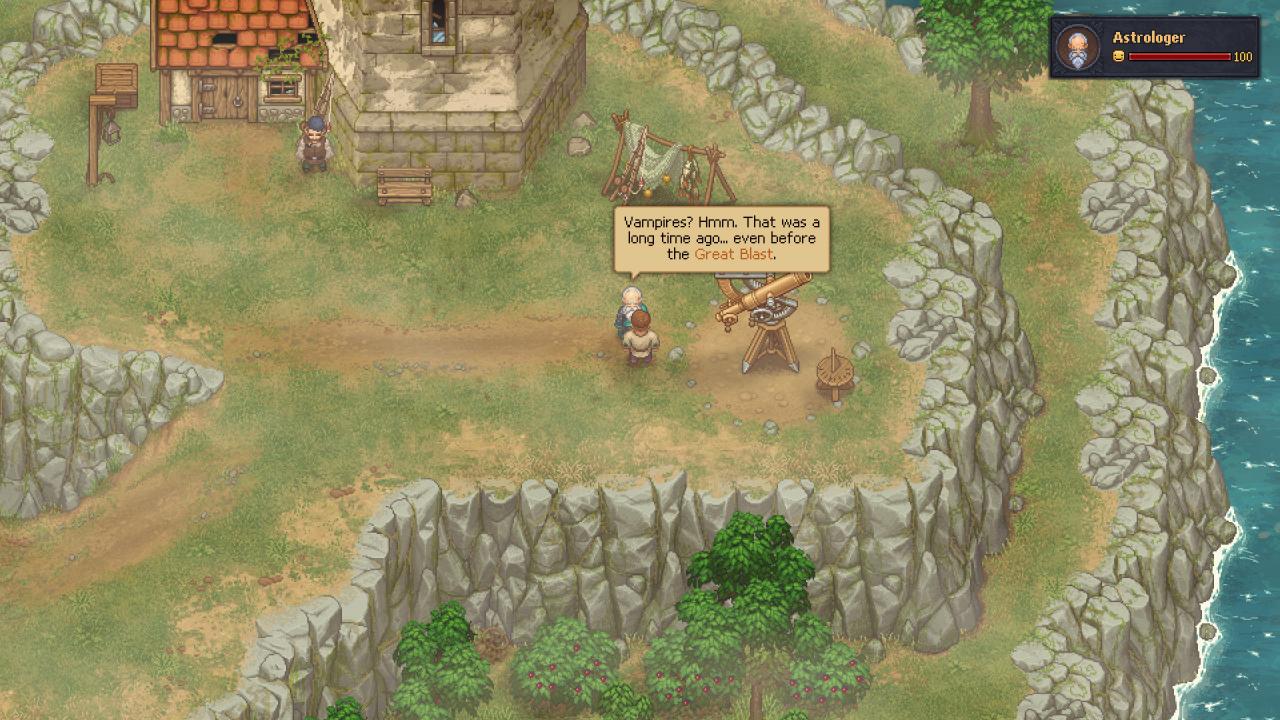
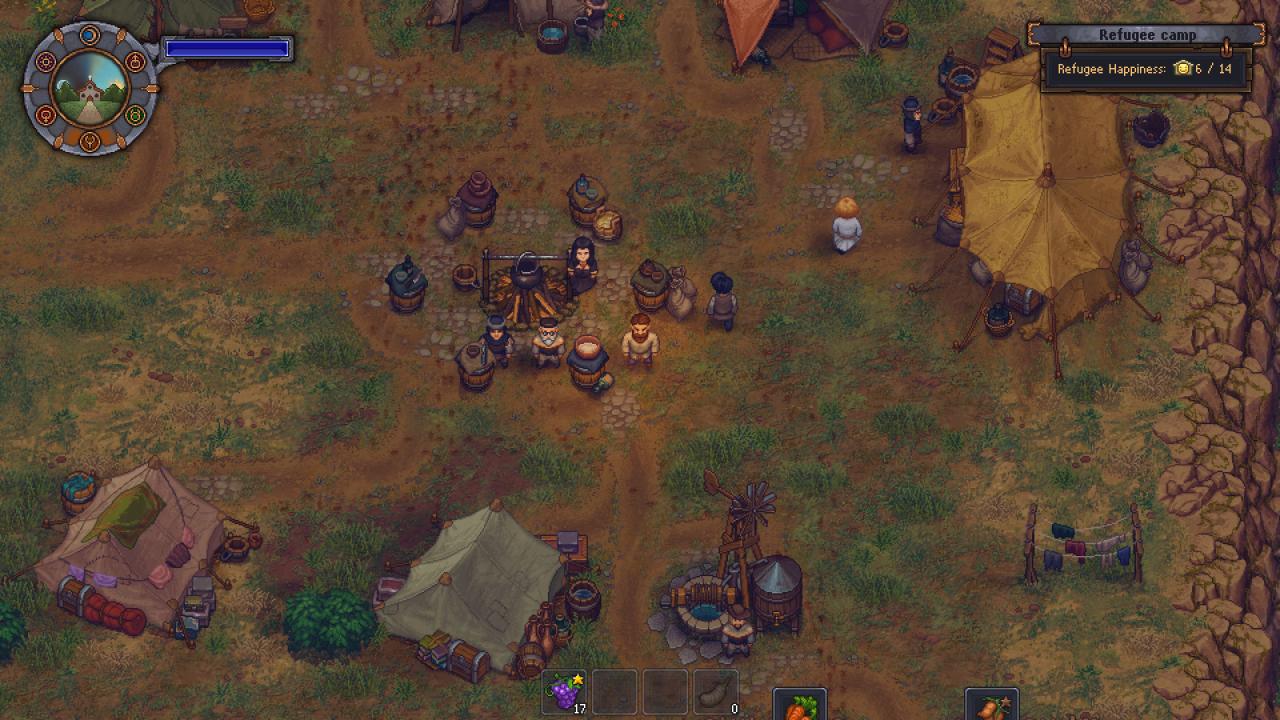
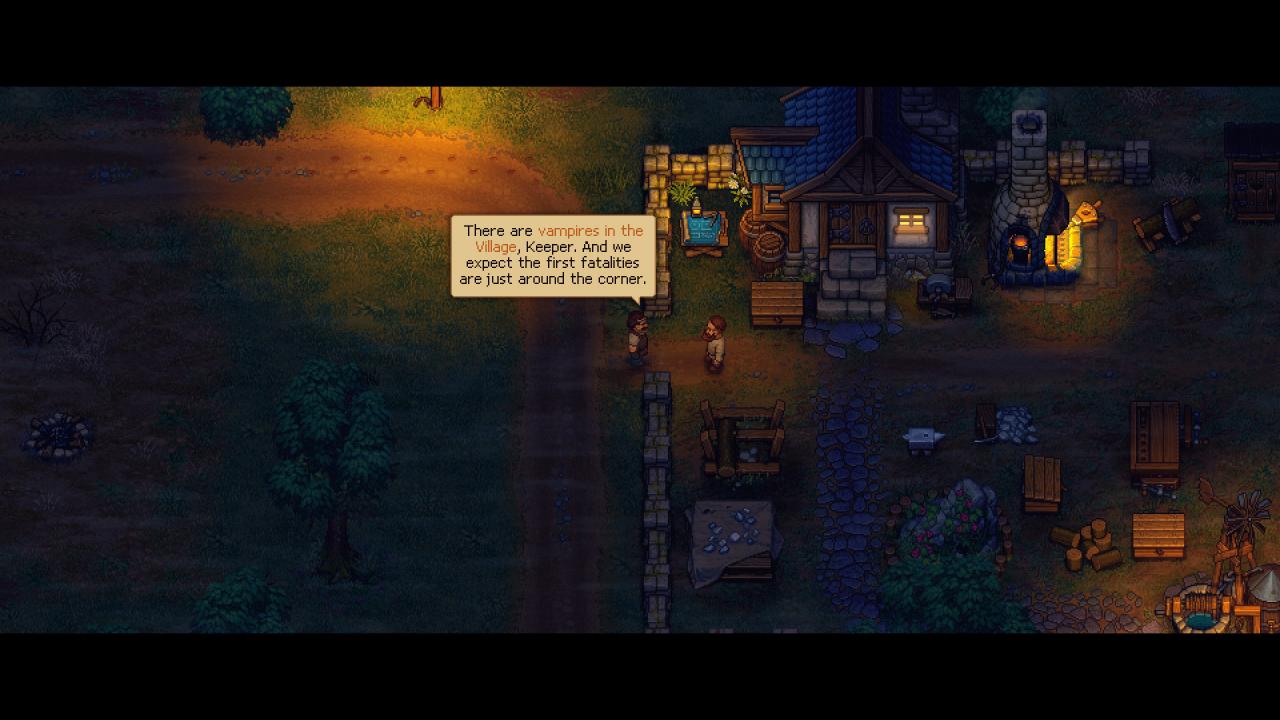
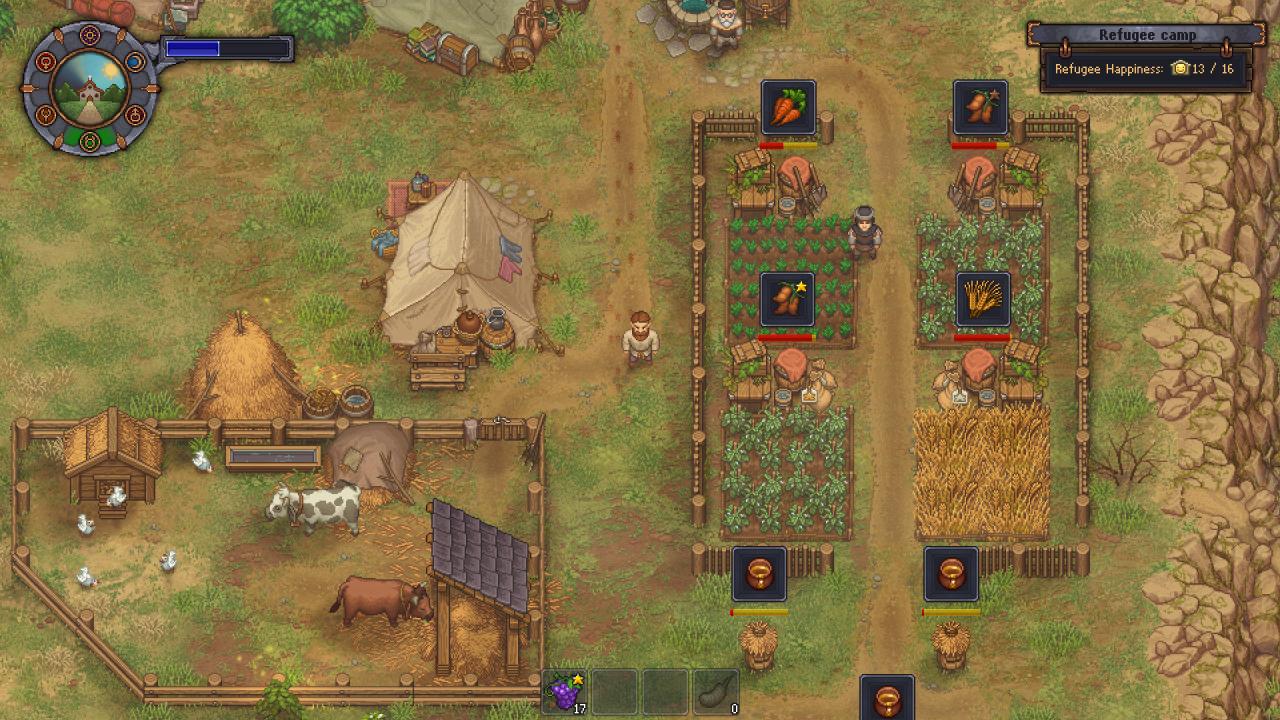
You’ll have to help the escaped prisoners of the Inquisition survive in the wilderness by providing them with everything they need. To develop their camp to a fortified settlement while keeping in mind its benefits. To protect those who entrusted you with their lives, from the sword and fire. And also - to untangle the circumstances of the cruel game, which turned into the Great Blast and the return of the Ancient Curse. Features 6-12 hours of extra gameplay. Build your own refugee camp and bring it to prosperity. Brand new bag mechanics! Get access to new dishes, gravestones, fences, and to teleportation scrolls. Deal with a vampire terrorizing a peaceful Village. Unravel the secret of the mysterious death of your predecessor. Find out even more terrible secrets of your old and new friends. Become an ally of Comrade Donkey and take part in the Revolution!

Graveyard Keeper - Game Of Crone DLC screenshotGraveyard Keeper - Game Of Crone DLC screenshotGraveyard Keeper - Game Of Crone DLC screenshotGraveyard Keeper - Game Of Crone DLC screenshotGraveyard Keeper - Game Of Crone DLC screenshot

How to redeem

  1. 1Check the required base game, platform and edition before purchasing.
  2. 2Find the code or supplier activation instructions in your confirmed order.
  3. 3Redeem on Steam using the supplied instructions, then install the add-on with the compatible base game.

Supplier instructions

Go to: http://store.steampowered.com/ and download STEAM client Click "Install Steam" (from the upper right corner) Install and start application, login with your Account name and Password (create one if you don't have). Please follow these instructions to activate a new retail purchase on Steam: Launch Steam and log into your Steam account. Click the Games Menu. Choose Activate a Product on Steam... Follow the onscreen instructions to complete the process. After successful code verification go to the "MY GAMES" tab and start downloading.

You might also like