Get 10% back in Relic Coins on every order
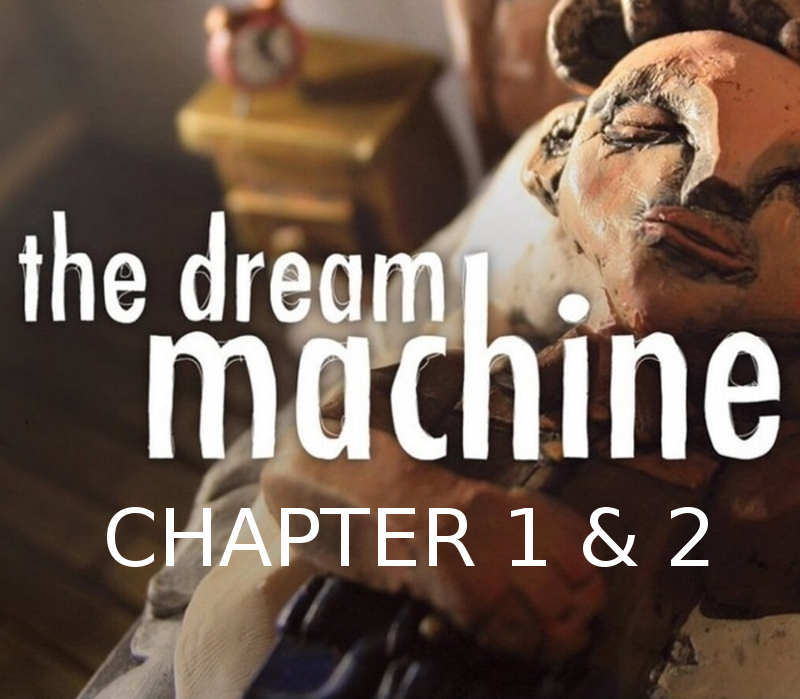
The Dream Machine: Chapter 1 & 2 cover

SteamGlobal· Key

The Dream Machine: Chapter 1 & 2

€0.48

+€0.05 cashback eligibility in Relic Coins

Check before you play

Platform
Steam
Region
Global
Product type
Key
Developer
The Sleeping Machine
Publisher
The Sleeping Machine
Supplier release date
2012-05-11
Genres
Adventure, Indie, Point & click

About this product

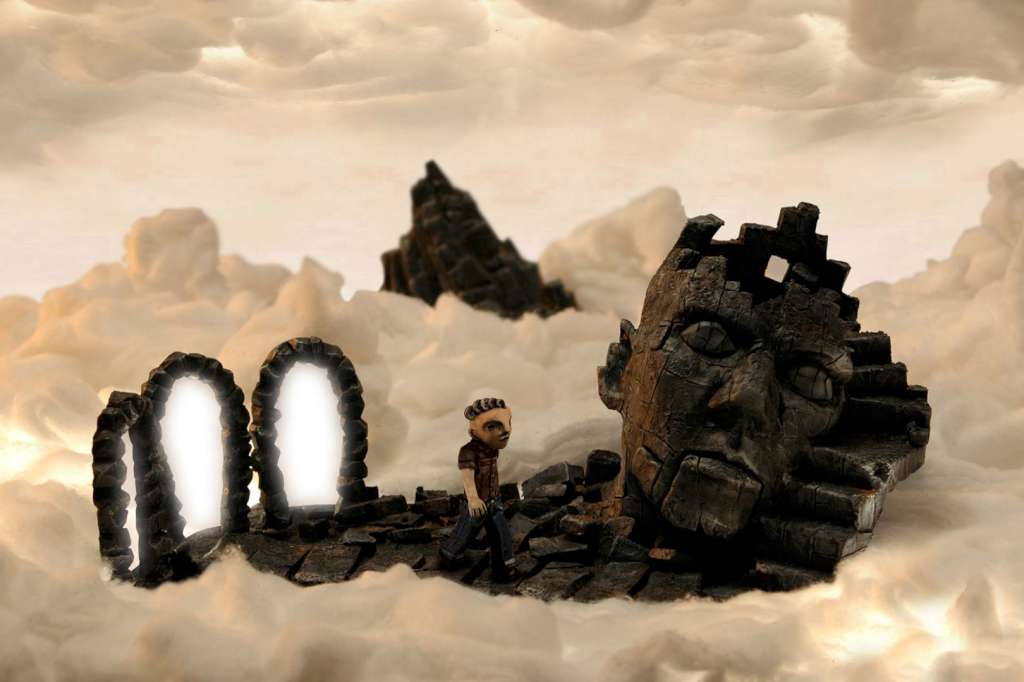
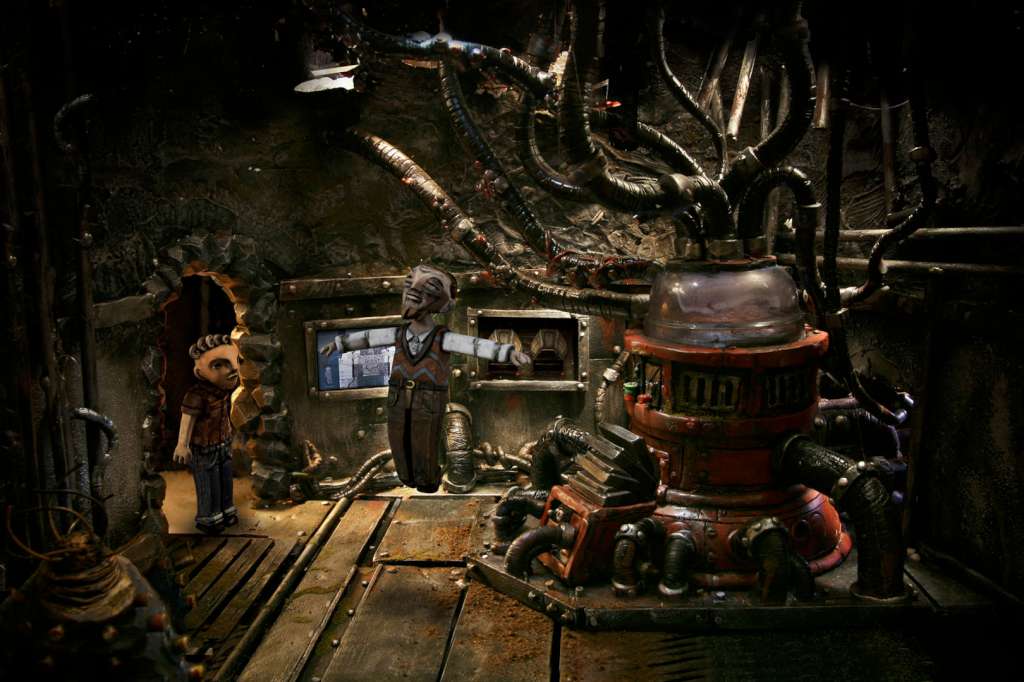
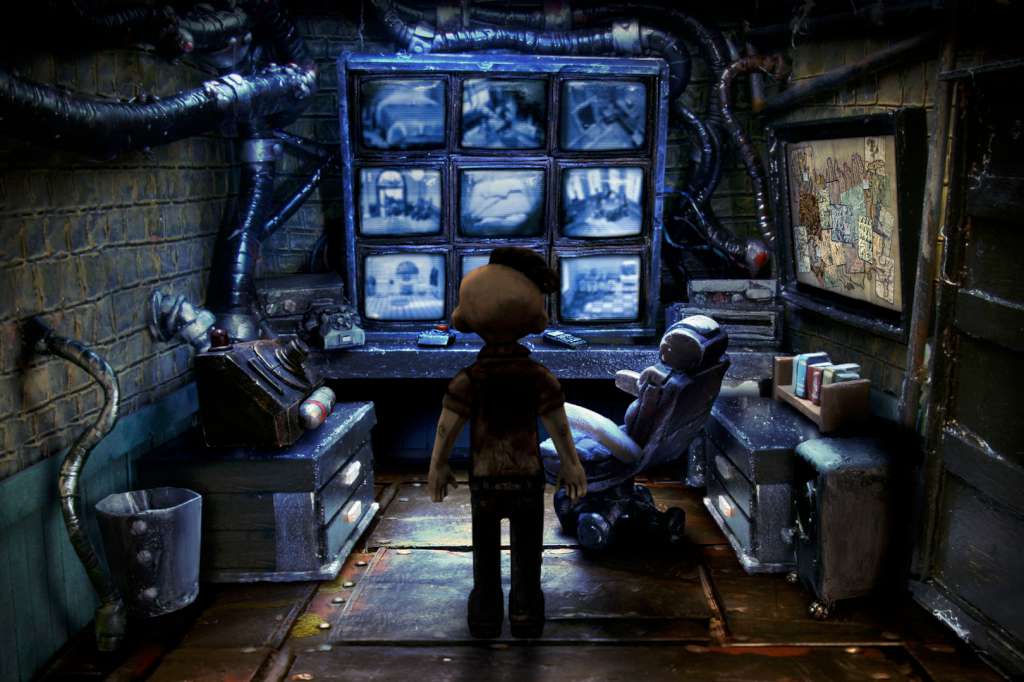
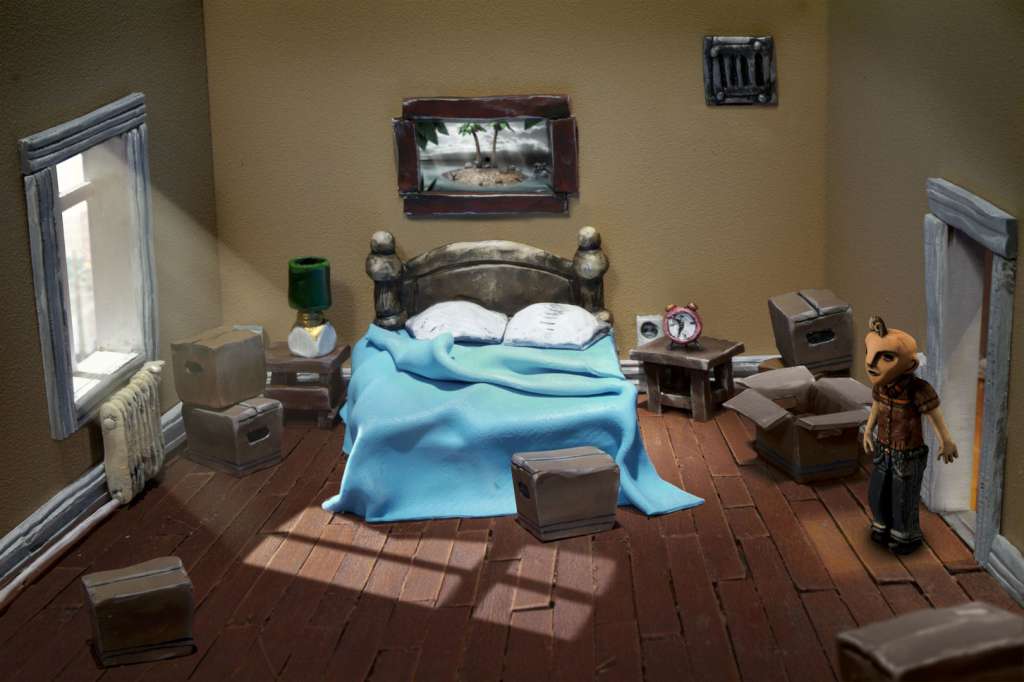
The Dream Machine is an award-winning adventure game about dreams and voyeurism. It's built by hand using materials such as clay and cardboard. In Chapter 1 of the 6 part Dream Machine series, you play as Victor Neff, the husband in a young couple who've just moved into a new apartment. While trying to get settled in you discover that all is not as it seems in the quiet, unassuming apartment building... In Chapter 2, Victor goes to confront the landlord, Mr. Morton, only to find his apartment empty. Can Victor find the elusive landlord in time and is there more to Mr. Morton than meets the eye? Features World: Explore a creepy apartment complex and uncover the mysteries within. Get to know your neighbours and discover their secrets. Story: Delve into the minds of strangers and loved ones as you’re trying to save them from The Dream Machine. Graphics: Wander around beautifully detailed environments built using physical clay models and hand-crafted sets. Puzzles: In order to progress you have to solve puzzles ranging from simple pushovers to fiendish brainteasers. Music: A haunting original soundtrack weaves through the narrative, emphasizing the surreal atmosphere of the game.

The Dream Machine: Chapter 1 & 2 screenshotThe Dream Machine: Chapter 1 & 2 screenshotThe Dream Machine: Chapter 1 & 2 screenshotThe Dream Machine: Chapter 1 & 2 screenshotThe Dream Machine: Chapter 1 & 2 screenshotThe Dream Machine: Chapter 1 & 2 screenshot

How to redeem

  1. 1Check your Steam account and the listed region before purchasing.
  2. 2Find your code and supplier activation instructions in your confirmed order.
  3. 3Open the redeem-code section on Steam, enter the code and follow the platform’s prompts.

Supplier instructions

"Please remember that we are NOT responsible for any problems that may arise from purchasing and using Steam Gifts. You are doing it at your own risk. "Please note, that due to recent Valve Steam Gift policy update Steam Gifts for games that are covered by VAC ban program can no longer be added to Inventory. Make sure that you are logged in to the proper account before entering the link as Steam Gifts can be only added to your library or rejected. How do I use a Steam gift given to me? If you do not already have Steam, download and install Steam here. Once you have Steam installed, you will be prompted to create an account or login to an existing Steam account. If you do not have an account, please create one. You will receive an e-mail containing a link that will open Steam allowing you to redeem your gift. After clicking the link, you will receive a notification at the top right corner in the Steam client informing that you have a new gift.

You might also like