Get 10% back in Relic Coins on every order
Olympic Games Tokyo 2020 - The Official Video Game cover

SteamGlobal· Key

Olympic Games Tokyo 2020 - The Official Video Game

€52.49

+€5.25 cashback eligibility in Relic Coins

Check before you play

Platform
Steam
Region
Global
Product type
Key
Developer
Sega
Publisher
Sega
Supplier release date
2021-06-22
Genres
Casual, Sport

About this product

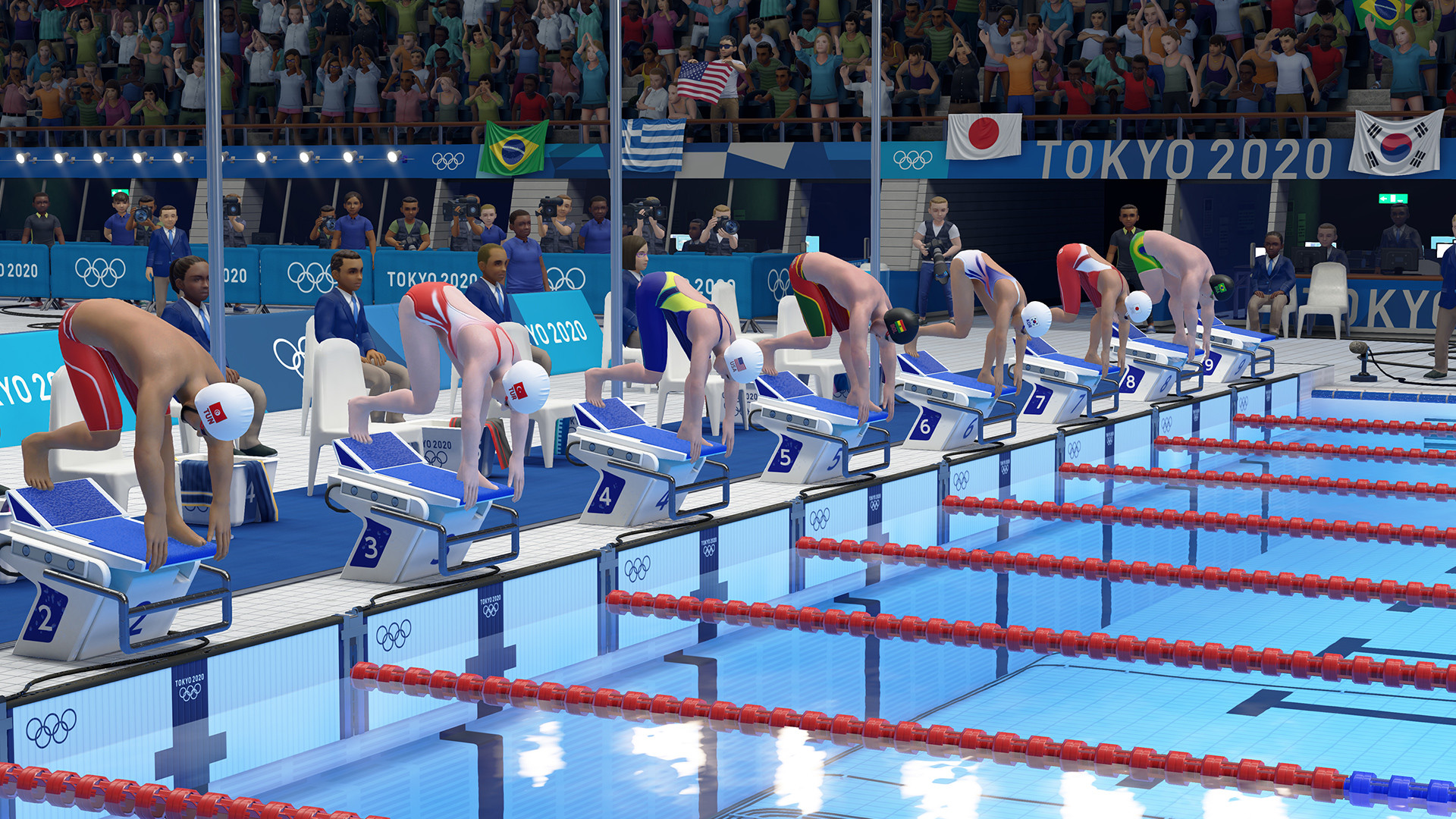
The Olympic Games are back, and this time it's your chance for glory! Whether you play with friends, family, or go for gold on the global leaderboards, this is a party game that anyone can pick up and enjoy! Prepare to unleash the competitor within as you create your athlete, customize their skills and pick the perfect costume. Why settle for standard sportswear when you can take centre stage as a pirate, astronaut or cowboy?Choose between 18 fun-fueled sporting events—from Tennis and Football to the 100m, Basketball and Boxing—there’s always a record to beat and a score to settle.Going for gold has never been this much fun!


Olympic Games Tokyo 2020 - The Official Video Game screenshotOlympic Games Tokyo 2020 - The Official Video Game screenshotOlympic Games Tokyo 2020 - The Official Video Game screenshotOlympic Games Tokyo 2020 - The Official Video Game screenshotOlympic Games Tokyo 2020 - The Official Video Game screenshotOlympic Games Tokyo 2020 - The Official Video Game screenshot

How to redeem

  1. 1Check your Steam account and the listed region before purchasing.
  2. 2Find your code and supplier activation instructions in your confirmed order.
  3. 3Open the redeem-code section on Steam, enter the code and follow the platform’s prompts.

Supplier instructions

Go to: http://store.steampowered.com/ and download STEAM client Click "Install Steam" (from the upper right corner) Install and start application, login with your Account name and Password (create one if you don't have). Please follow these instructions to activate a new retail purchase on Steam: Launch Steam and log into your Steam account. Click the Games Menu. Choose Activate a Product on Steam... Follow the onscreen instructions to complete the process. After successful code verification go to the "LIBRARY" tab and start downloading.

You might also like