Get 10% back in Relic Coins on every order
Surgeon Simulator: Experience Reality cover

Steam Europe - All Countries· Key

Surgeon Simulator: Experience Reality

€16.16

+€1.62 cashback eligibility in Relic Coins

Check before you play

Platform
Steam
Region
Europe - All Countries
Product type
Key
Developer
Bossa Studios
Publisher
Bossa Studios
Supplier release date
2016-12-05
Genres
Action, Indie, Simulation, VR Games

About this product

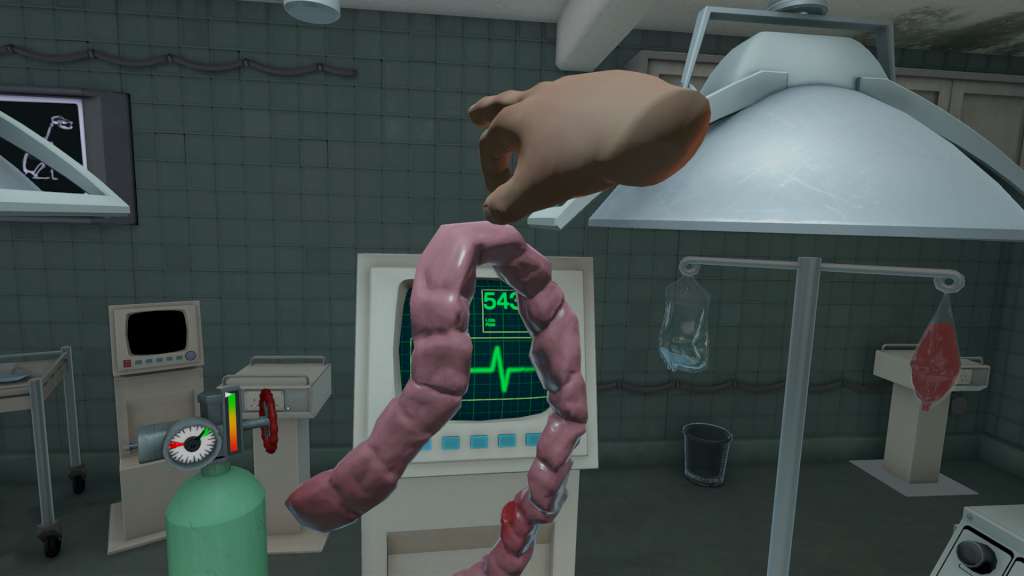
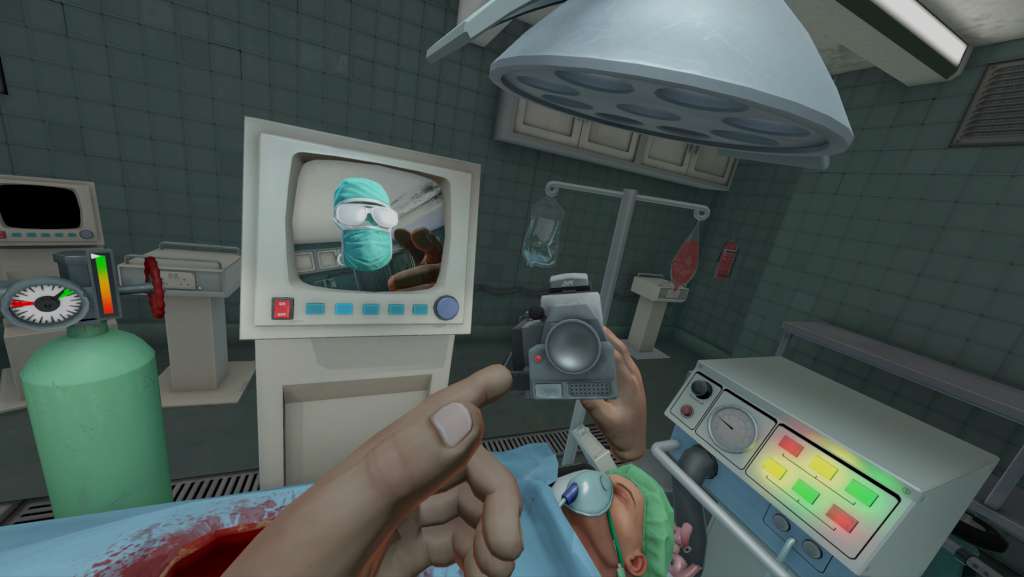
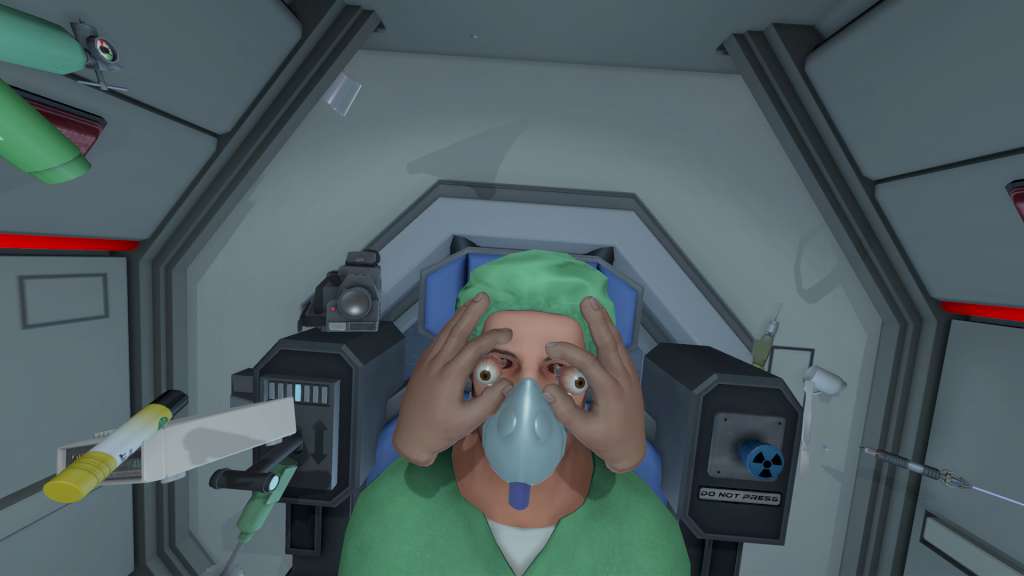
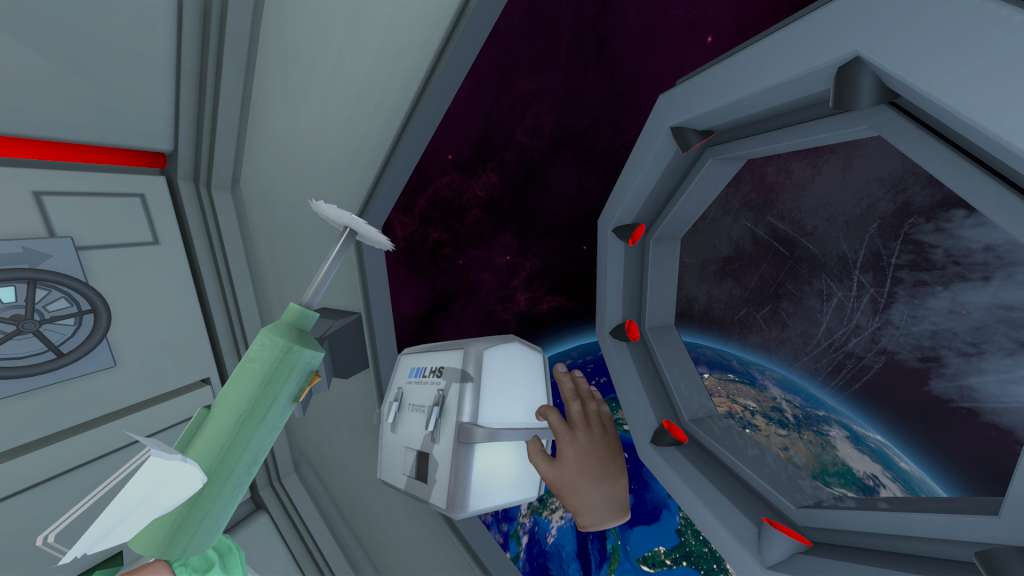
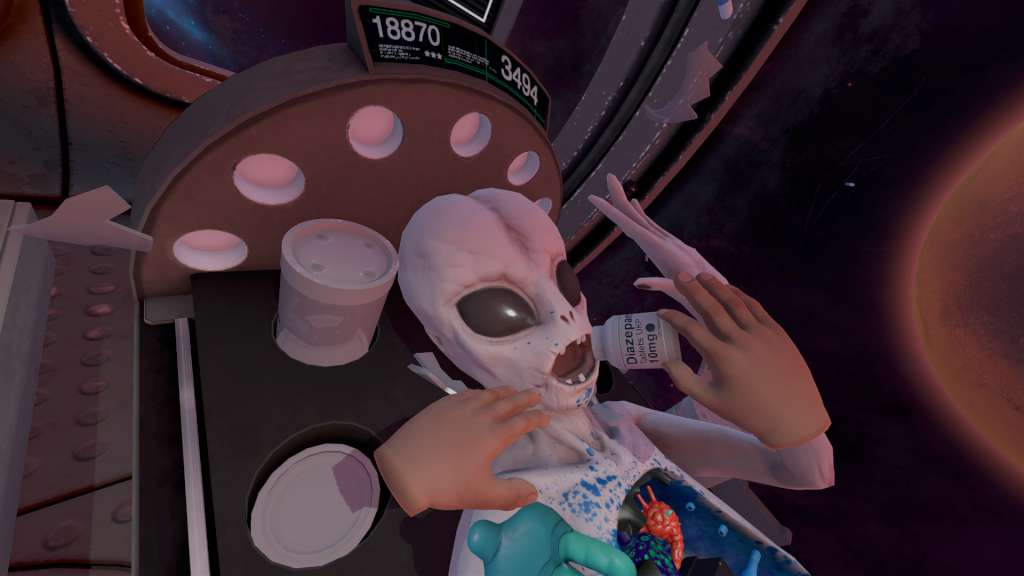
Surgeon Simulator is bringing the ER to VR! The most critically acclaimed and infamous surgery simulation game as you have never seen it before! Built for Vive and featuring all of the surgeries and twisted humour of the original favourite plus a few new surprises…Surgeon Simulator: Experience Reality transports you into some of the most unlikely and possibly unsanitary surgeries possible. Bob’s life is in your hands in this darkly humorous VR game, taking you closer to bloody surgery than you possibly ever wanted to go! From the operating theatre, to the back of an ambulance, to outer space, your patient’s welfare will be in your virtual hands.In addition to the original surgeries we’ve added exclusive new features for you to play with in VR. How about brain surgery in the dark? What about a hand-held camera to admire your surgical efforts from any angle? New achievements? It’s all in Surgeon Simulator: ER!Whatever you do, don’t press that button in space!

Surgeon Simulator: Experience Reality screenshotSurgeon Simulator: Experience Reality screenshotSurgeon Simulator: Experience Reality screenshotSurgeon Simulator: Experience Reality screenshotSurgeon Simulator: Experience Reality screenshot

How to redeem

  1. 1Check your Steam account and the listed region before purchasing.
  2. 2Find your code and supplier activation instructions in your confirmed order.
  3. 3Open the redeem-code section on Steam, enter the code and follow the platform’s prompts.

Supplier instructions

Go to: http://store.steampowered.com/ and download STEAM client Click "Install Steam" (from the upper right corner) Install and start application, login with your Account name and Password (create one if you don't have). Please follow these instructions to activate a new retail purchase on Steam: Launch Steam and log into your Steam account. Click the Games Menu. Choose Activate a Product on Steam... Follow the onscreen instructions to complete the process. After successful code verification go to the "MY GAMES" tab and start downloading.

You might also like