Get 10% back in Relic Coins on every order
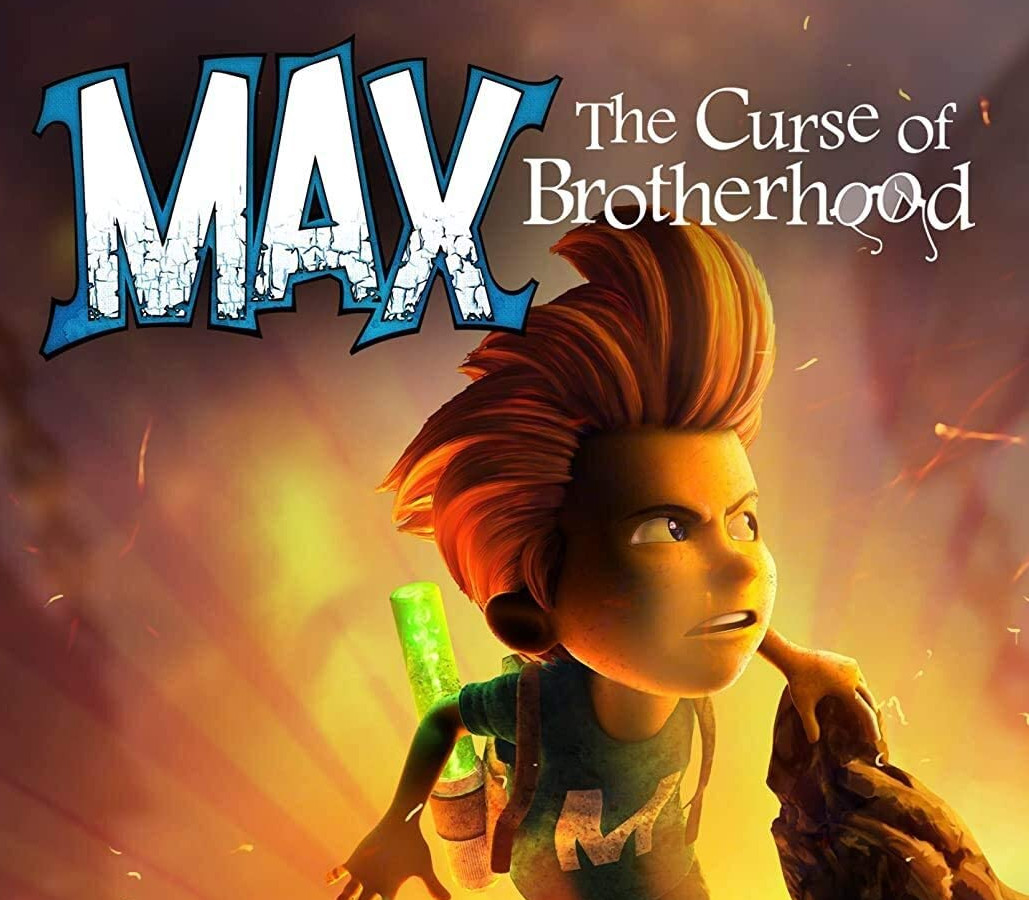
Max: the Curse of Brotherhood cover

Nintendo Switch Europe - All Countries· Key

Max: the Curse of Brotherhood

€8.56

+€0.86 cashback eligibility in Relic Coins

Check before you play

Platform
Nintendo Switch
Region
Europe - All Countries
Product type
Key
Developer
Stage Clear Studios
Publisher
Flashbulb
Supplier release date
2017-12-21
Genres
Adventure, Puzzle, Platformer

About this product

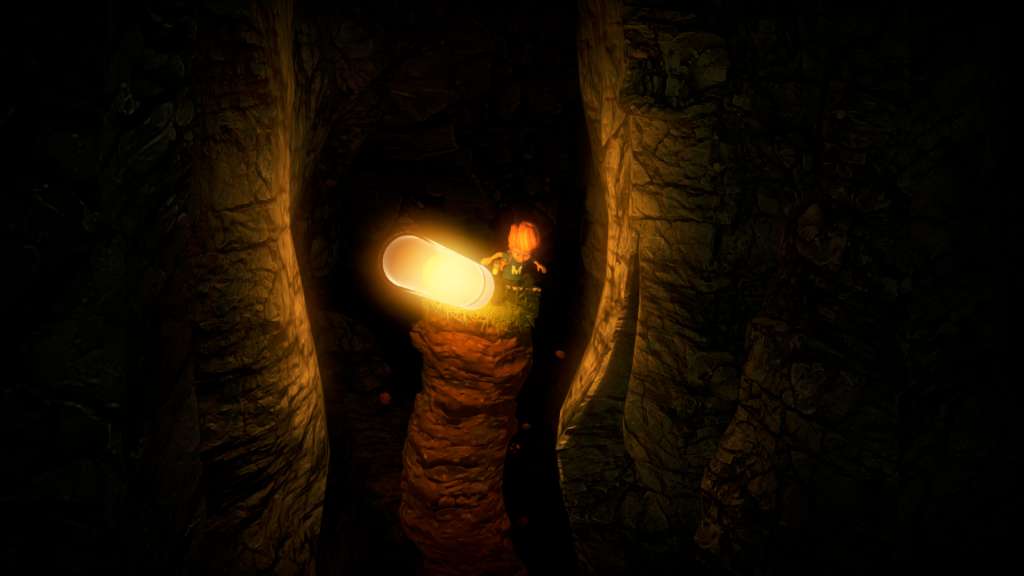
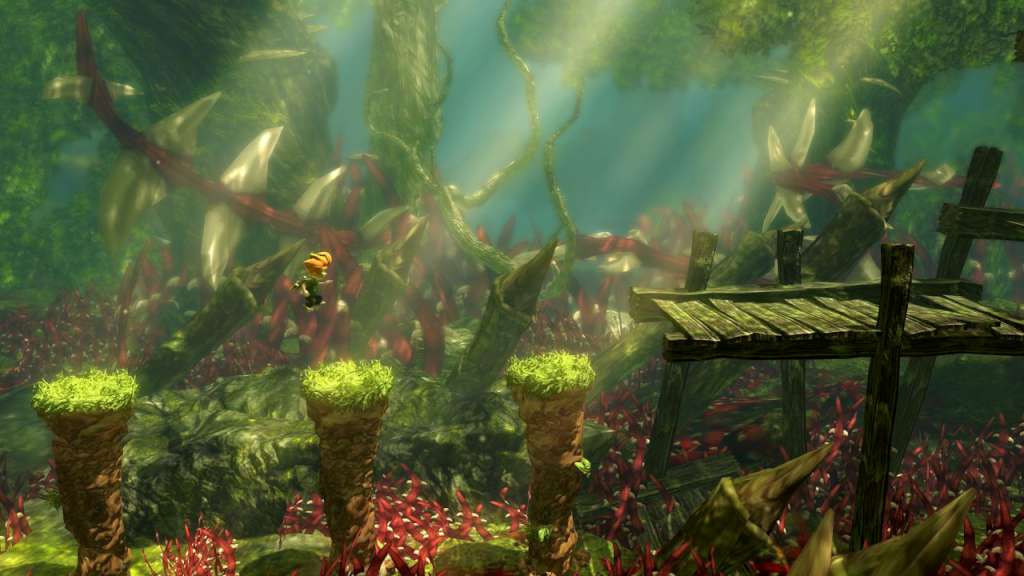
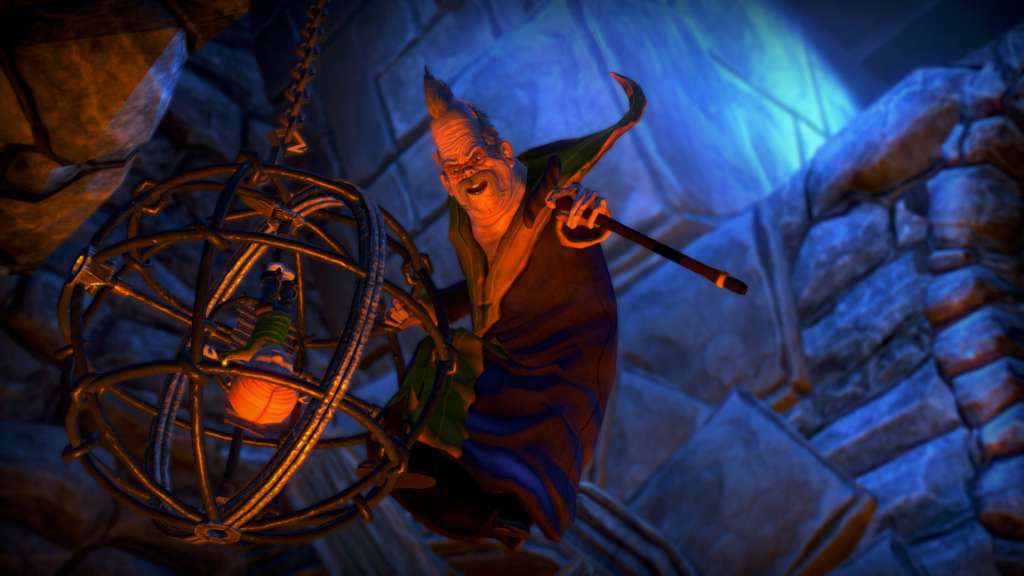
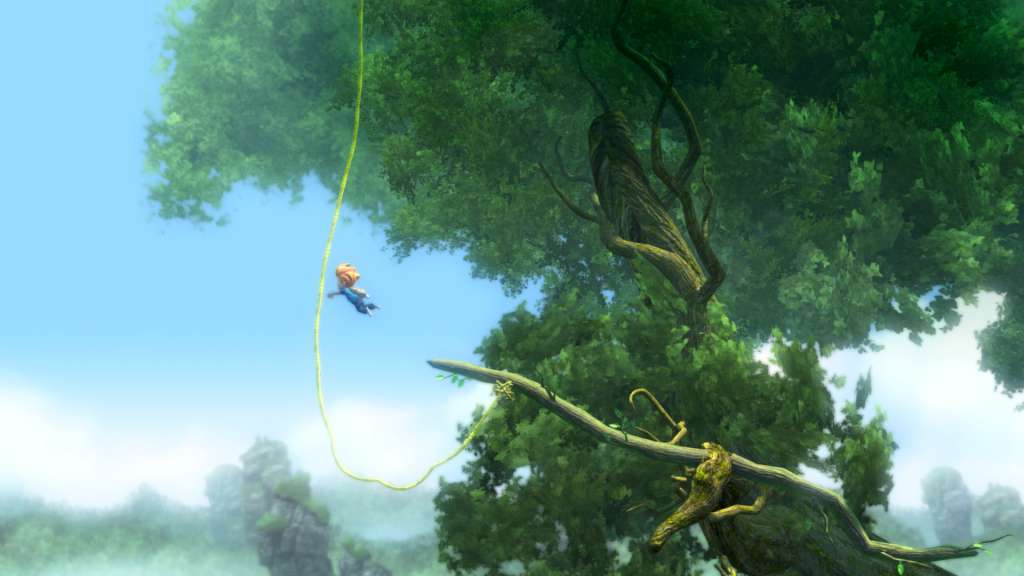
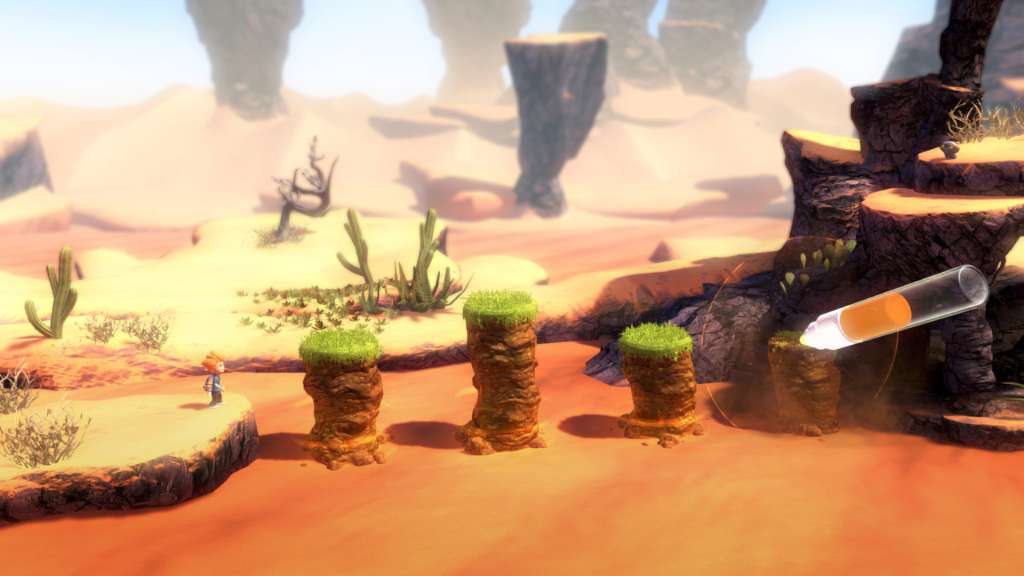
Cinematic adventure filled with action-packed platforming and creative puzzle-solving. A warm Summer day, Max comes home from school and finds his room in a mess. His little brother Felix is playing with his toys again! In anger, Max turns to his laptop and makes a search: “How to make your brother disappear”.Max: The Curse of Brotherhood is a cinematic adventure filled with action-packed platforming and creative puzzle-solving. Armed with only a Magic Marker, Max must confront evil at every turn in a hostile and fantastical world in order to save his kid brother, Felix. Fortunately, the Magic Marker has the power to bend the elements and create magic objects that can help Max on his quest. Join Max on the greatest adventure of his life! Features Explore a stunningly beautiful world with handcrafted levels. Run, jump, climb and swing through Anotherworld in a tightly tuned platformer Shape the elements to your will with the power of the Magic Marker. A heartwarming story of monsters, magic, and brotherly love.

Max: the Curse of Brotherhood screenshotMax: the Curse of Brotherhood screenshotMax: the Curse of Brotherhood screenshotMax: the Curse of Brotherhood screenshotMax: the Curse of Brotherhood screenshotMax: the Curse of Brotherhood screenshot

How to redeem

  1. 1Check your Nintendo Switch account and the listed region before purchasing.
  2. 2Find your code and supplier activation instructions in your confirmed order.
  3. 3Open the redeem-code section on Nintendo Switch, enter the code and follow the platform’s prompts.

Supplier instructions

Go to: http://store.steampowered.com/ and download STEAM client Click "Install Steam" (from the upper right corner) Install and start application, login with your Account name and Password (create one if you don't have). Please follow these instructions to activate a new retail purchase on Steam: Launch Steam and log into your Steam account. Click the Games Menu. Choose Activate a Product on Steam... Follow the onscreen instructions to complete the process. After successful code verification go to the "MY GAMES" tab and start downloading.

You might also like