Get 10% back in Relic Coins on every order
Little Nightmares II Deluxe Edition RU/CIS cover

Steam· Key

Little Nightmares II Deluxe Edition RU/CIS

€5.03

+€0.50 cashback eligibility in Relic Coins

Check before you play

Platform
Steam
Product type
Key
Developer
Tarsier Studios
Publisher
BANDAI NAMCO Entertainment
Supplier release date
2021-02-11
Genres
Adventure, Horror, Puzzle, Platformer, Story rich

About this product

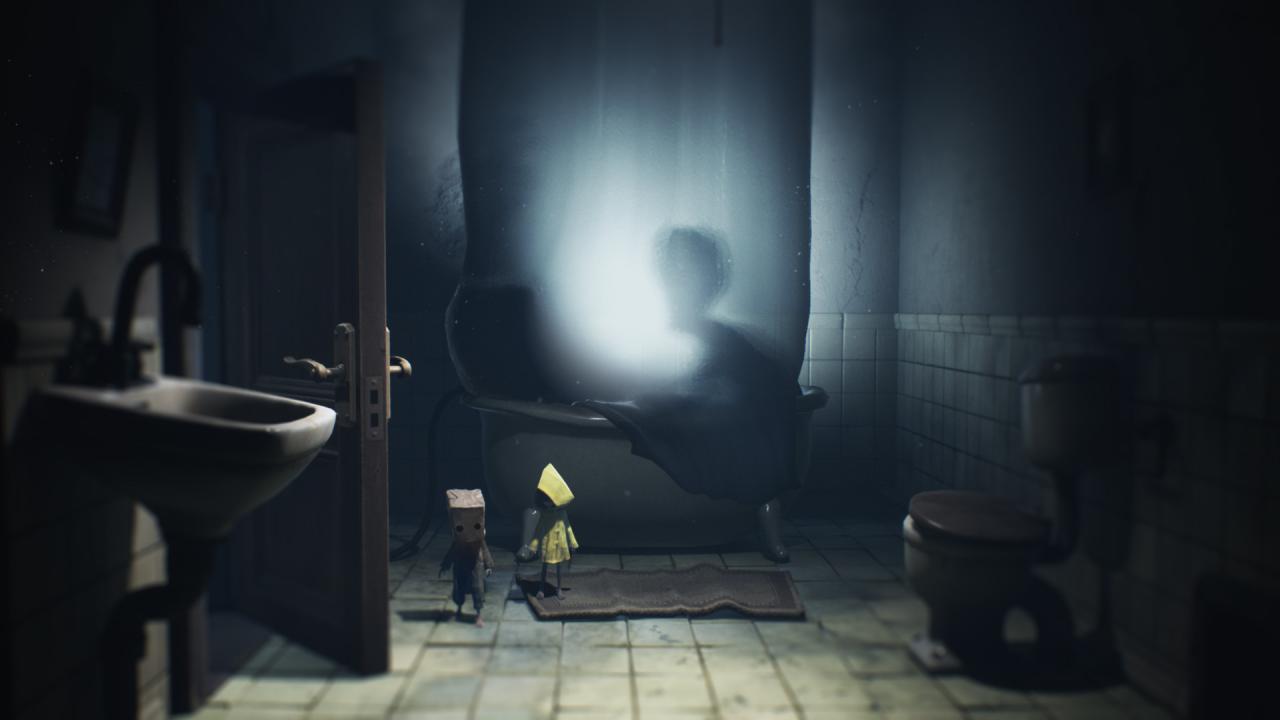
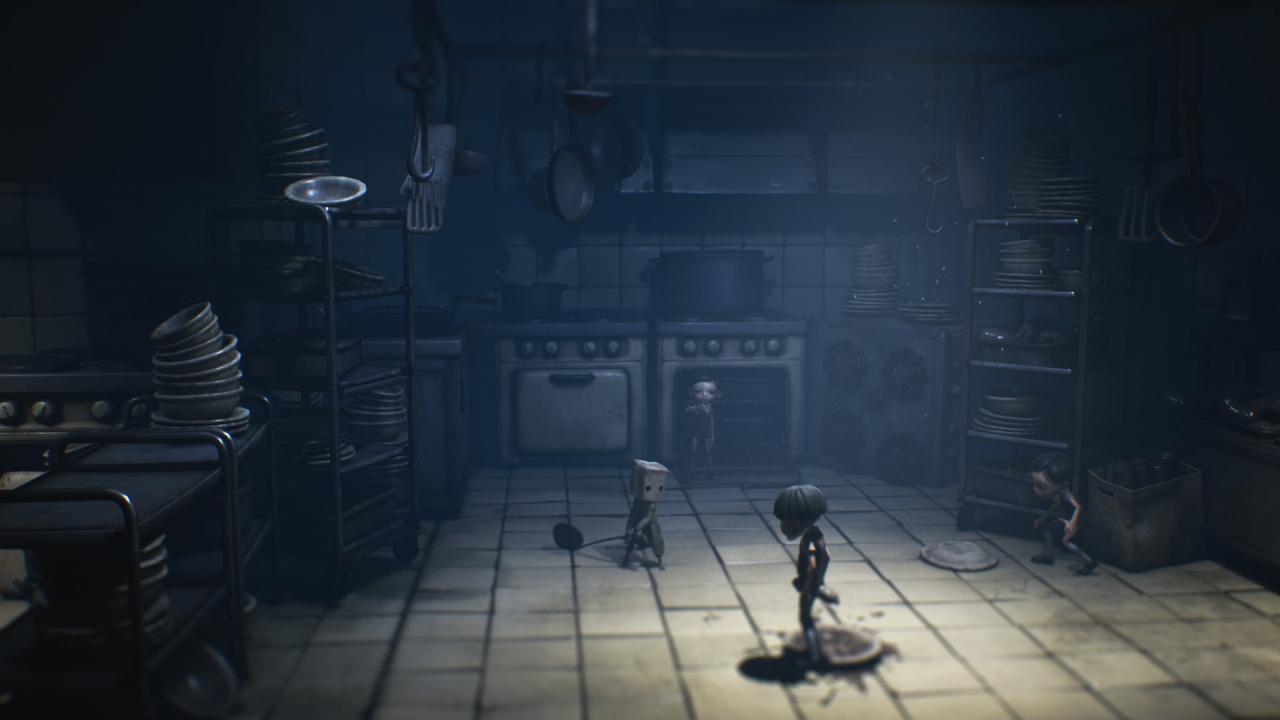
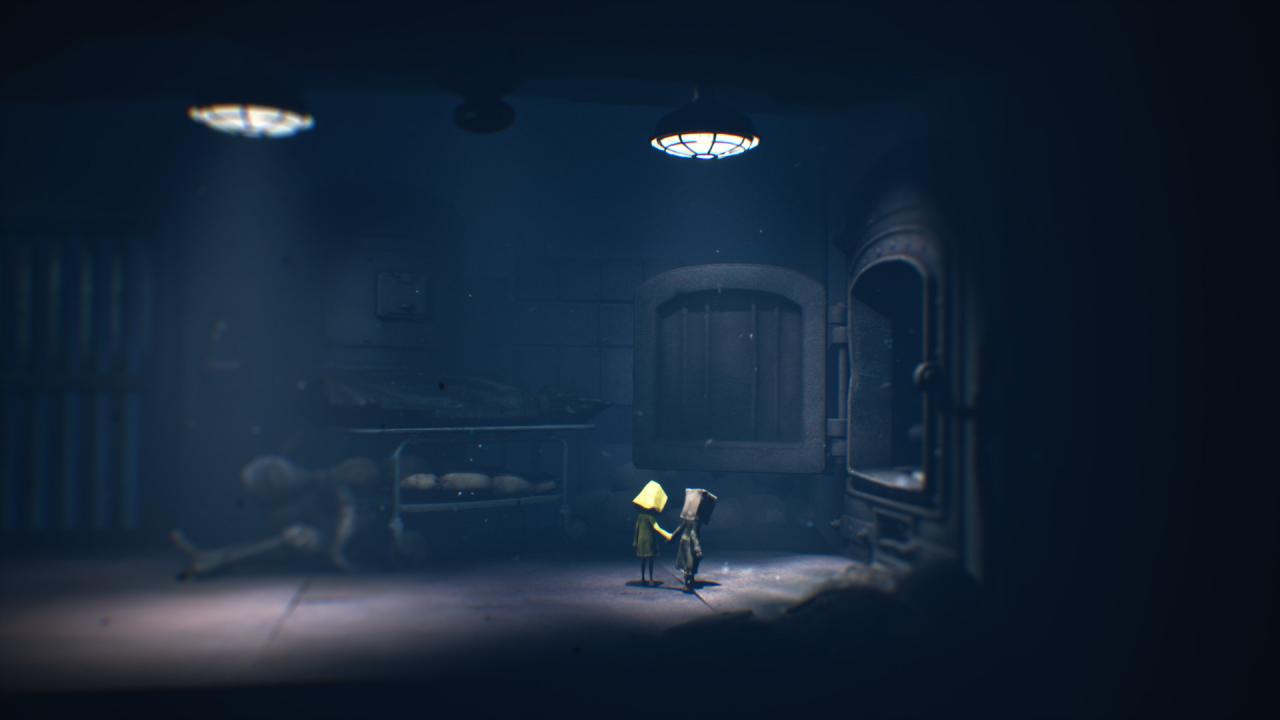
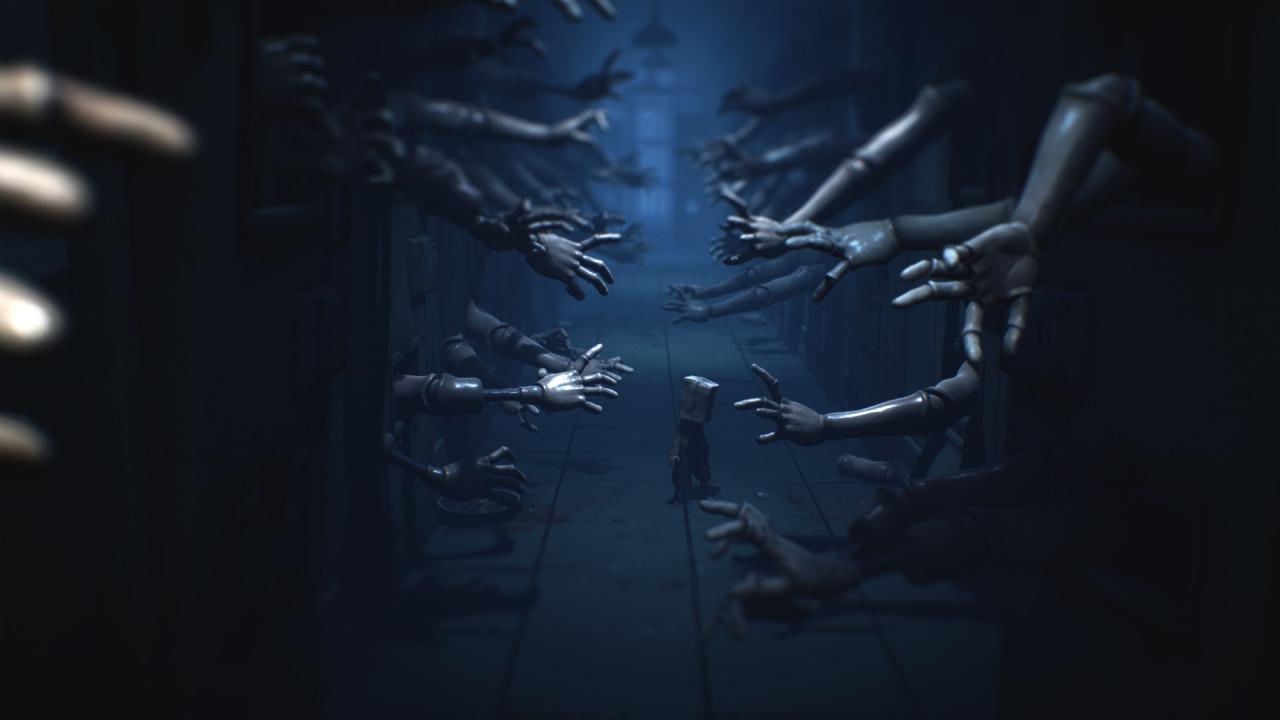
Includes: Little Nightmares II The Nomes’ Attic DLC Full Digital Soundtrack "The Art of Little Nightmares II” Digital Artbook A Wallpaper Set Return to a world of charming horror in Little Nightmares II, a suspense adventure game in which you play as Mono, a young boy trapped in a world that has been distorted by the humming transmission of a distant tower.With Six, the girl in the yellow raincoat, as his guide, Mono sets out to discover the dark secrets of The Signal Tower. Their journey won't be easy; Mono and Six will face a host of new threats from the terrible residents of this world.Will you dare to face this collection of new, little nightmares?

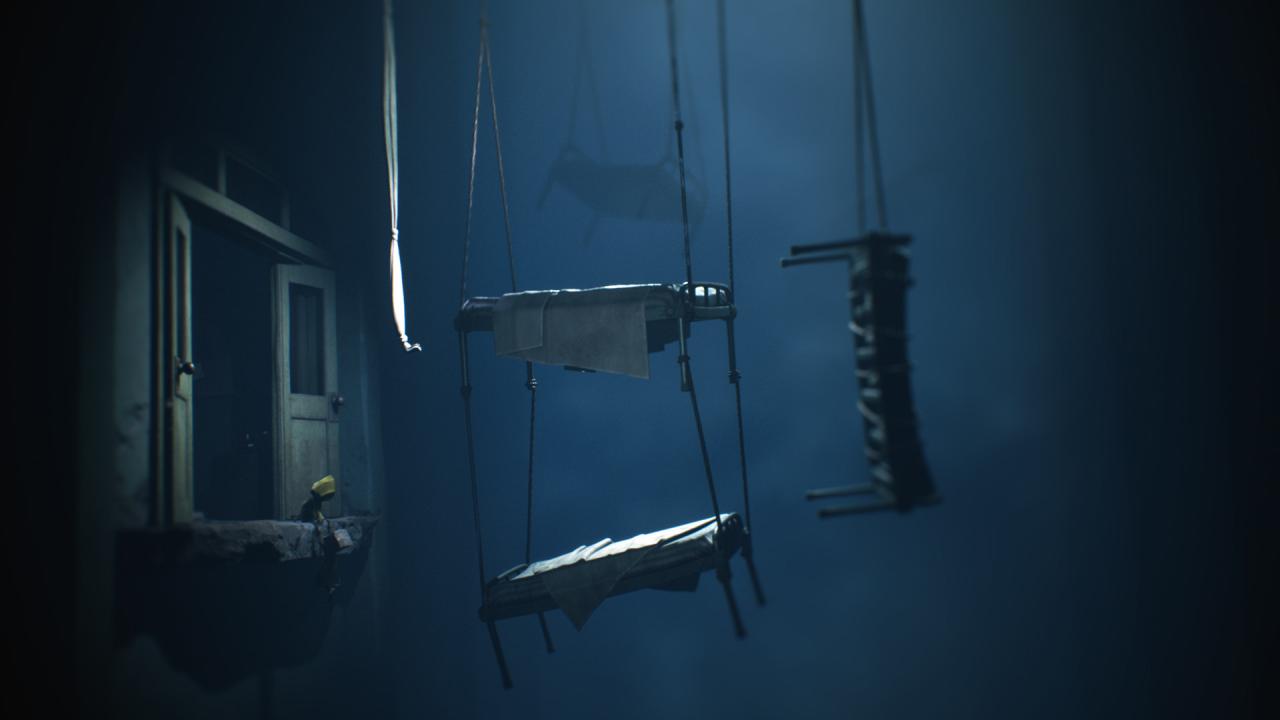
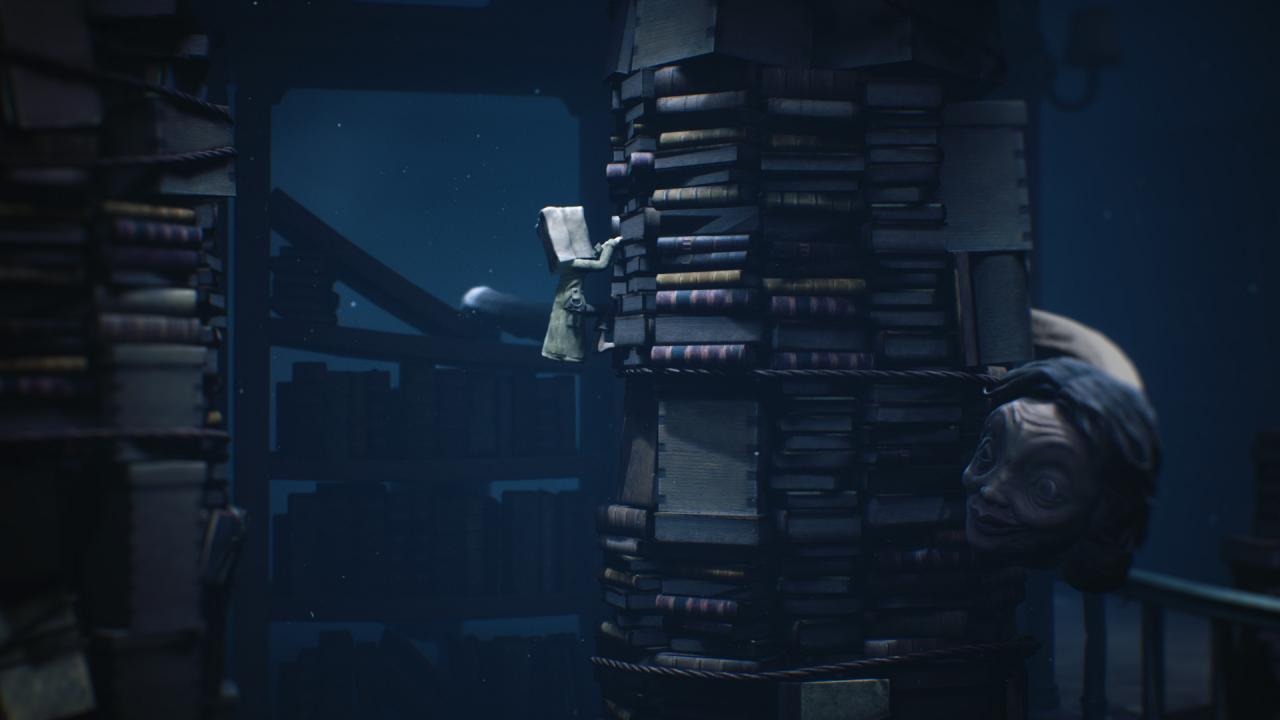
Little Nightmares II Deluxe Edition RU/CIS screenshotLittle Nightmares II Deluxe Edition RU/CIS screenshotLittle Nightmares II Deluxe Edition RU/CIS screenshotLittle Nightmares II Deluxe Edition RU/CIS screenshotLittle Nightmares II Deluxe Edition RU/CIS screenshotLittle Nightmares II Deluxe Edition RU/CIS screenshot

How to redeem

  1. 1Check your Steam account and the listed region before purchasing.
  2. 2Find your code and supplier activation instructions in your confirmed order.
  3. 3Open the redeem-code section on Steam, enter the code and follow the platform’s prompts.

Supplier instructions

Go to: http://store.steampowered.com/ and download STEAM client Click "Install Steam" (from the upper right corner) Install and start application, login with your Account name and Password (create one if you don't have). Please follow these instructions to activate a new retail purchase on Steam: Launch Steam and log into your Steam account. Click the Games Menu. Choose Activate a Product on Steam... Follow the onscreen instructions to complete the process. After successful code verification go to the "MY GAMES" tab and start downloading.

You might also like