Get 10% back in Relic Coins on every order
Moebius: Empire Rising cover

SteamGlobal· Key

Moebius: Empire Rising

€1.42

+€0.14 cashback eligibility in Relic Coins

Check before you play

Platform
Steam
Region
Global
Product type
Key
Developer
Phoenix Online Studios
Publisher
Phoenix Online Studios
Supplier release date
2014-04-15
Genres
Adventure, Indie

About this product

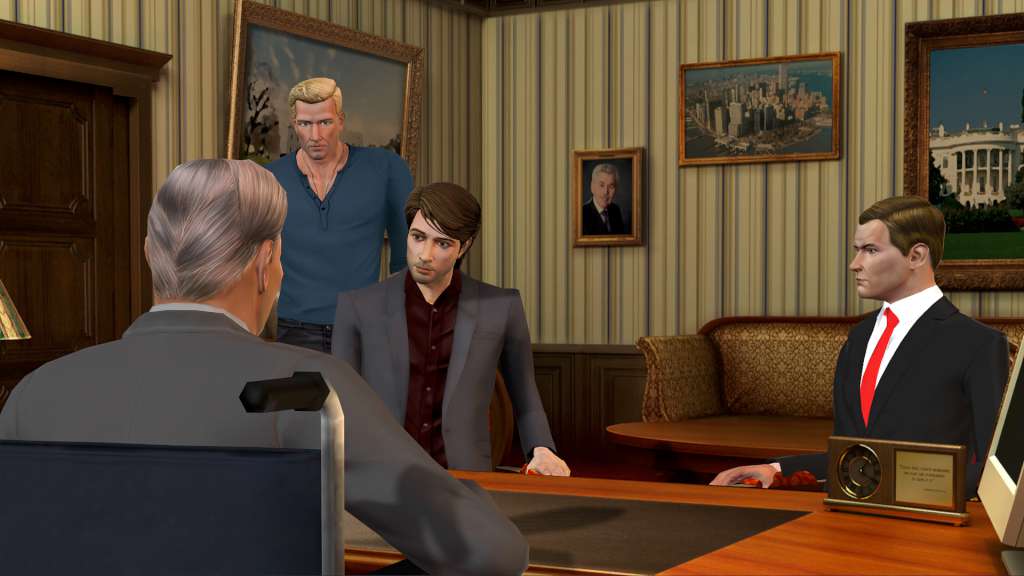
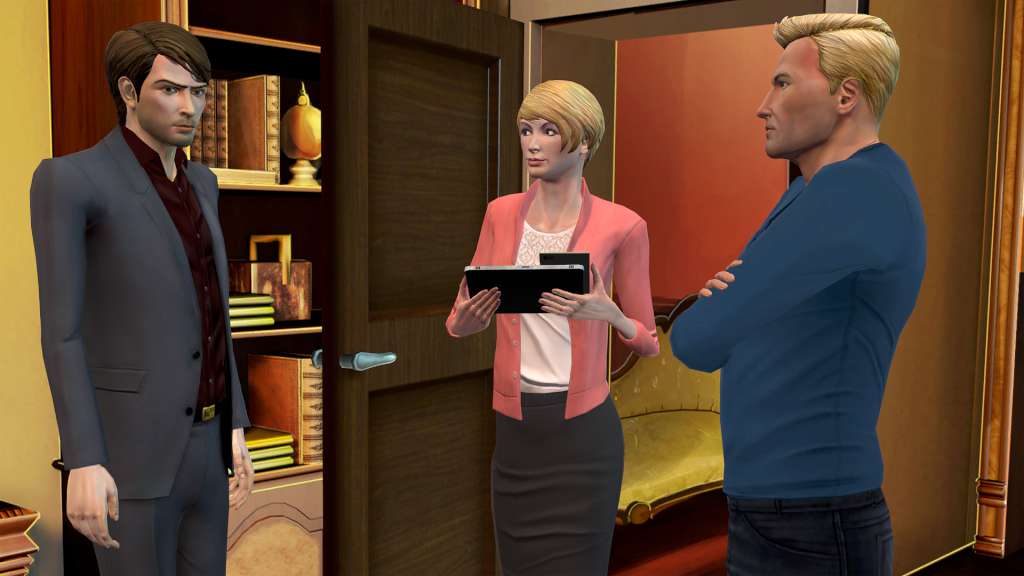
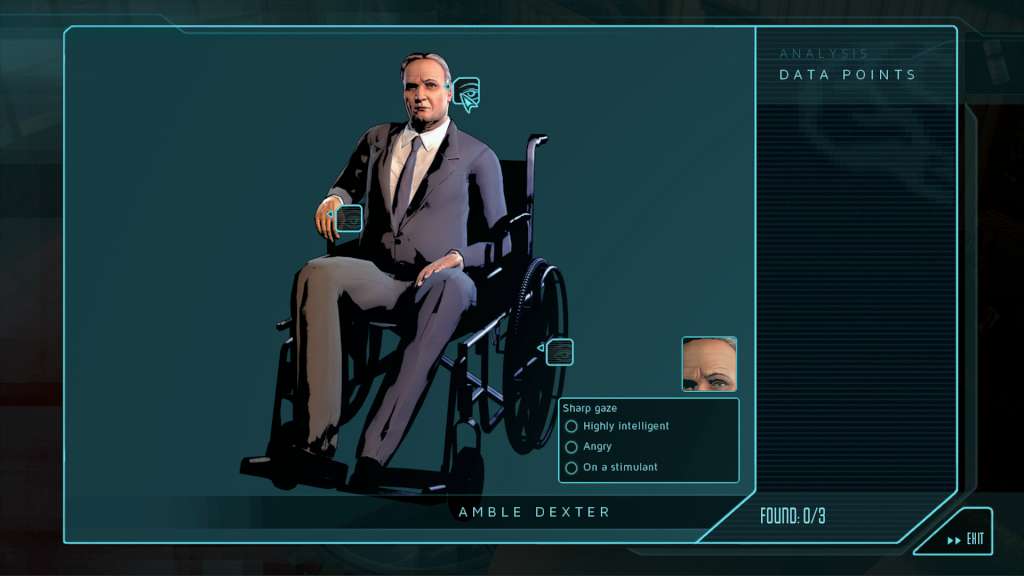
This thrilling new adventure game from master storyteller Jane Jensen (Gabriel Knight, Gray Matter) and Phoenix Online Studios (Cognition, The Silver Lining) introduces Malachi Rector, an expert in antiquities whose photographic memory and eye for detail transform people and clues into interactive puzzles. When a secretive government agency enlists him to determine whether a murdered woman in Venice resembles any particular historical figure, Malachi is left with only questions. Why would the U.S. government hire him -- a dealer of high-end antiques -- to look into a foreign murder? Why does David Walker, a former Special Forces operative he meets in his travels, feel like someone Malachi’s known all his life? And how come every time Malachi lets his guard down, someone tries to kill him?Moebius: Empire Rising is a contemporary adventure that merges classic point-and-click puzzle solving with Jane Jensen’s sophisticated storytelling. Travel the world using Malachi’s unique deductive powers to analyze suspects, make historical connections, and uncover the truth behind a theory of space and time the government will defend at any cost.

Moebius: Empire Rising screenshotMoebius: Empire Rising screenshotMoebius: Empire Rising screenshotMoebius: Empire Rising screenshotMoebius: Empire Rising screenshotMoebius: Empire Rising screenshot

How to redeem

  1. 1Check your Steam account and the listed region before purchasing.
  2. 2Find your code and supplier activation instructions in your confirmed order.
  3. 3Open the redeem-code section on Steam, enter the code and follow the platform’s prompts.

Supplier instructions

Go to: http://store.steampowered.com/ and download STEAM client Click "Install Steam" (from the upper right corner) Install and start application, login with your Account name and Password (create one if you don't have). Please follow these instructions to activate a new retail purchase on Steam: Launch Steam and log into your Steam account. Click the Games Menu. Choose Activate a Product on Steam... Follow the onscreen instructions to complete the process. After successful code verification go to the "MY GAMES" tab and start downloading.

You might also like