Get 10% back in Relic Coins on every order
Aurora Nights cover

SteamGlobal· Gift

Aurora Nights

€313.95

+€31.40 cashback eligibility in Relic Coins

Check before you play

Platform
Steam
Region
Global
Product type
Gift
Developer
Vladimir Maslov
Publisher
Vladimir Maslov
Supplier release date
2016-05-26
Genres
Casual, Indie

About this product

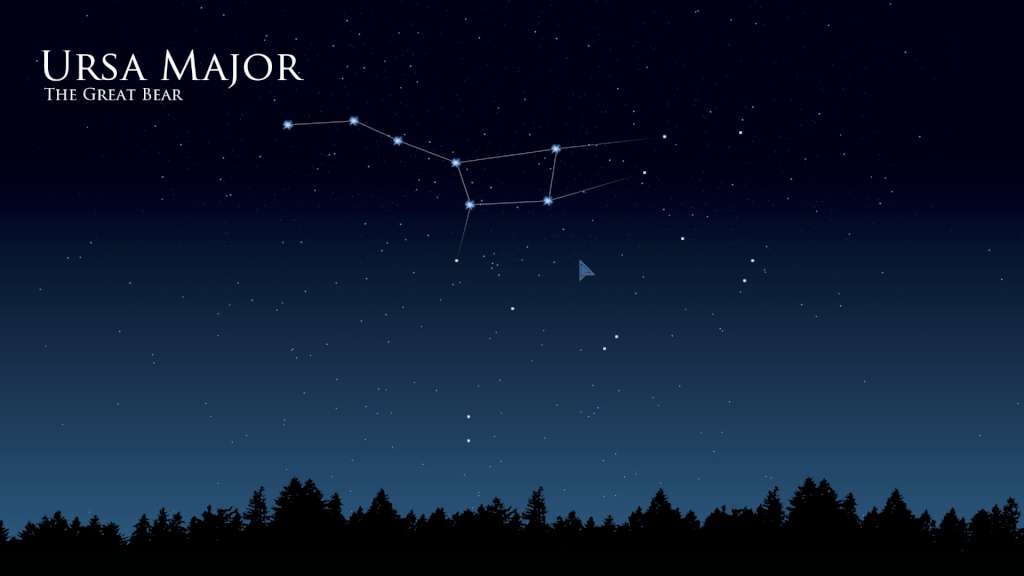
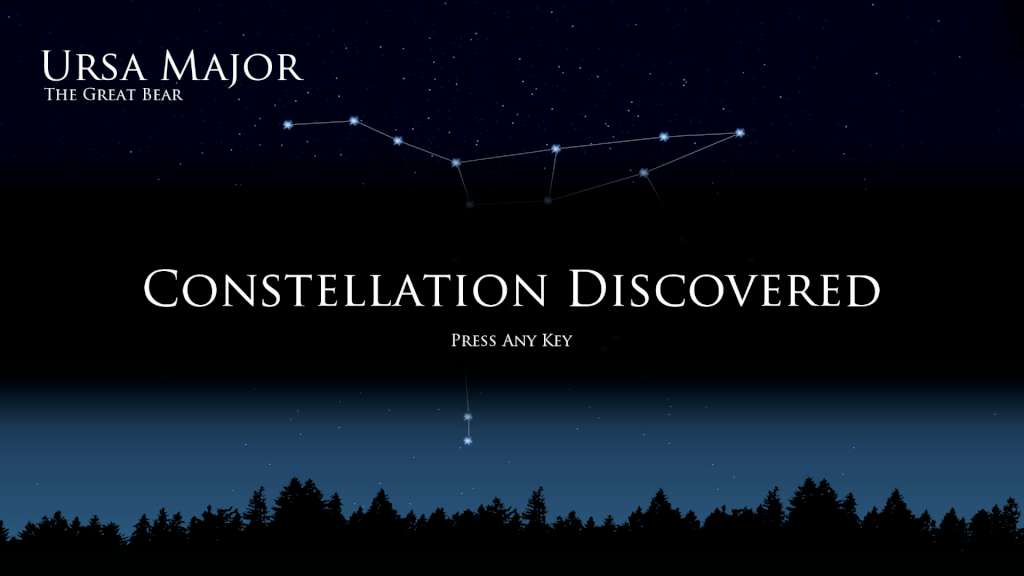
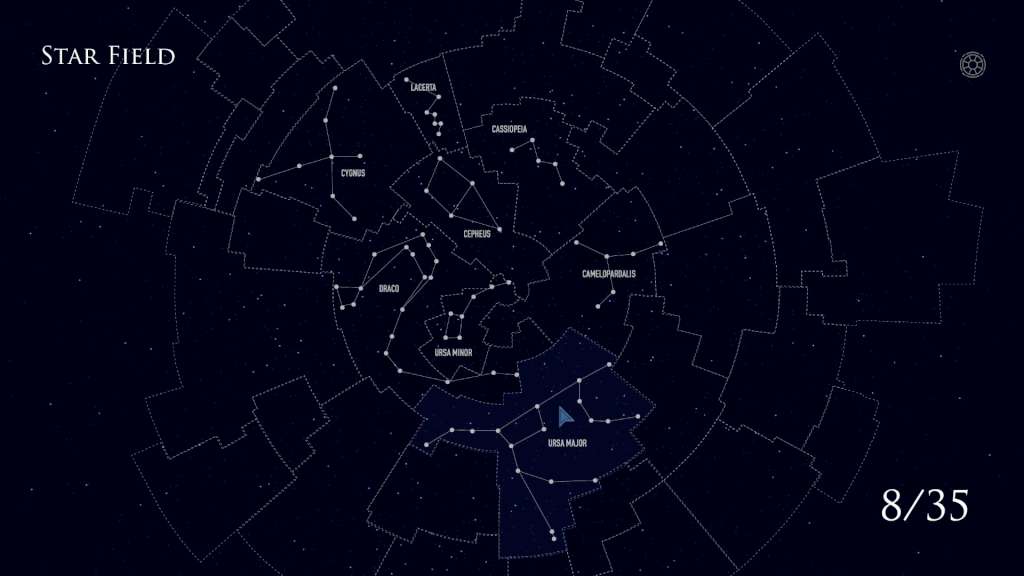
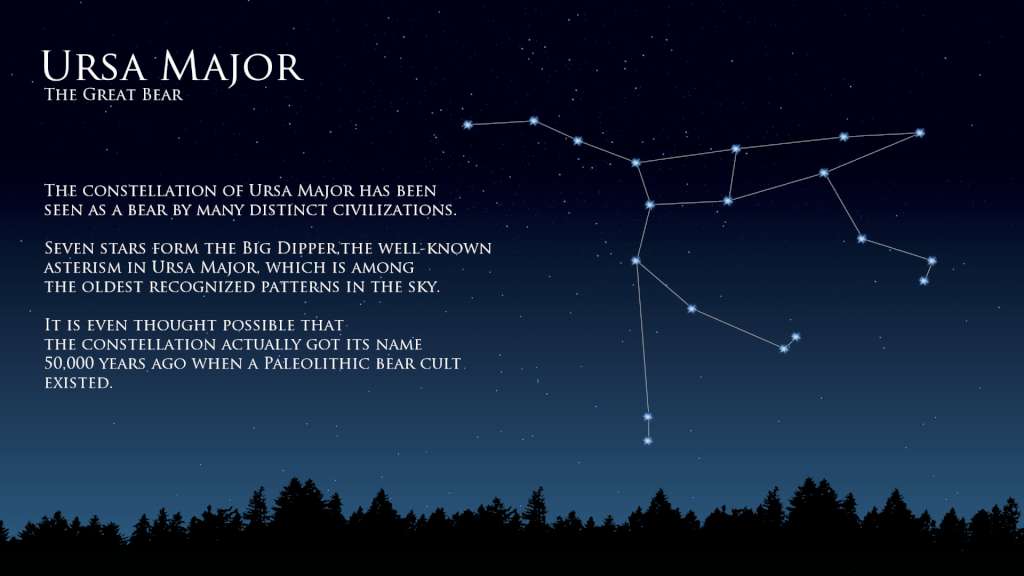
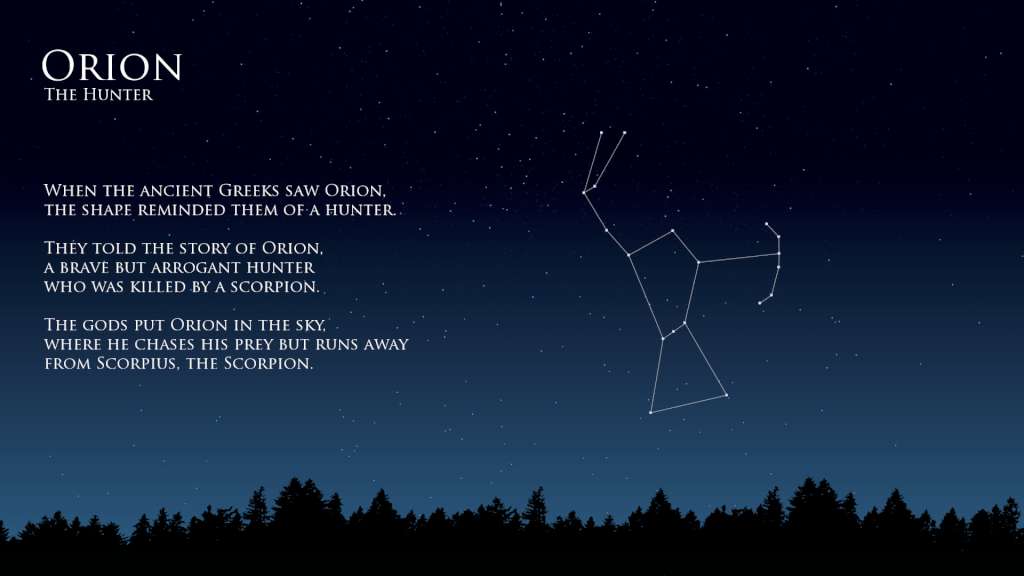
Aurora Nights is an entertaining educational game for learning to identify the constellations. In Aurora Nights, you need to connect stars in the individual constellations to discover them on the global star field and learn facts and myths behind them. Have you ever wanted to be able to find the constellations in the night sky? With the help of spaced repetition (a learning technique that incorporates review of previously learned material), you'll be able to recognize different constellations, and a bit of practice would help you to find those constellations in the sky. If you just love astronomy and stars, or find it interesting that the earliest depiction that has been linked to the constellation of Orion is a prehistoric mammoth ivory carving that was discovered in a cave in the Ach valley in Germany in 1979, then you'll enjoy the game. Features: Discover the 35 constellations of the Northern Hemisphere; Mini encyclopedia of constellations facts and myths; Get three stars on each constellation in order to remember them; Steam Achievements and Trading Cards.

Aurora Nights screenshotAurora Nights screenshotAurora Nights screenshotAurora Nights screenshotAurora Nights screenshot

How to redeem

  1. 1Check that your Steam account can receive gifts in the listed region.
  2. 2Open the confirmed order and follow the supplier’s gift-delivery instructions.
  3. 3Accept the gift on the required platform account and add it to your library.

Supplier instructions

Go to: http://store.steampowered.com/ and download STEAM client Click "Install Steam" (from the upper right corner) Install and start application, login with your Account name and Password (create one if you don't have). Please follow these instructions to activate a new retail purchase on Steam: Launch Steam and log into your Steam account. Click the Games Menu. Choose Activate a Product on Steam... Follow the onscreen instructions to complete the process. After successful code verification go to the "MY GAMES" tab and start downloading.

You might also like