

SteamGlobal· Key
Another Perspective
€0.35
+€0.03 cashback eligibility in Relic Coins
Check before you play
- Platform
- Steam
- Region
- Global
- Product type
- Key
- Developer
- SaraJS
- Publisher
- SaraJS
- Supplier release date
- 2014-08-08
- Genres
- Adventure, Indie
SteamGlobal· Key
€0.35
+€0.03 cashback eligibility in Relic Coins
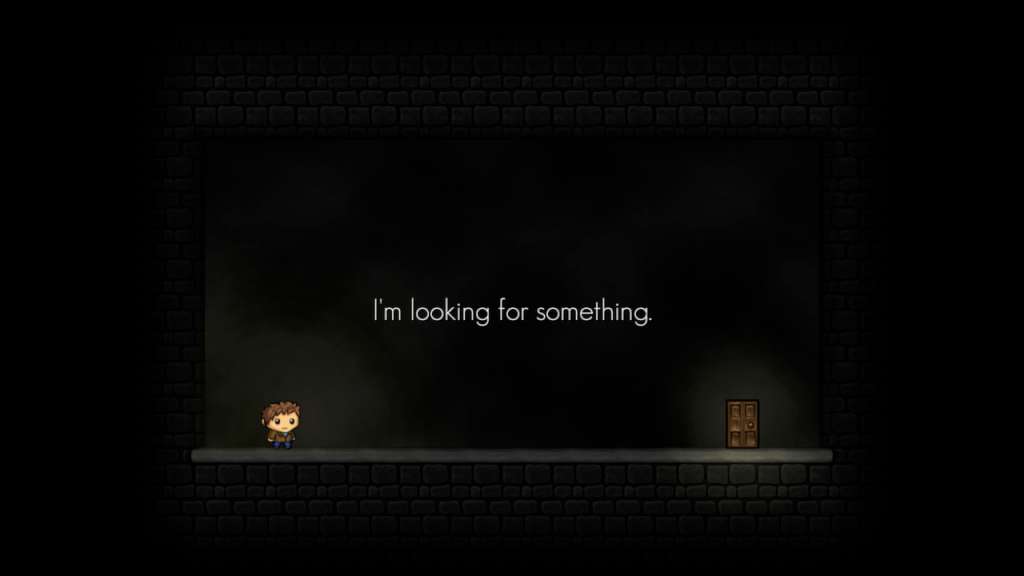
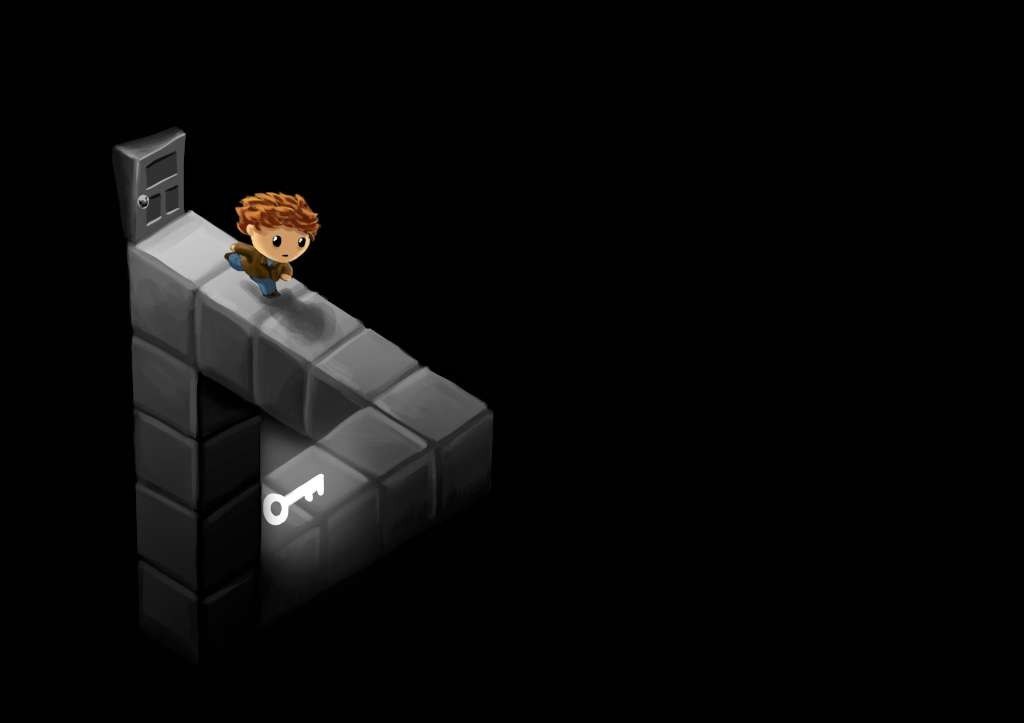
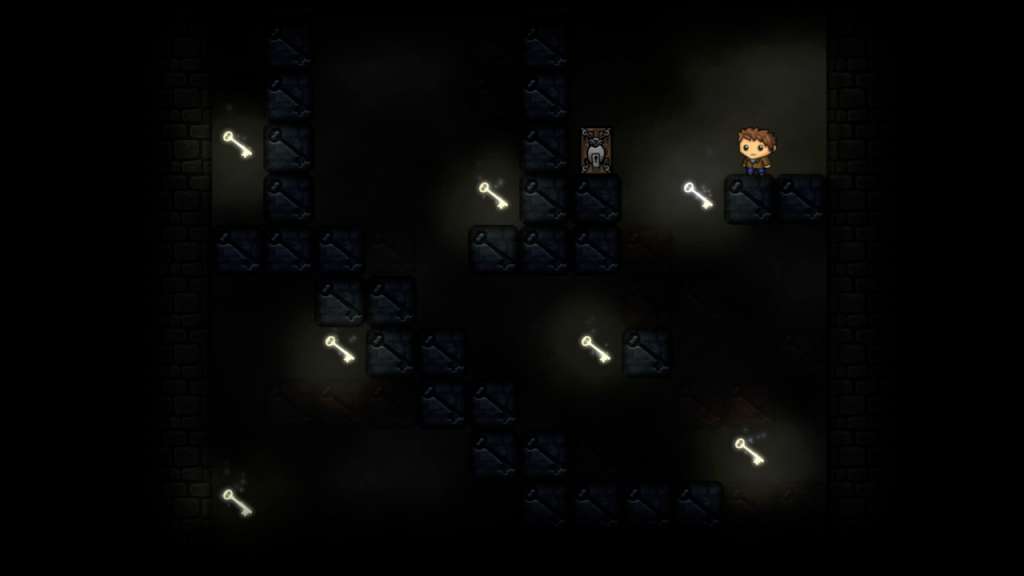
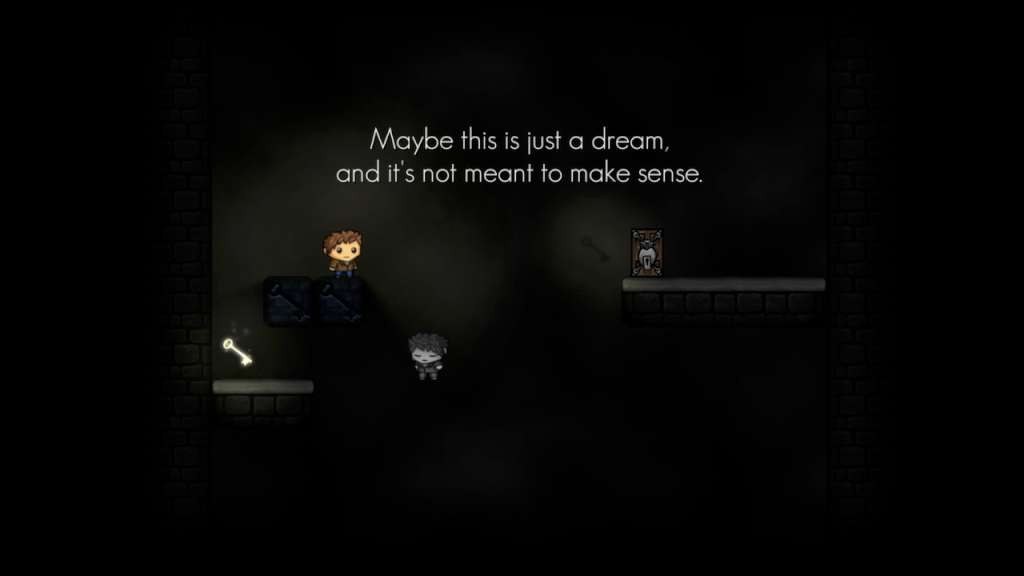
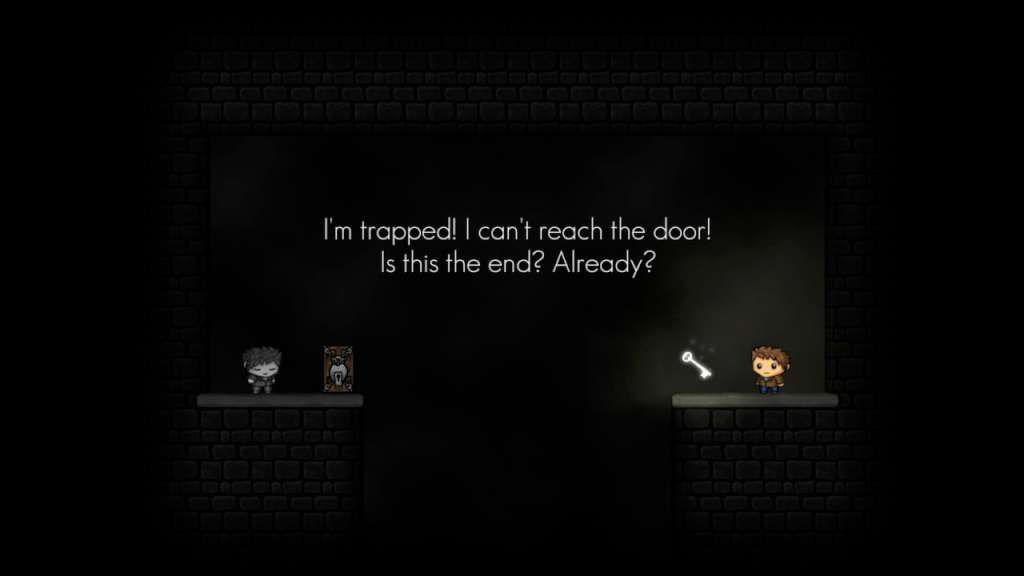
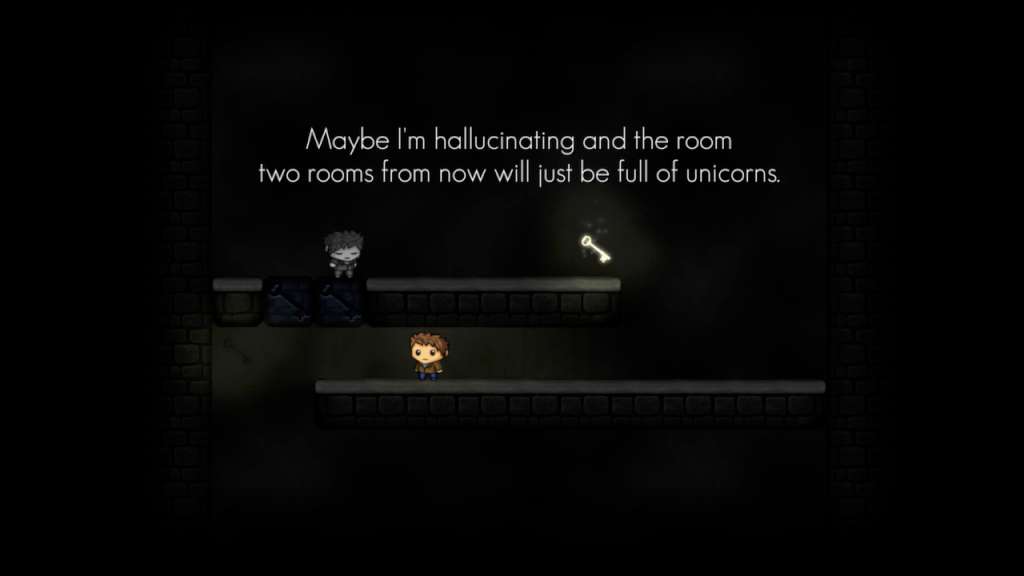
Another Perspective is a puzzle platformer following the very confusing adventure / slow existential meltdown of someone looking for something that they don't remember.This person(?) has the power to swap minds with what appears to be other versions of himself who all see the world in different ways. Where one pair of eyes sees a bottomless pit, another might not. Where one sees a locked door, another sees a key. To change perspective is to change reality!Combining these "realities" allows him to progress - or to at least do something that resembles progress - however this new found power leaves him deeply confused. Who is he? Why does he have this super power that doesn't make any sense? If he's swapping between bodies which body is really his? Why does he keep having to pick up keys and unlock doors? Where is he going? Is he even going anywhere? Does he even exist? What is he looking for?The answers to some, all and none of these questions will be probably definitely not be maybe found by playing the game.
Go to: http://store.steampowered.com/ and download STEAM client Click "Install Steam" (from the upper right corner) Install and start application, login with your Account name and Password (create one if you don't have). Please follow these instructions to activate a new retail purchase on Steam: Launch Steam and log into your Steam account. Click the Games Menu. Choose Activate a Product on Steam... Follow the onscreen instructions to complete the process. After successful code verification go to the "MY GAMES" tab and start downloading.