Get 10% back in Relic Coins on every order
Kingdom Come: Deliverance - Band of Bastards DLC cover

Steam Europe - All Countries· DLC

Kingdom Come: Deliverance - Band of Bastards DLC

€1.35

+€0.14 cashback eligibility in Relic Coins

Check before you play

Platform
Steam
Region
Europe - All Countries
Product type
DLC

Check the required base game and edition before purchasing this add-on.

Developer
Warhorse Studios
Publisher
Warhorse Studios, Deep Silver
Supplier release date
2019-02-05
Genres
Action, Adventure, RPG

About this product

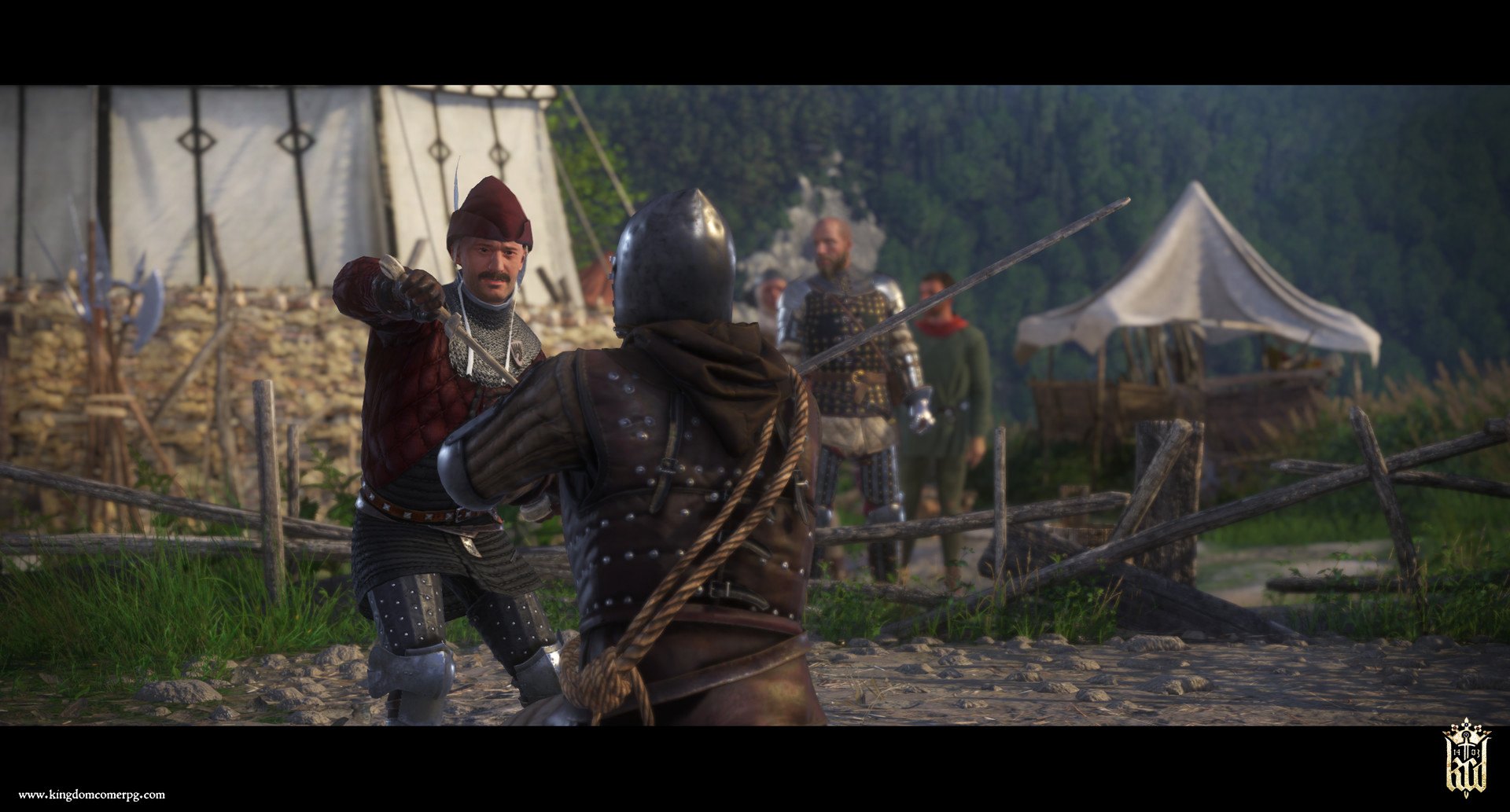
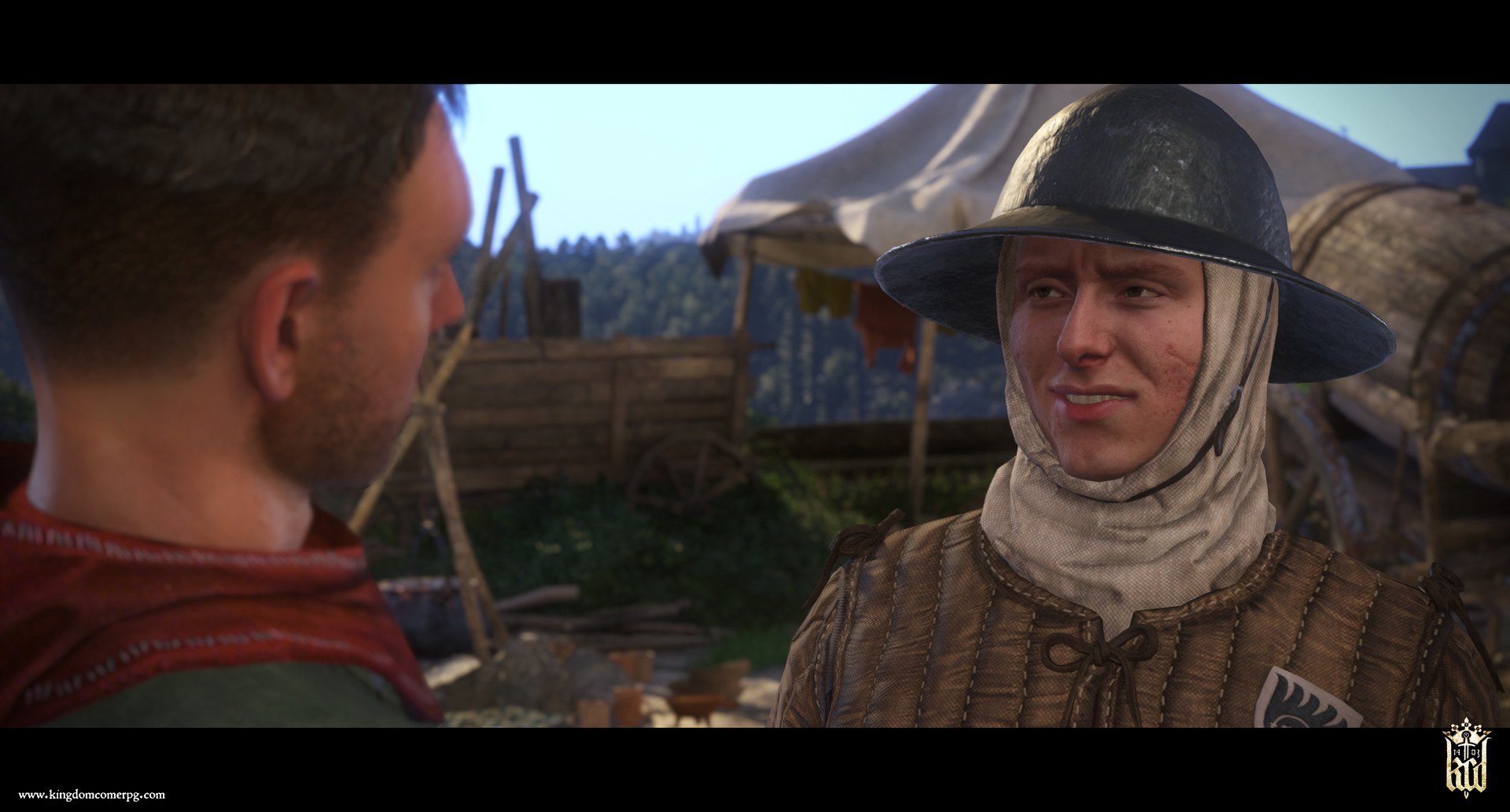
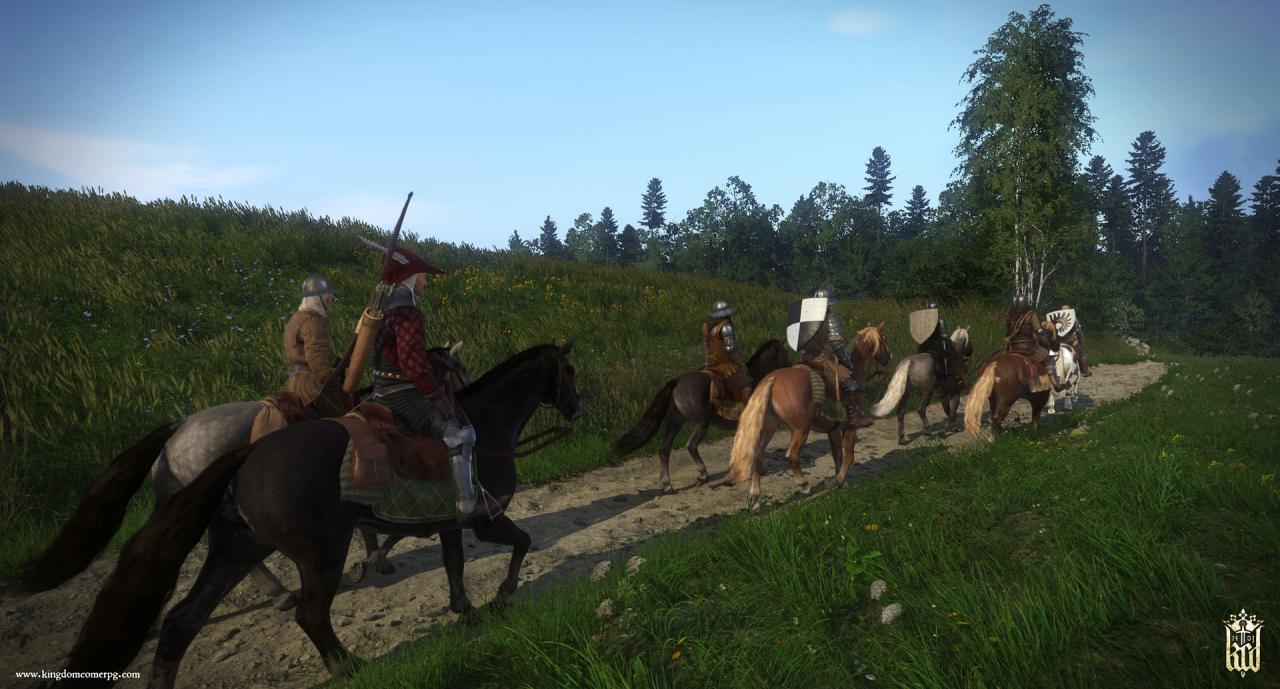
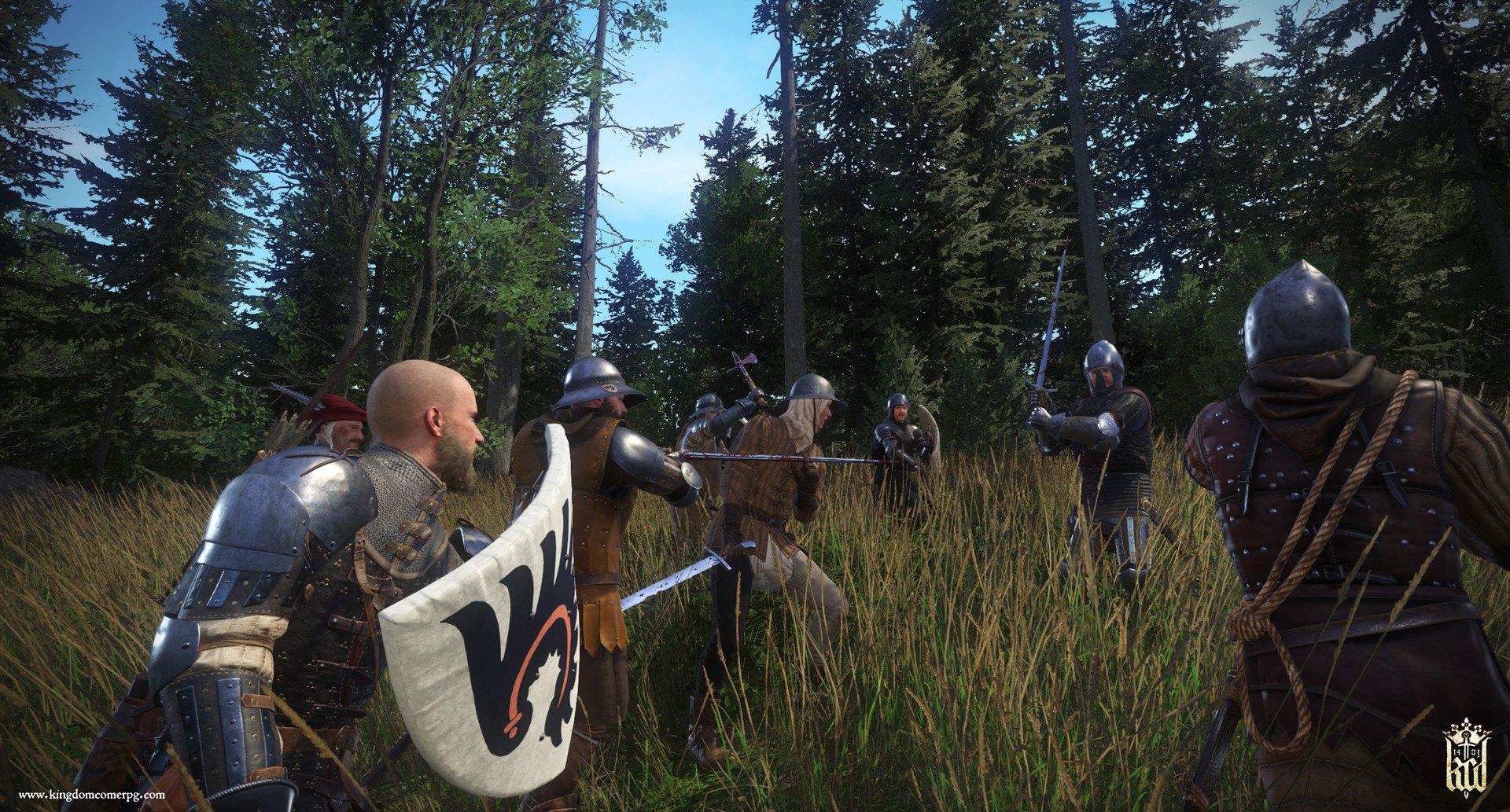
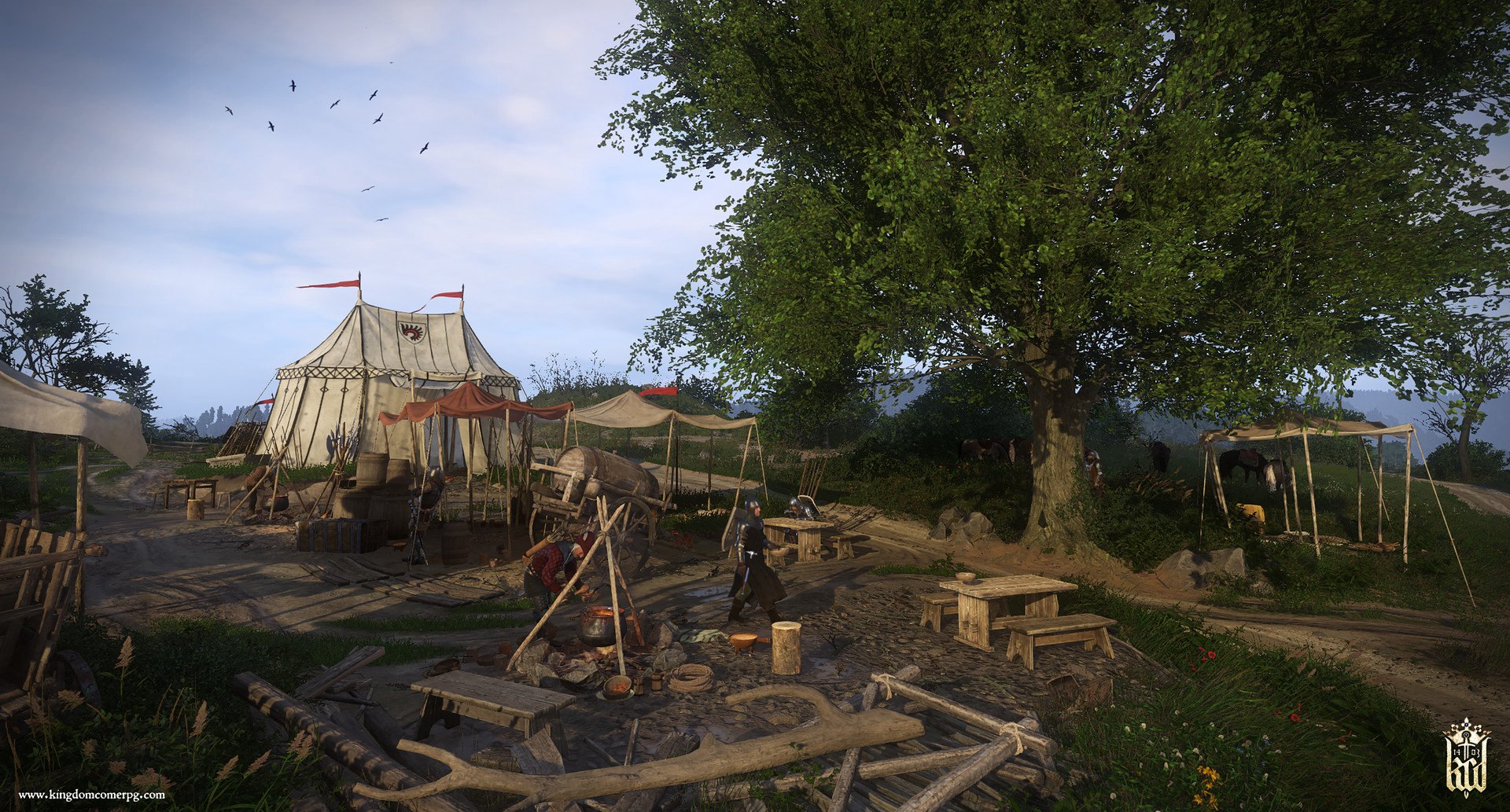
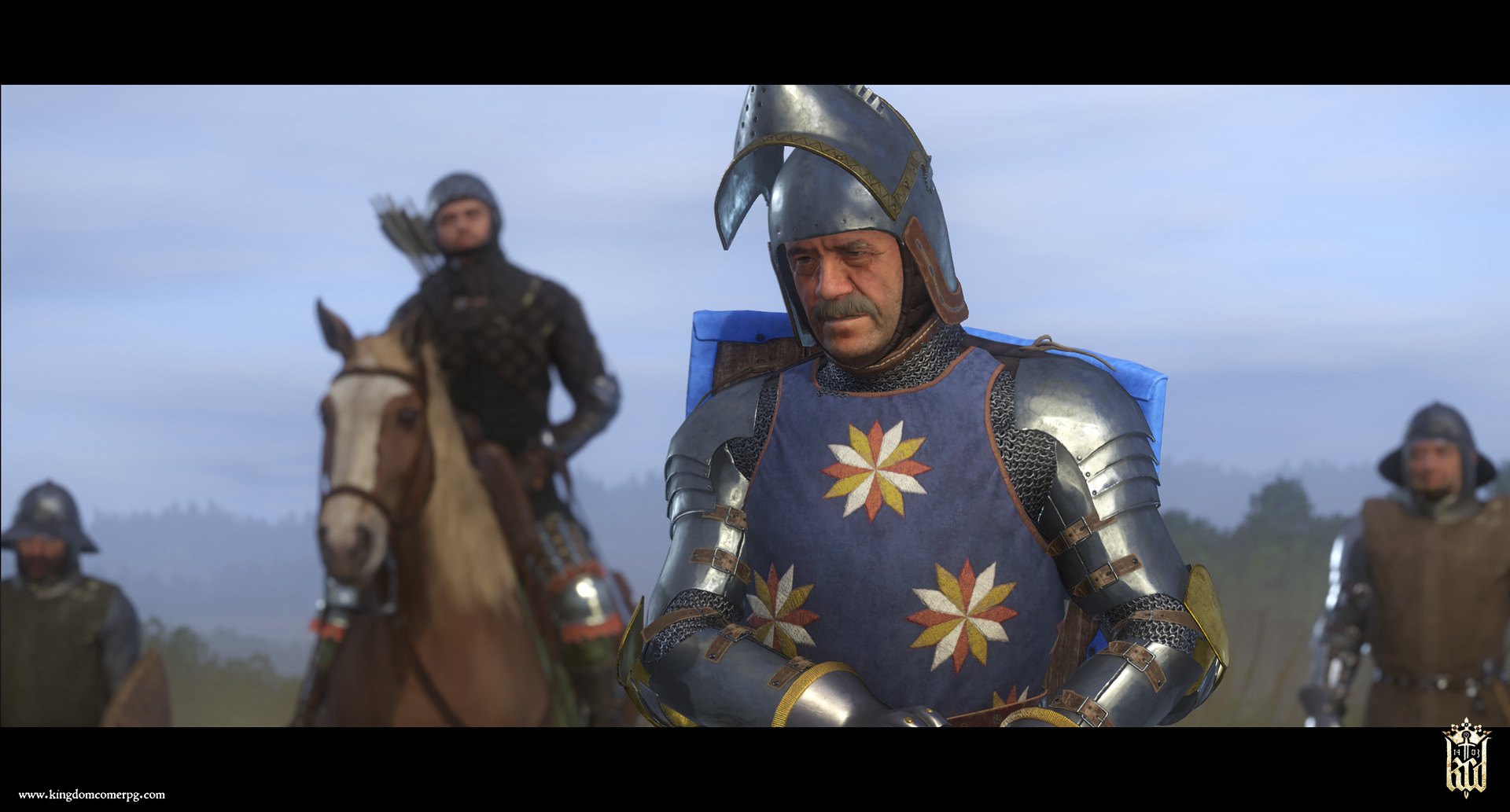
The roads around Rattay are far from safe, so Sir Radzig Kobyla has enlisted the help of an old acquaintance, the impoverished but wily Baron Kuno of Rychwald, and his infamous mercenary band. Radzig sends Henry to guide the band around the territory... and to keep their unbridled appetite for trouble in check. They set out to patrol the province and soon discover that Radzig's sworn enemies from long ago have come to settle old accounts. The rival bands engage in a tit-for-tat war that finally culminates in an inevitable showdown. Features Combat-oriented quest line with multiple endings New location “Kuno’s Camp”, filled with new characters with interesting stories Camp side-activity “The Ring of Bacchus” New items and a unique set of armour

Kingdom Come: Deliverance - Band of Bastards DLC screenshotKingdom Come: Deliverance - Band of Bastards DLC screenshotKingdom Come: Deliverance - Band of Bastards DLC screenshotKingdom Come: Deliverance - Band of Bastards DLC screenshotKingdom Come: Deliverance - Band of Bastards DLC screenshotKingdom Come: Deliverance - Band of Bastards DLC screenshot

How to redeem

  1. 1Check the required base game, platform and edition before purchasing.
  2. 2Find the code or supplier activation instructions in your confirmed order.
  3. 3Redeem on Steam using the supplied instructions, then install the add-on with the compatible base game.

Supplier instructions

Go to: http://store.steampowered.com/ and download STEAM client Click "Install Steam" (from the upper right corner) Install and start application, login with your Account name and Password (create one if you don't have). Please follow these instructions to activate a new retail purchase on Steam: Launch Steam and log into your Steam account. Click the Games Menu. Choose Activate a Product on Steam... Follow the onscreen instructions to complete the process. After successful code verification go to the "MY GAMES" tab and start downloading.

You might also like