Get 10% back in Relic Coins on every order
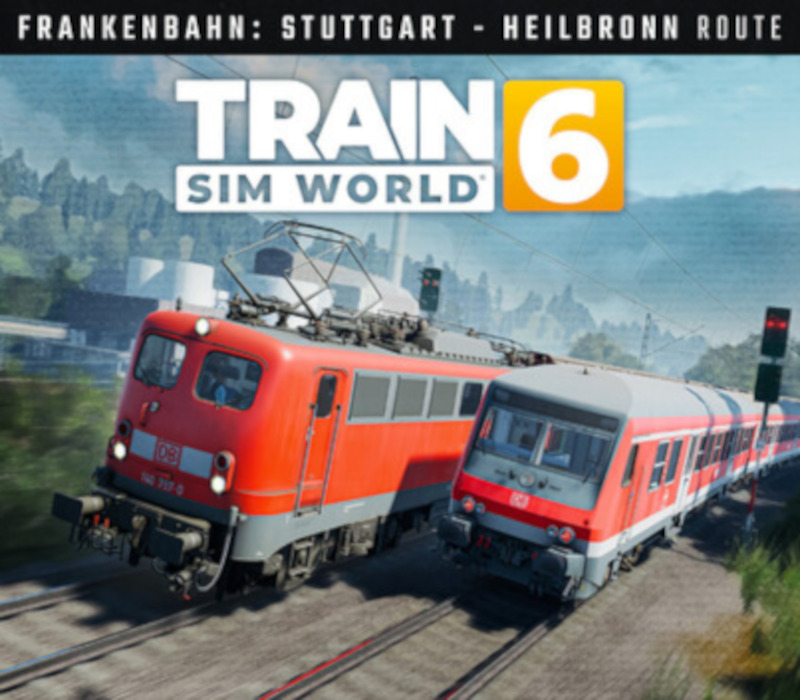
Train Sim World 6 - Frankenbahn: Stuttgart - Heilbronn DLC European Union cover

Xbox OneEurope· DLC

Train Sim World 6 - Frankenbahn: Stuttgart - Heilbronn DLC European Union

€22.05

+€2.21 cashback eligibility in Relic Coins

Check before you play

Platform
Xbox One
Region
Europe
Product type
DLC

Check the required base game and edition before purchasing this add-on.

Developer
Dovetail Games
Publisher
Dovetail Games
Supplier release date
2025-12-09
Genres
Simulation

About this product

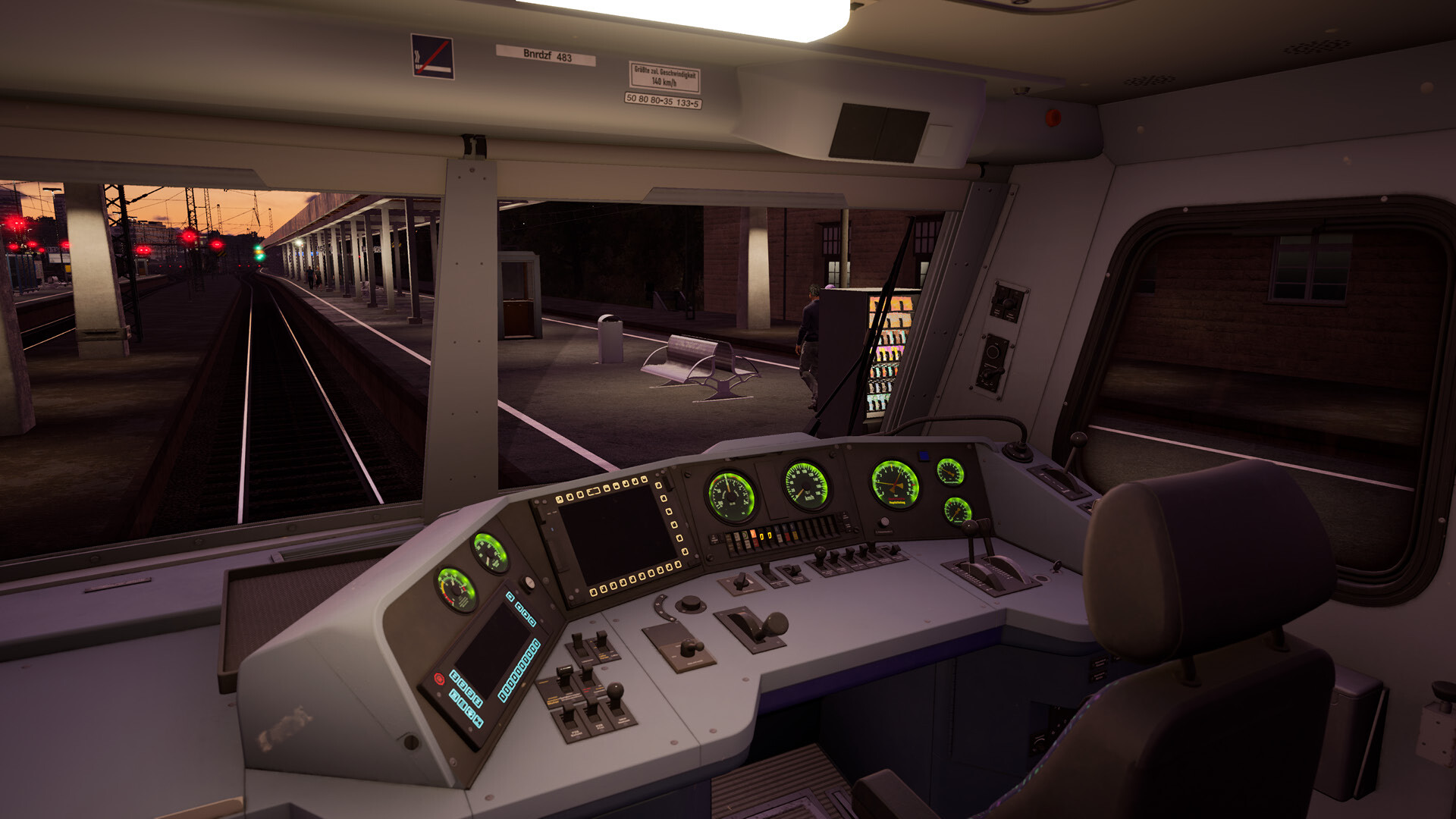
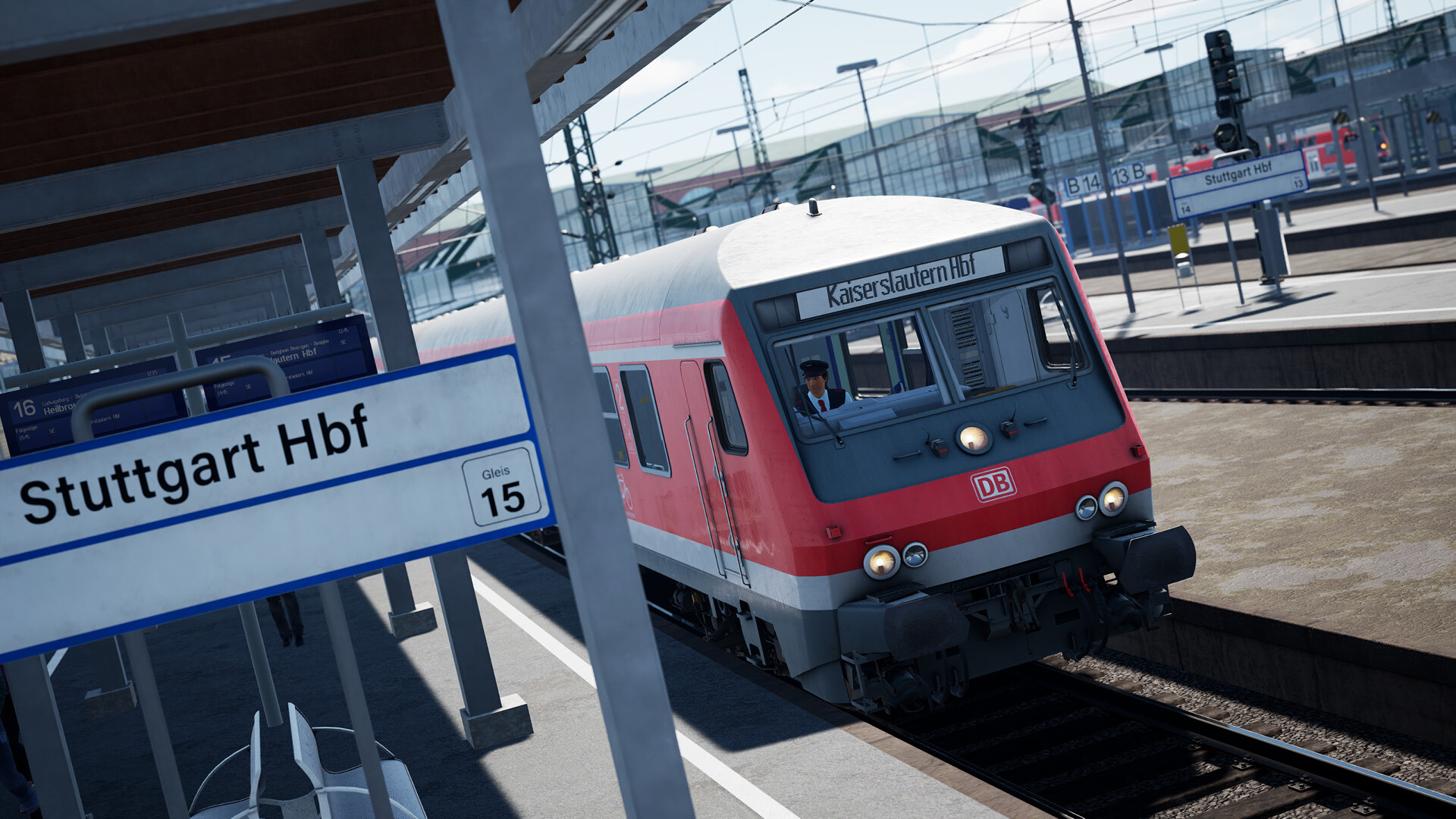
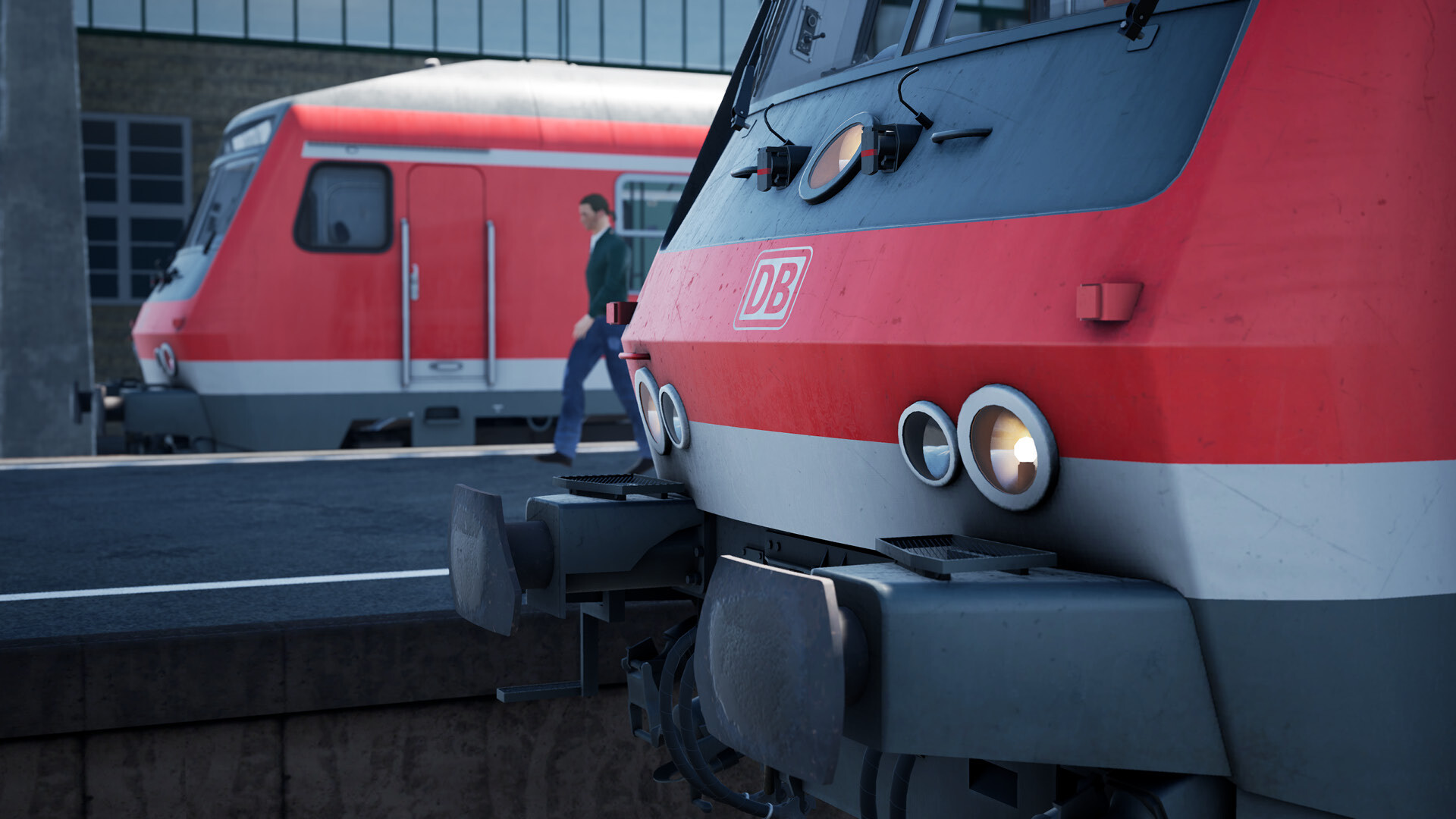
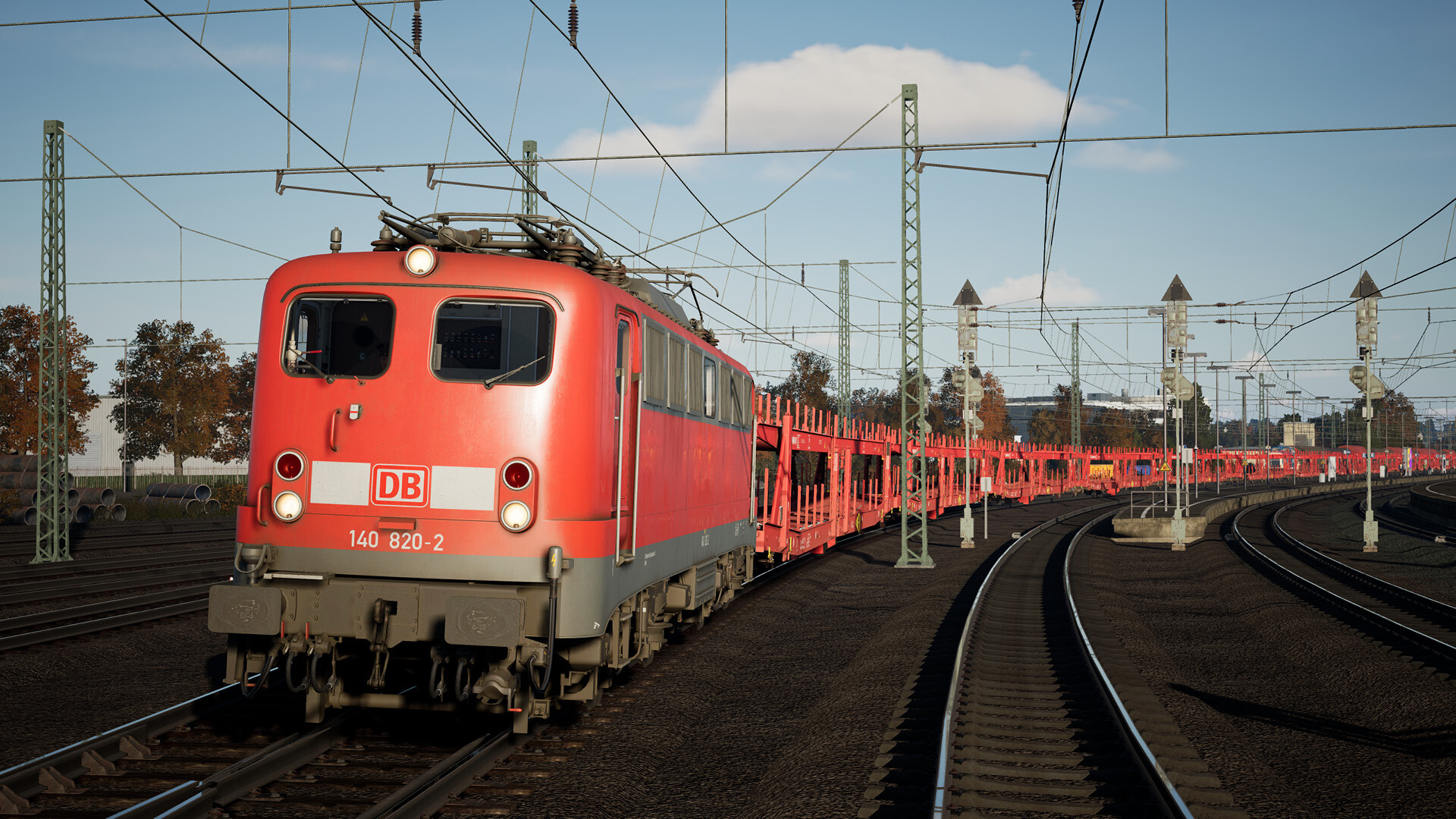
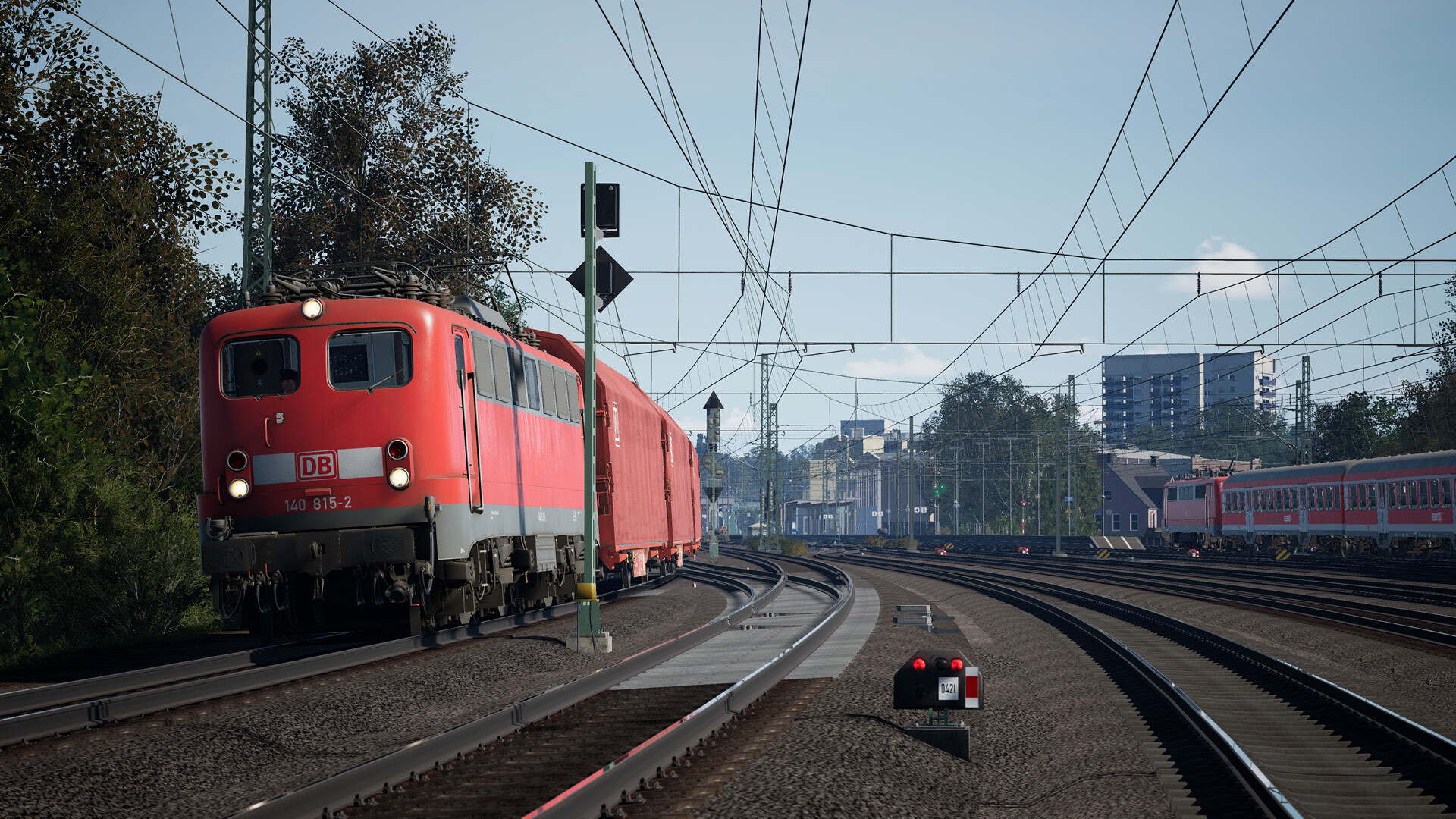
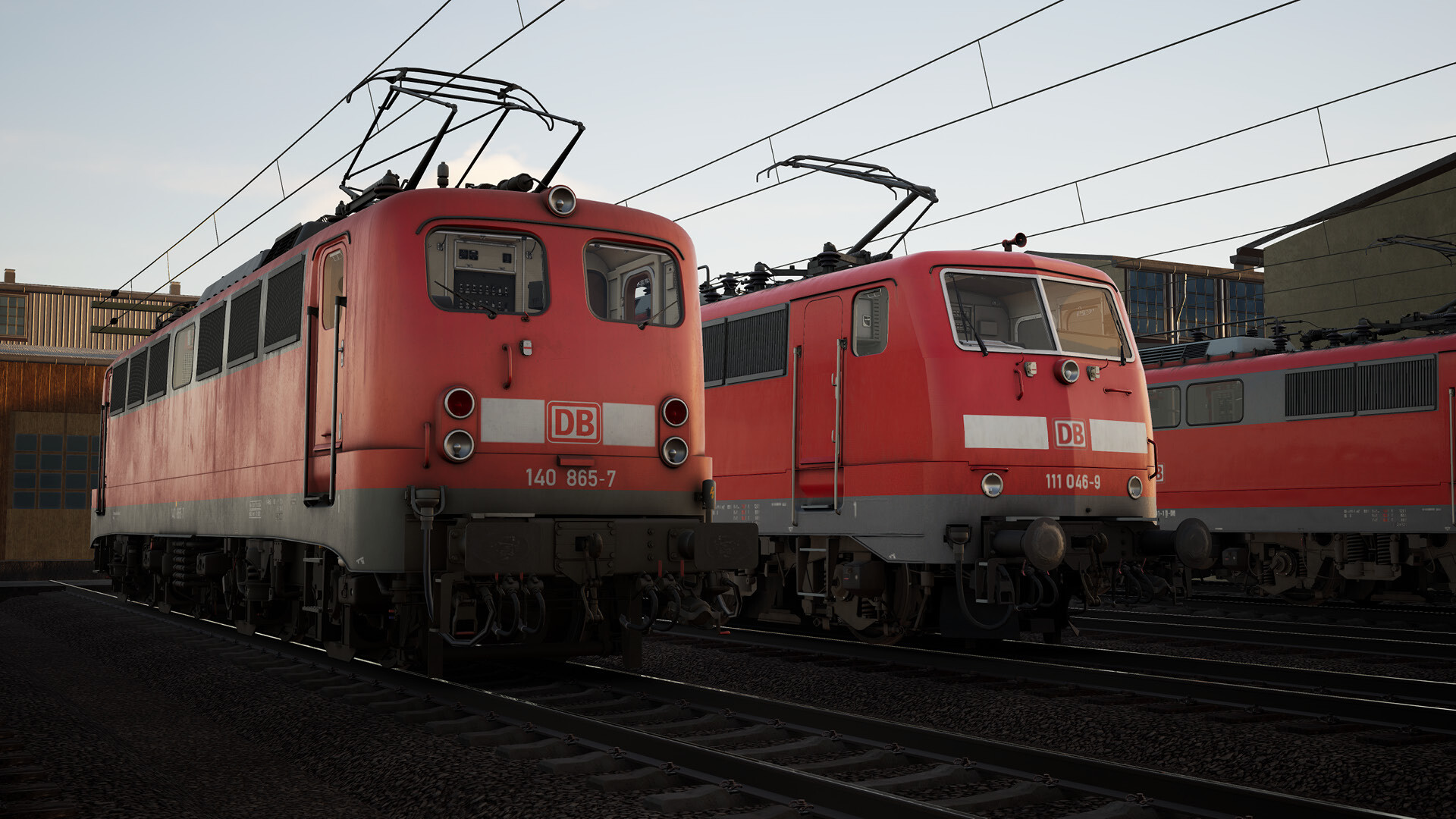
This add-on is only available for players on Xbox Series X/S and PC. The Frankenbahn was originally built as several railway lines throughout southwest Germany, including the Nordbahn from Stuttgart and north to Heilbronn. Since the 1840s, this line has been of key importance and today sees vital commuter and freight traffic. In Train Sim World 6, become a driver aboard the mixed-traffic duties of the Frankenbahn. Set in the year 2000, see the classic layout and buildings of Stuttgart before its big rebuild, carefully traverse the Enzbrucke prior to its 2006 replacement, and experience it all from backdated motive power. Climb into the all-new and classic DB BR 140 to embark on hefty cargo duties out of the massive Kornwestheim yard, or shuttle back and forth in regional services featuring the new Wittenberger Steuerwagen & DB BR 111. Drive the busy S-Bahn with the DB BR 423. Shunt wagons around in the BR 363, or the iconic DB BR 294 (available separately).

Train Sim World 6 - Frankenbahn: Stuttgart - Heilbronn DLC European Union screenshotTrain Sim World 6 - Frankenbahn: Stuttgart - Heilbronn DLC European Union screenshotTrain Sim World 6 - Frankenbahn: Stuttgart - Heilbronn DLC European Union screenshotTrain Sim World 6 - Frankenbahn: Stuttgart - Heilbronn DLC European Union screenshotTrain Sim World 6 - Frankenbahn: Stuttgart - Heilbronn DLC European Union screenshotTrain Sim World 6 - Frankenbahn: Stuttgart - Heilbronn DLC European Union screenshot

How to redeem

  1. 1Check the required base game, platform and edition before purchasing.
  2. 2Find the code or supplier activation instructions in your confirmed order.
  3. 3Redeem on Xbox One using the supplied instructions, then install the add-on with the compatible base game.

You might also like