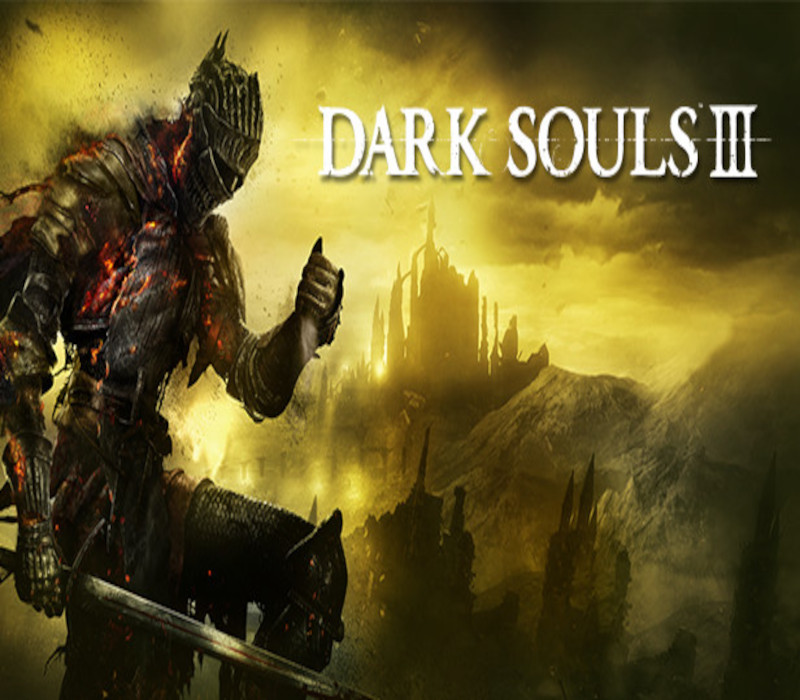
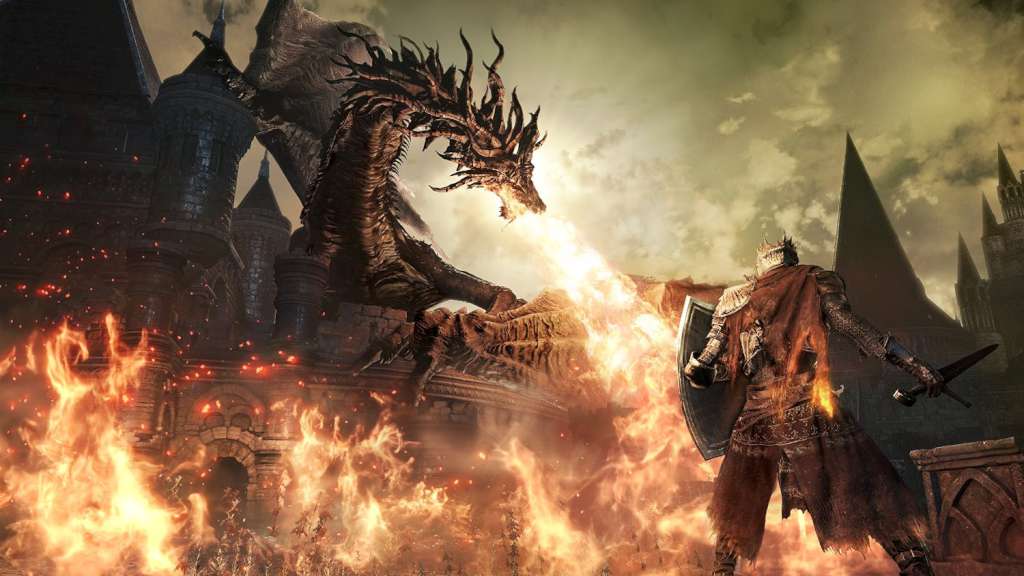
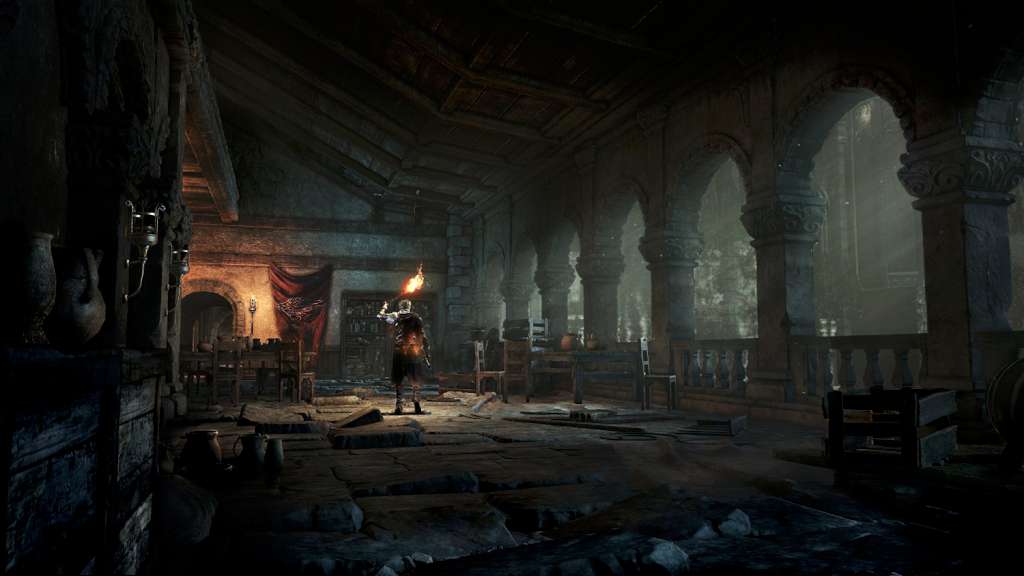
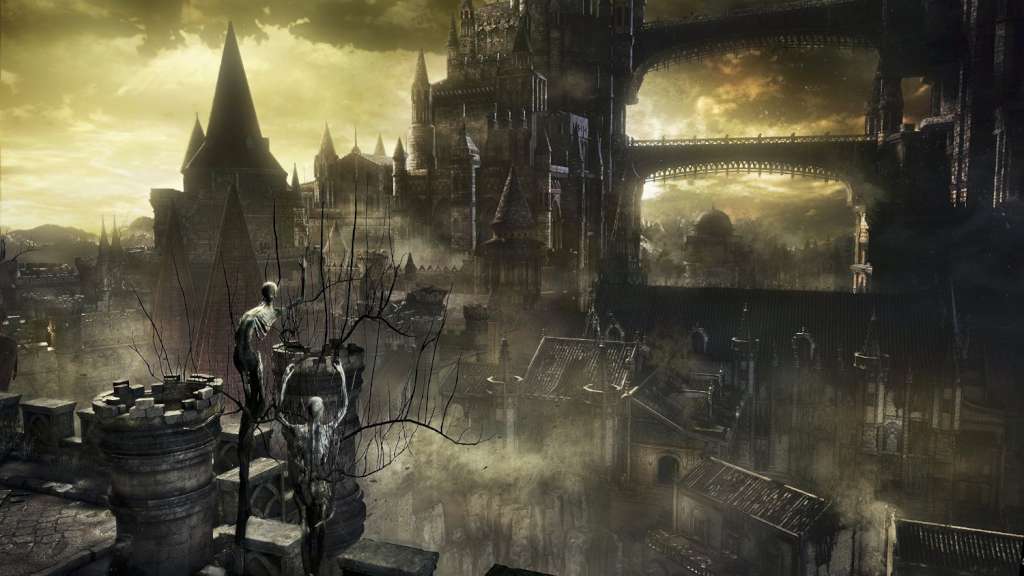
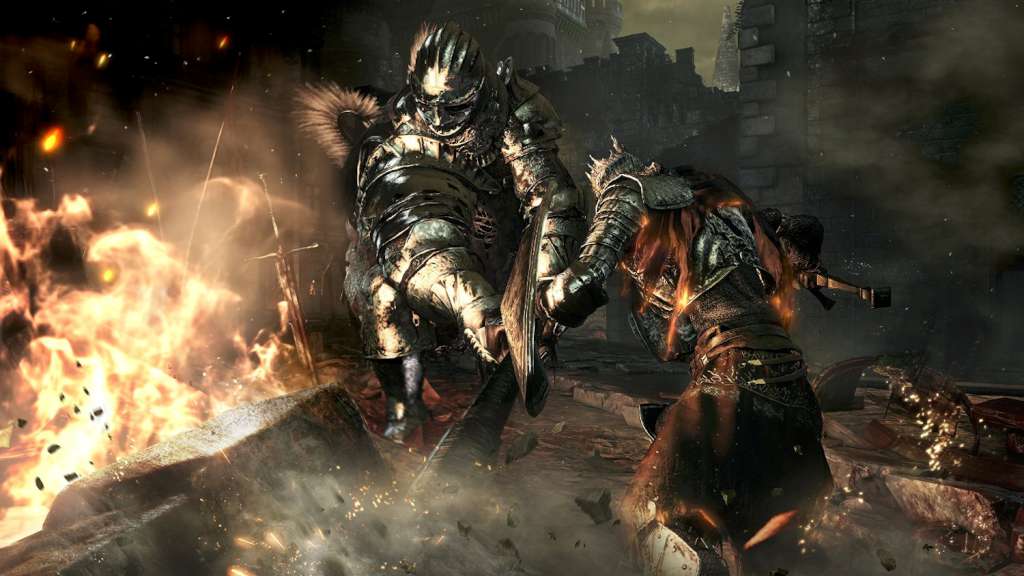
A dark and brooding fantasy adventure awaits players in a vast twisted world full of fearsome beasts, devious traps and hidden secrets. Players will travel across a wide variety of locations in an interconnected world of unrelenting challenge and deep RPG gameplay as they search for a way to survive the coming apocalypse. As fires fade and the world falls into ruin, developer FROMSOFTWARE and director Hidetaka Miyazaki continue their critically-acclaimed and genre-defining series with Dark Souls III. Fans and newcomers alike will get lost in the games hallmark rewarding gameplay and immersive graphics. Now only embers remain… Features Atmospheric Visuals: dynamic lighting and particle effects immerse players into a dark fantasy world of ruin. Interconnected World: expertly crafted world encourages players to explore vast and breathtaking landscapes. Sword Action: diversifies combat action allowing players to craft their own unique play style. Unique Online System: evolution of trademark online multiplayer functionality that seamlessly integrates online interactions into single player story.