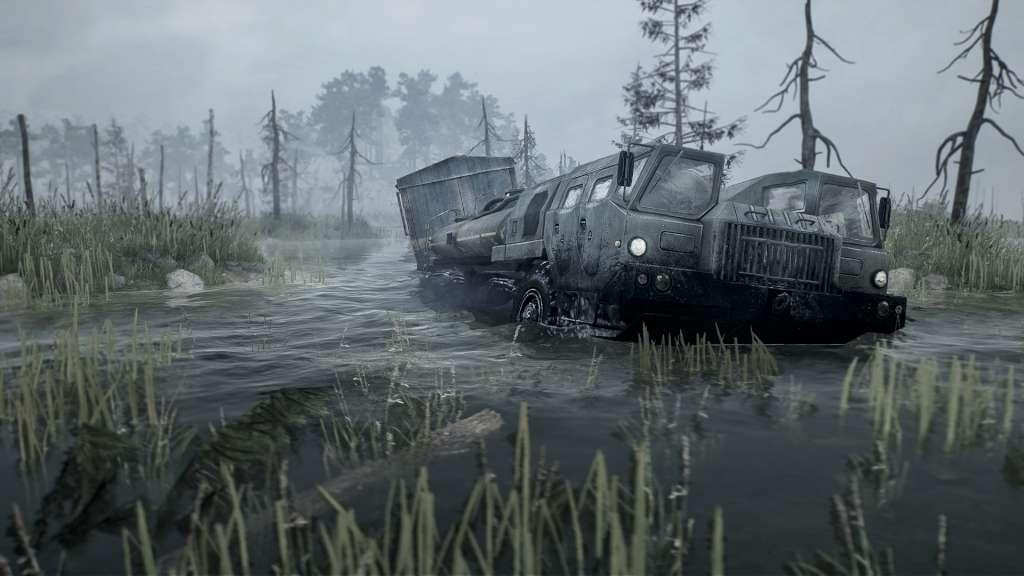
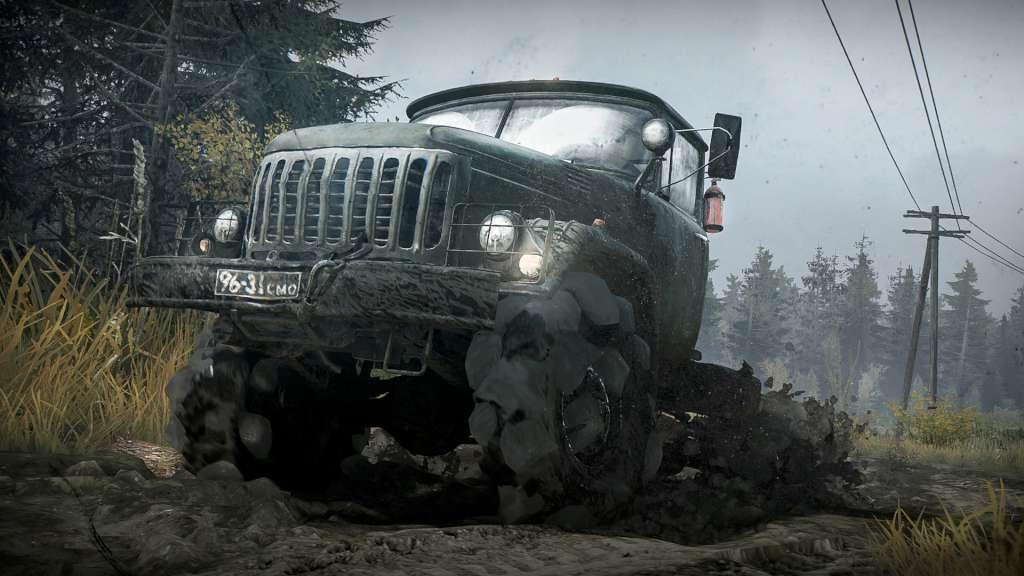
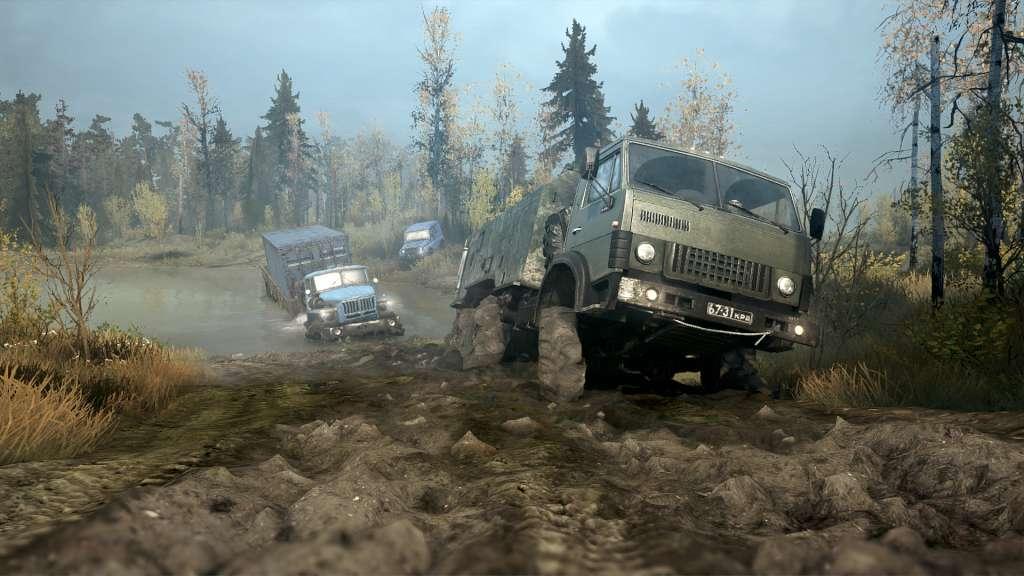
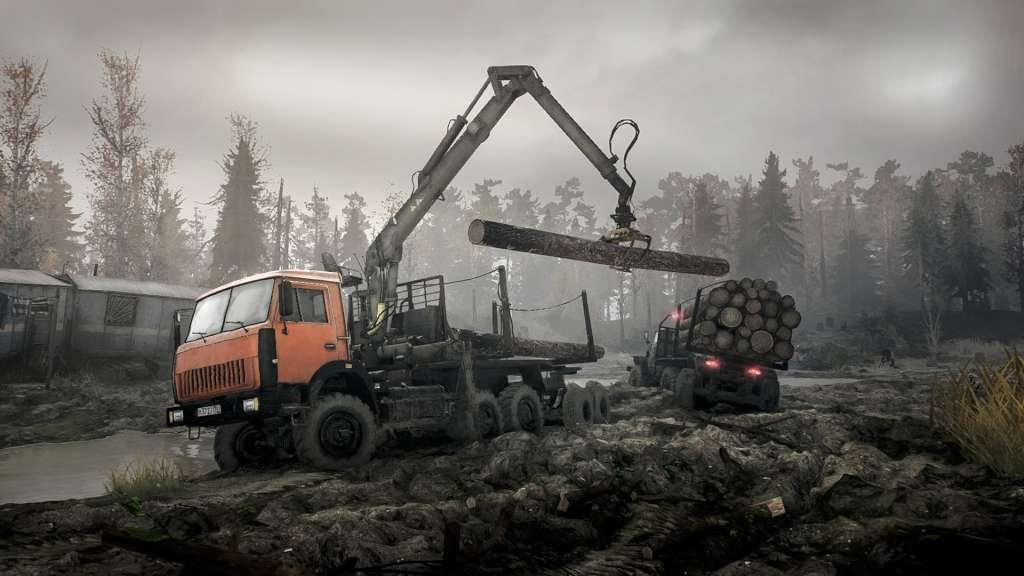
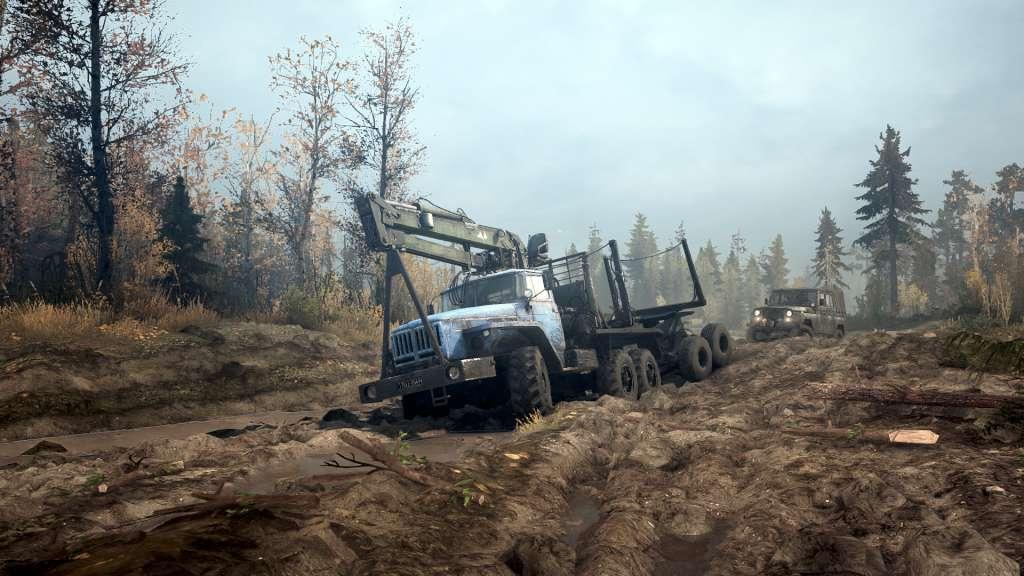
MudRunner is the ultimate off-road experience, putting the players in the driver seat and daring them to take charge of incredible all-terrain vehicles, venturing across extreme Siberian landscapes with only a map and compass as guides!Drive 19 powerful all-terrain vehicles, each with its own characteristics and attachable equipment. Complete your objectives and deliveries by enduring perilous conditions across wild, untamed landscapes in extreme conditions with dynamic day-night cycles. Explore an immersive sandbox environment, enhanced by improved graphics. Overcome muddy terrain, raging rivers and other obstacles that all realistically react to the weight and movement of your vehicle powered by the game's advanced physics engine.With your map, compass, winch, and your driving skills as allies, go solo or join up to three others in the coop multiplayer. Download mods created by the passionate community for truck-loads of content and an ever-evolving MudRunner experience. Features: The ultimate off-road experience A wider selection of 19 incredible all-terrain vehicles Explore immense, untamed Siberian sandbox environments Overhauled graphics and advanced physics engine for extreme realism Complete perilous objectives and deliveries in extreme conditions Play solo or in multiplayer coop up to 4! Download mods for an ever-evolving experience