Get 10% back in Relic Coins on every order
Five Nights at Freddy's cover

SteamGlobal· Gift

Five Nights at Freddy's

€10,499.99

+€1,050.00 cashback eligibility in Relic Coins

Check before you play

Platform
Steam
Region
Global
Product type
Gift
Developer
Scottgames
Publisher
Scottgames
Genres
Simulation, Indie, Horror, Third-Person Shooter

About this product

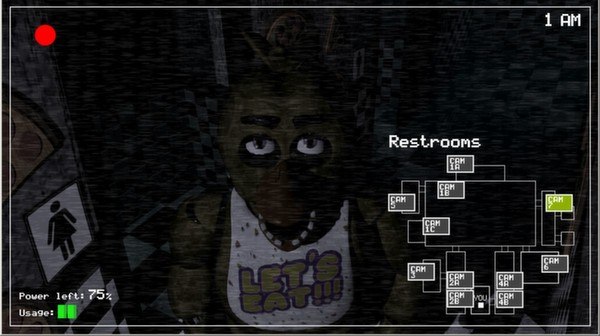
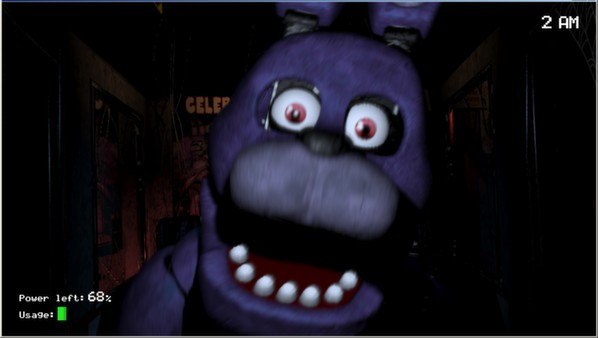
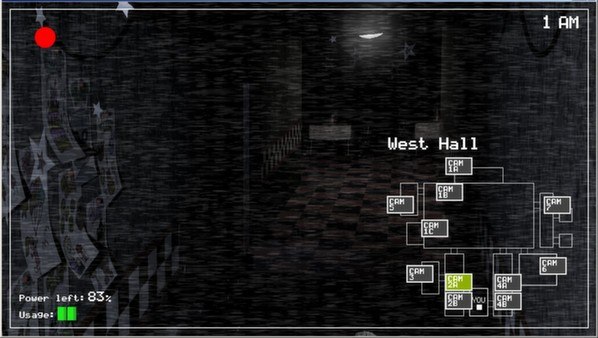
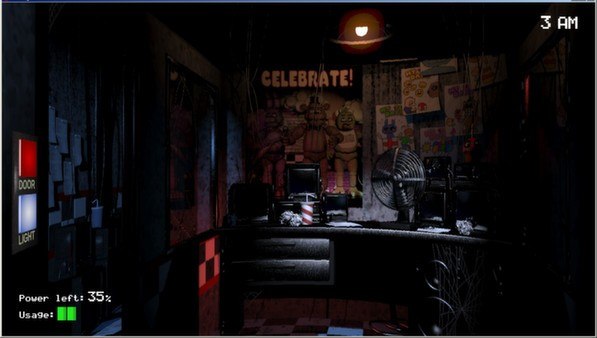
Five Nights at Freddy's Steam Gift Platform: Steam Languages: English Release Date: 18 Aug 2014 Product Description Welcome to your new summer job at Freddy Fazbear's Pizza, where kids and parents alike come for entertainment and food as far as the eye can see! The main attraction is Freddy Fazbear, of course; and his two friends. They are animatronic robots, programmed to please the crowds! The robots' behavior has become somewhat unpredictable at night however, and it was much cheaper to hire you as a security guard than to find a repairman. From your small office you must watch the security cameras carefully. You have a very limited amount of electricity that you're allowed to use per night (corporate budget cuts, you know). That means when you run out of power for the night- no more security doors and no more lights! If something isn't right- namely if Freddybear or his friends aren't in their proper places, you must find them on the monitors and protect yourself if needed! Can you survive five nights at Freddy's System Requirements OS: XP, Vista, Windows7 Processor: 2 GHz Intel Pentium 4 or AMD Athlon or equivalent Memory: 1 GB RAM Graphics: 1 GB DirectX: Version 9.0 Hard Drive: 250 MB available space

Five Nights at Freddy's screenshotFive Nights at Freddy's screenshotFive Nights at Freddy's screenshotFive Nights at Freddy's screenshotFive Nights at Freddy's screenshotFive Nights at Freddy's screenshot

How to redeem

  1. 1Check that your Steam account can receive gifts in the listed region.
  2. 2Open the confirmed order and follow the supplier’s gift-delivery instructions.
  3. 3Accept the gift on the required platform account and add it to your library.

Supplier instructions

Go to: http://store.steampowered.com/ and download STEAM client Click "Install Steam" (from the upper right corner) Install and start application, login with your Account name and Password (create one if you don't have). Please follow these instructions to activate a new retail purchase on Steam: Launch Steam and log into your Steam account. Click the Games Menu. Choose Activate a Product on Steam... Follow the onscreen instructions to complete the process. After successful code verification go to the "MY GAMES" tab and start downloading.

You might also like