Get 10% back in Relic Coins on every order
Timothy vs the Aliens cover

SteamGlobal· Key

Timothy vs the Aliens

€6.89

+€0.69 cashback eligibility in Relic Coins

Check before you play

Platform
Steam
Region
Global
Product type
Key
Developer
WildSphere
Publisher
WildSphere
Supplier release date
2021-07-21
Genres
Action, Adventure, Indie

About this product

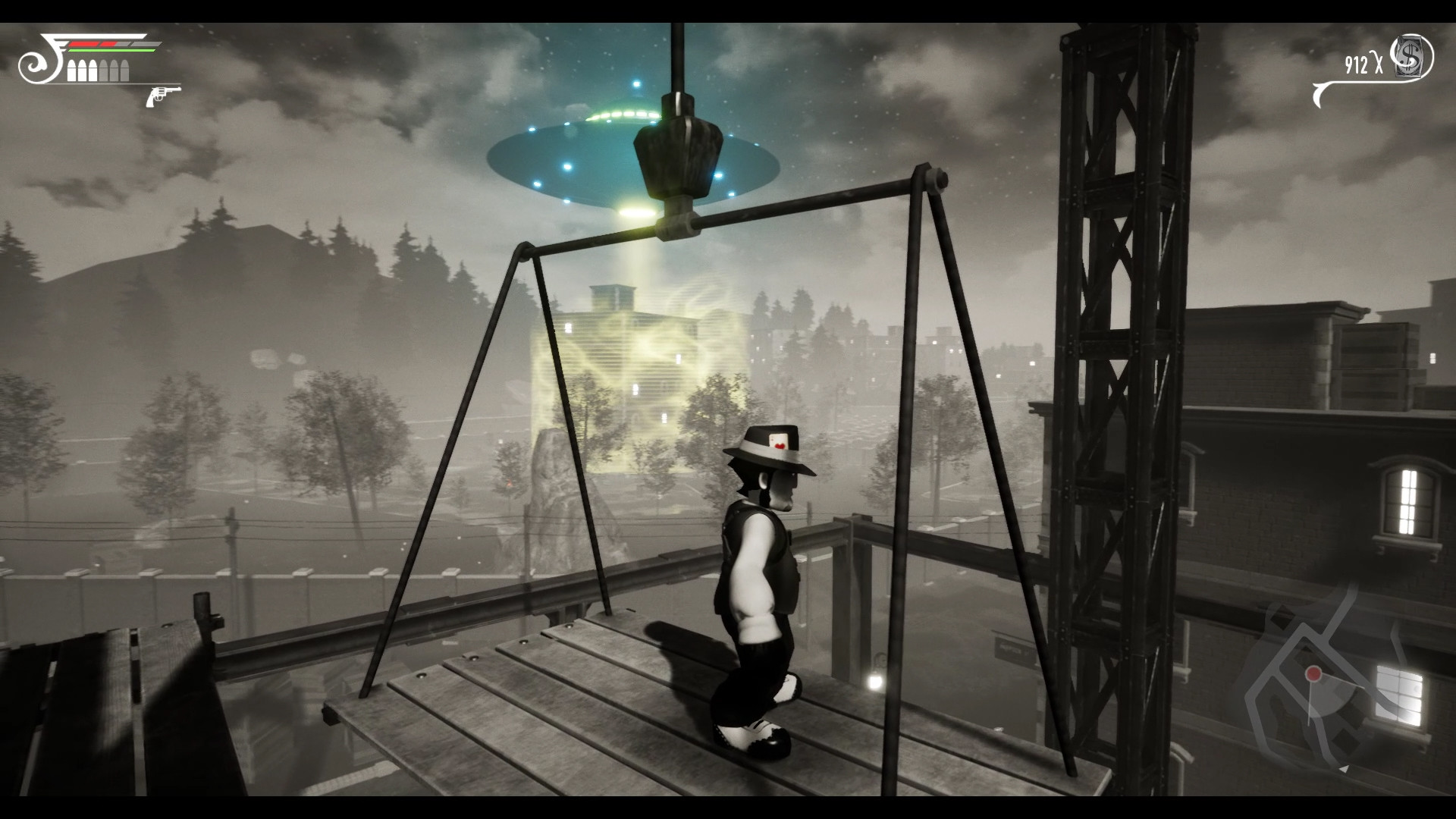
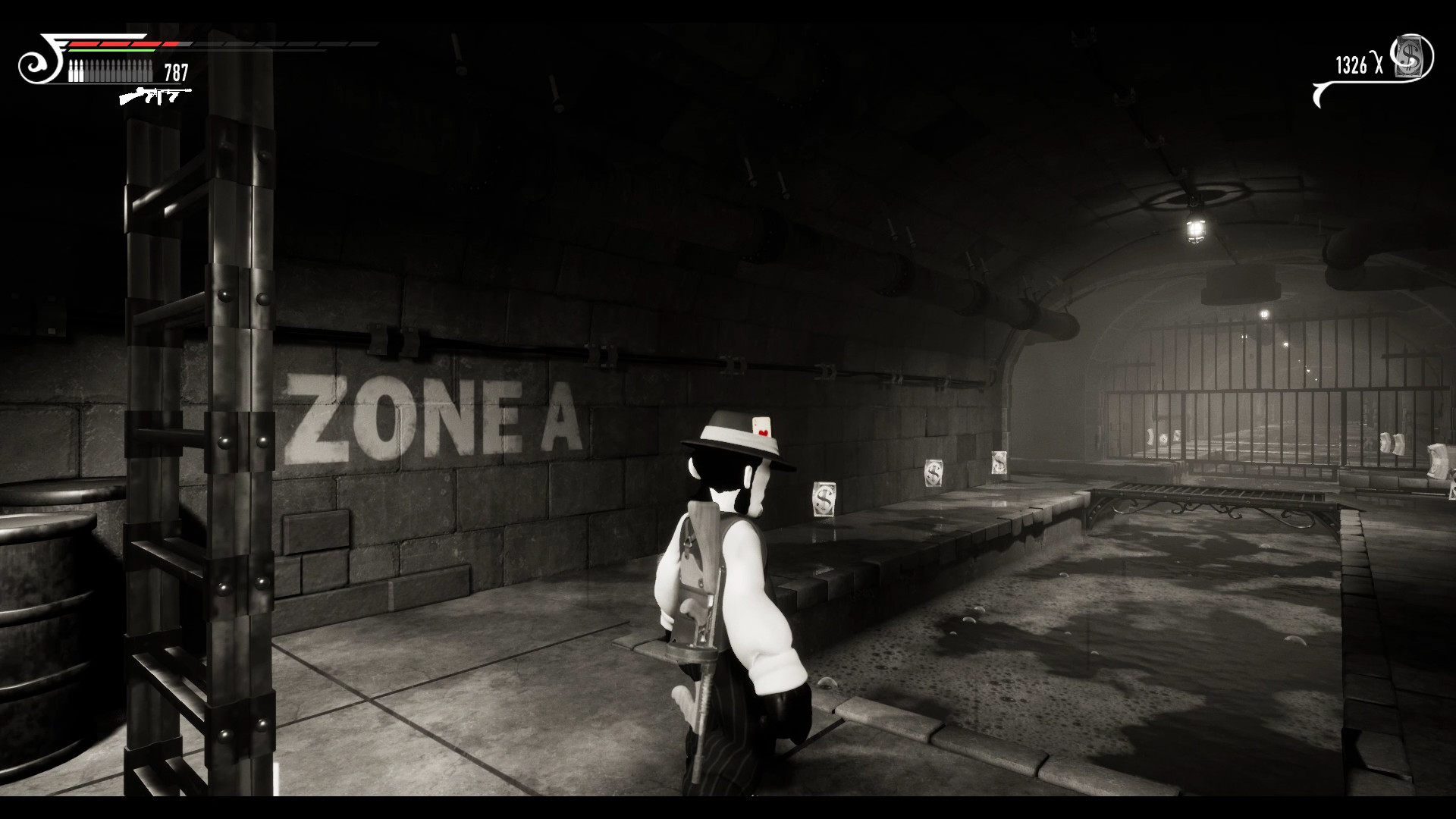
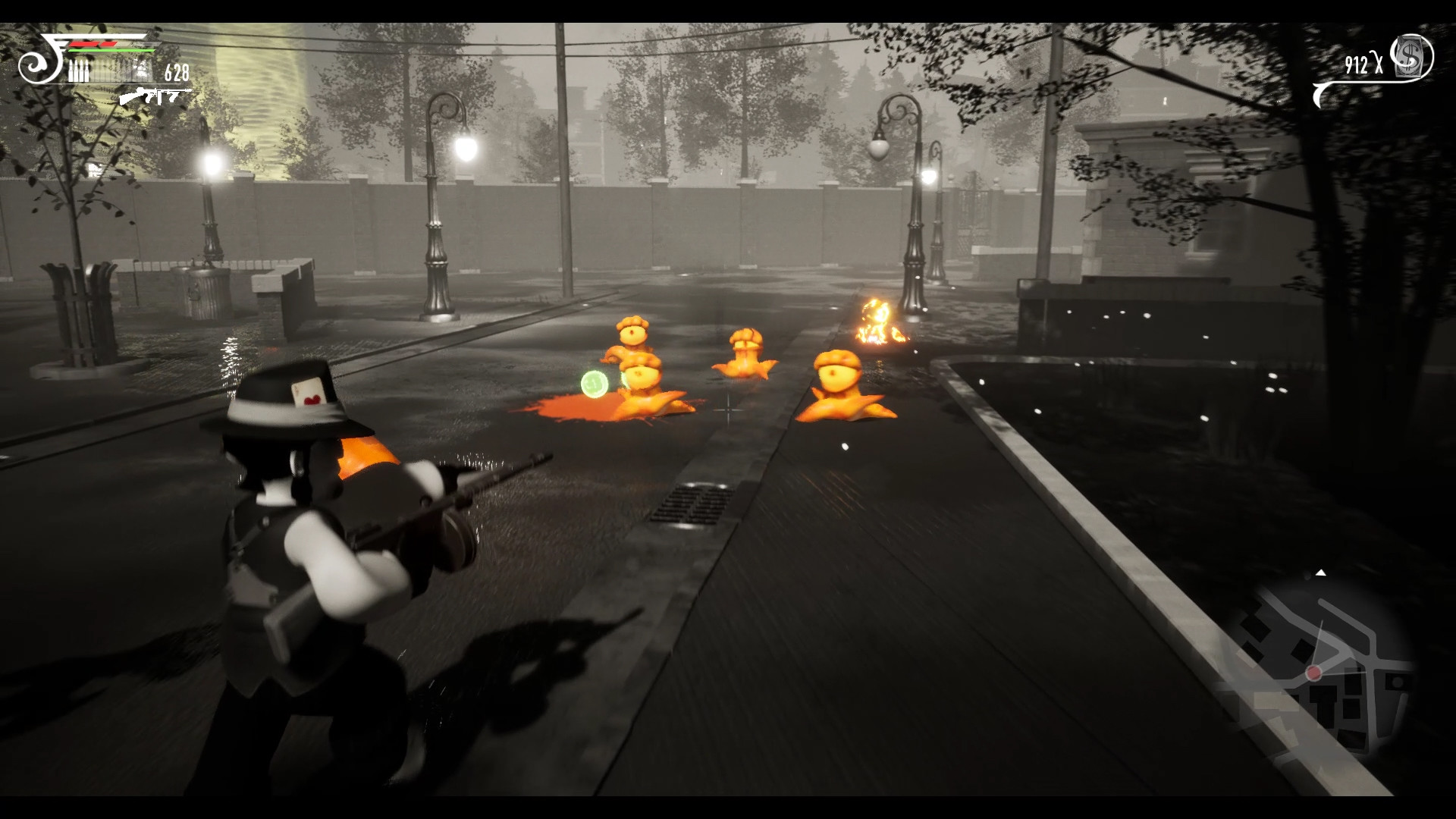
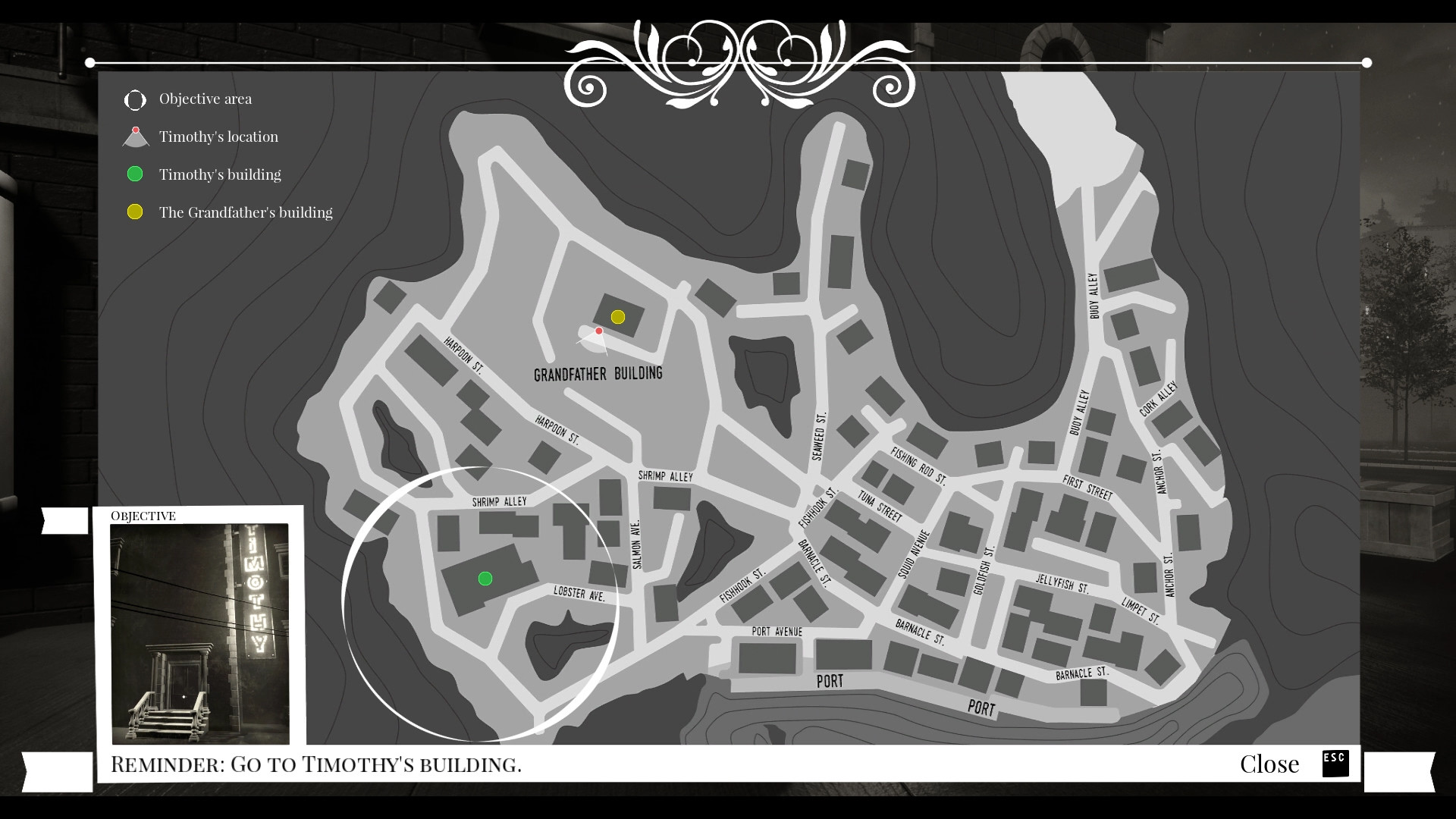
Timothy vs the Aliens is an open-world platformer, and adventure video game where a gangster will defend his black & white city from an invasion of full-colored aliens.The game takes place in Little Fish City, an open and large city that can be freely explored and hides many secrets and missions. This is a city full of platforms, and going through it won’t be just walking from one point to another. In addition, you will be able to explore the whole city by car, using any of the vehicles that appear in the game. In Timothy vs the Aliens you will also find many moments of action in ambushes by aliens, as well as lots of puzzles to find items, help other characters, and access blocked or hidden places.Of course, you will always be well-equipped to fight against the aliens, and you will be able to increase your inventory buying items from the Gunrunner.All this and much more in a game full of stories, adventures and secrets.


Timothy vs the Aliens screenshotTimothy vs the Aliens screenshotTimothy vs the Aliens screenshotTimothy vs the Aliens screenshotTimothy vs the Aliens screenshotTimothy vs the Aliens screenshot

How to redeem

  1. 1Check your Steam account and the listed region before purchasing.
  2. 2Find your code and supplier activation instructions in your confirmed order.
  3. 3Open the redeem-code section on Steam, enter the code and follow the platform’s prompts.

Supplier instructions

Go to: http://store.steampowered.com/ and download STEAM client Click "Install Steam" (from the upper right corner) Install and start application, login with your Account name and Password (create one if you don't have). Please follow these instructions to activate a new retail purchase on Steam: Launch Steam and log into your Steam account. Click the Games Menu. Choose Activate a Product on Steam... Follow the onscreen instructions to complete the process. After successful code verification go to the "LIBRARY" tab and start downloading.

You might also like