Get 10% back in Relic Coins on every order
Diorama Builder cover

SteamGlobal· Key

Diorama Builder

€0.40

+€0.04 cashback eligibility in Relic Coins

Check before you play

Platform
Steam
Region
Global
Product type
Key
Developer
Virtual Arts Studio
Publisher
Virtual Arts Studio
Supplier release date
2020-11-20
Genres
Casual, Indie, Simulation

About this product

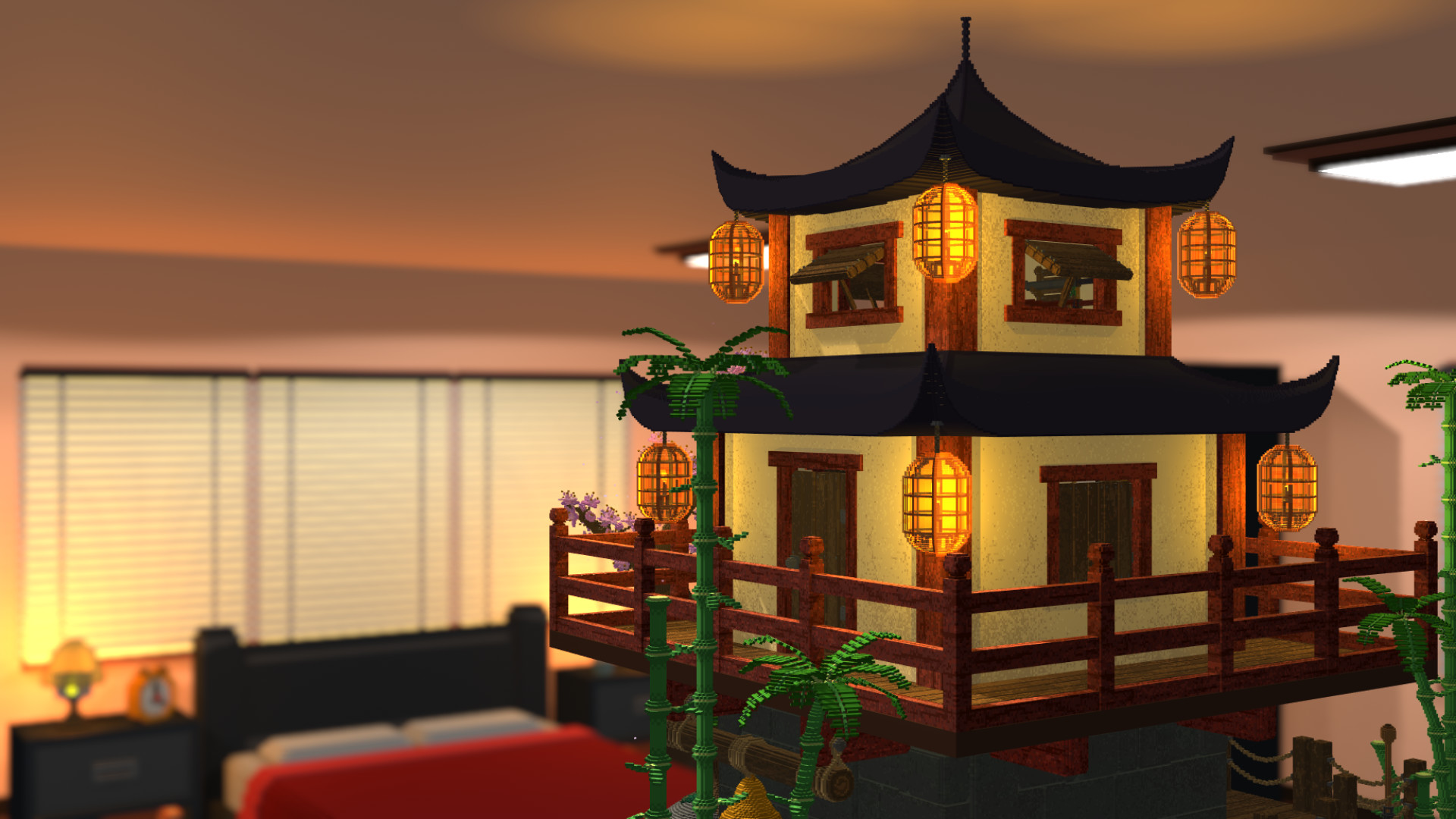
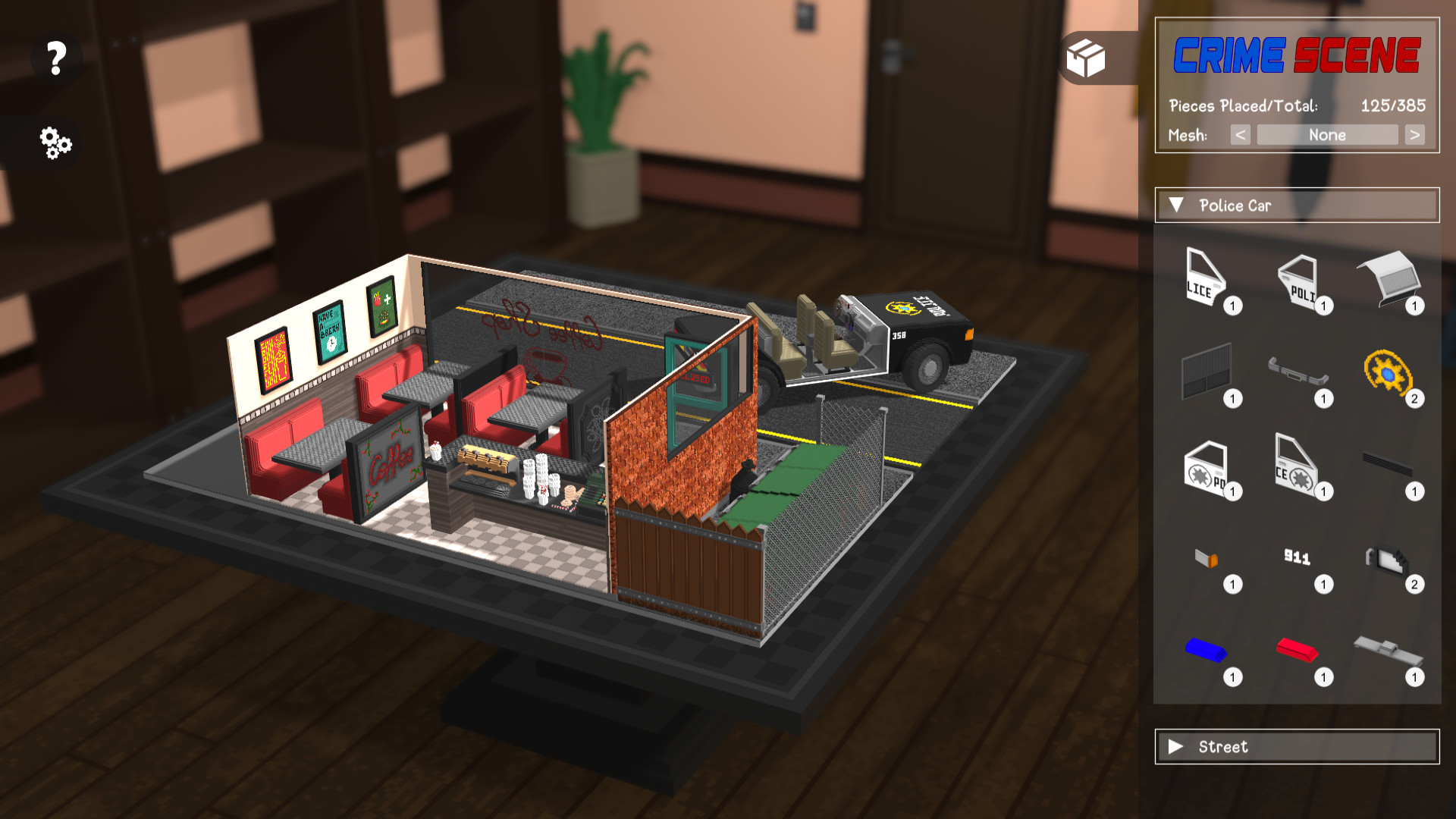
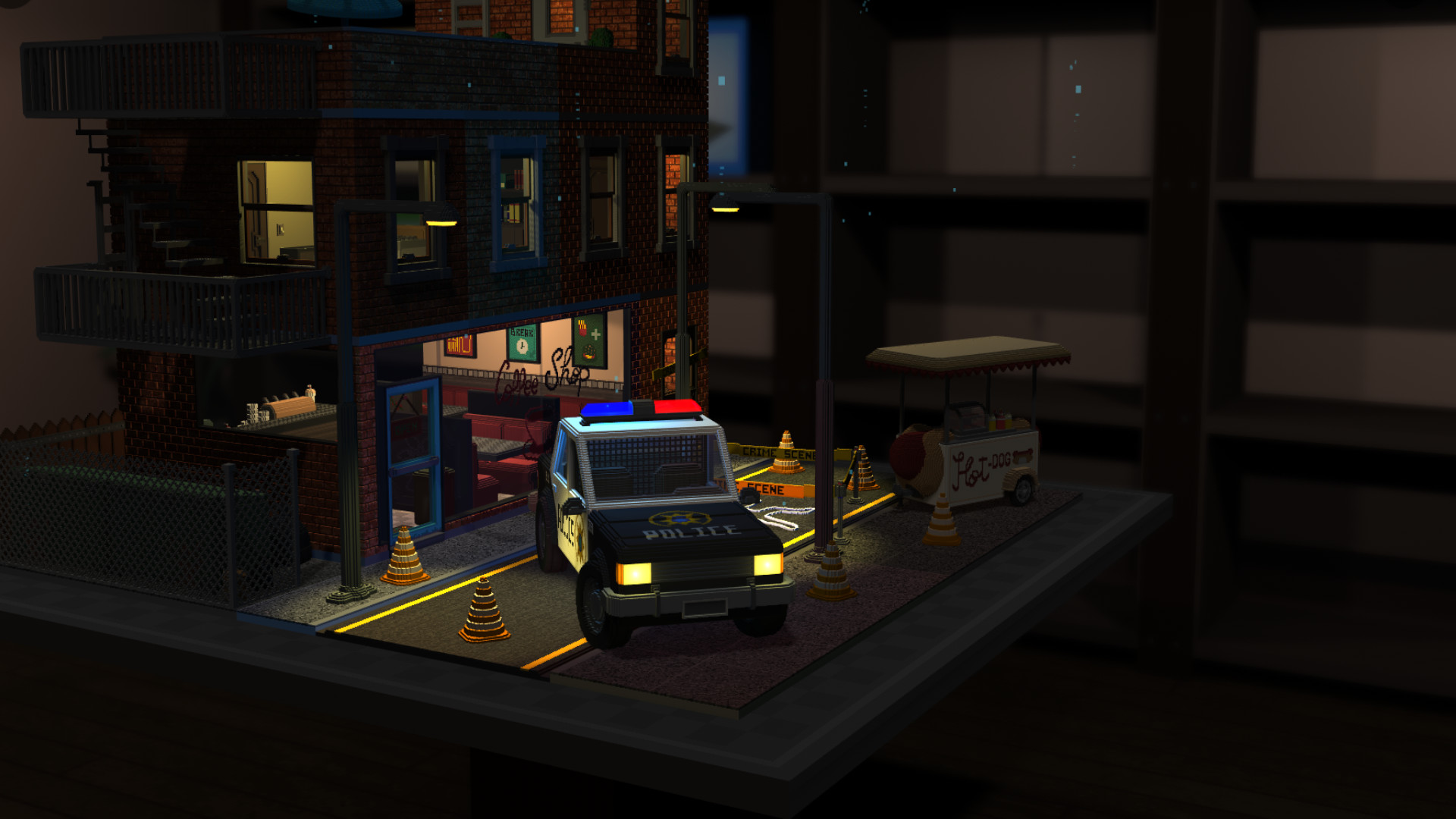
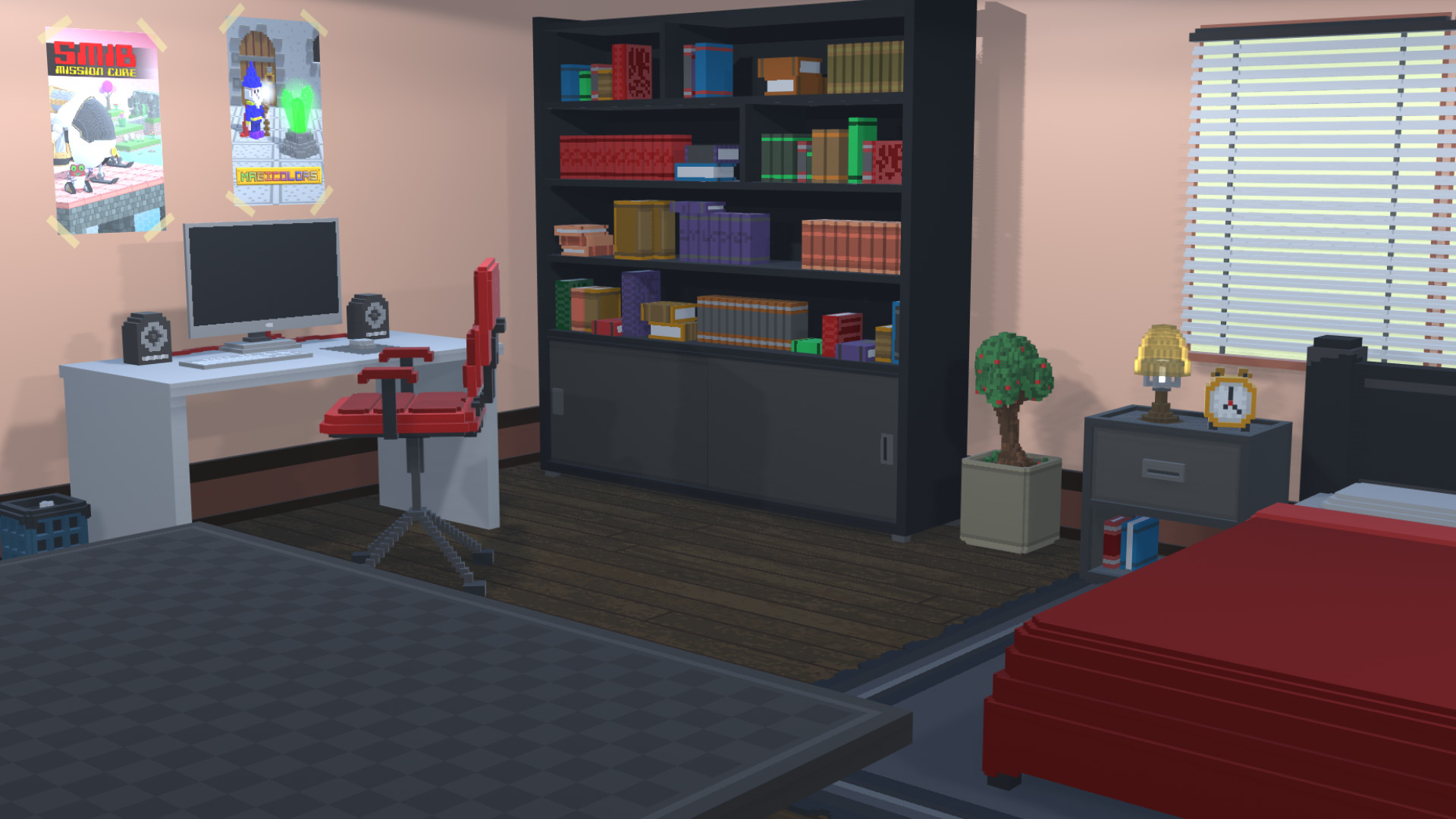
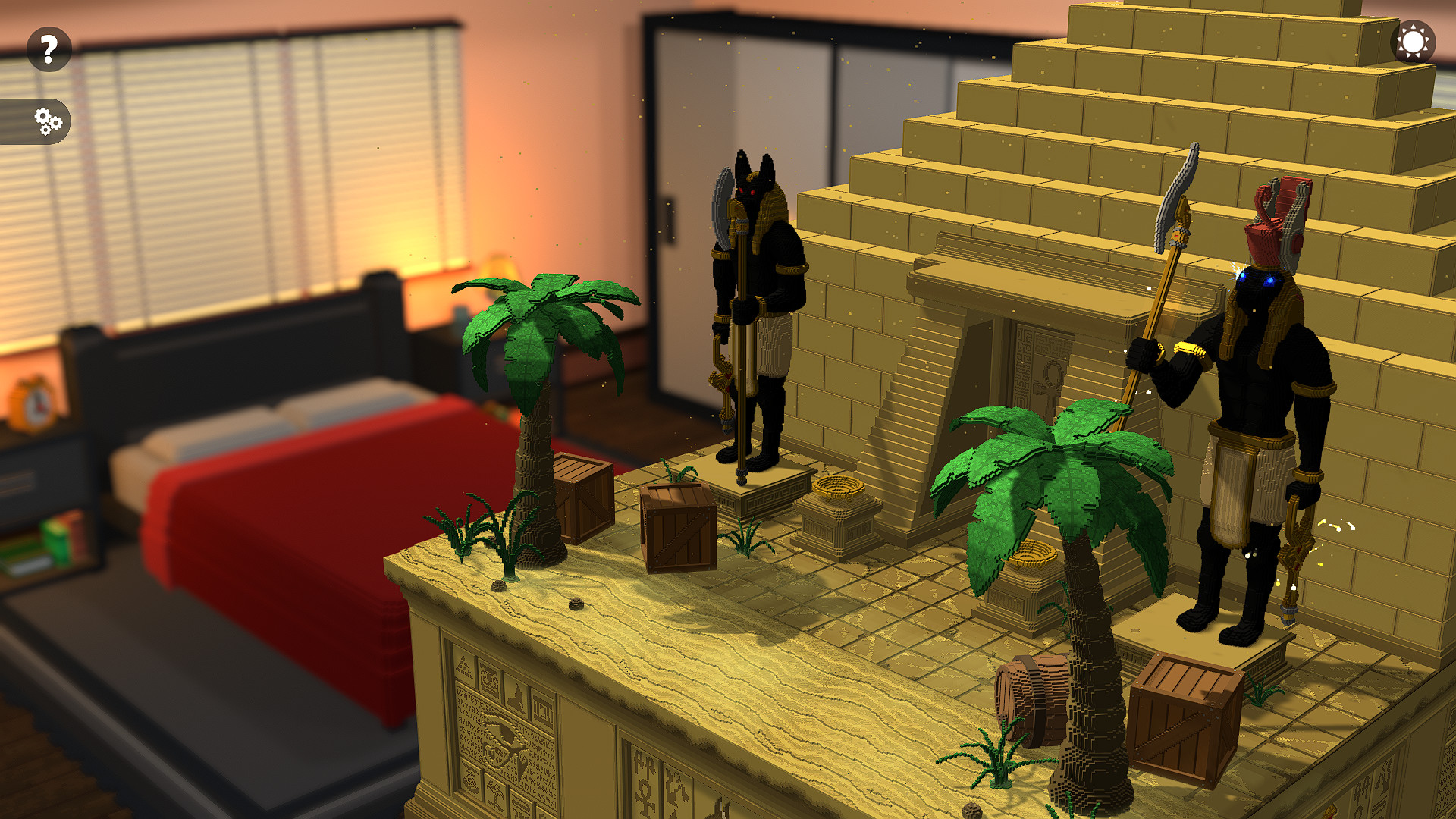
DIORAMA BUILDER aims to give you the feeling of having your own collection of DIORAMAS in your room. Without locks, you can choose the one that you like the most at that moment. With simple assembly mechanics, with each piece placed, you will have the pleasure of watching that beautiful scenery take shape. Features Build Dioramas (miniatures) of scenarios, as if they were 3D puzzles, made in VOXEL (LEGO style); Choose freely, among the available Dioramas, which one to set up and if you want, you can stop in the middle and start another one; Immerse yourself in each scenario through songs composed especially for each Diorama; After you have assembled a Diorama, you can interact with it, opening and closing doors and windows, turning on and off lights, etc. Resources System for displaying the silhouette of the pieces that can be placed at that moment or of all the pieces that are not yet placed; Parts separated by structures to facilitate their location; "Favorites" folder so you can place those pieces that you want to keep separate; Navigation system through the game options as if you were inside your own room; Presentation of the number of pieces already placed and the total number of pieces, for each Diorama.

Diorama Builder screenshotDiorama Builder screenshotDiorama Builder screenshotDiorama Builder screenshotDiorama Builder screenshotDiorama Builder screenshot

How to redeem

  1. 1Check your Steam account and the listed region before purchasing.
  2. 2Find your code and supplier activation instructions in your confirmed order.
  3. 3Open the redeem-code section on Steam, enter the code and follow the platform’s prompts.

Supplier instructions

Go to: http://store.steampowered.com/ and download STEAM client Click "Install Steam" (from the upper right corner) Install and start application, login with your Account name and Password (create one if you don't have). Please follow these instructions to activate a new retail purchase on Steam: Launch Steam and log into your Steam account. Click the Games Menu. Choose Activate a Product on Steam... Follow the onscreen instructions to complete the process. After successful code verification go to the "LIBRARY" tab and start downloading.

You might also like