Get 10% back in Relic Coins on every order
Monster Energy Supercross - The Official Videogame 4 cover

Xbox OneUnited States· Key

Monster Energy Supercross - The Official Videogame 4

€5.08

+€0.51 cashback eligibility in Relic Coins

Check before you play

Platform
Xbox One
Region
United States
Product type
Key
Supplier release date
2021-03-11
Genres
Racing, Simulation

About this product

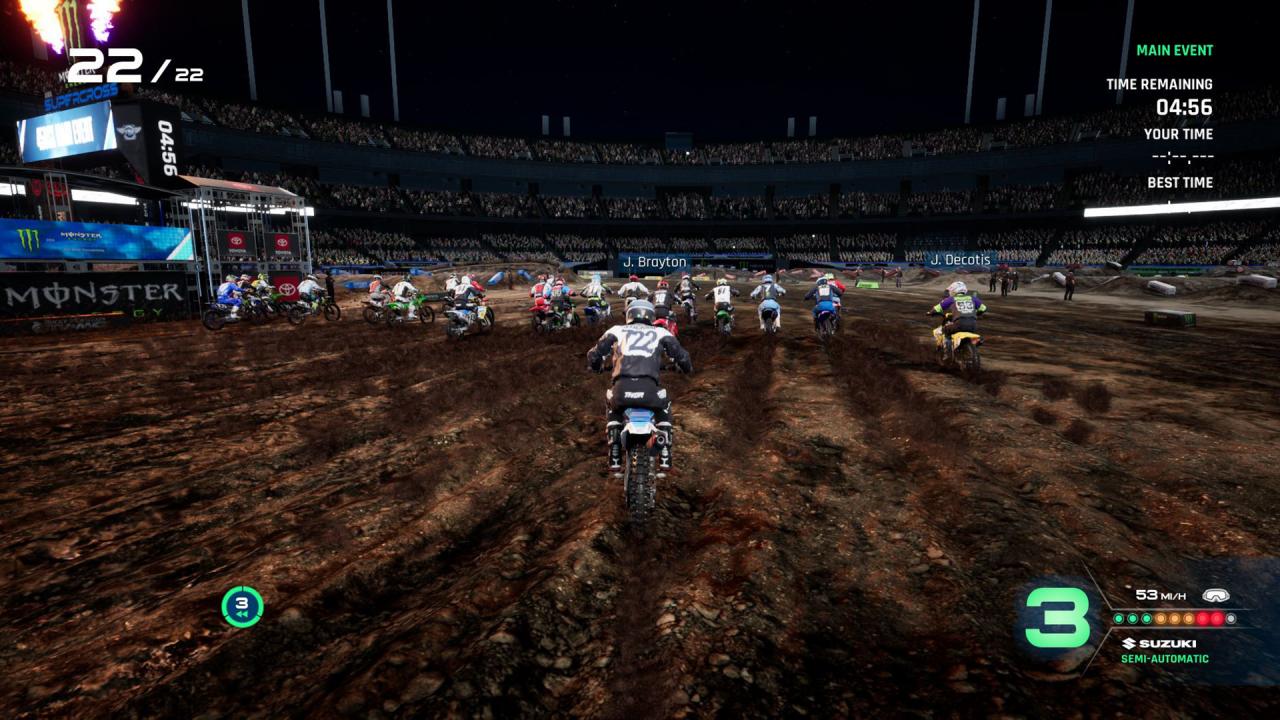
Cross is Super Again!The official videogame of the Monster Energy AMA Supercross Championship is back with its fourth edition, the most extreme ever!

A super career

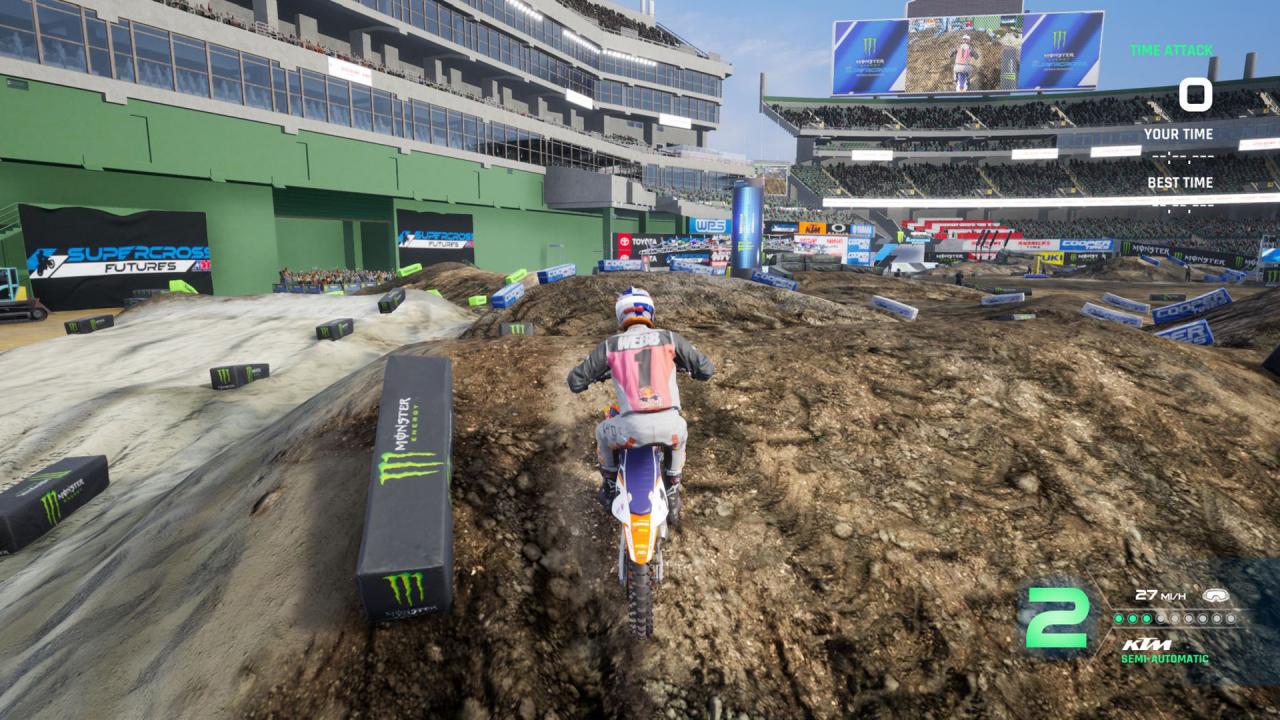
Make your way along the path that will lead you to success. A new career mode will put your abilities to the test in order to bring out the champion inside you!Learn new riding abilities in the ''Future'' category; refine them and obtain new sponsors in the ''Rookie'' category. Become a real ''Pro'' by taking your riding style to the limit and challenging the toughest adversaries in the 450SX class.

Creator of your own fun

Unbridle your imagination with the new editor. Build unique tracks with the modules inspired by the official tracks and share your creations with the community.

The new compound

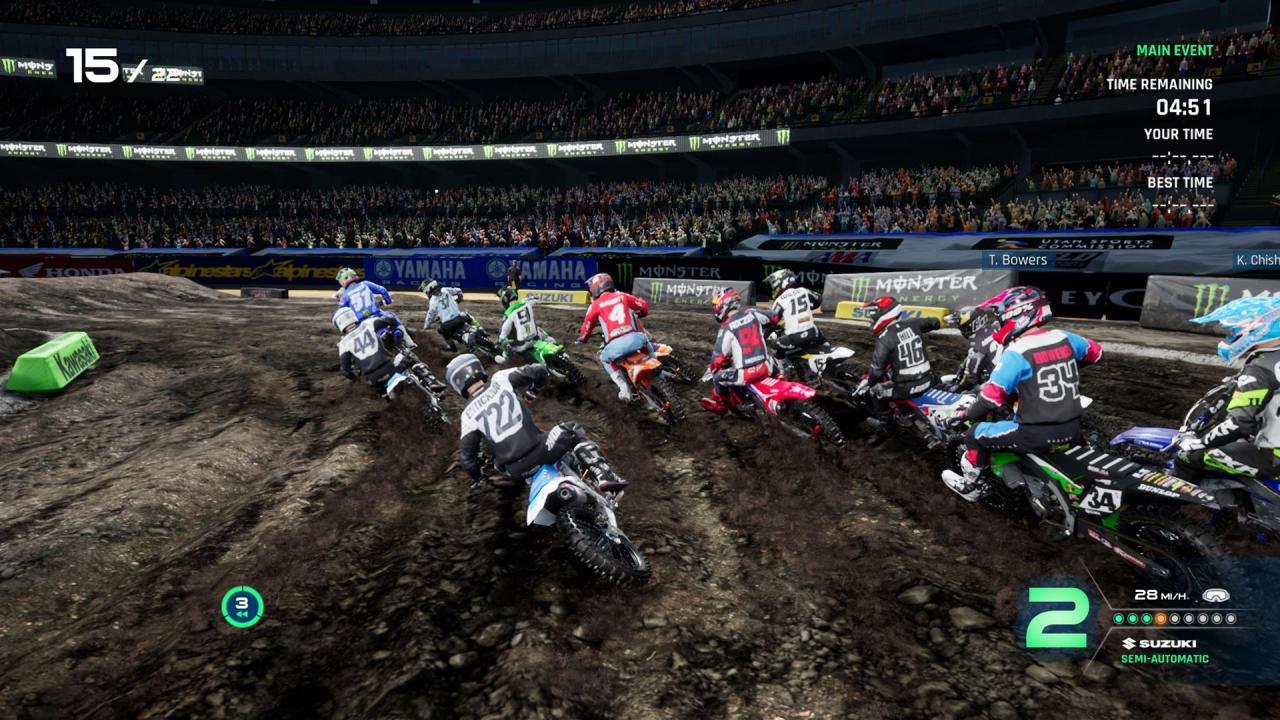
Explore, seek out new adventures, train, and challenge your friends in the new compound. Hurtle through fantastic island scenarios. Satisfy your desire for thrills! SUPER RIDERS, SUPER TRACKS Choose your favourite rider from an army of over 100 riders as you range over the 450SX and 250SX categories. Race in the 11 stadiums and on the 17 tracks of the season. FULL CUSTOMISATION Over 100 official brands for customising bikes and riders. Autograph your Supercross!

Monster Energy Supercross - The Official Videogame 4 screenshotMonster Energy Supercross - The Official Videogame 4 screenshotMonster Energy Supercross - The Official Videogame 4 screenshotMonster Energy Supercross - The Official Videogame 4 screenshot

How to redeem

  1. 1Check your Xbox One account and the listed region before purchasing.
  2. 2Find your code and supplier activation instructions in your confirmed order.
  3. 3Open the redeem-code section on Xbox One, enter the code and follow the platform’s prompts.

Supplier instructions

Go to: http://store.steampowered.com/ and download STEAM client Click "Install Steam" (from the upper right corner) Install and start application, login with your Account name and Password (create one if you don't have). Please follow these instructions to activate a new retail purchase on Steam: Launch Steam and log into your Steam account. Click the Games Menu. Choose Activate a Product on Steam... Follow the onscreen instructions to complete the process. After successful code verification go to the "MY GAMES" tab and start downloading.

You might also like