Get 10% back in Relic Coins on every order
Stellaris Console Edition - Expansion Pass One cover

PlayStation 4 Europe - All Countries· Key

Stellaris Console Edition - Expansion Pass One

€20.90

+€2.09 cashback eligibility in Relic Coins

Check before you play

Platform
PlayStation 4
Region
Europe - All Countries
Product type
Key
Developer
Paradox Development Studio
Publisher
Paradox Interactive
Supplier release date
2019-03-03
Genres
Strategy, Simulation

About this product

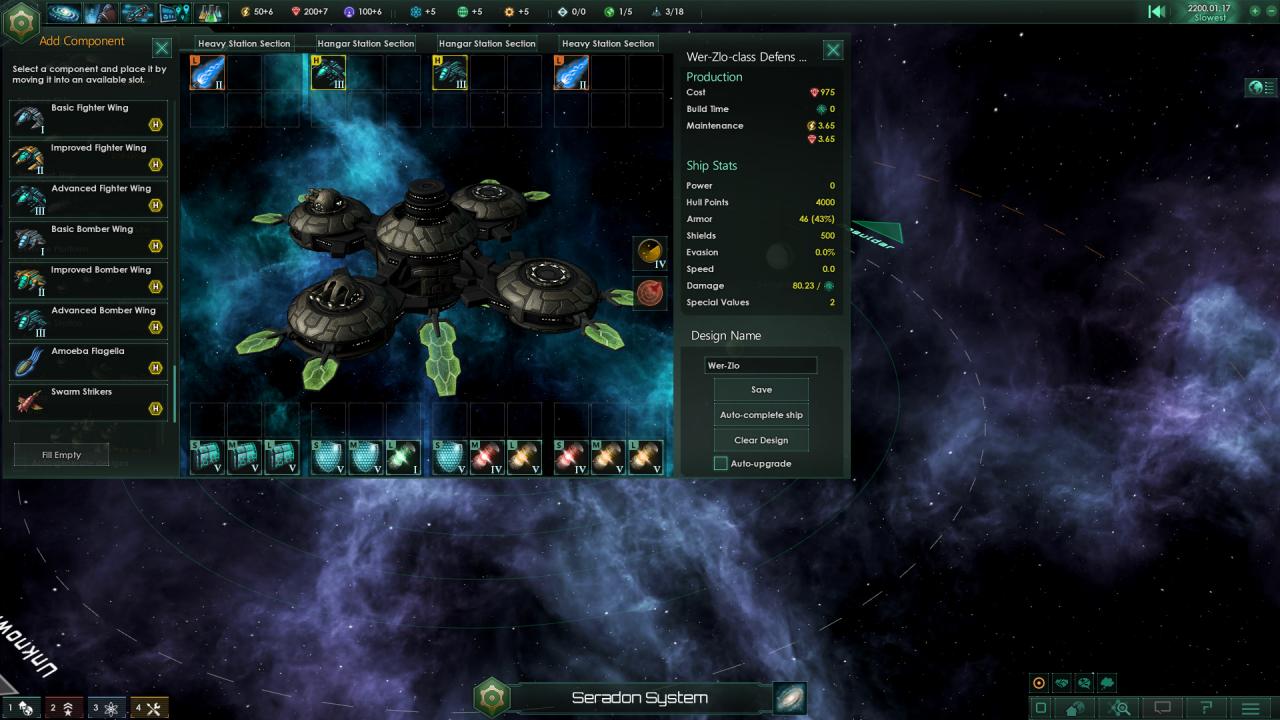
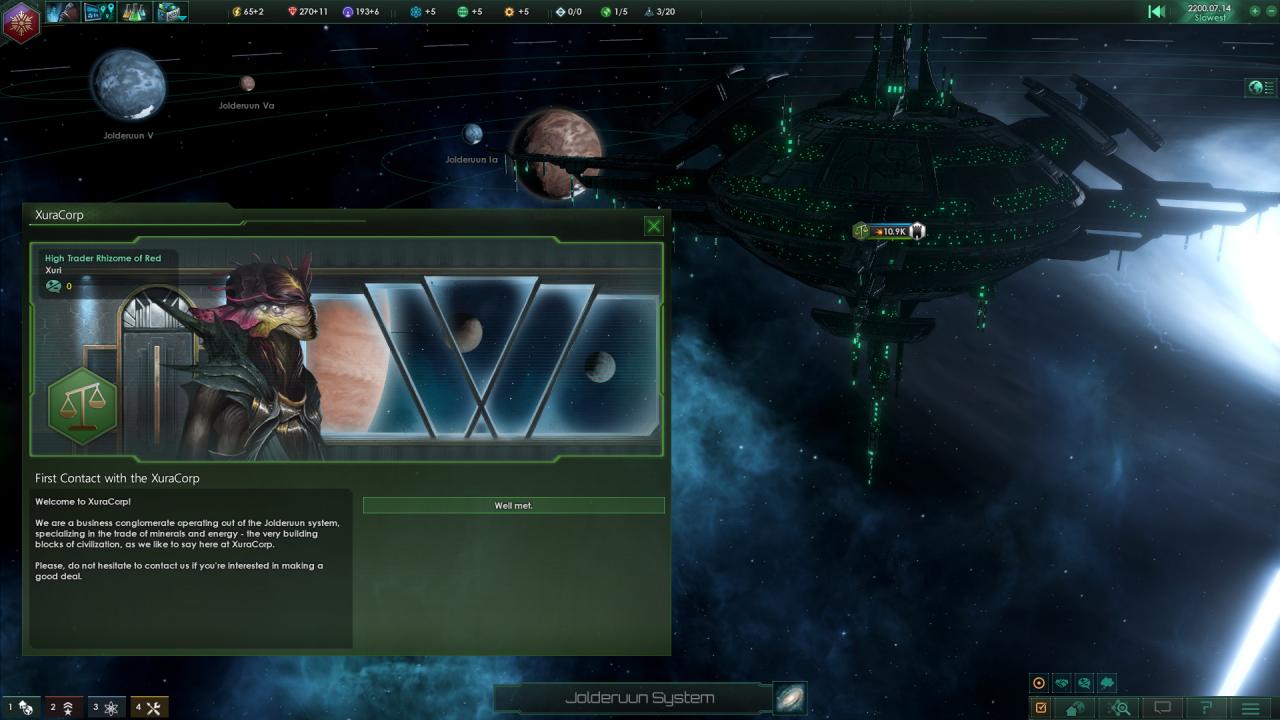
Includes: Plantoids Species Pack Leviathans Story Pack Utopia Expansion Featuring the same deep strategic gameplay, rich and diverse alien races and emergent storytelling, Stellaris: Console Edition puts the complexity of the galaxy at your thumbsticks. Whether you’re exploring the unknown, discovering the mysteries of the universe, or conquering it for the glory of your empire, console players have more inter-galactic strategy awaiting them than ever before.

Stellaris Console Edition - Expansion Pass One screenshotStellaris Console Edition - Expansion Pass One screenshotStellaris Console Edition - Expansion Pass One screenshotStellaris Console Edition - Expansion Pass One screenshotStellaris Console Edition - Expansion Pass One screenshotStellaris Console Edition - Expansion Pass One screenshot

How to redeem

  1. 1Check your PlayStation 4 account and the listed region before purchasing.
  2. 2Find your code and supplier activation instructions in your confirmed order.
  3. 3Open the redeem-code section on PlayStation 4, enter the code and follow the platform’s prompts.

Supplier instructions

In order to redeem Playstation Network Code please follow instruction below: Go to http://www.SonyEntertainmentNetwork.com Click "Manage Account" and sign in with your Sign-In ID(E-mail Address) and Password. Click on "Redeem Prepaid Card". Enter the code printed on the voucher or PlayStation Network Card and click "Continue". If the code is valid, you will be presented with a description of what the code will deliver to your account. Press "Redeem..." button to add the item or funds to your account.

You might also like