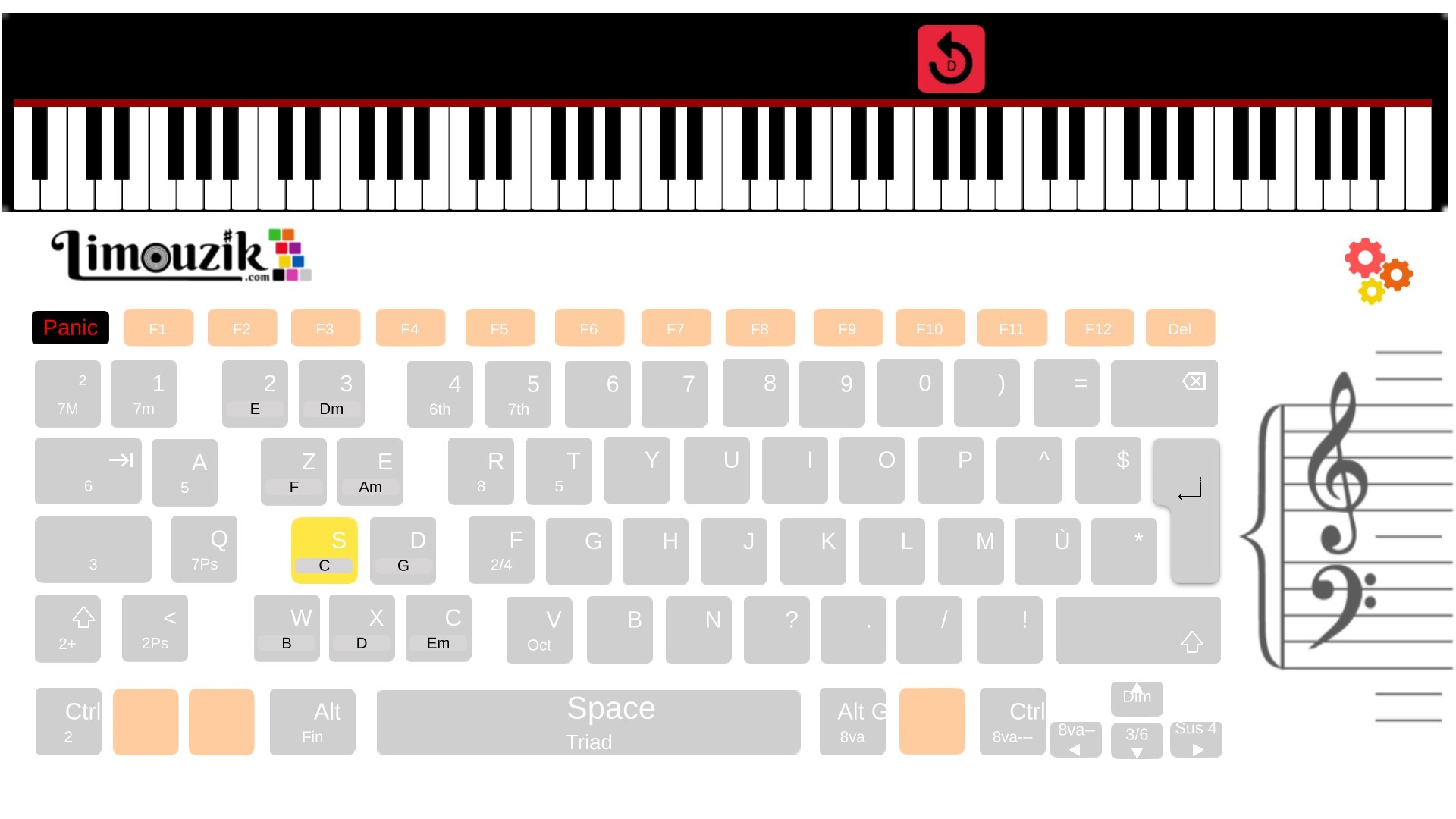
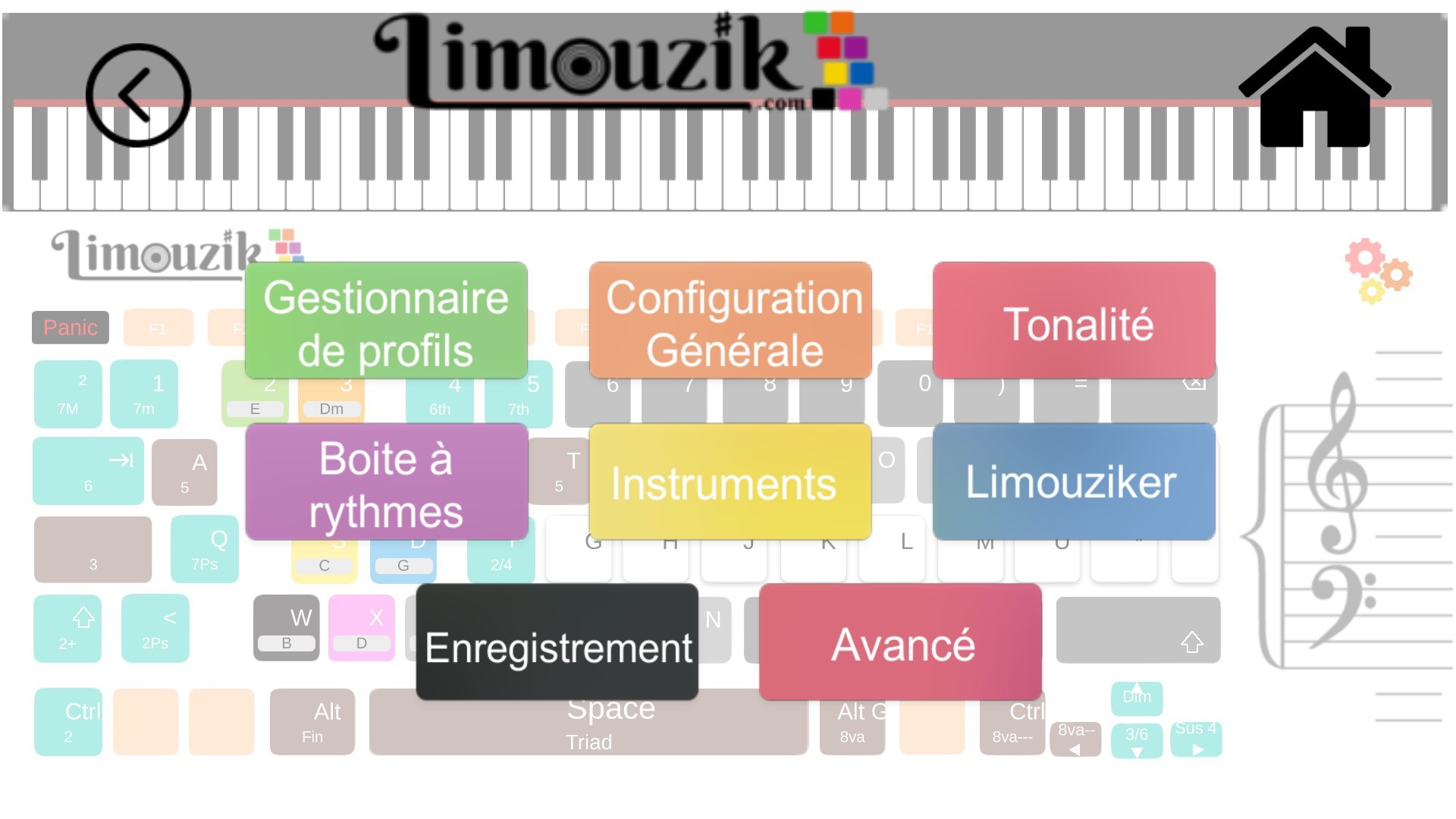
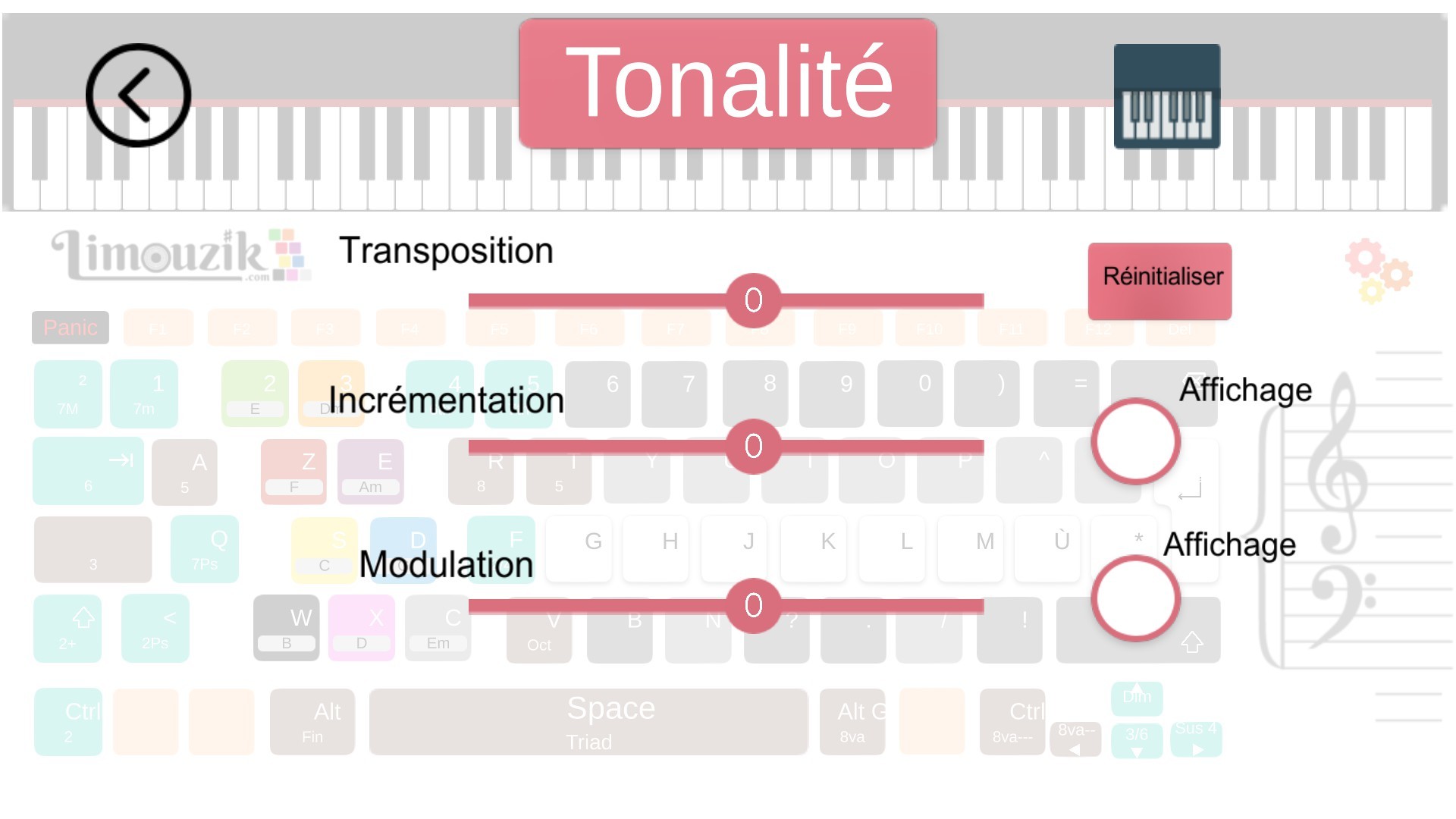
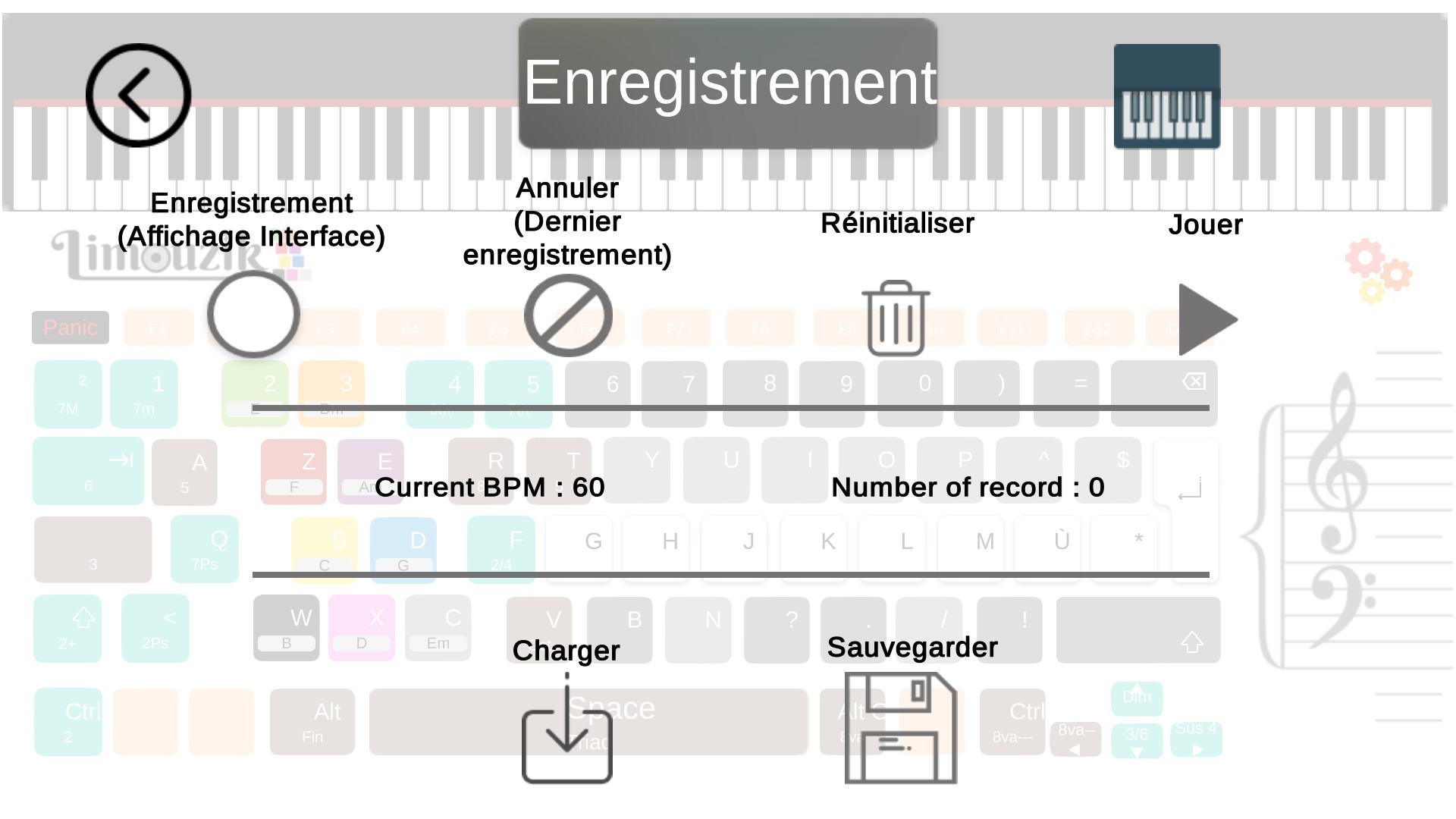
Limouzik is a software that transform your computer into a music instrument and makes you a musician.Limouzik is based on classical harmony and the relationship between chords of the same key (used in the famous 4 chords songs). Depending on the selected chord, the algorithm continuously recalculates the pitch of the notes of the other keys in order to always play correctly. The philosophy behind Limouzik is to make music creation accessible to as many people as possible. Without solfeggio or training, Limouzik allows to reproduce, as with a piano or a guitar, classical, folk, popular and variety. By grouping on the same key a complete chord of three notes, constantly recalculated by the algorithm, the user becomes almost instantly an instrumentalist able to play music as varied as Beethoven or the Beatles... Features Polyphonic live instrument 128 Midi instruments Midi Play harmonious pieces without knowledge of music theory nor musical practice! 2 mini games included: "Simons Says" and "Cursus", to familiarize yourself with the software and its concept. Record your songs, export them and share them with your family or via the Steam Workshop [will be included in a future update] Transposition of scores possible in all tones Converter: no need for solfeggio knowledge, Limouzik automatically generates everything according to the chord grid or the tablature of the piece you submit Virtual synthesizer compatible: use Garage Band or other virtual synthesizer sounds instead of those included by default with the software Beat Box included