Get 10% back in Relic Coins on every order
INSTANT Chef Party Switch cover

Nintendo Europe - All Countries· Key

INSTANT Chef Party Switch

€5.62

+€0.56 cashback eligibility in Relic Coins

Check before you play

Platform
Nintendo
Region
Europe - All Countries
Product type
Key
Developer
BreakFirst
Publisher
Just For Games
Supplier release date
2020-10-24
Genres
Casual

About this product

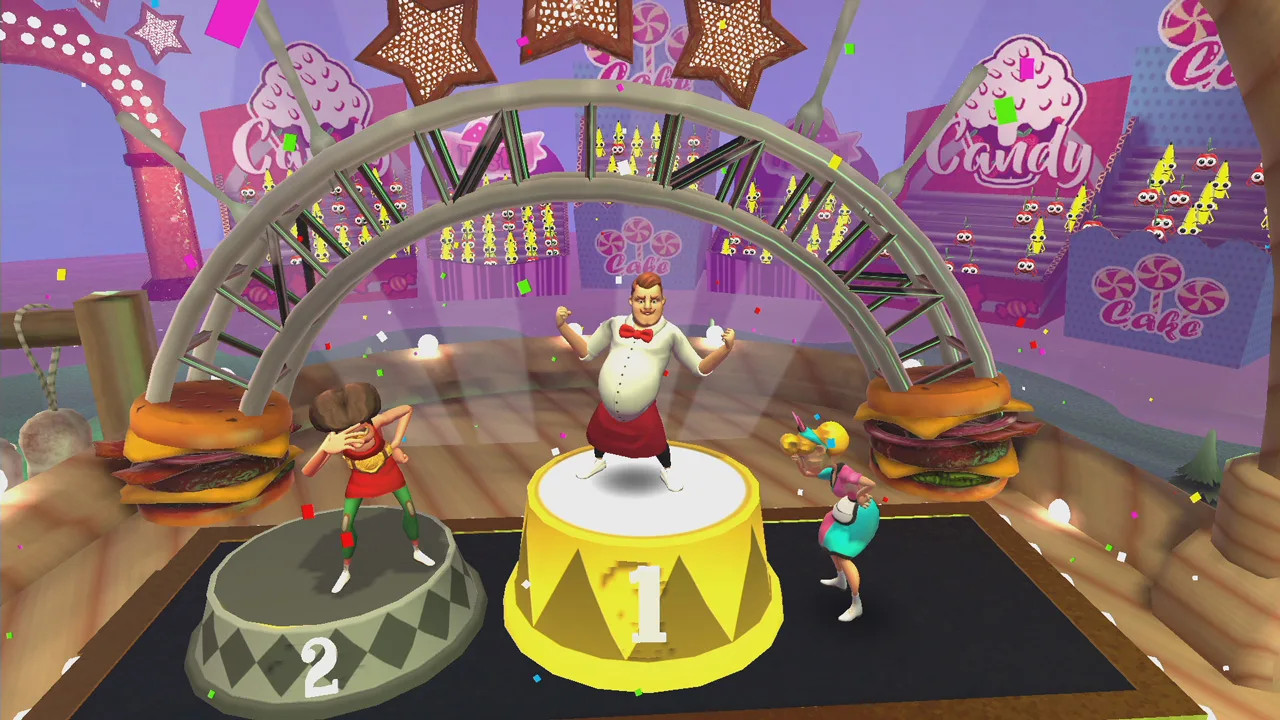
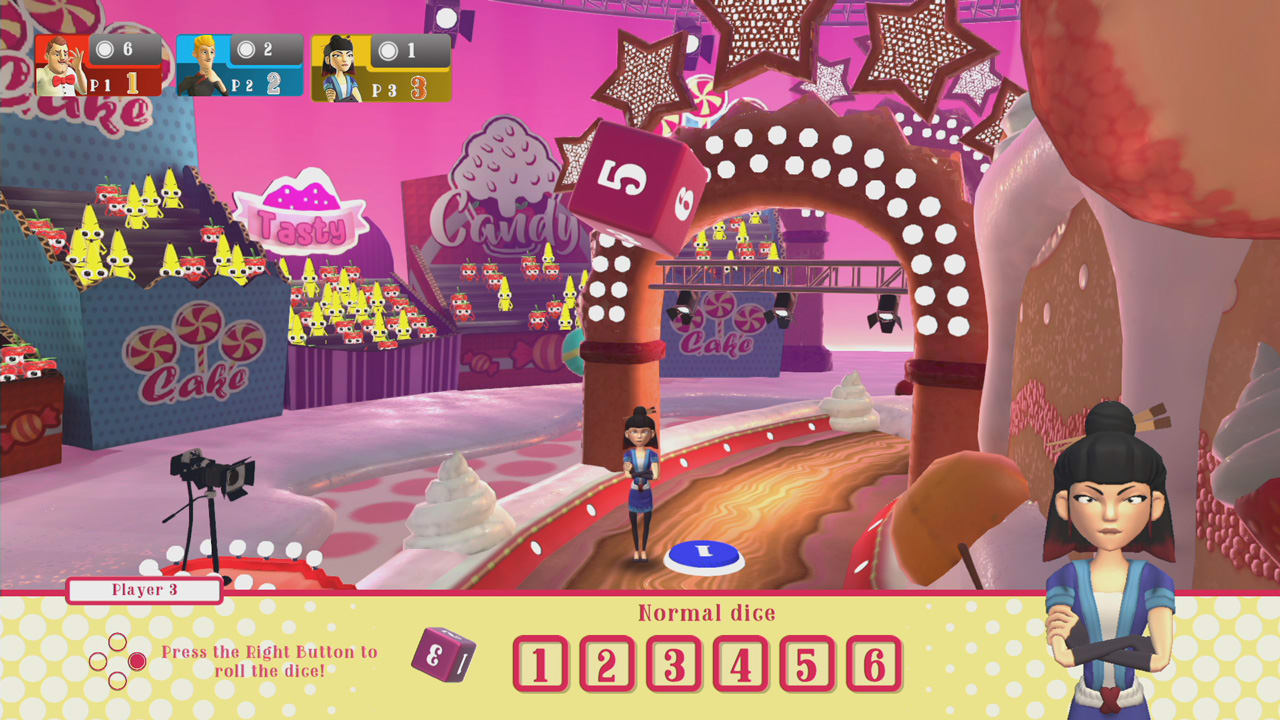
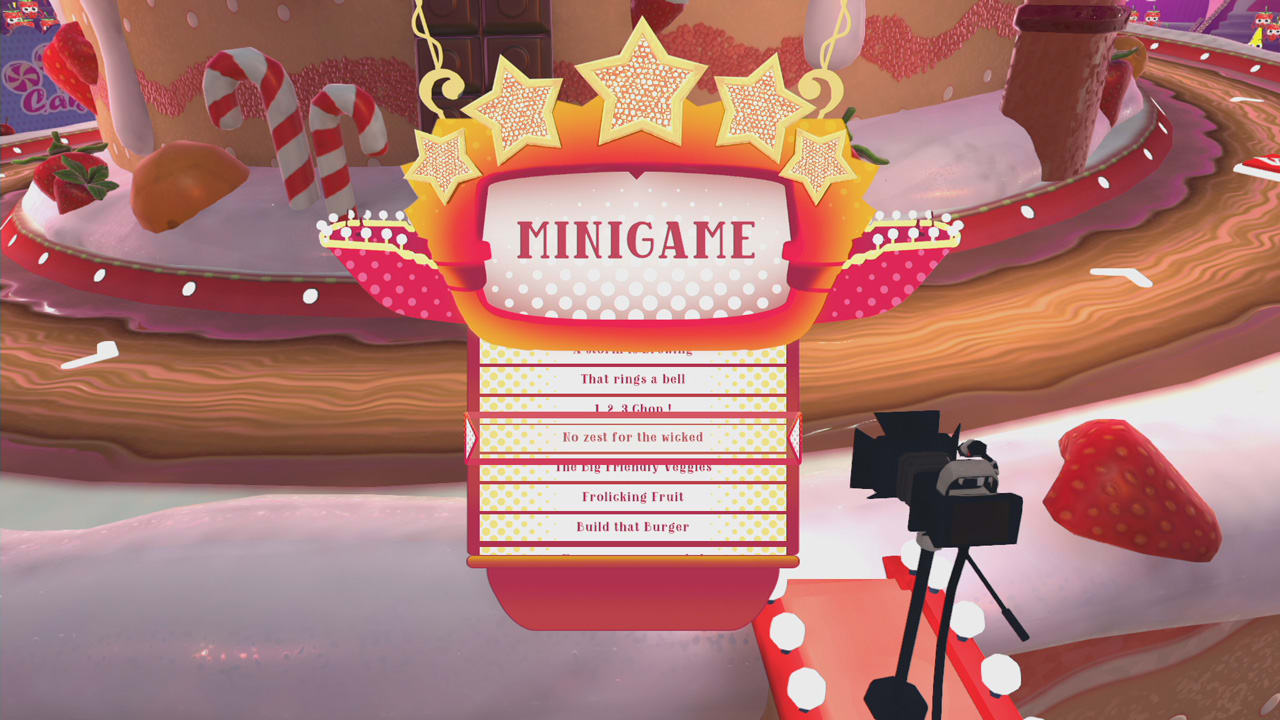
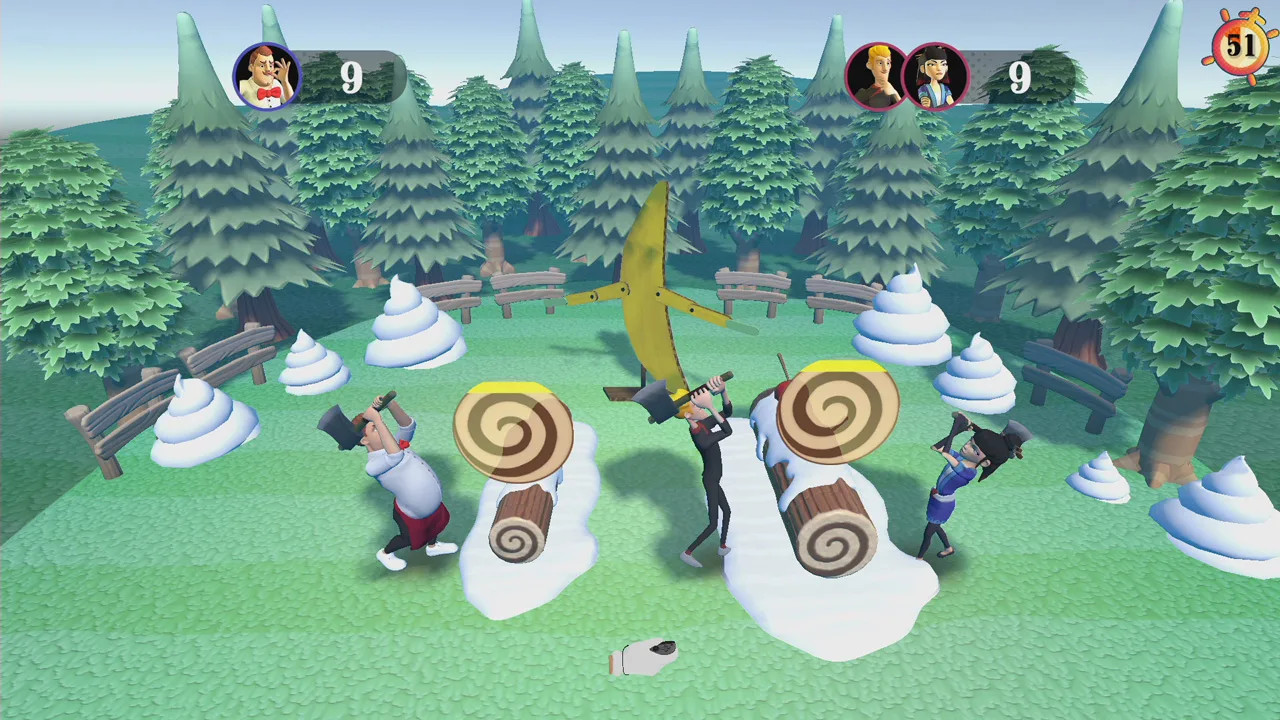
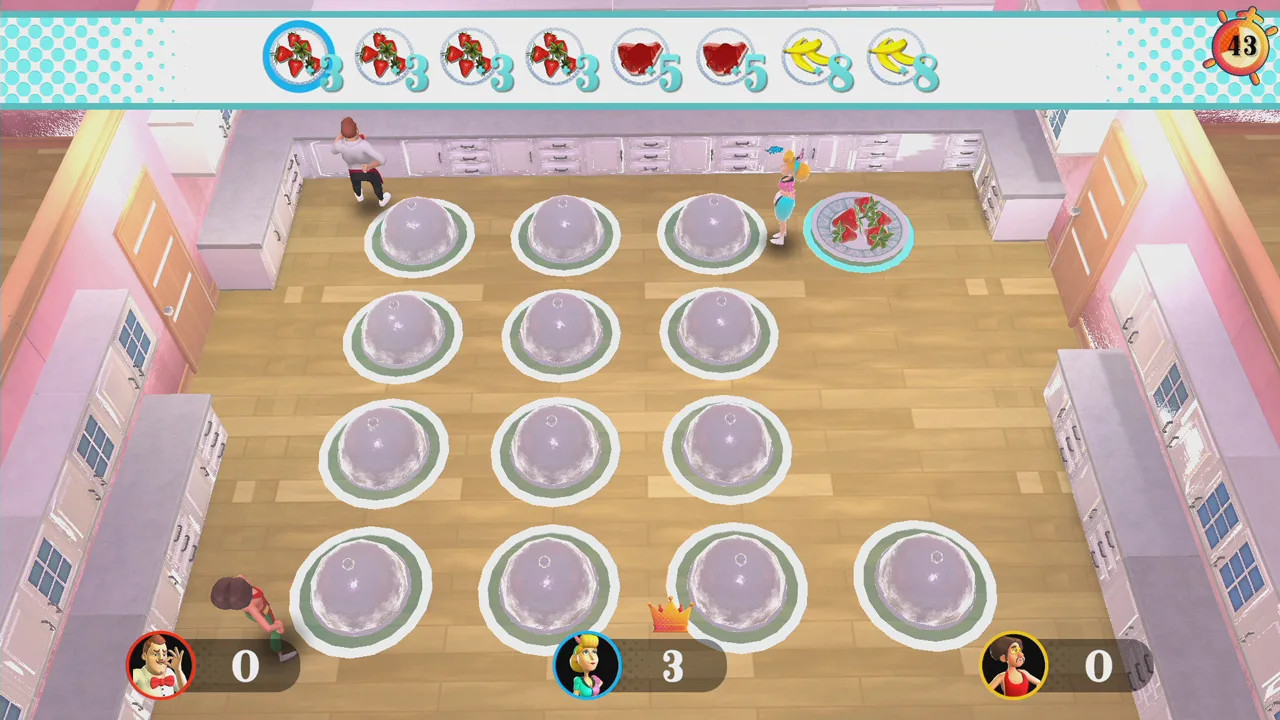
The first cooking party-game ! No matter if you like French, Italian or Mexican cuisine, cook your way up to the top! In INSTANT Chef Party, you will have to compete with up to 4 players in a series of mini-games themed around food and cook. Be ready to enjoy serving, cooking, harvesting, doing dish-washing and many more activities in coop or versus your friends & family! And guess what..? No cooking skills are required... except, maybe, for toasting marshmallows! Features Salty or Sweety? Choose between our 2 mouth-watering boards to start your gaming session ! Select your avatar among 6 budding cooks : Maï, Luc, Giovanni, Sidney, Pedro & Sarah ! And don’t let the chef’s hat impress you! Roll the - spicy, hopeless, salty, … - dices and move forward or…not! Our whimsical dices might provoke some unwanted reactions! Challenge up to 4 buddies in user-friendly and funny various mini-games thanks to the motion-gaming technology! "Chance" cards, “coop” or “one versus all” mode ... everything is here to spice up your game! Be the fastest, be the most skilful ... but to be the Star of our Show, you’ll have to finish first to our run, in INSTANT Chef Party!


INSTANT Chef Party Switch screenshotINSTANT Chef Party Switch screenshotINSTANT Chef Party Switch screenshotINSTANT Chef Party Switch screenshotINSTANT Chef Party Switch screenshot

How to redeem

  1. 1Check your Nintendo account and the listed region before purchasing.
  2. 2Find your code and supplier activation instructions in your confirmed order.
  3. 3Open the redeem-code section on Nintendo, enter the code and follow the platform’s prompts.

Supplier instructions

Select “Nintendo eShop” on the HOME Menu to launch the Nintendo eShop. Select the account you want to use. Select “Enter Code” on the left side of the screen. Enter the 16-character download code.Any letters and symbols not used with prepaid codes (i.e. O, I, Z, commas, hyphens, etc.) will be disabled from the on-screen keyboard. Select “Send” to confirm. The game will begin downloading once the code is confirmed.The game icon will appear on the HOME menu, with a download status bar. The status bar will disappear once the game download is complete.

You might also like