Get 10% back in Relic Coins on every order
Medieval: Total War Collection RU cover

SteamRussia· Key

Medieval: Total War Collection RU

€3.12

+€0.31 cashback eligibility in Relic Coins

Check before you play

Platform
Steam
Region
Russia
Product type
Key
Developer
Creative Assembly
Publisher
SEGA
Supplier release date
2002-08-20
Genres
Action, Strategy

About this product

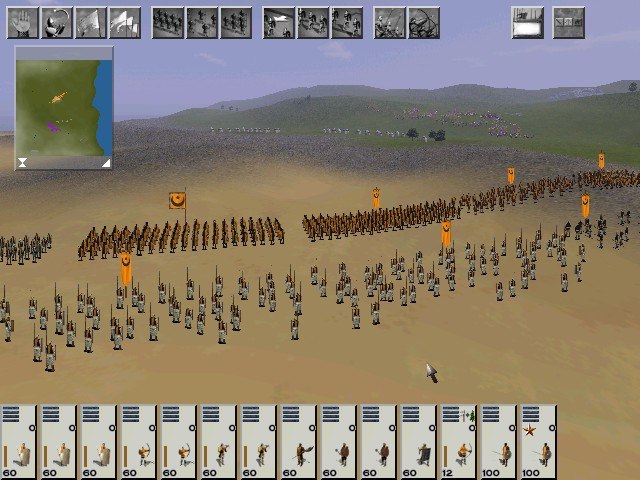
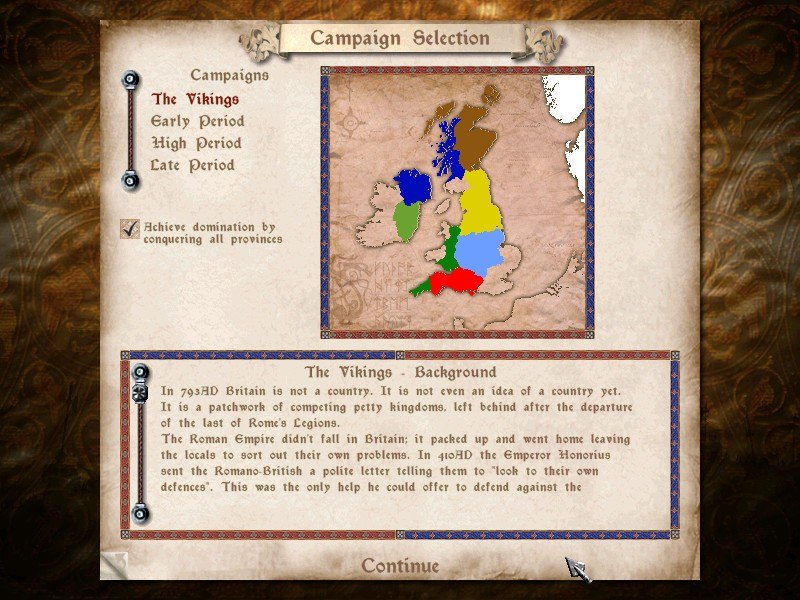
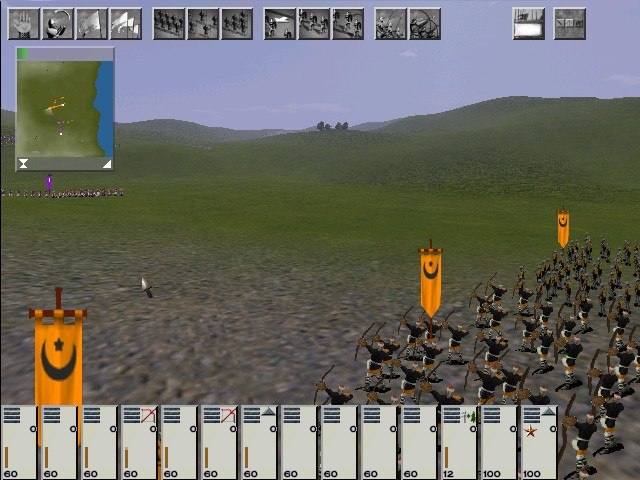
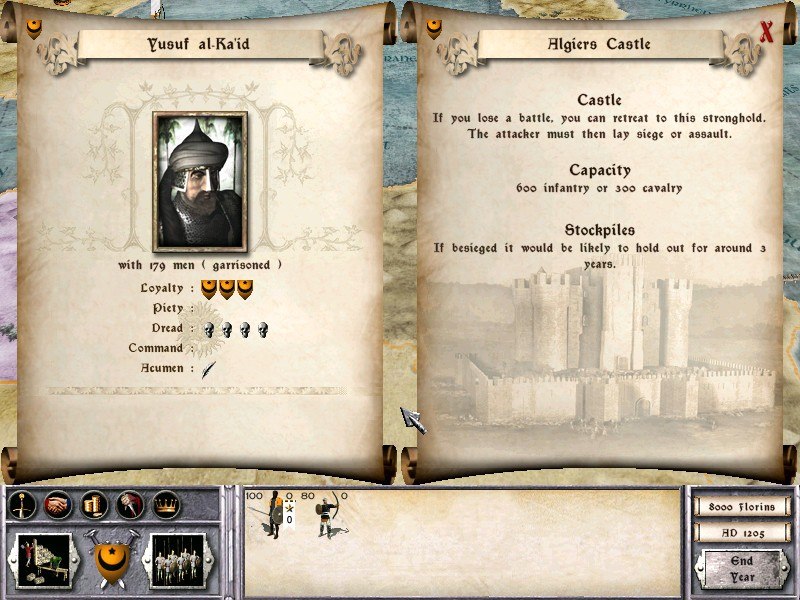
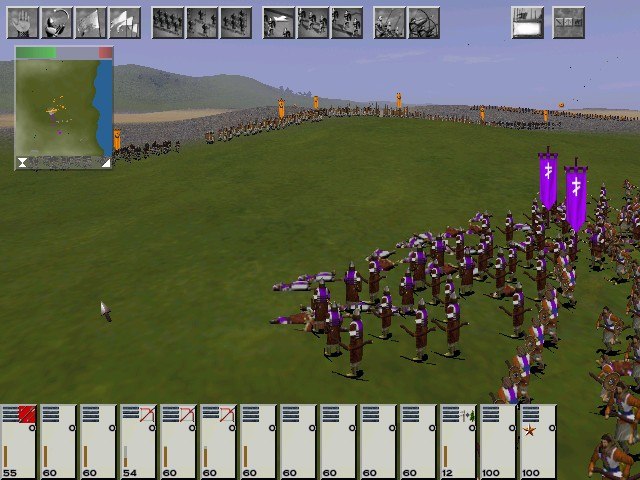
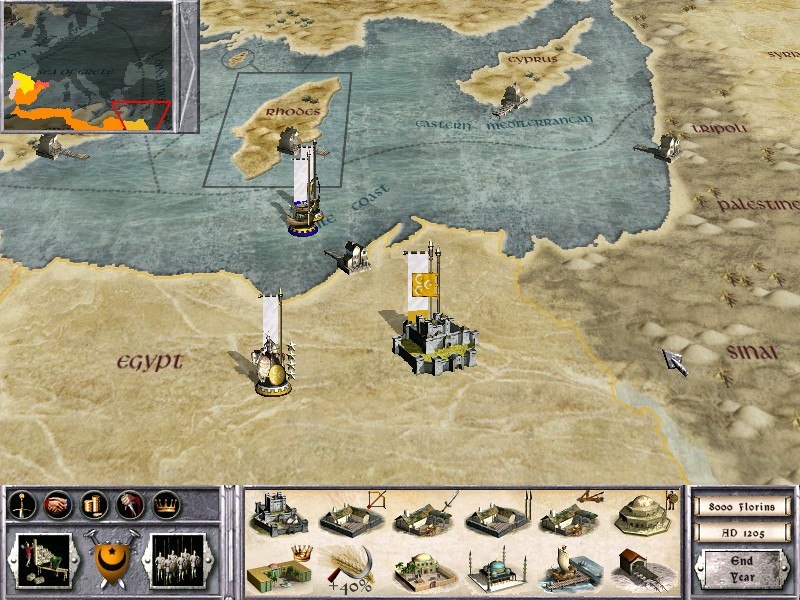
MEDIEVAL: Total War - Collection Edition is the compilation of the critically-acclaimed Medieval: Total War and its official expansion pack - Viking Invasion Medieval: Total WarFrom the lush grasslands of Western Europe to the arid deserts of Northern Africa, and from the first Crusade to the fall of Constantinople, wage total war in order to expand your influence and secure your reign as you build a dynastic empire to stretch across four centuries. Recruit and deploy armies, besiege settlements, fight naval battles and employ agents such as emissaries, spies and assassins to aid with diplomacy, offer alliances or bribes, or execute more clandestine actions. A dramatic period of rebellion, civil war, and the birthing of nations provides the backdrop to your own scheme for ultimate power. Carve a niche for yourself through the crucible of battle and become the statesman and king the era demands. Medieval: Total War - Viking Invasion Set upon an extended map of the British Isles and western Scandinavia and taking place from 793 to 1066, Viking Invasion allows the player to assume the role of leader of the Viking faction as they raid, loot and pillage their way to supremacy. Alternatively the player may take control of early Anglo-Saxon factions, such as Wessex and Mercia, with the aim of repelling the Viking invasion and ultimately controlling the British Isles in its entirety.

Medieval: Total War Collection RU screenshotMedieval: Total War Collection RU screenshotMedieval: Total War Collection RU screenshotMedieval: Total War Collection RU screenshotMedieval: Total War Collection RU screenshotMedieval: Total War Collection RU screenshot

How to redeem

  1. 1Check your Steam account and the listed region before purchasing.
  2. 2Find your code and supplier activation instructions in your confirmed order.
  3. 3Open the redeem-code section on Steam, enter the code and follow the platform’s prompts.

Supplier instructions

Go to: http://store.steampowered.com/ and download STEAM client Click "Install Steam" (from the upper right corner) Install and start application, login with your Account name and Password (create one if you don't have). Please follow these instructions to activate a new retail purchase on Steam: Launch Steam and log into your Steam account. Click the Games Menu. Choose Activate a Product on Steam... Follow the onscreen instructions to complete the process. After successful code verification go to the "MY GAMES" tab and start downloading.

You might also like