Get 10% back in Relic Coins on every order
Depth Hunter 2: Deep Dive cover

SteamGlobal· Key

Depth Hunter 2: Deep Dive

€1.59

+€0.16 cashback eligibility in Relic Coins

Check before you play

Platform
Steam
Region
Global
Product type
Key
Developer
Biart
Publisher
Lace Mamba Global
Supplier release date
2014-04-20
Genres
Action, Sport, Simulation, Indie

About this product

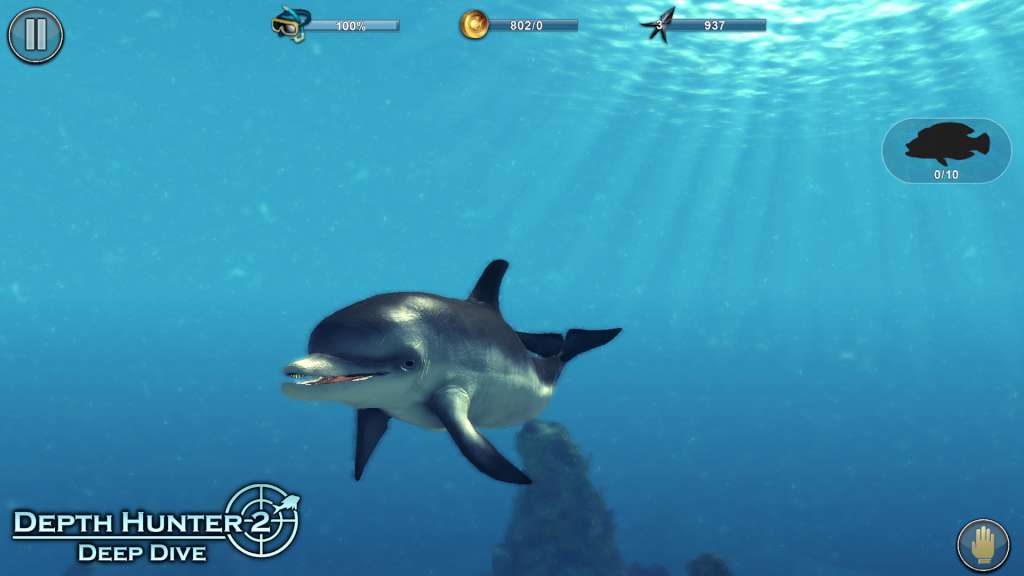
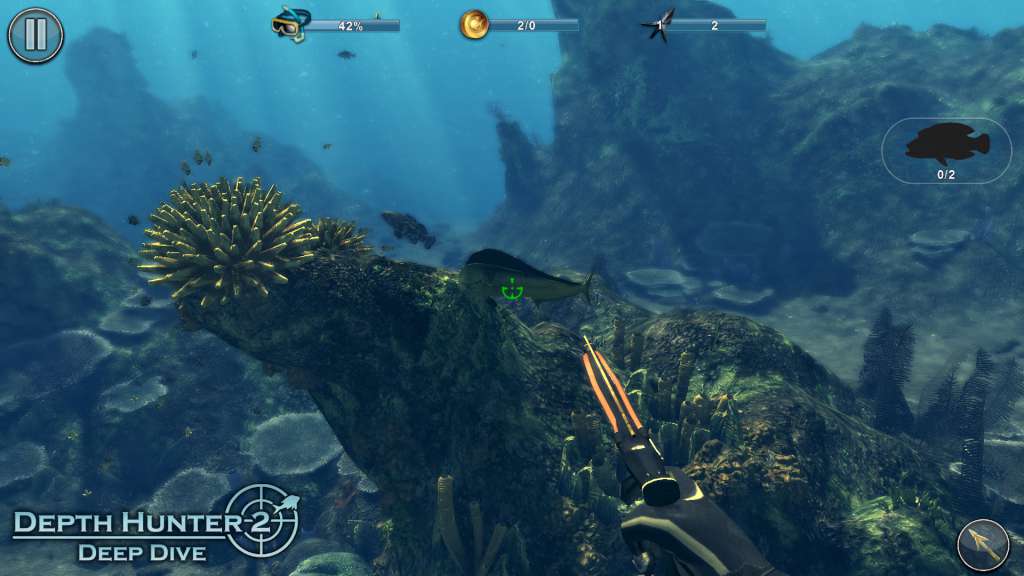
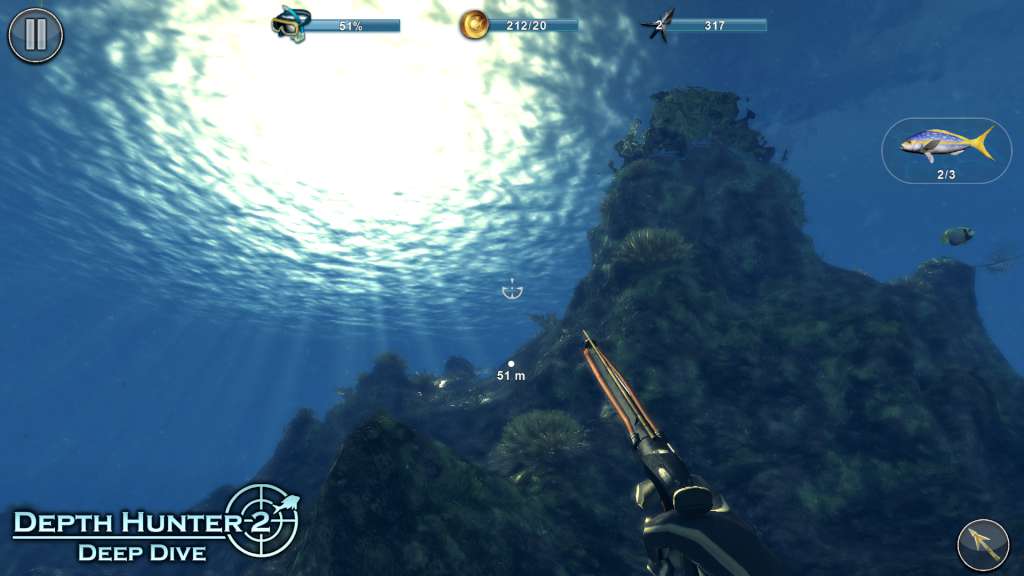
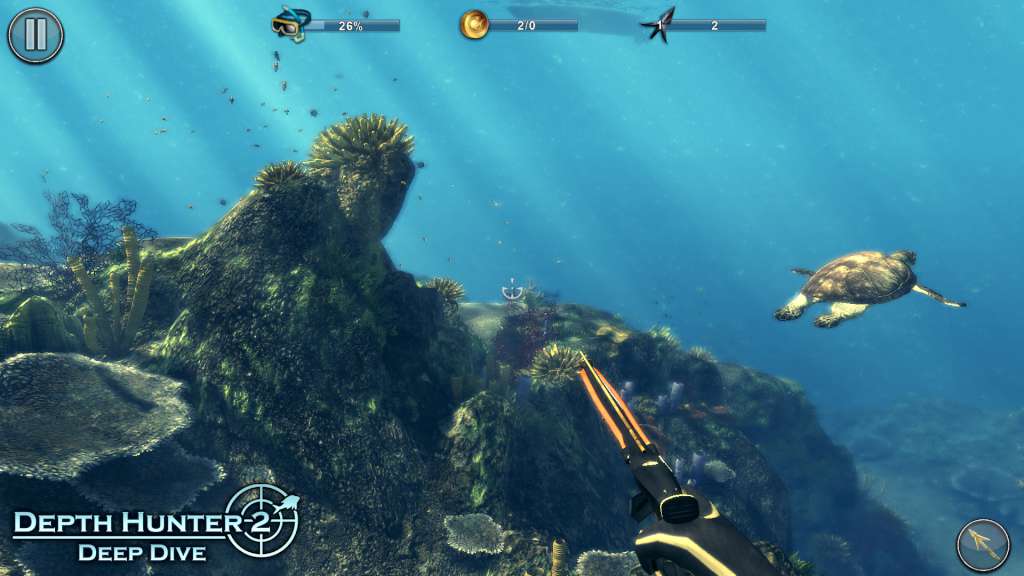
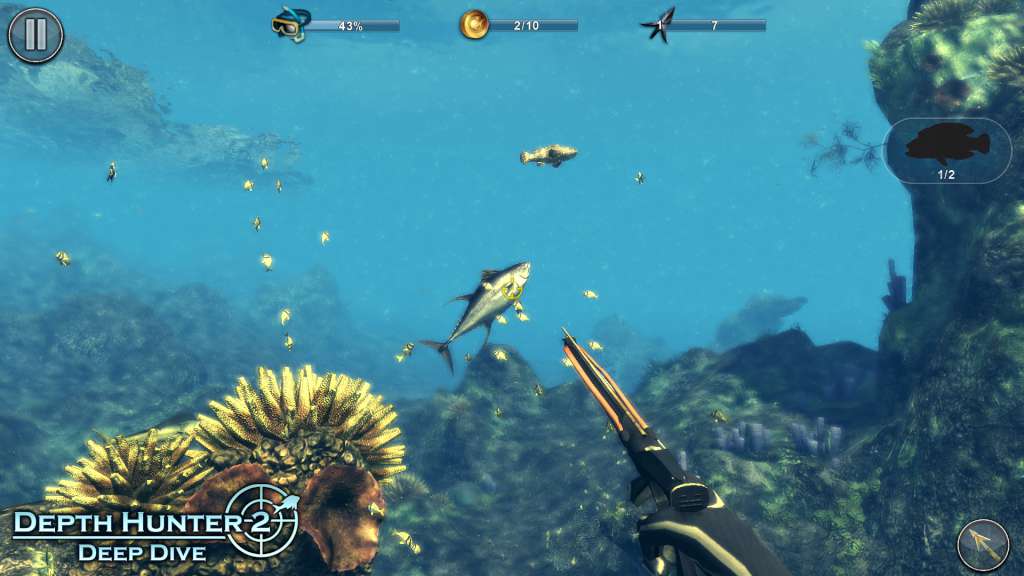
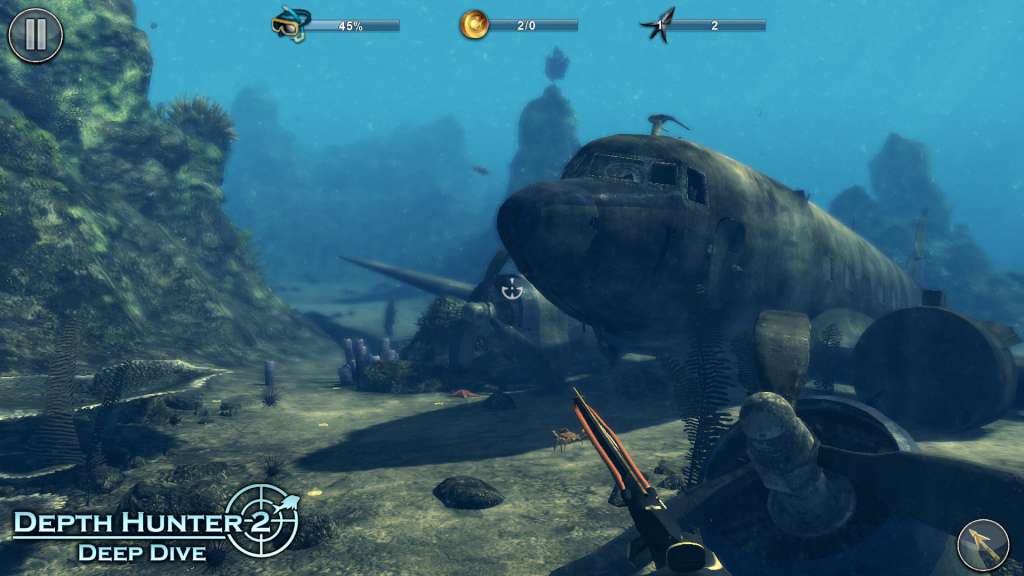
Depth Hunter 2 offers 25 exciting missions in 3 huge locations around the world. Players will hunt different fish species and face the difficulties of breath-holding spearfishing, an ancient fishing method. Players will also have to find treasures and get the possibility to take underwater photos to capture the beauty of the simulated, detailed and lively underwater worlds they’re exploring also in a exploration mode. Spearfishing and Underwater Hunting are ancient fishing and hunting methods, used to catch fish by using a mechanical harpoon. Today, spearfishing is a sports activity in many countries around the world, especially in the UK, around the Mediterranean Sea and in South America. Spearfishers hunt while diving apnea, holding their breath, so have to coordinate their energy carefully while monitoring their prey, especially in tactically challenging hunting situations.

Depth Hunter 2: Deep Dive screenshotDepth Hunter 2: Deep Dive screenshotDepth Hunter 2: Deep Dive screenshotDepth Hunter 2: Deep Dive screenshotDepth Hunter 2: Deep Dive screenshotDepth Hunter 2: Deep Dive screenshot

How to redeem

  1. 1Check your Steam account and the listed region before purchasing.
  2. 2Find your code and supplier activation instructions in your confirmed order.
  3. 3Open the redeem-code section on Steam, enter the code and follow the platform’s prompts.

Supplier instructions

Go to: http://store.steampowered.com/ and download STEAM client Click "Install Steam" (from the upper right corner) Install and start application, login with your Account name and Password (create one if you don't have). Please follow these instructions to activate a new retail purchase on Steam: Launch Steam and log into your Steam account. Click the Games Menu. Choose Activate a Product on Steam... Follow the onscreen instructions to complete the process. After successful code verification go to the "MY GAMES" tab and start downloading.

You might also like