Get 10% back in Relic Coins on every order
Europa Universalis IV - Mare Nostrum Content Pack cover

Steam Europe - All Countries· Key

Europa Universalis IV - Mare Nostrum Content Pack

€1.80

+€0.18 cashback eligibility in Relic Coins

Check before you play

Platform
Steam
Region
Europe - All Countries
Product type
Key
Developer
Paradox Development Studio
Publisher
Paradox Interactive
Supplier release date
2016-04-05
Genres
Adventure, Strategy, Simulation, Casual, Story rich

About this product

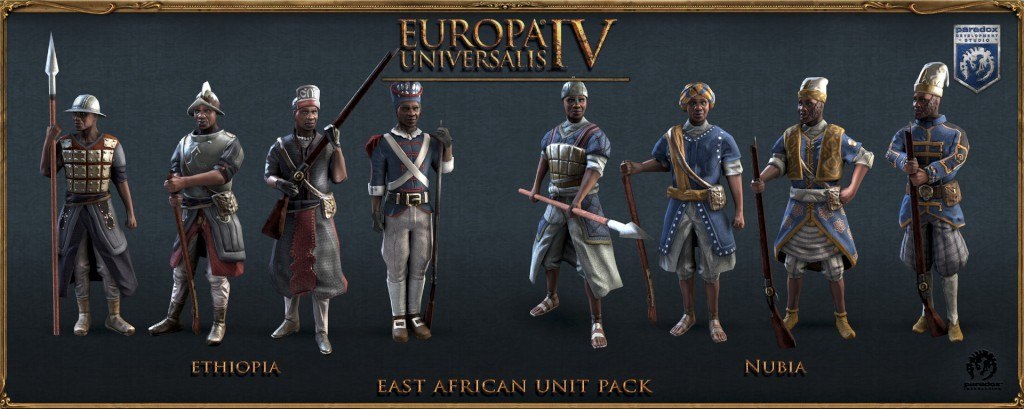
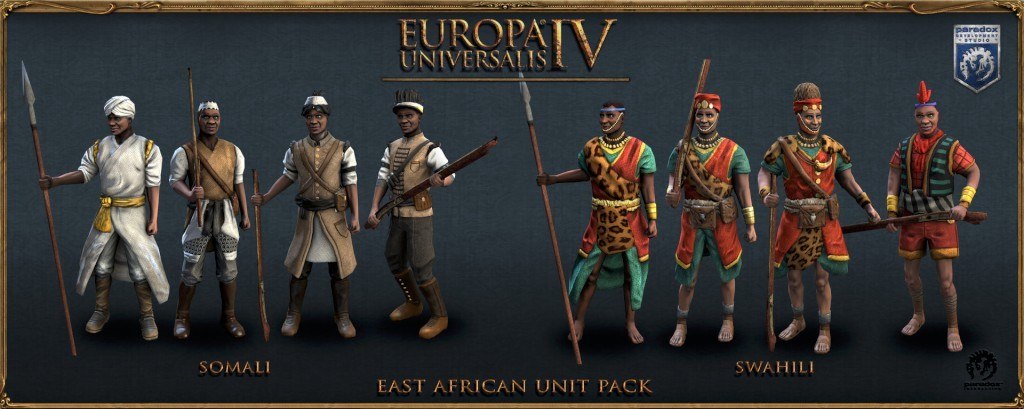
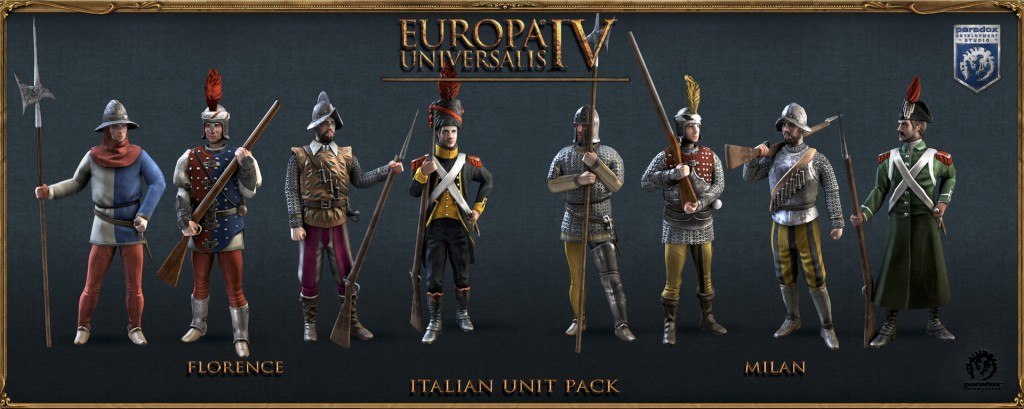
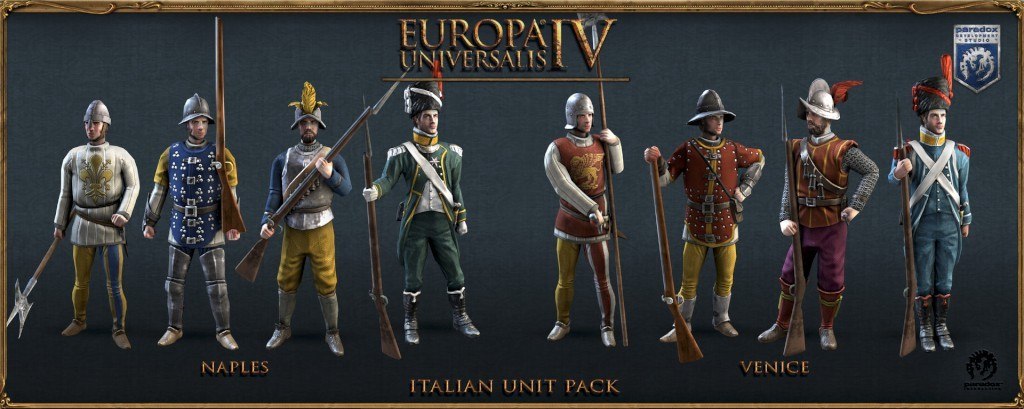
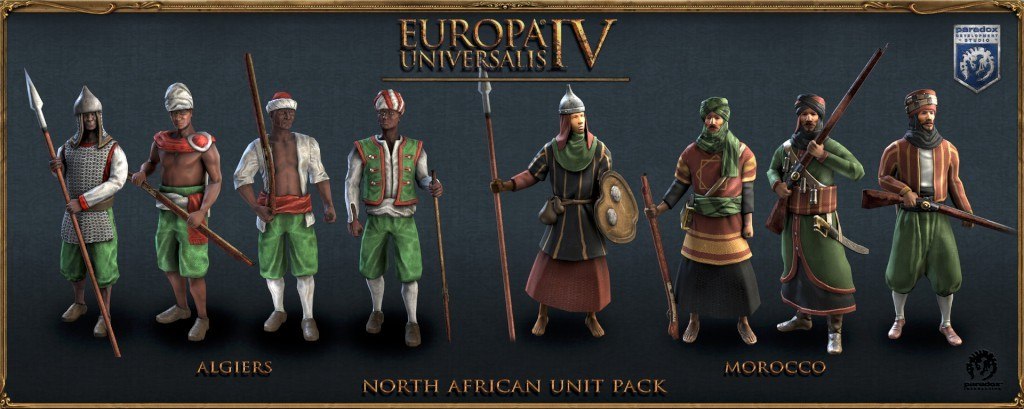
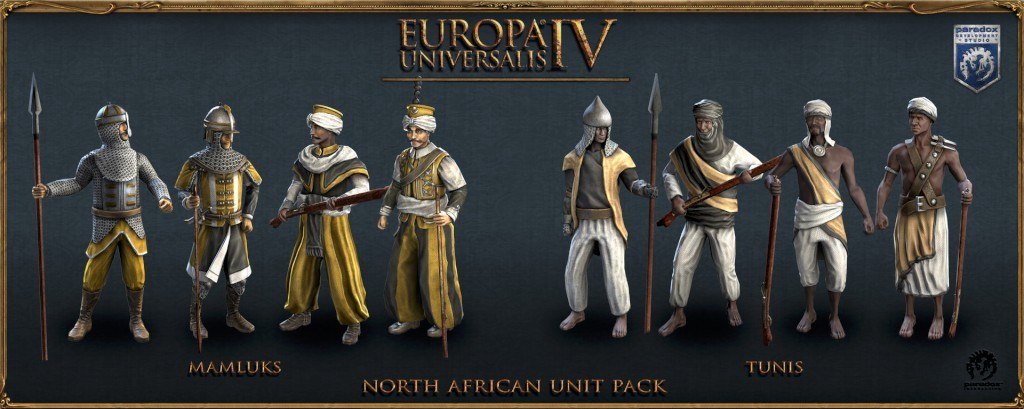
Enhance your Europa Universalis IV experience with new unit designs for armies of the Mediterranean and East Africa! After all, when the pageant of history unfolds on your computer screen, it’s important to be up to date with the latest fashions. Overrun your enemies while kitted out in the hottest new battle tunics! Features Italian Unit Pack: Four historical infantry designs for each of the major Italian powers – Venice, Milan, Naples and Florence/Tuscany (16 in total) North African Unit Pack: Four historical infantry designs for each of the lands of sand – Mamluks, Tunis, Morocco, and Algeria/Tlemcen (16 in total) East African Unit Pack: Four historical infantry designs for each of the major powers around the horn – Ethiopia, Nubia, Swahili and Somali (16 in total)

Europa Universalis IV - Mare Nostrum Content Pack screenshotEuropa Universalis IV - Mare Nostrum Content Pack screenshotEuropa Universalis IV - Mare Nostrum Content Pack screenshotEuropa Universalis IV - Mare Nostrum Content Pack screenshotEuropa Universalis IV - Mare Nostrum Content Pack screenshotEuropa Universalis IV - Mare Nostrum Content Pack screenshot

How to redeem

  1. 1Check your Steam account and the listed region before purchasing.
  2. 2Find your code and supplier activation instructions in your confirmed order.
  3. 3Open the redeem-code section on Steam, enter the code and follow the platform’s prompts.

Supplier instructions

Go to: http://store.steampowered.com/ and download STEAM client Click "Install Steam" (from the upper right corner) Install and start application, login with your Account name and Password (create one if you don't have). Please follow these instructions to activate a new retail purchase on Steam: Launch Steam and log into your Steam account. Click the Games Menu. Choose Activate a Product on Steam... Follow the onscreen instructions to complete the process. After successful code verification go to the "MY GAMES" tab and start downloading.

You might also like