Get 10% back in Relic Coins on every order
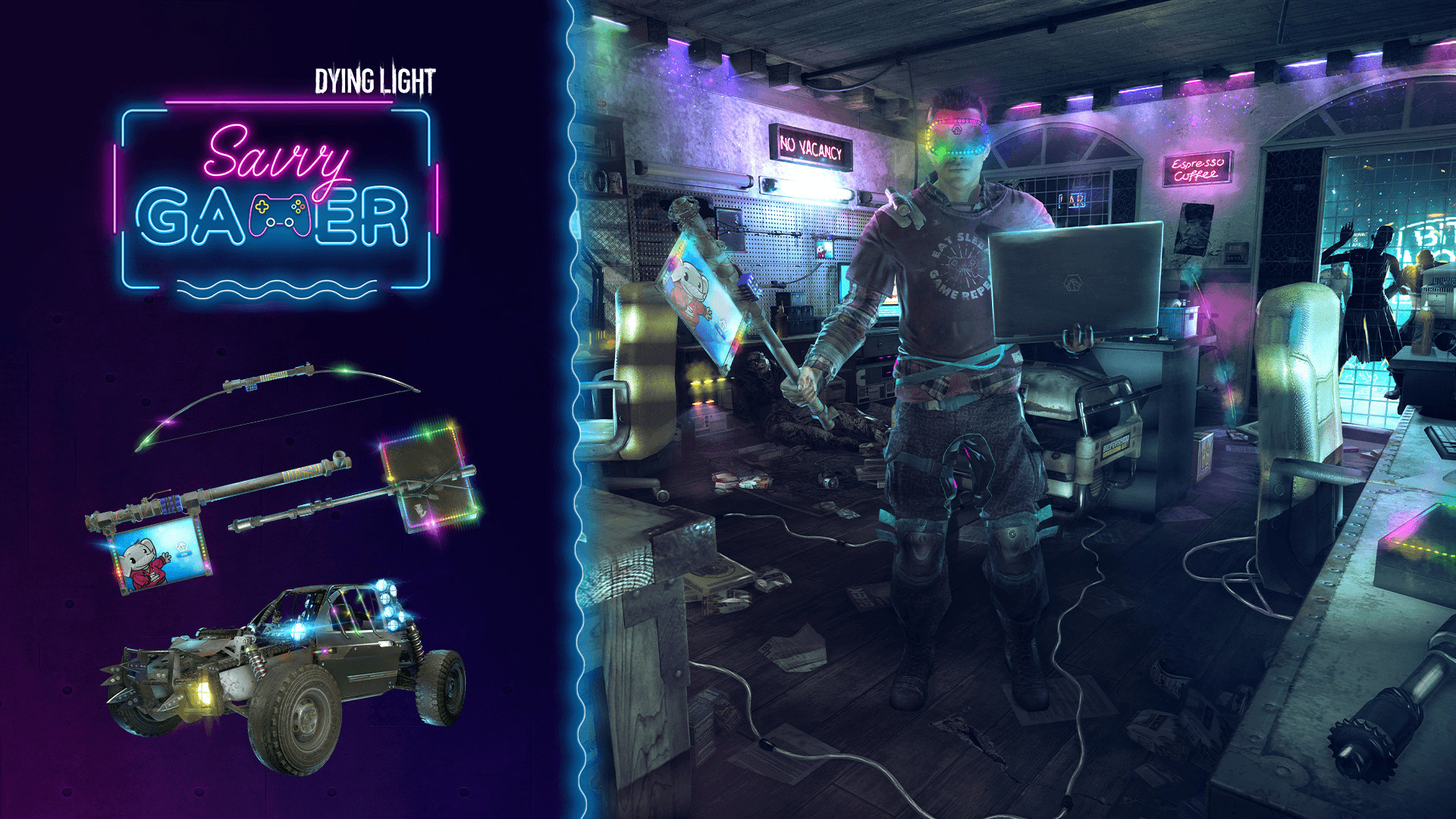
Dying Light - Savvy Gamer Bundle DLC cover

SteamGlobal· DLC

Dying Light - Savvy Gamer Bundle DLC

€0.69

+€0.07 cashback eligibility in Relic Coins

Check before you play

Platform
Steam
Region
Global
Product type
DLC

Check the required base game and edition before purchasing this add-on.

Developer
Techland
Publisher
Techland
Supplier release date
2021-06-24
Genres
Action, RPG

About this product

Now, it’s time to show the infected your new gear! Chain at least three hits with the new one-handed axe—RGB AXE-Pad—to apply shock damage! Or, if you’d rather use something heavier, smash them with the Next-Gen Maul hammer. Use a charged attack to let its power flow through the circuit and shock your enemies. But sometimes it’s better not to come too close, and for that, you’ve got the LED Meta Bow. It glows, it shoots, and, most importantly, it keeps you away from the bloodthirsty monsters! But let’s not forget about the pinnacle of your crafting skills! Some extra lights here and there, just a little bit of polishing, and your buggy has turned into this cool 4wheelz ride! So, jump right into it, put on your 1337 G4m3R VR headset (Careful! It might affect your vision!) and let’s get out of this mess!The bundle contains: Outfit—1337 G4m3R Buggy skin—4wheelz One-handed axe—RGB AXE-Pad: Applies shock after the third consecutive hit Hammer—Next-Gen Maul: Applies shock damage on charged attacks LED Meta Bow

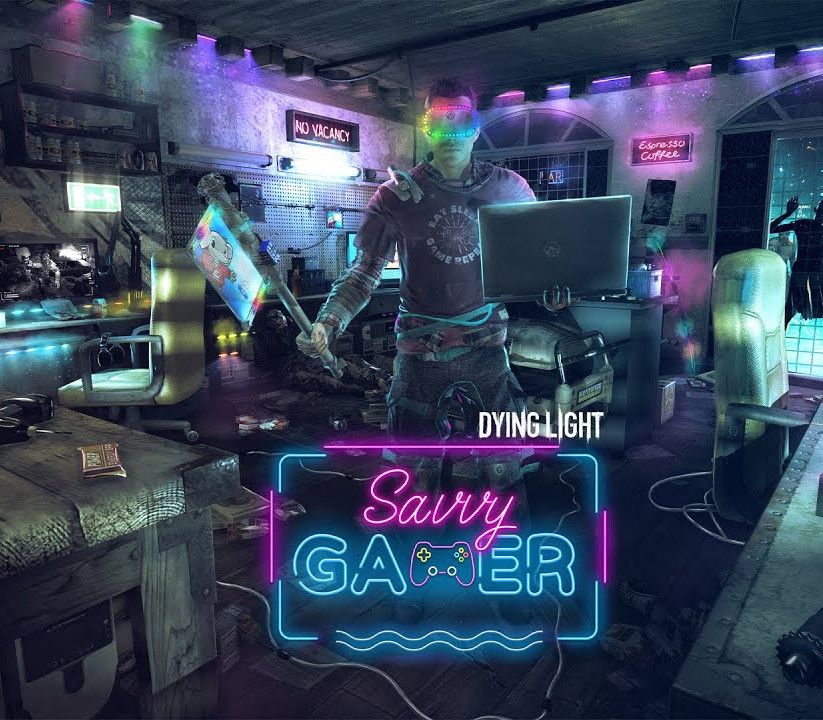
Dying Light - Savvy Gamer Bundle DLC screenshot

How to redeem

  1. 1Check the required base game, platform and edition before purchasing.
  2. 2Find the code or supplier activation instructions in your confirmed order.
  3. 3Redeem on Steam using the supplied instructions, then install the add-on with the compatible base game.

Supplier instructions

Go to: http://store.steampowered.com/ and download STEAM client Click "Install Steam" (from the upper right corner) Install and start application, login with your Account name and Password (create one if you don't have). Please follow these instructions to activate a new retail purchase on Steam: Launch Steam and log into your Steam account. Click the Games Menu. Choose Activate a Product on Steam... Follow the onscreen instructions to complete the process. After successful code verification go to the "LIBRARY" tab and start downloading.

You might also like