
SteamGlobal· Key
Makross
€30.03
+€3.00 cashback eligibility in Relic Coins
Check before you play
- Platform
- Steam
- Region
- Global
- Product type
- Key
- Developer
- Rule of Fun
- Publisher
- Rule of Fun
- Supplier release date
- 2019-08-30
- Genres
- Software
SteamGlobal· Key
€30.03
+€3.00 cashback eligibility in Relic Coins
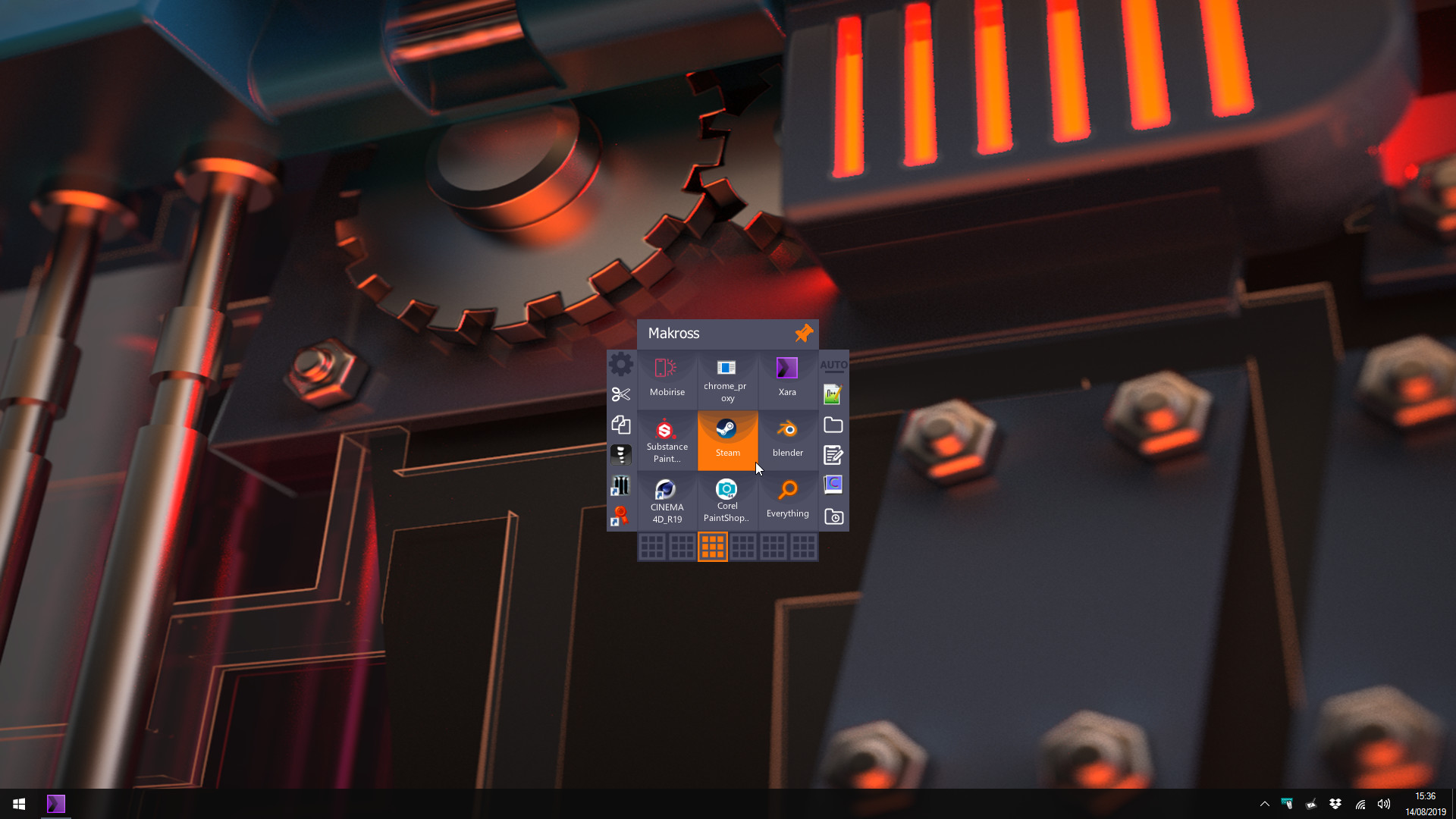
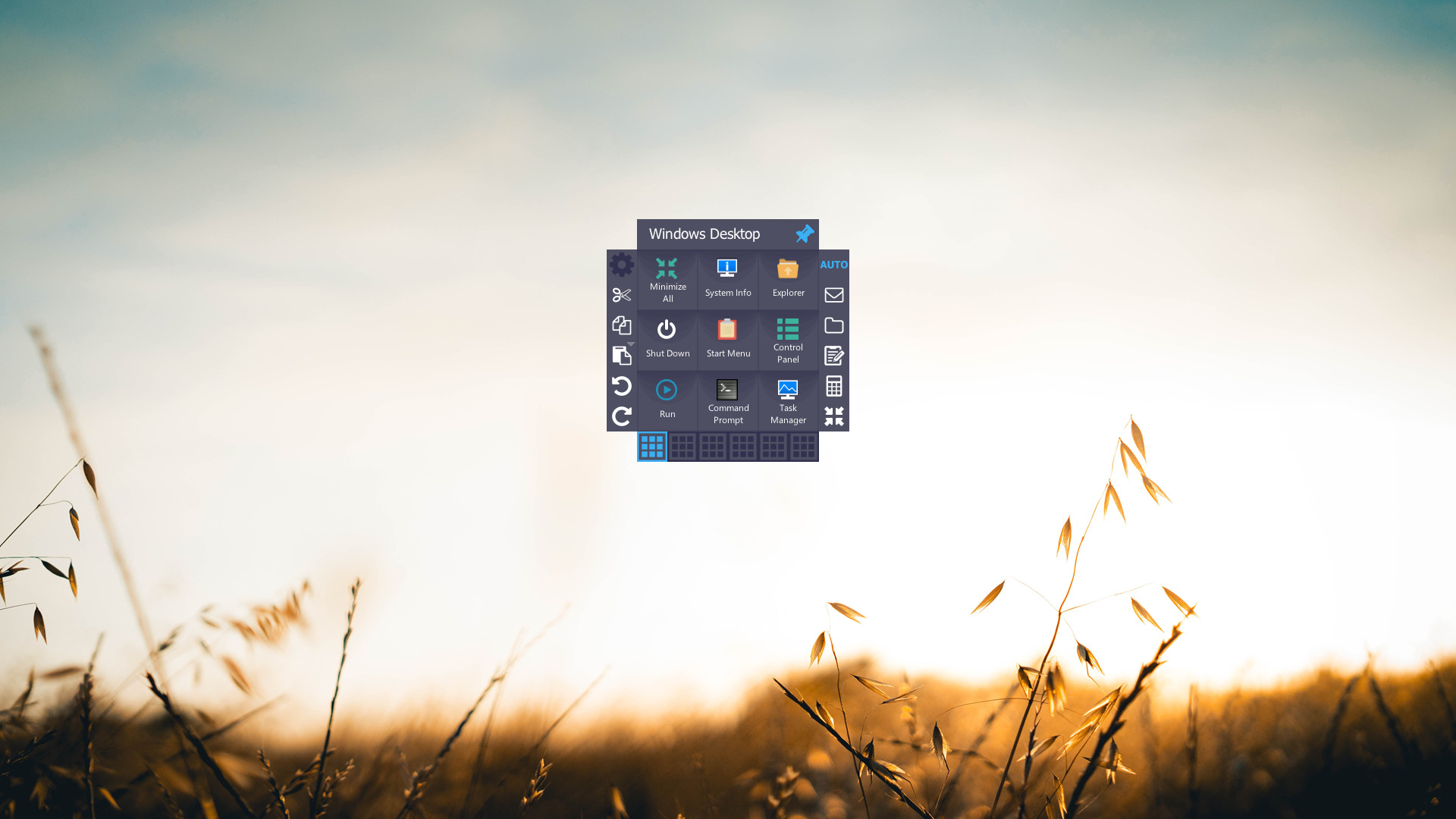
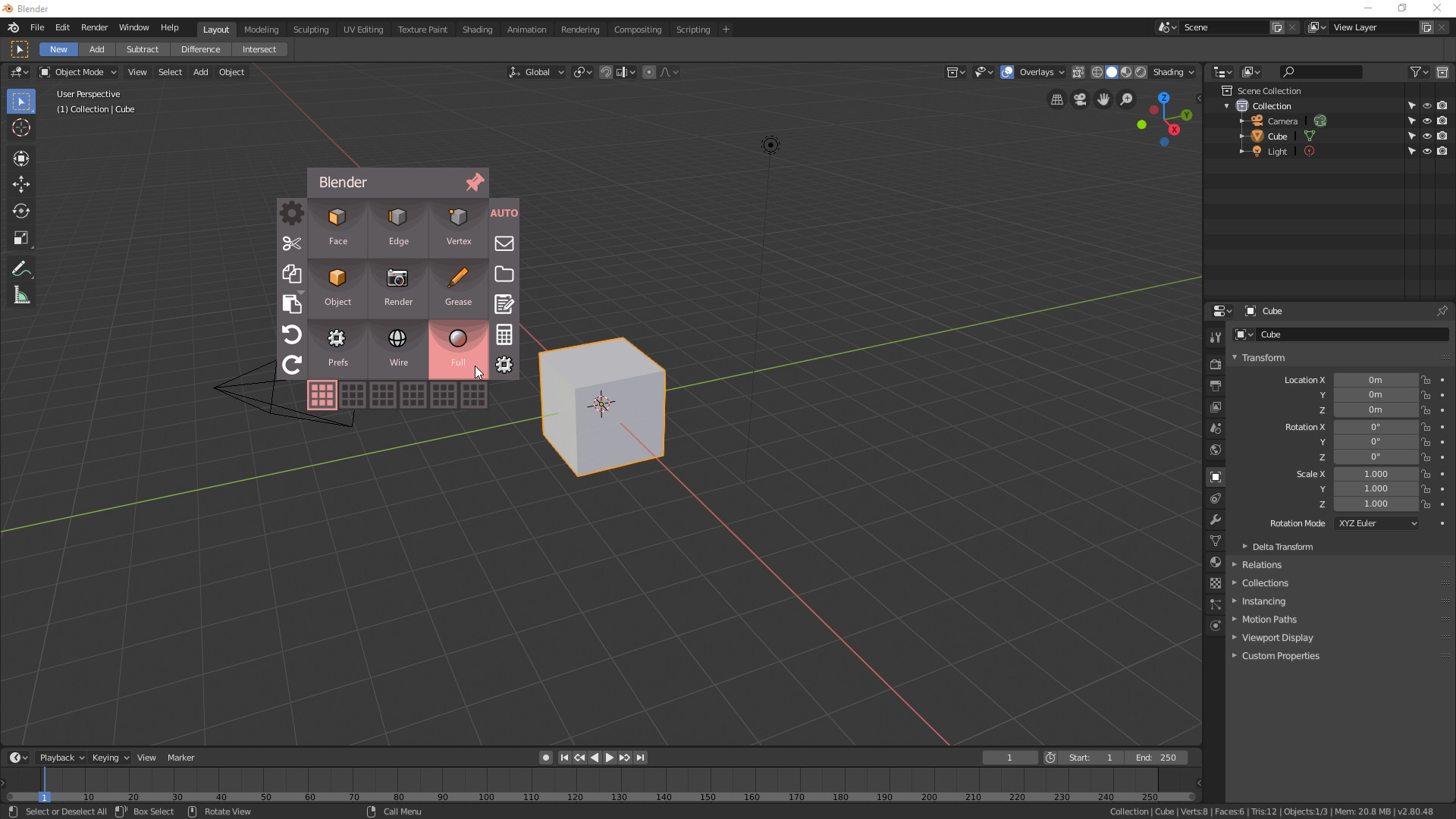
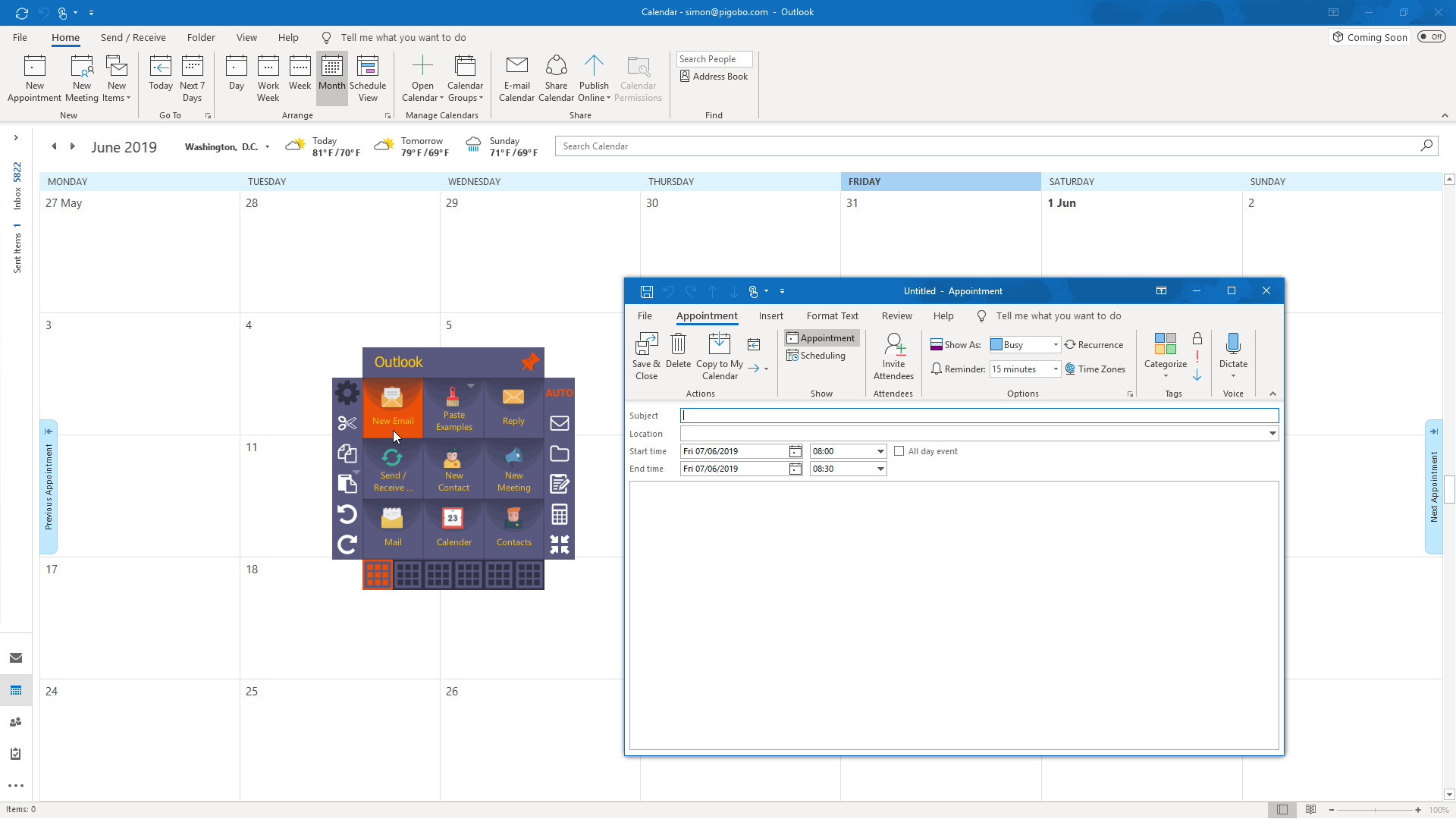
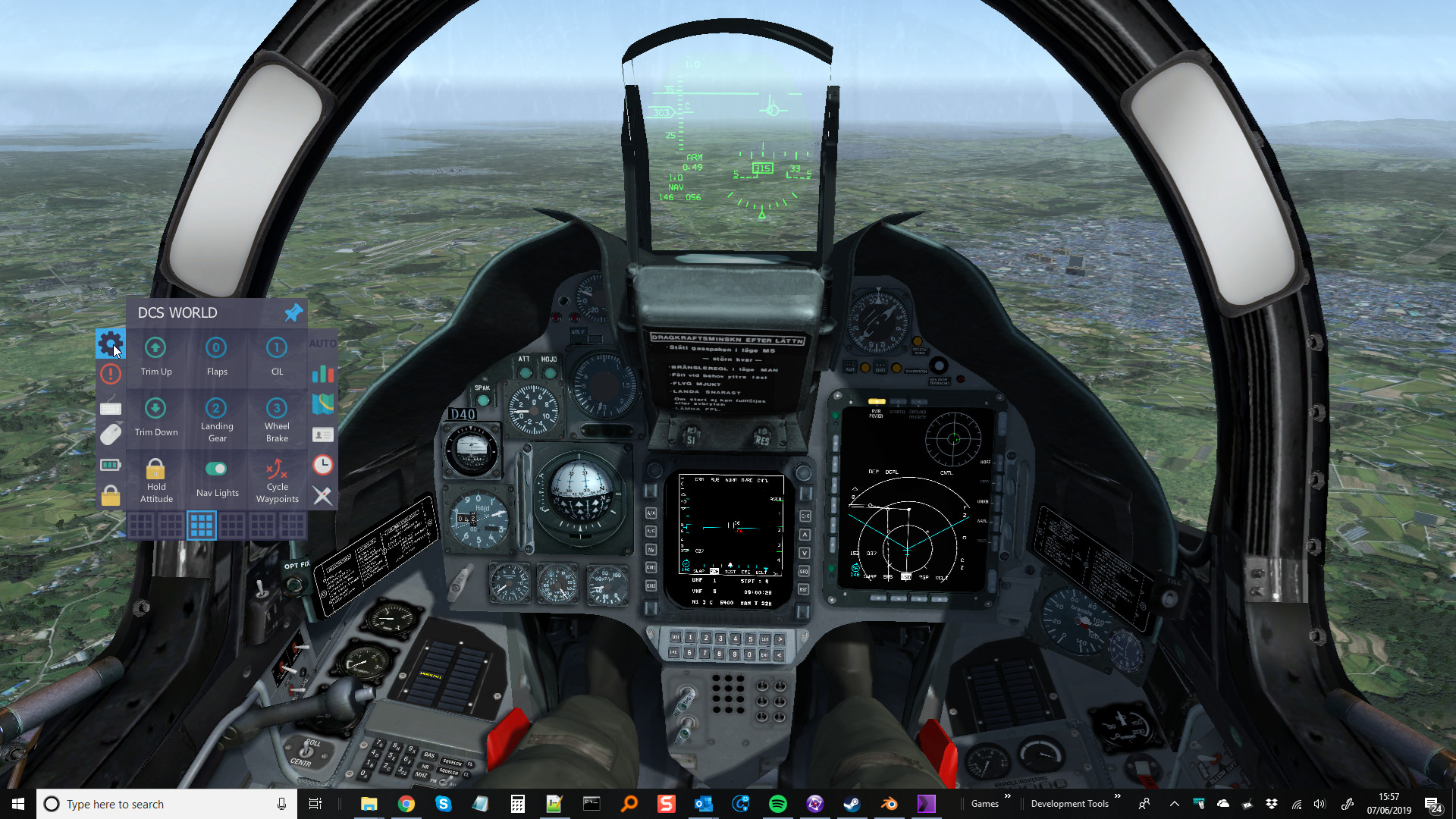
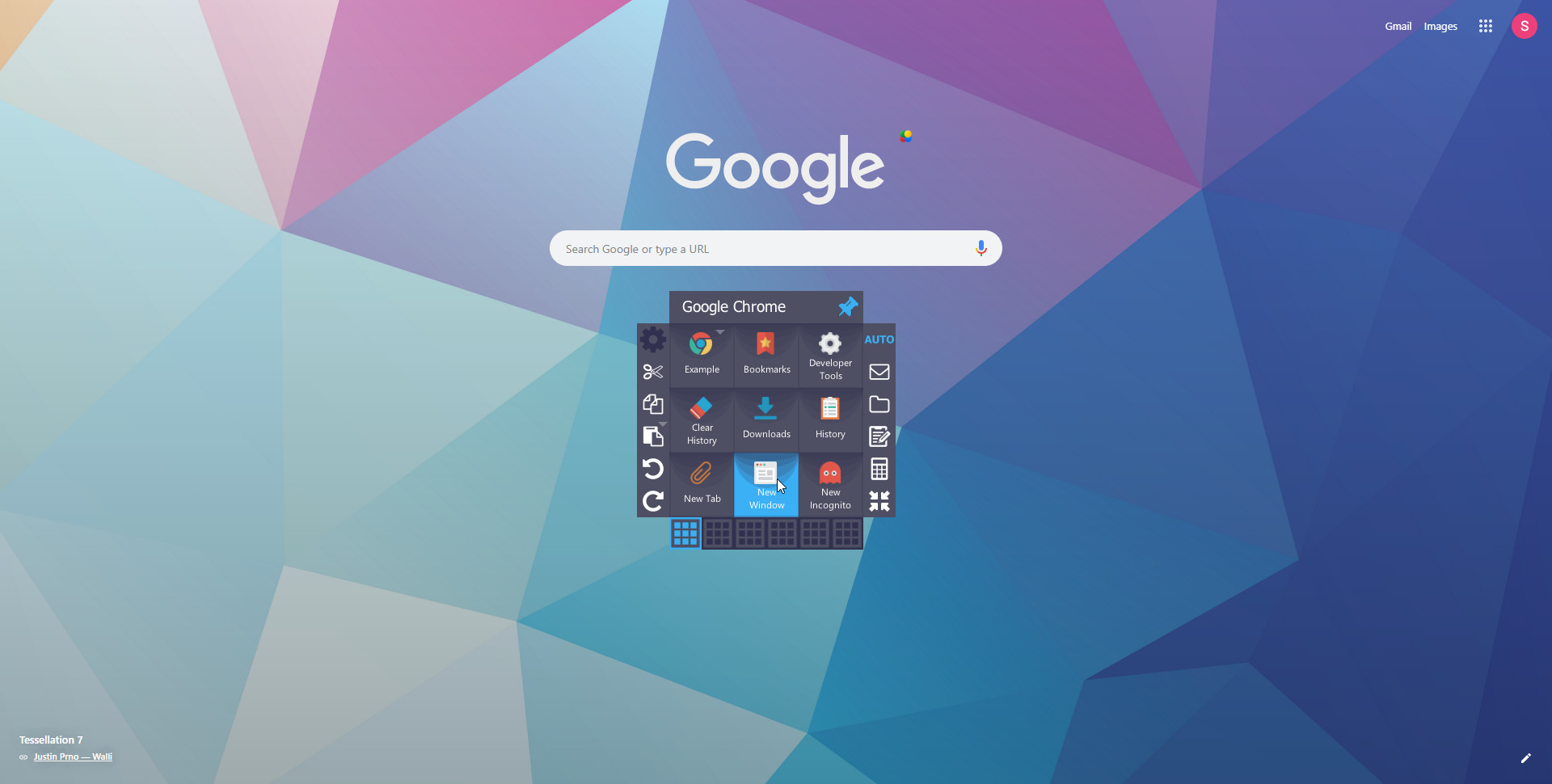
!DOES NOT REQUIRE STEAM TO RUN!Makross is a multi-functional power tool for PC users that will considerably accelerate your productivity.Imagine being able to quickly access any folder, any hotkey, any file or website relevant to your current application, game or project. Everything you need is all in one place!Once you use Makross you won't know how you ever lived without it.With Makross you can: Organize everything with easy drag and drop functionality! Access shortcuts to your files, folders and favorite websites in a click! Assign shortcut keys /Hotkeys to Makross buttons for all your favorite programs and games! Create and Export your own Hotkey sets for other users easily! Steam Workshop Integration! Create macro sequences accessible on a single button that perform a series of inputs in your *games and applications. Speed up your productivity with everything just a click away! Features: Activate the Makross dial to your mouse position on a single configurable button press or shortcut key. Drag and Drop multiple files and folders to Makross to quickly create shortcuts and lists that are always at hand. Fast access to any file, folder, drive or website. Jump Lists for organizing related files, folders and links. Macro creator for function sequences that can be used in all apps and games and even your desktop. 'Auto' mode can detect the app that you are currently using and adjust the functions available in Makross to a set of related buttons and shortcuts. Eg..When you use Blender all of your Blender shortcut keys will be accessible, but then if you move applications to Outlook; then all of you Outlook shortcuts become available. Permanent functions that can be used in any app at any time. Fully configurable icons, names and tool tips for each command. Create and Share your own Hotkey sets for other users easily using the Command Set Manager! Import Hotkey Command sets made by other users! Multiple folders for an infinite amount of commands, Save custom Clip Tray lists and paste from your clip tray history. Use your saved settings on multiple PCs. Easy to use, always at hand and never in the way! Doesn't require Steam to be running. Tested to work perfectly in conjunction with Fences and Display Fusion *Only windowed or border-less / full-screen-windowed games are supported at this time. Additionally due to the vast number of games and how they are written, not all are supported. Be sure to try the free demo of Makross available on our website if specific software compatibility is important to you.
Go to: http://store.steampowered.com/ and download STEAM client Click "Install Steam" (from the upper right corner) Install and start application, login with your Account name and Password (create one if you don't have). Please follow these instructions to activate a new retail purchase on Steam: Launch Steam and log into your Steam account. Click the Games Menu. Choose Activate a Product on Steam... Follow the onscreen instructions to complete the process. After successful code verification go to the "LIBRARY" tab and start downloading.