Get 10% back in Relic Coins on every order
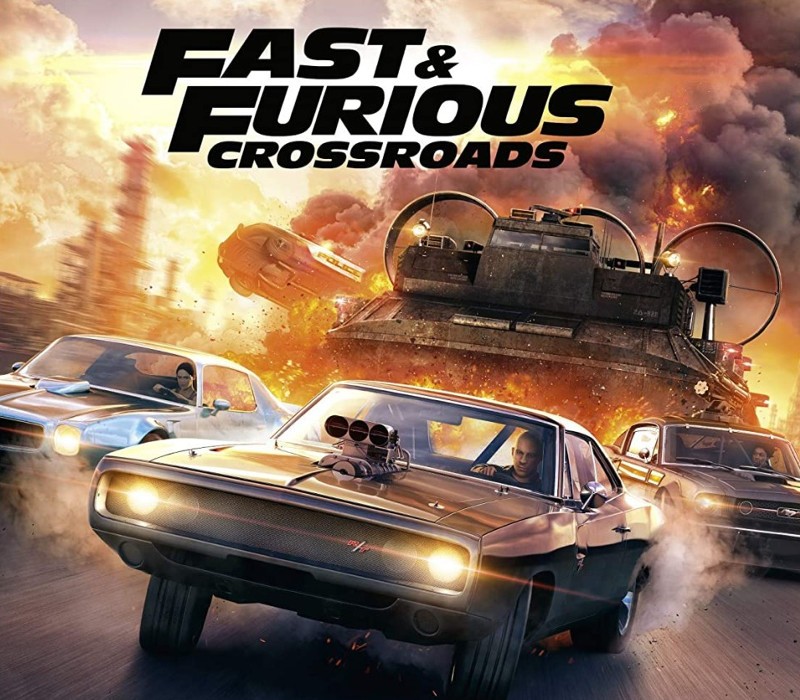
FAST & FURIOUS CROSSROADS cover

Xbox One Europe - All Countries· Key

FAST & FURIOUS CROSSROADS

€157.49

+€15.75 cashback eligibility in Relic Coins

Check before you play

Platform
Xbox One
Region
Europe - All Countries
Product type
Key
Developer
3D Clouds
Publisher
Outright Games
Supplier release date
2020-08-07
Genres
Action, Racing

About this product

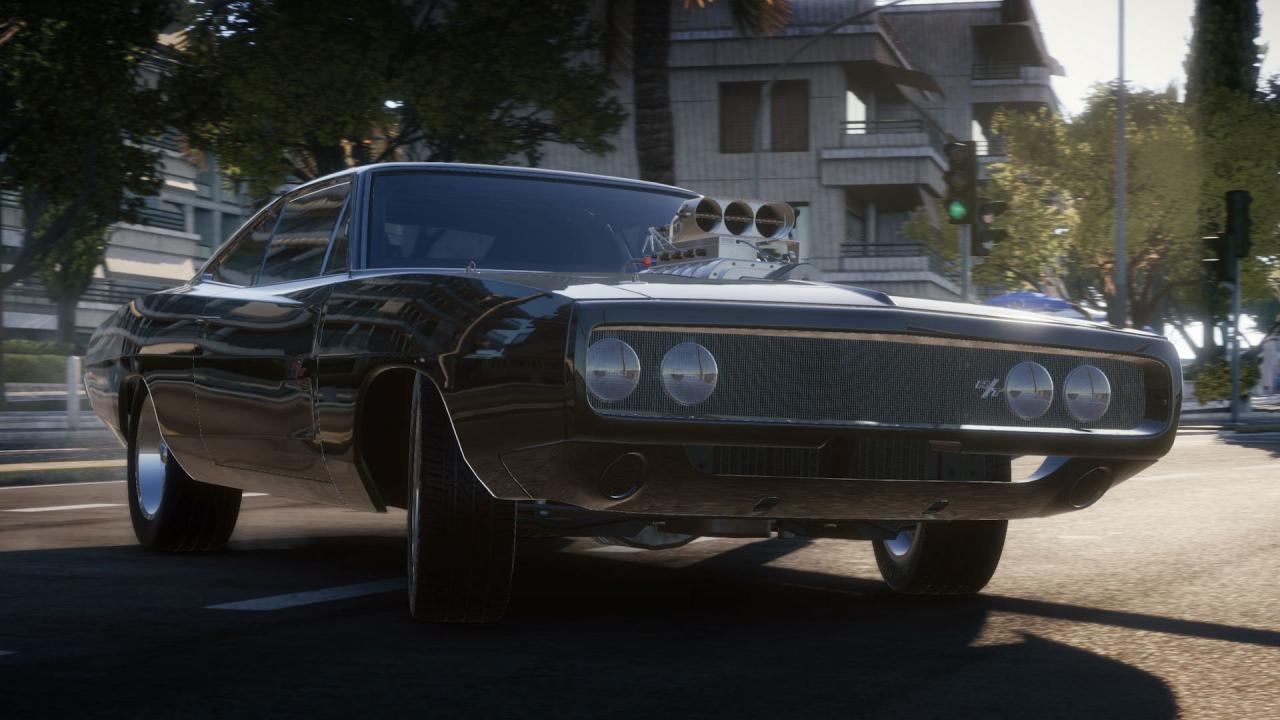
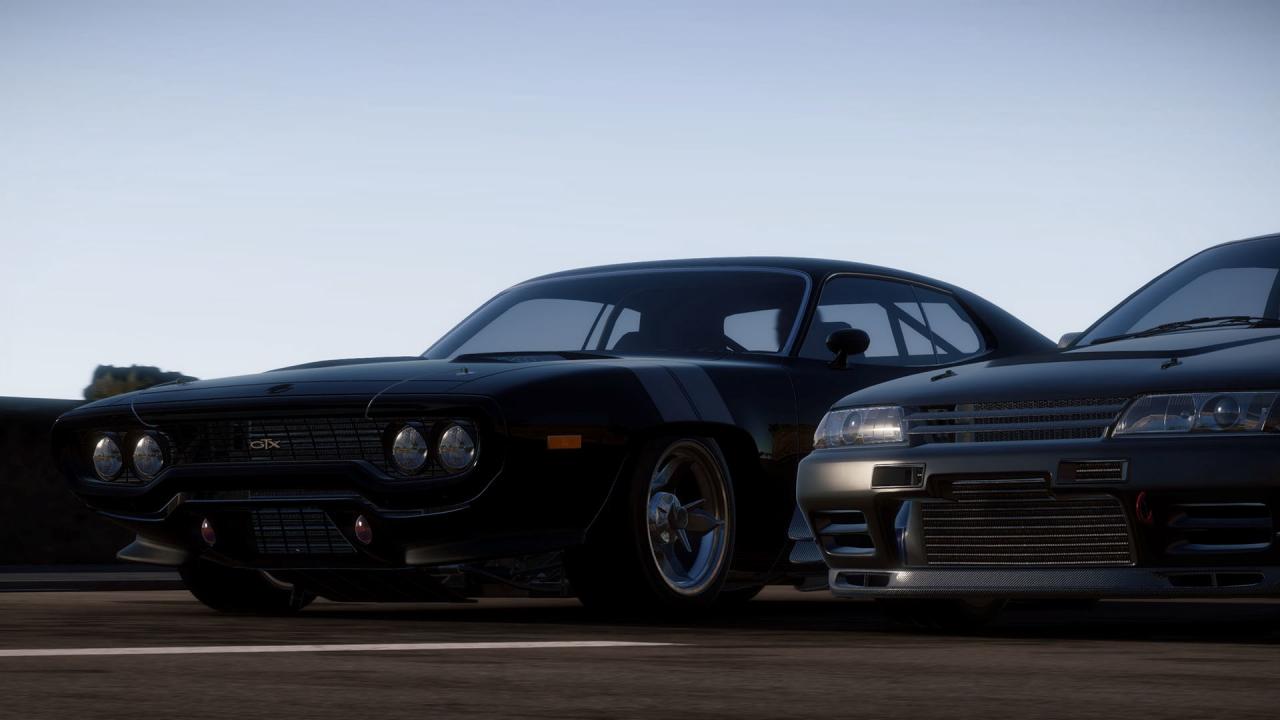
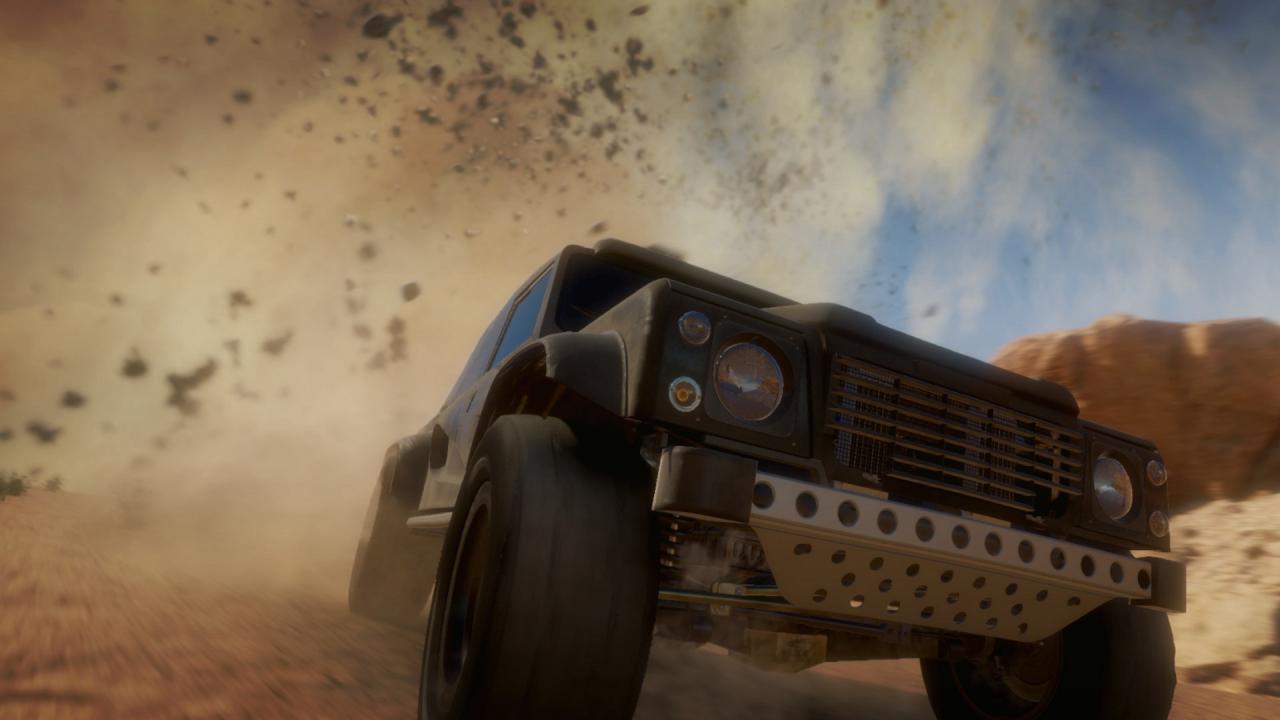
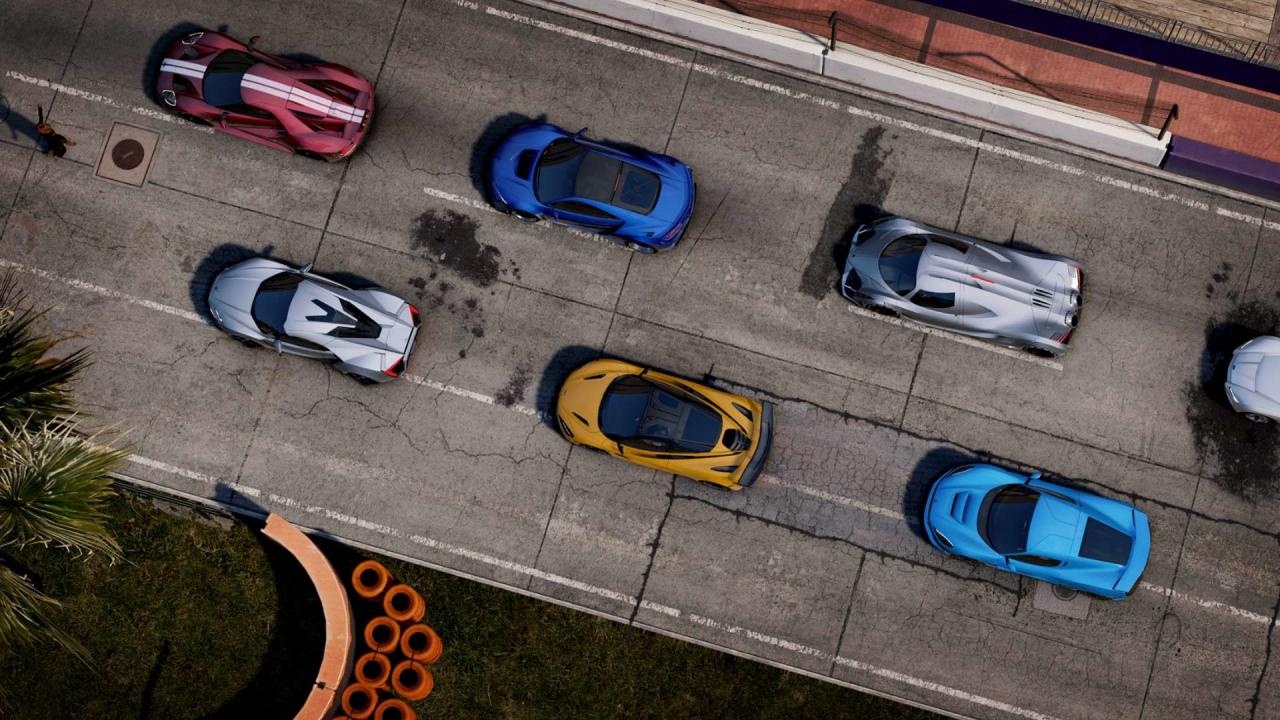
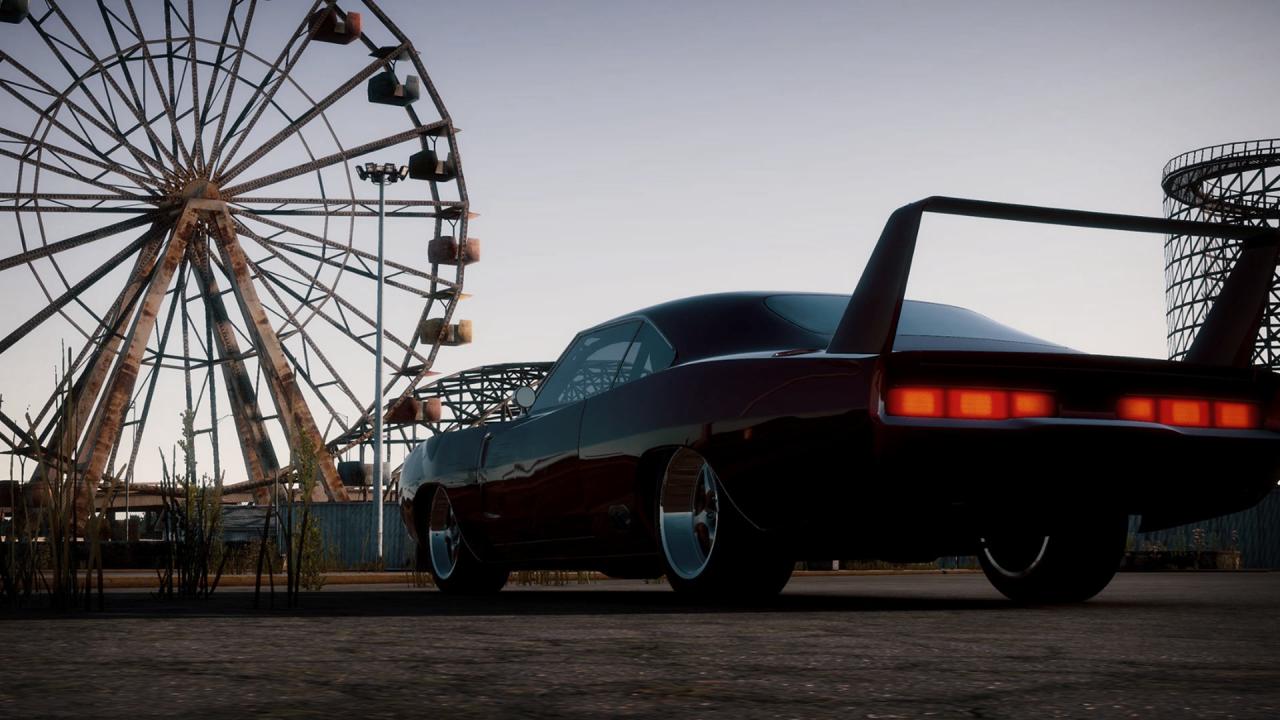
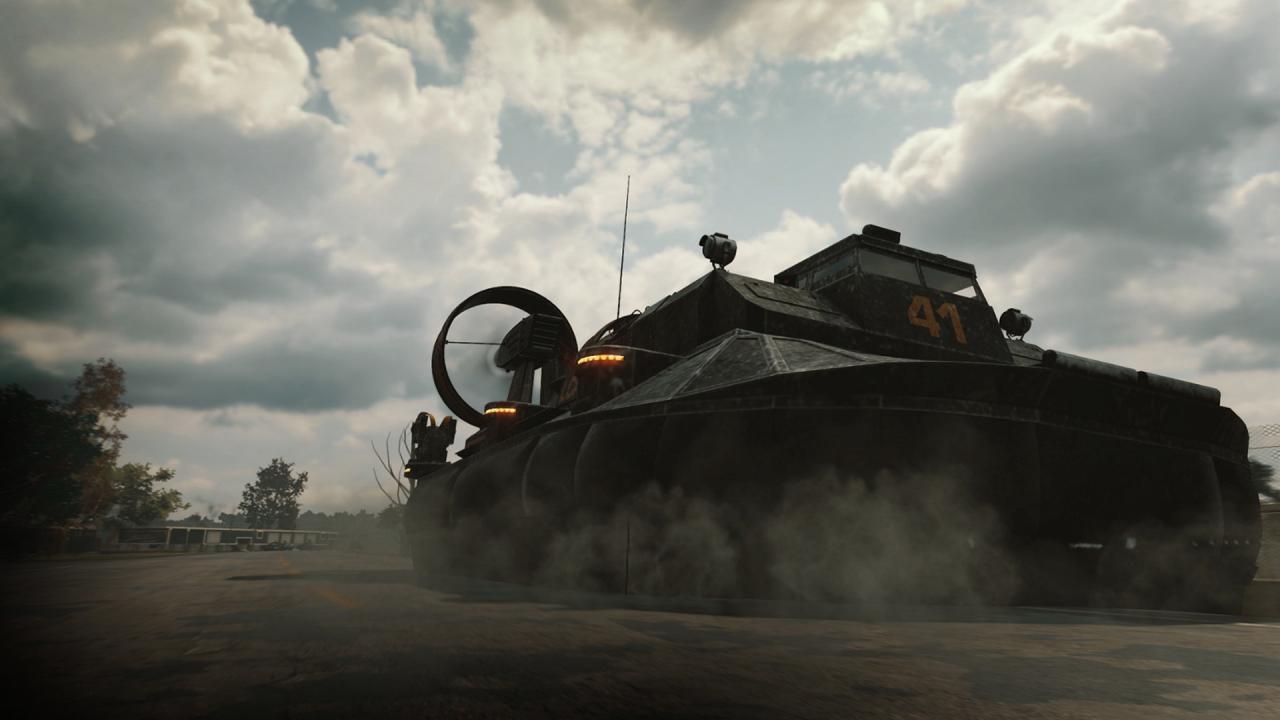
Caught up in a dangerous world of organized crime, three small-time garage owners find themselves at a crossroads. In a quest for vengeance, their destinies collide with a cast of familiar faces who share the same adversary. Features Rev-up for an official new chapter in the Fast & Furious saga as Dom, Letty and Roman return to put YOU at the center of the story. Speed through thrilling blockbuster action across the globe in cars taken from the movies, all curated by Dennis McCarthy, the official Fast & Furious car coordinator. Experience intense cinematic heists and deploy new and familiar gadgets from the movies. Play online with friends for 3-faction, team-based “cops vs. villains vs. heroes” vehicular action. Level up to unlock cars, paint, wraps, sprays, plates, gadgets, and more.

FAST & FURIOUS CROSSROADS screenshotFAST & FURIOUS CROSSROADS screenshotFAST & FURIOUS CROSSROADS screenshotFAST & FURIOUS CROSSROADS screenshotFAST & FURIOUS CROSSROADS screenshotFAST & FURIOUS CROSSROADS screenshot

How to redeem

  1. 1Check your Xbox One account and the listed region before purchasing.
  2. 2Find your code and supplier activation instructions in your confirmed order.
  3. 3Open the redeem-code section on Xbox One, enter the code and follow the platform’s prompts.

Supplier instructions

Go to: http://store.steampowered.com/ and download STEAM client Click "Install Steam" (from the upper right corner) Install and start application, login with your Account name and Password (create one if you don't have). Please follow these instructions to activate a new retail purchase on Steam: Launch Steam and log into your Steam account. Click the Games Menu. Choose Activate a Product on Steam... Follow the onscreen instructions to complete the process. After successful code verification go to the "MY GAMES" tab and start downloading.

You might also like