Get 10% back in Relic Coins on every order
Two Point Hospital - Fancy Dress Pack DLC cover

Steam Europe - All Countries· DLC

Two Point Hospital - Fancy Dress Pack DLC

€4.99

+€0.50 cashback eligibility in Relic Coins

Check before you play

Platform
Steam
Region
Europe - All Countries
Product type
DLC

Check the required base game and edition before purchasing this add-on.

Developer
Two Point Studios
Publisher
SEGA
Supplier release date
2020-10-20
Genres
Indie, Simulation

About this product

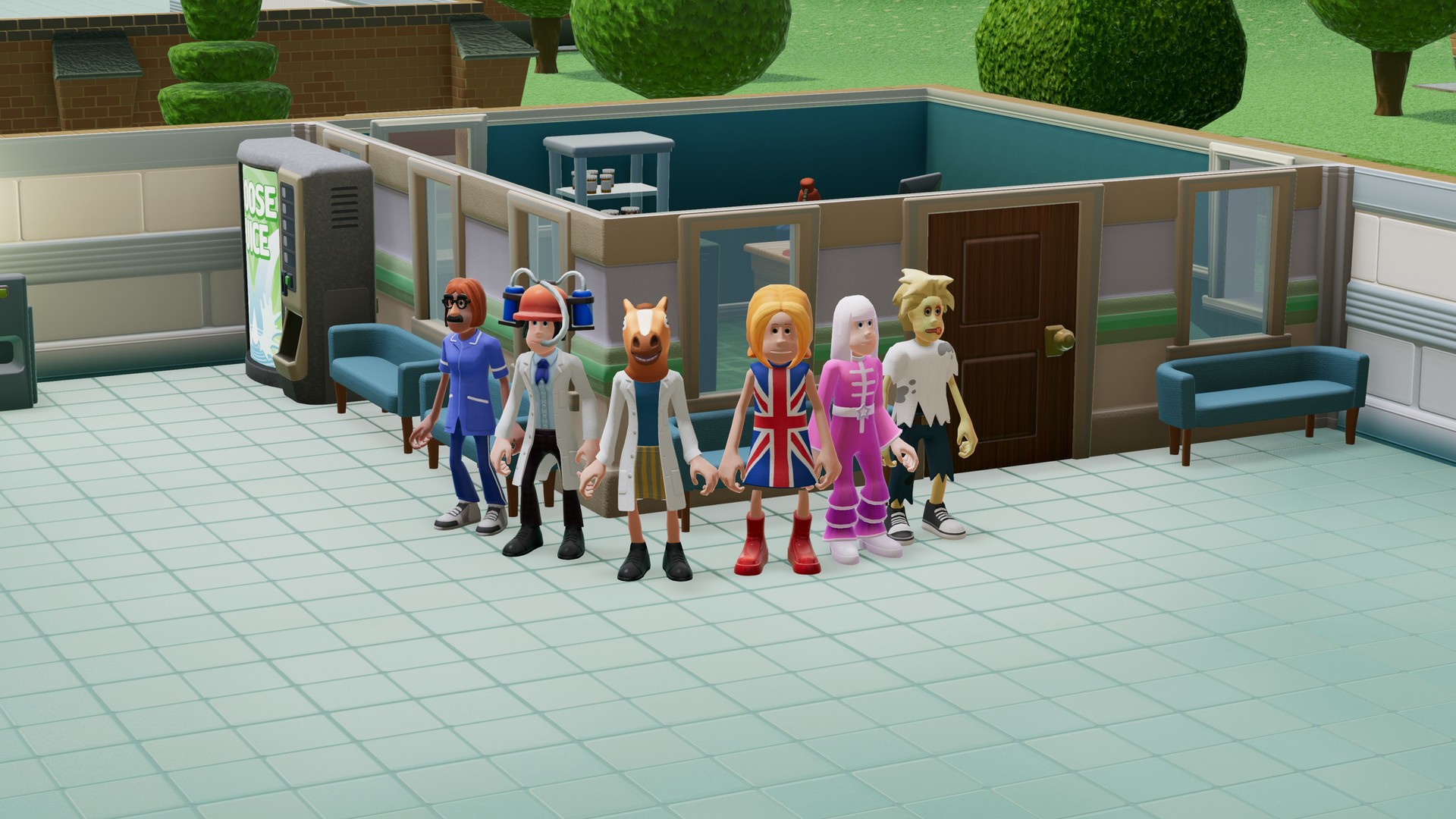
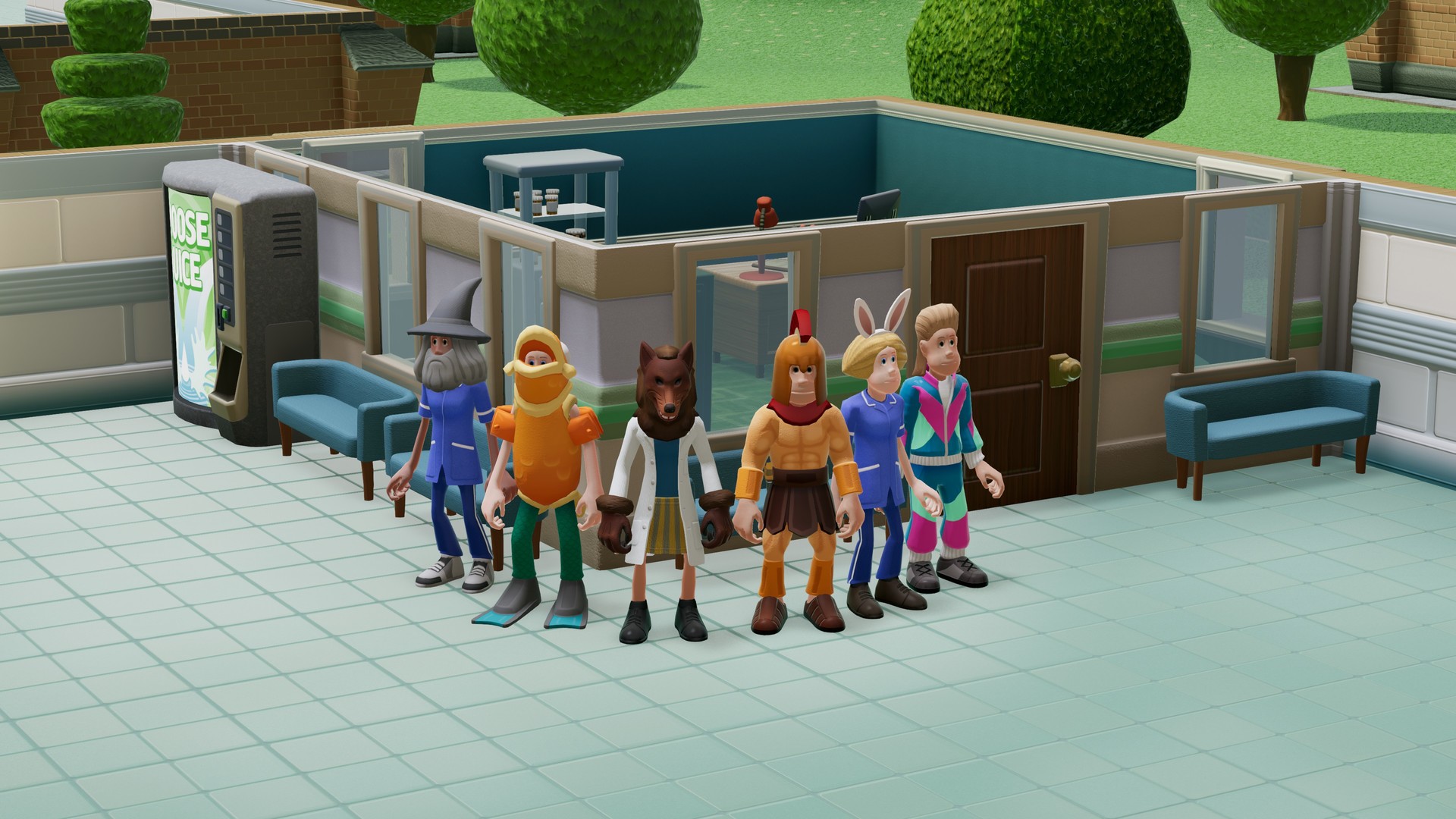
Fed up with your staff looking like professionals? Well, inject a bit of vim, a squeeze of vigour, and a blast of class into your hospital attire!It’s time to pull back the dressing room curtain on some of the fanciest frockery in town. Welcome, kind people, to the snappily named “Two Point Hospital: Fancy Dress Pack”.Mesmerise your patients by diagnosing them as a wizard! Shock the staff room by sauntering in as a fish! Or horrify everyone by walking out of the toilet dressed as a zombie!Whatever you’re after, whether it be tangy outfits or outrageous headwear, we have something to tickle your fancy. Here’s what’s included! Outfits: Scurvy Dog Dying Trend Something Fishy Groovy Garb Disco Shawl Leisure Flare Spicy Smock Roman Scandal Penguin Suit Headwear: Horse Head Wolf Wear Horny Helmet Wizard Chops Bunny Ears Bev Brain Masquerade Masque Mask of Mystery Items: Tombola Cake Sale Coin Drop Wall Dressing Hat Stand Costume Chest

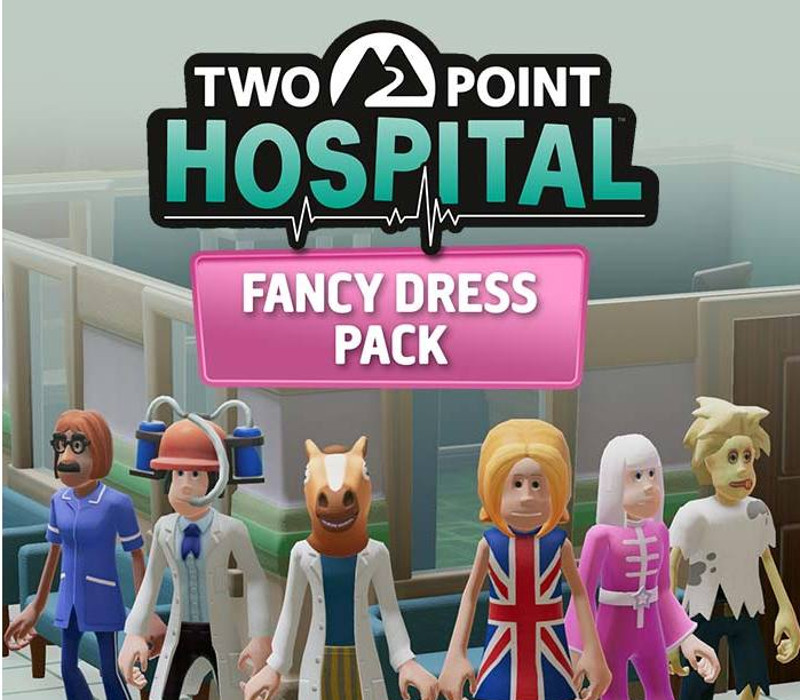
Two Point Hospital - Fancy Dress Pack DLC screenshotTwo Point Hospital - Fancy Dress Pack DLC screenshot

How to redeem

  1. 1Check the required base game, platform and edition before purchasing.
  2. 2Find the code or supplier activation instructions in your confirmed order.
  3. 3Redeem on Steam using the supplied instructions, then install the add-on with the compatible base game.

Supplier instructions

Go to: http://store.steampowered.com/ and download STEAM client Click "Install Steam" (from the upper right corner) Install and start application, login with your Account name and Password (create one if you don't have). Please follow these instructions to activate a new retail purchase on Steam: Launch Steam and log into your Steam account. Click the Games Menu. Choose Activate a Product on Steam... Follow the onscreen instructions to complete the process. After successful code verification go to the "LIBRARY" tab and start downloading.

You might also like