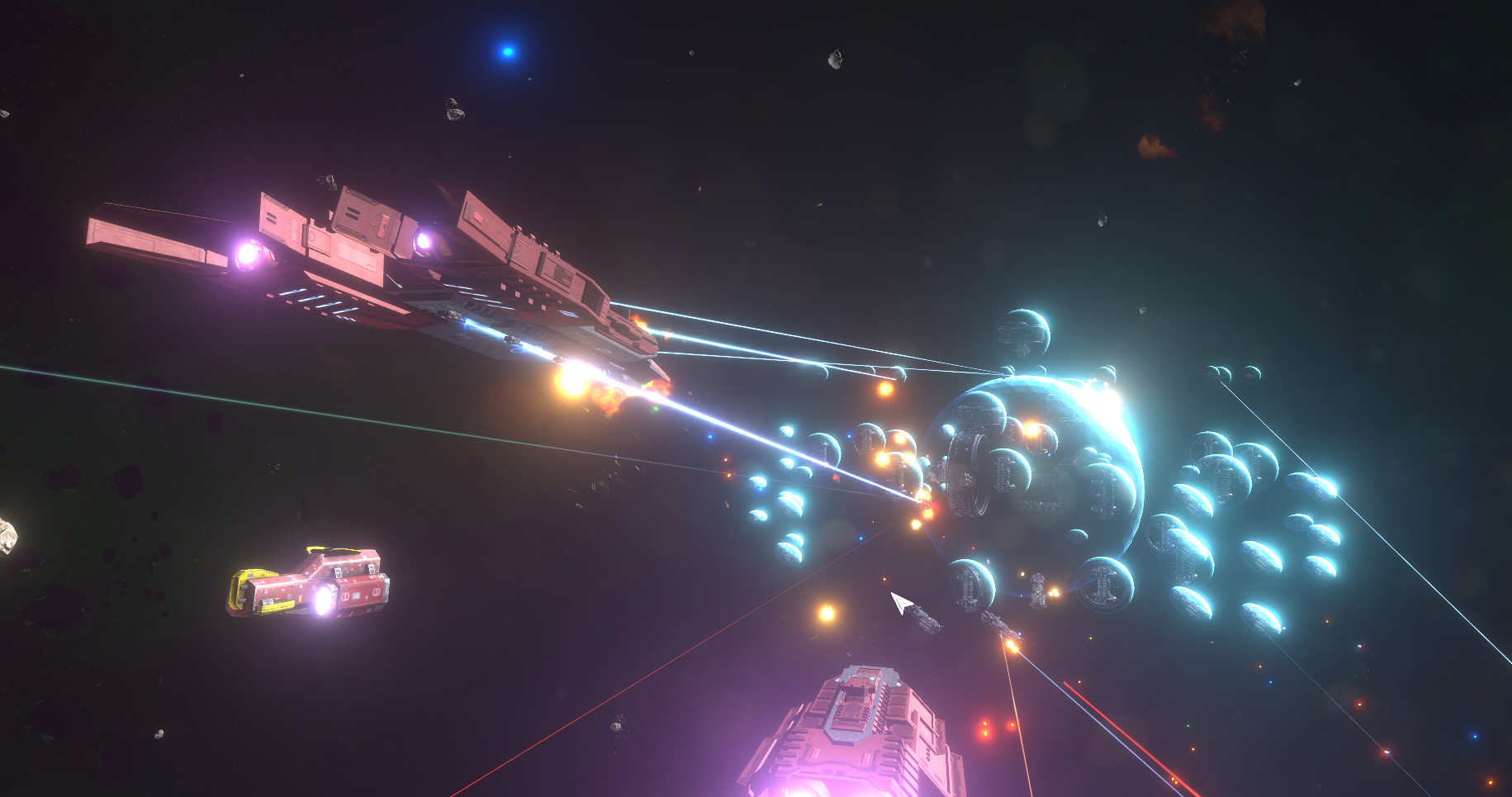
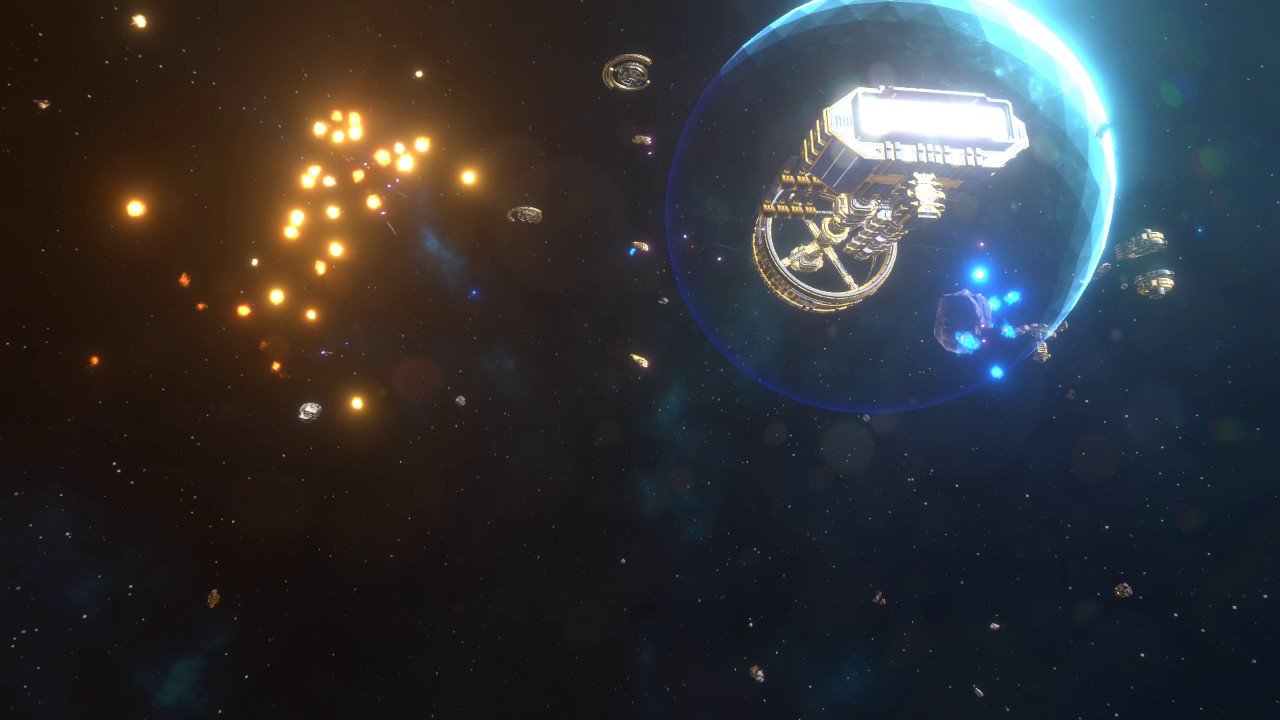
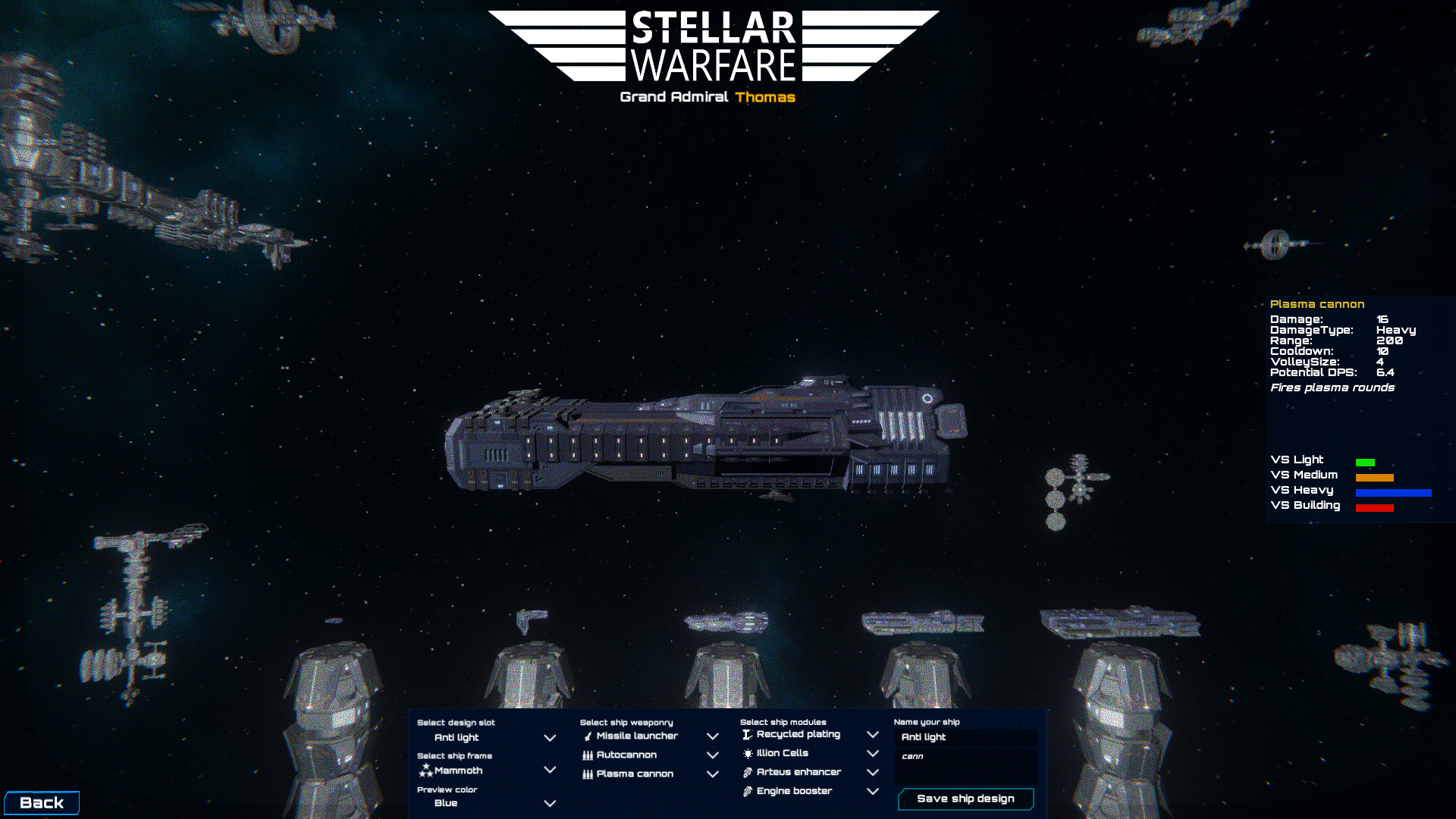
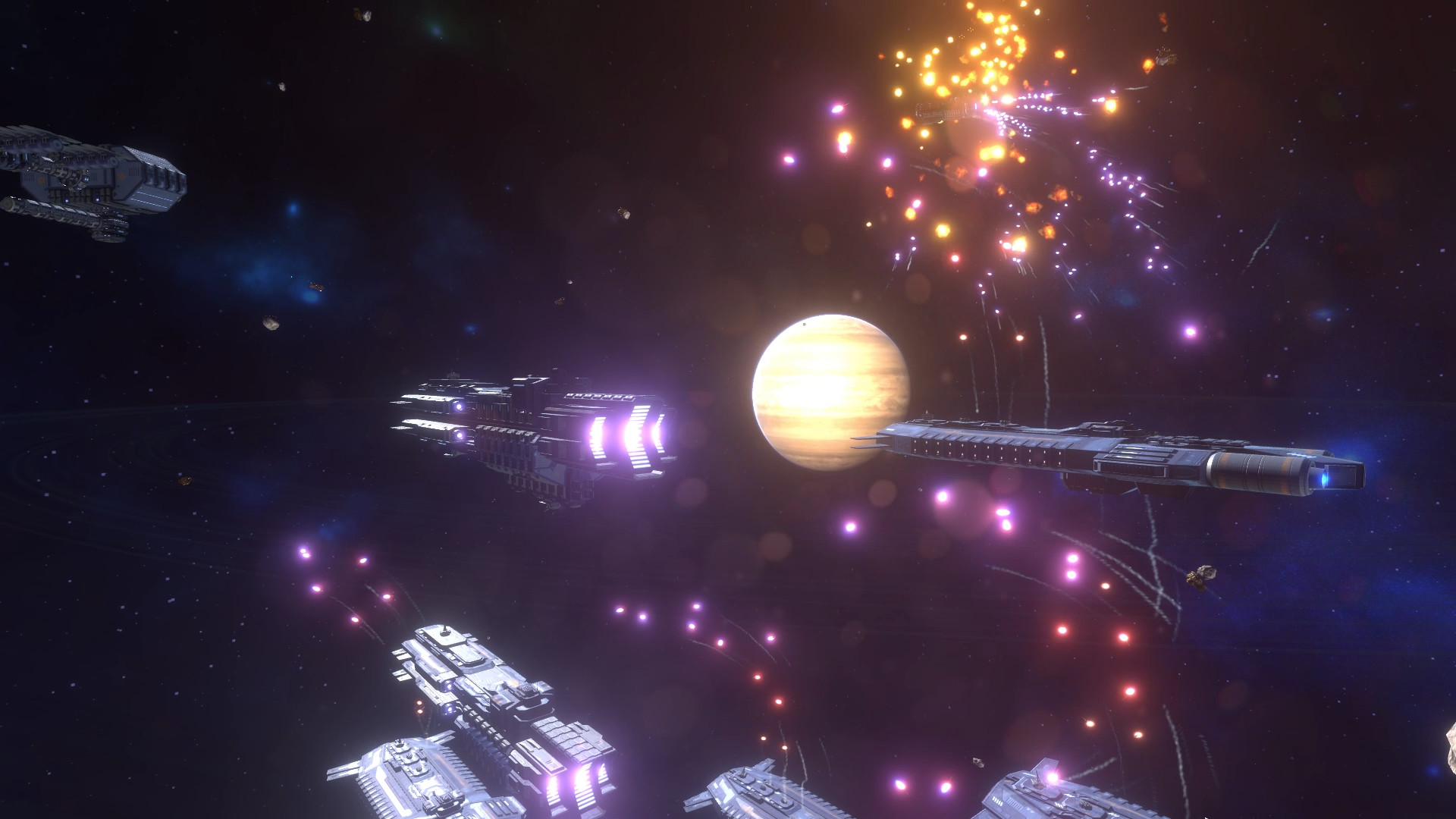
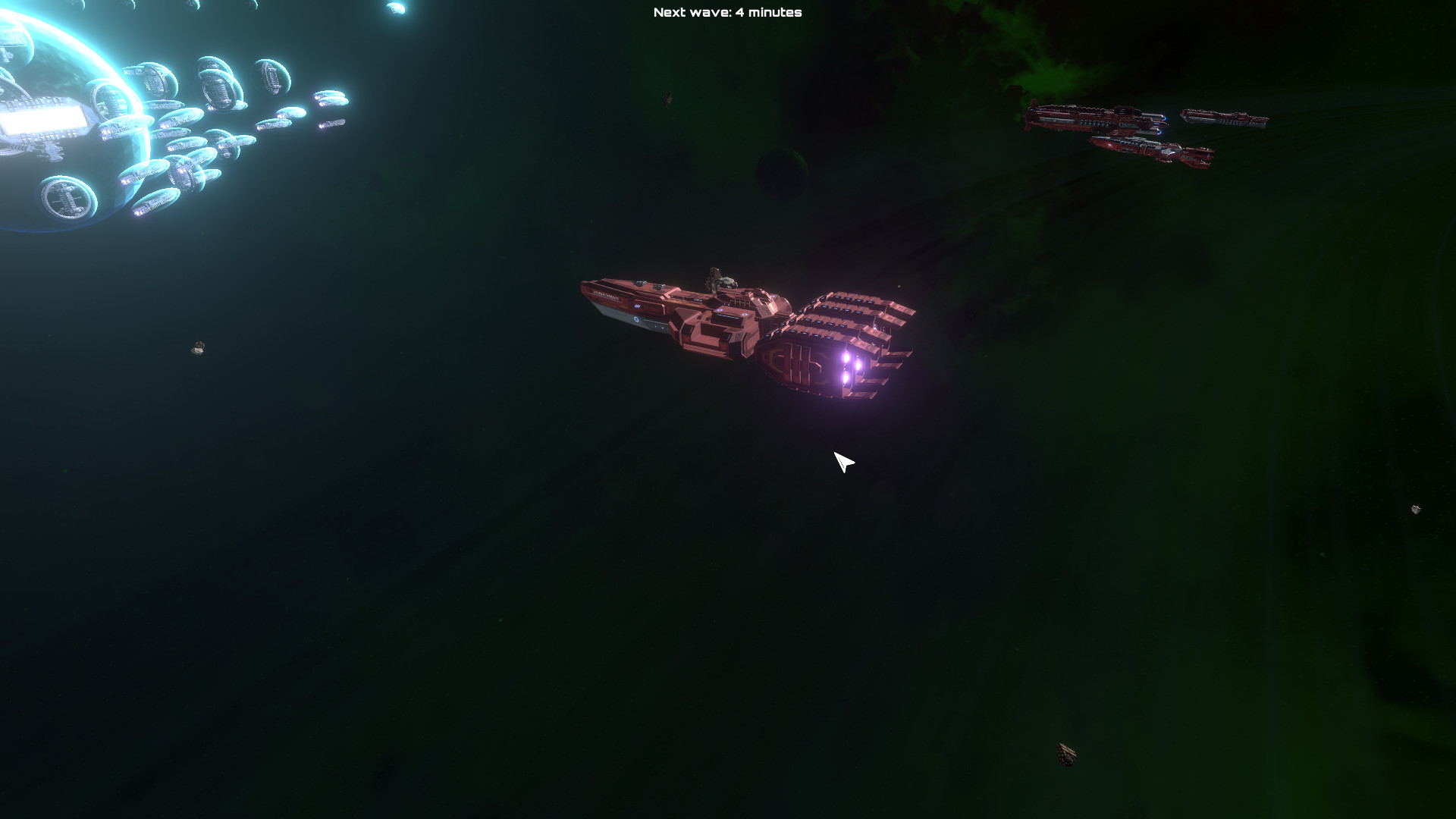
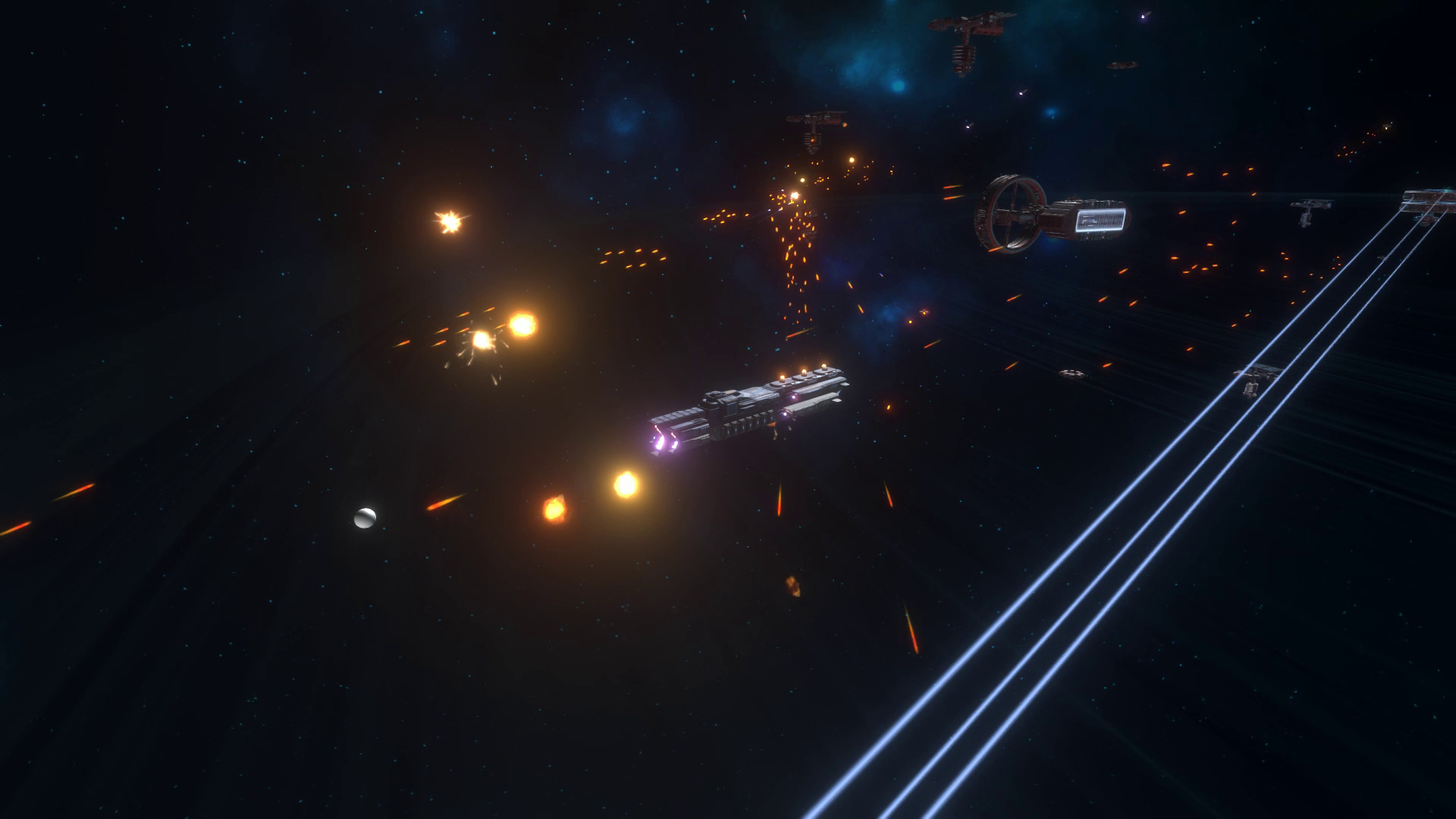
Classic style RTS with ship customization and complete 3D space movement. Find loot, compose your fleet and use it to face off against other players or the AI in this unique sci-fi experience! Base building Power-plants, refineries, turrets, resource enhancers, artillery buildings, repair stations and many more. Choose from over 40 buildings to place & 5 different neutral buildings to capture. Ship design Enemies you destroy occasionally drop designs for ship frames, weapons or modules. Use these in the fleet editor to create up to 10 different ship designs. Over a million combinations are possible!These ships can then be bought in-game like you would in a traditional RTS. The big difference is that these units are tailored to your own play-style. Fast raiders, tanky bruisers, building killing sneaky units or swarms of small ships are all possible! Multiplayer Traditional RTS multiplayer combat. Build an economy, build a base and create ships to destroy your opponents with. Plays very similar to how Red Alert used to play, but with tons of building and unit options. Singleplayer wave defense Build a base, fleet or both to repel waves of attacks. In this game mode the objective is to survive for a set amount of time against an onslaught of enemy raiders. Features Resource collecting Base building Physics based projectiles Full 3D space to build and move in Ship customization (add your own modules and weapons) Multiplayer Resource buildings that can be capture Smooth and intuitive combat controls