Get 10% back in Relic Coins on every order
Killing Floor 2 - Armory Season Pass Activated cover

SteamRu Vpn· Key

Killing Floor 2 - Armory Season Pass Activated

€4.95

+€0.50 cashback eligibility in Relic Coins

Check before you play

Platform
Steam
Region
Ru Vpn
Product type
Key
Developer
Tripwire Interactive
Publisher
Tripwire Interactive
Supplier release date
2021-03-23
Genres
Action

About this product

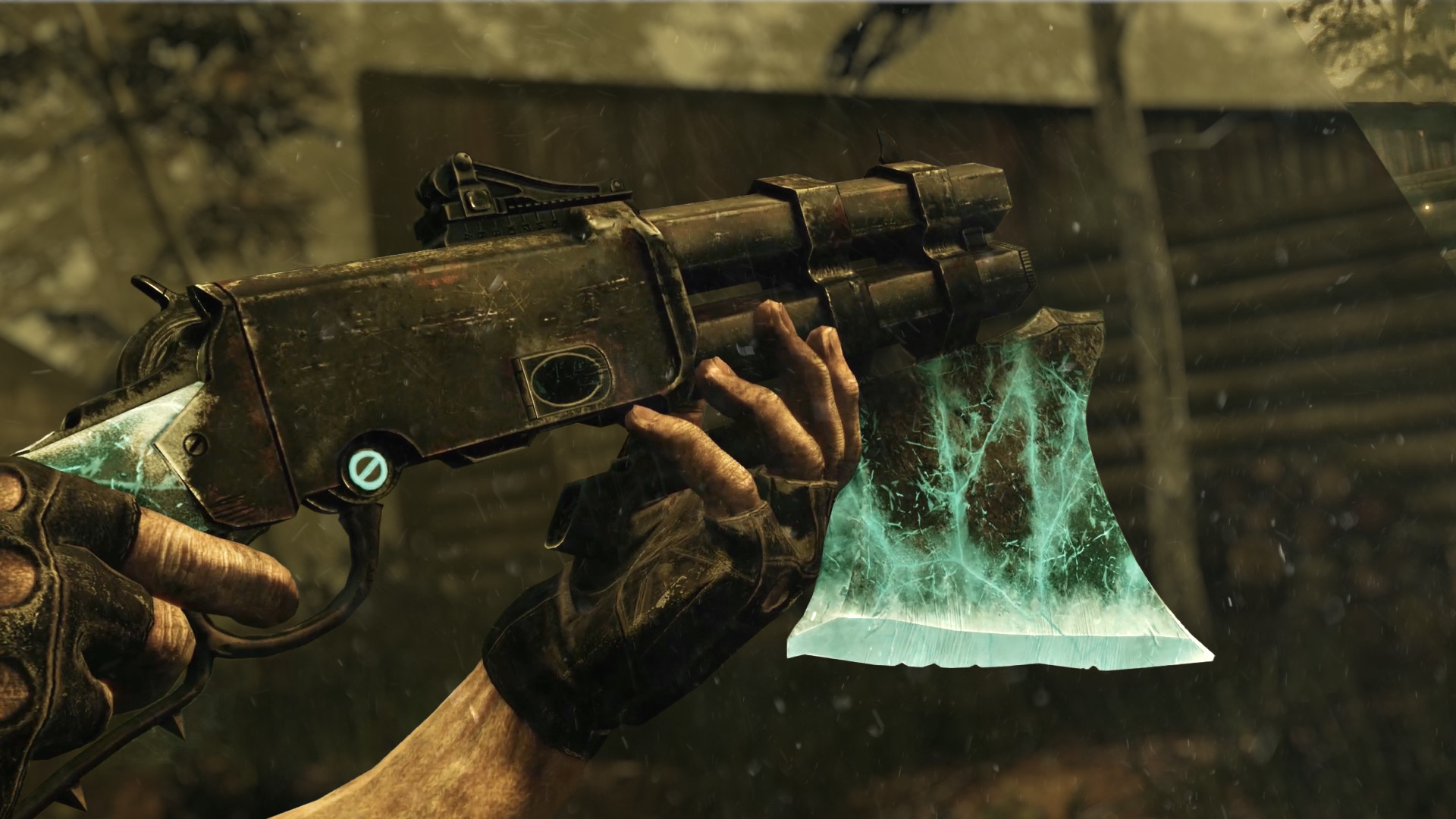
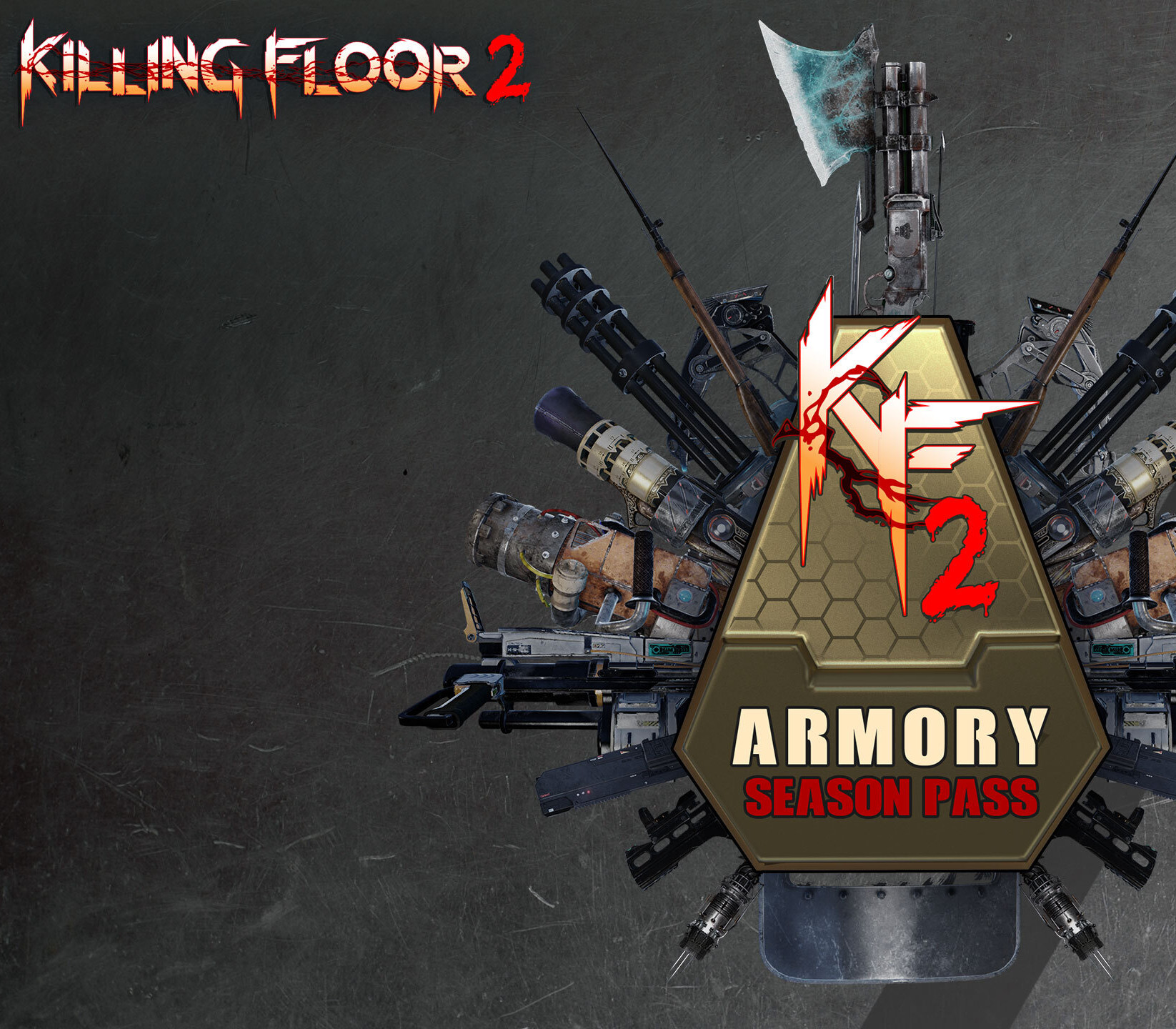
The first armory season pass for Killing Floor 2, provides an all-access pass to the full collection of available weapons DLC including all upcoming 2021 weapons to be released throughout the year. Offers a bulk discount compared to buying them individually. Day One purchase of the pass includes 11 weapon bundles : - Ion Thruster Weapon Bundle, - Rhino Revolver Weapon Bundle, - Mosin Nagant Weapon Bundle, - Riot Shield & Glock 18 Weapon Bundle, - Compound Bow Weapon Bundle, - Blunderbuss Weapon Bundle, - Single & Dual Glock 18c Weapon Bundle, - Minigun Weapon Bundle, - Mine Reconstructor Weapon Bundle, - Frost Fang Weapon Bundle, - and the brand new Gravity Imploder Weapon Bundle released with the Spring 2021 Update! The Killing Floor 2 Armory Season Pass also include access to the next 5 Weapon Bundles scheduled as follows: - 2 Weapons for Summer 2021 - 2 Weapons for Fall 2021 - 1 Weapon for WInter 2021 Each weapon bundle comes with 5 unique skin variants. Expand your repertoire of Zed destruction today!

Killing Floor 2 - Armory Season Pass Activated screenshotKilling Floor 2 - Armory Season Pass Activated screenshotKilling Floor 2 - Armory Season Pass Activated screenshotKilling Floor 2 - Armory Season Pass Activated screenshotKilling Floor 2 - Armory Season Pass Activated screenshot

How to redeem

  1. 1Check your Steam account and the listed region before purchasing.
  2. 2Find your code and supplier activation instructions in your confirmed order.
  3. 3Open the redeem-code section on Steam, enter the code and follow the platform’s prompts.

Supplier instructions

Go to: http://store.steampowered.com/ and download STEAM client Click "Install Steam" (from the upper right corner) Install and start application, login with your Account name and Password (create one if you don't have). Please follow these instructions to activate a new retail purchase on Steam: Launch Steam and log into your Steam account. Click the Games Menu. Choose Activate a Product on Steam... Follow the onscreen instructions to complete the process. After successful code verification go to the "LIBRARY" tab and start downloading.

You might also like