

SteamGlobal· Key
Ludwig
€1.87
+€0.19 cashback eligibility in Relic Coins
Check before you play
- Platform
- Steam
- Region
- Global
- Product type
- Key
- Developer
- ovos
- Publisher
- ovos
- Genres
- Adventure, Simulation, Indie
SteamGlobal· Key
€1.87
+€0.19 cashback eligibility in Relic Coins
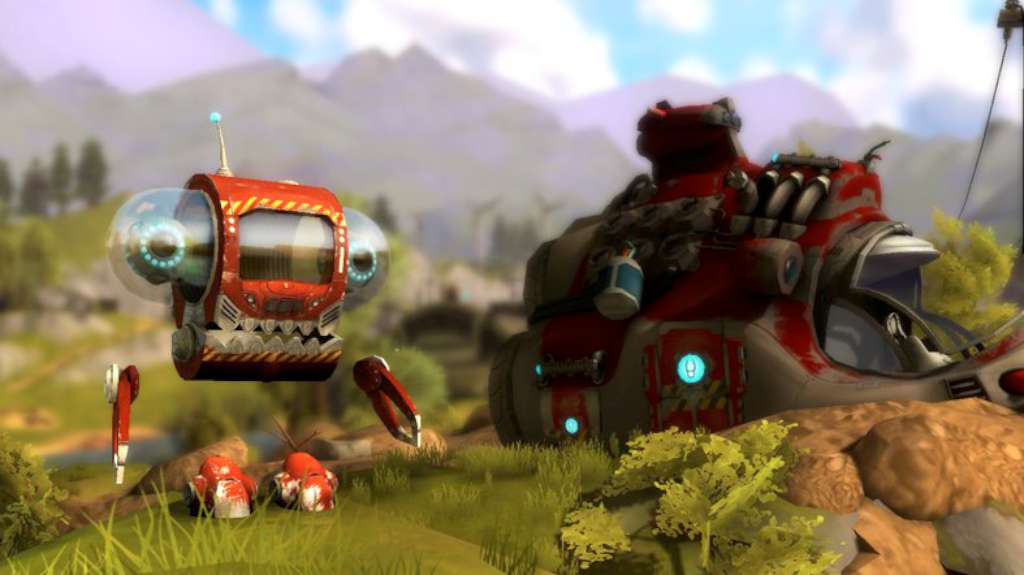
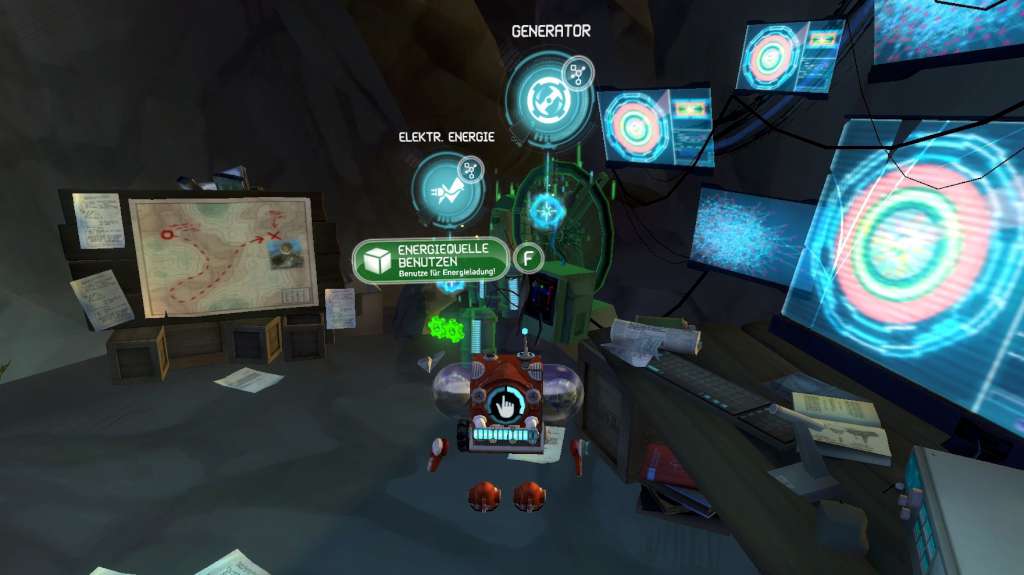
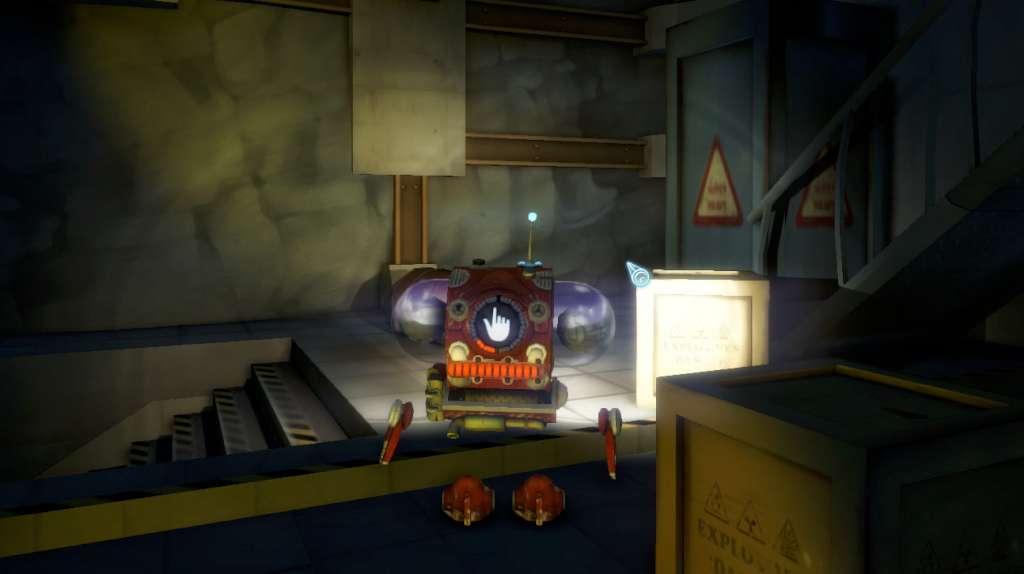
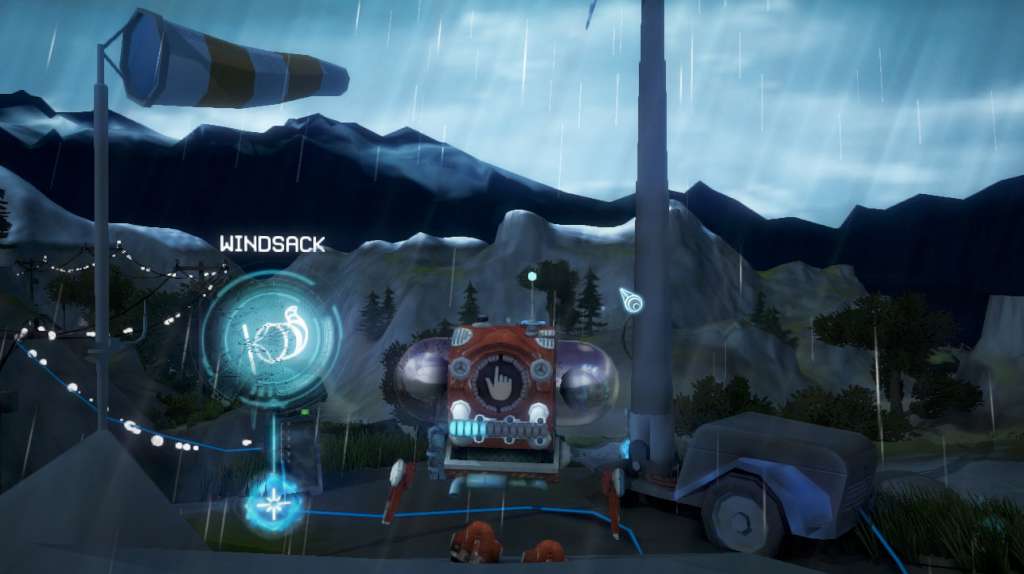
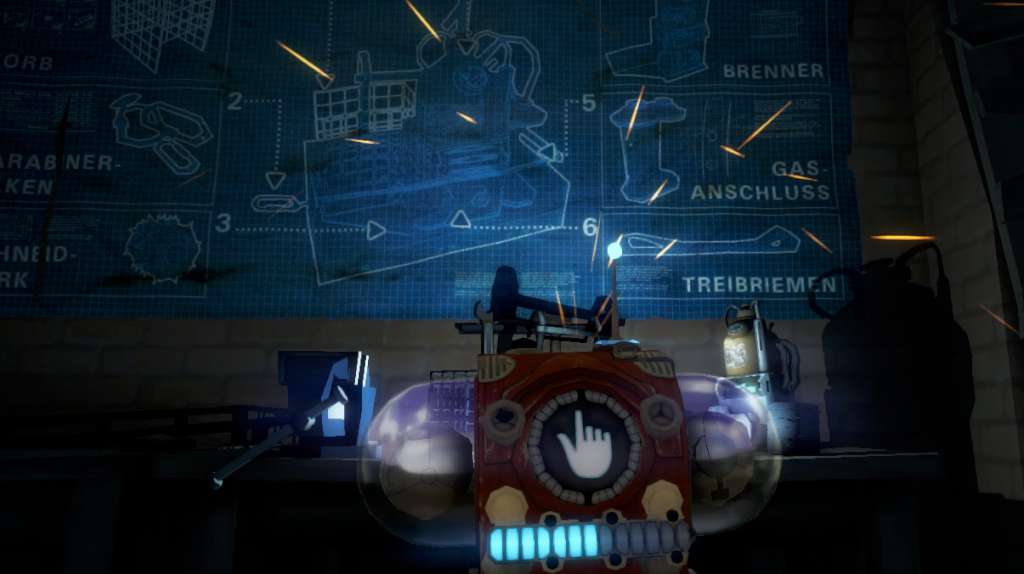
Ludwig Steam Key Platform: Steam Release Date: 6 Jun 2014 Product Description 2098. Mankind has left the Earth and is now living in space colonies. Ludwig, a research robot from a faraway civilisation and his spaceship are looking for forms of new energy. Unfortunately, mankind´s new space colonies are not listed on his interstellar maps, which results in a fatefull crash with the physis, the biggest station with a billion inhabitants. The crash does not only tear a huge hole into the physis´ protective cover, but also damages Ludwig´s spaceship badly enough for him to lose control of it and crashland on planet Earth. Now it´s a race against time. Will Ludwig succeed and get his spaceship going in time to save the physis? Features Explore the area where the spaceship crashed or an enormous dam, travel by balloon through the snow and ice or cross an almost endless desert. There’s so much to discover! Find the weirdest components and construction plans. Use them to develop practical new gadgets to supply Ludwig with energy! Discover physical phenomenons and analyse them in order to reveal the laws of physics and solve the tricky puzzles in the game. thrilling storyline arching over 4 unique environments more than 8 hours of gameplay developed with physics-teachers, pupils and educators - 100% curiculum based comes along with didactic materials for school useage System Requirements OS: XP (SP3) / Vista / 7 / 8 Processor: Intel Celeron 2.6 GHz Memory: 2 GB RAM Graphics: Geforce 8400 GS DirectX: Version 9.0c Network: Broadband Internet connection Hard Drive: 600 MB available space

Go to: http://store.steampowered.com/ and download STEAM client Click "Install Steam" (from the upper right corner) Install and start application, login with your Account name and Password (create one if you don't have). Please follow these instructions to activate a new retail purchase on Steam: Launch Steam and log into your Steam account. Click the Games Menu. Choose Activate a Product on Steam... Follow the onscreen instructions to complete the process. After successful code verification go to the "MY GAMES" tab and start downloading.