Get 10% back in Relic Coins on every order
Starlink: Battle for Atlas Deluxe Edition cover

Xbox One Europe - All Countries· Key

Starlink: Battle for Atlas Deluxe Edition

€49.62

+€4.96 cashback eligibility in Relic Coins

Check before you play

Platform
Xbox One
Region
Europe - All Countries
Product type
Key
Developer
Ubisoft Toronto
Publisher
Ubisoft Entertainment
Supplier release date
2018-10-16
Genres
Action, Simulation

About this product

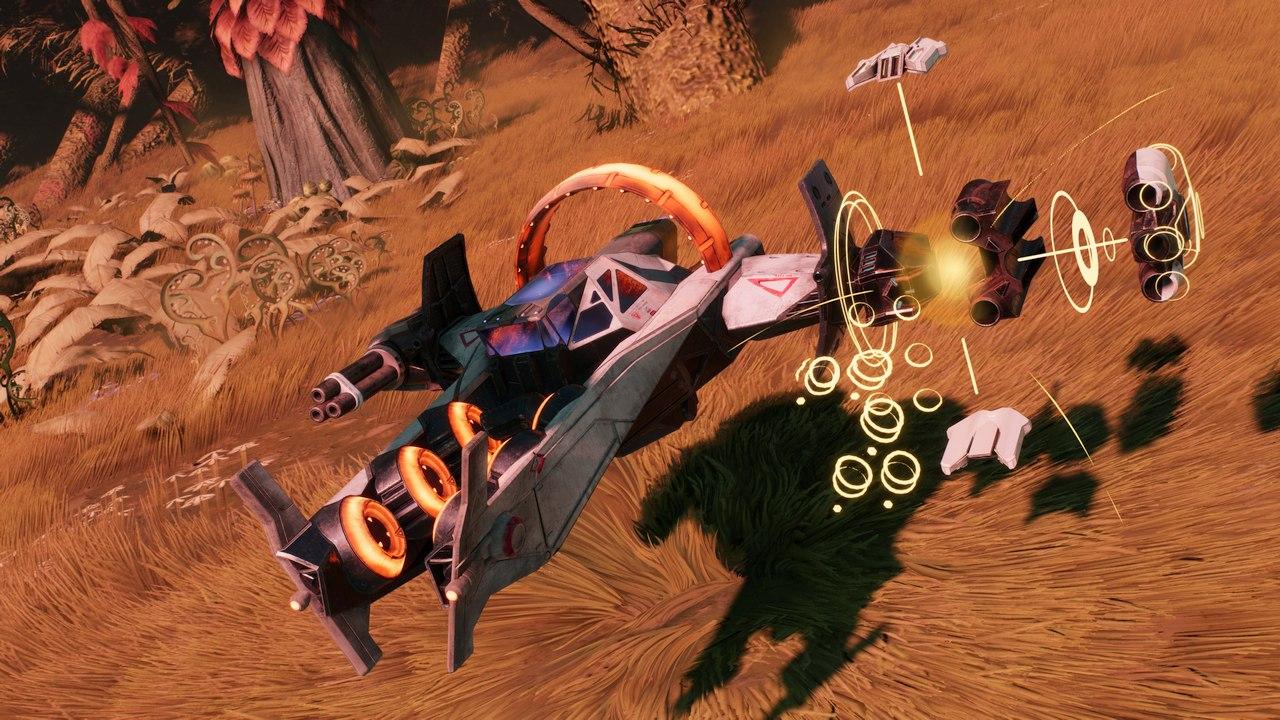
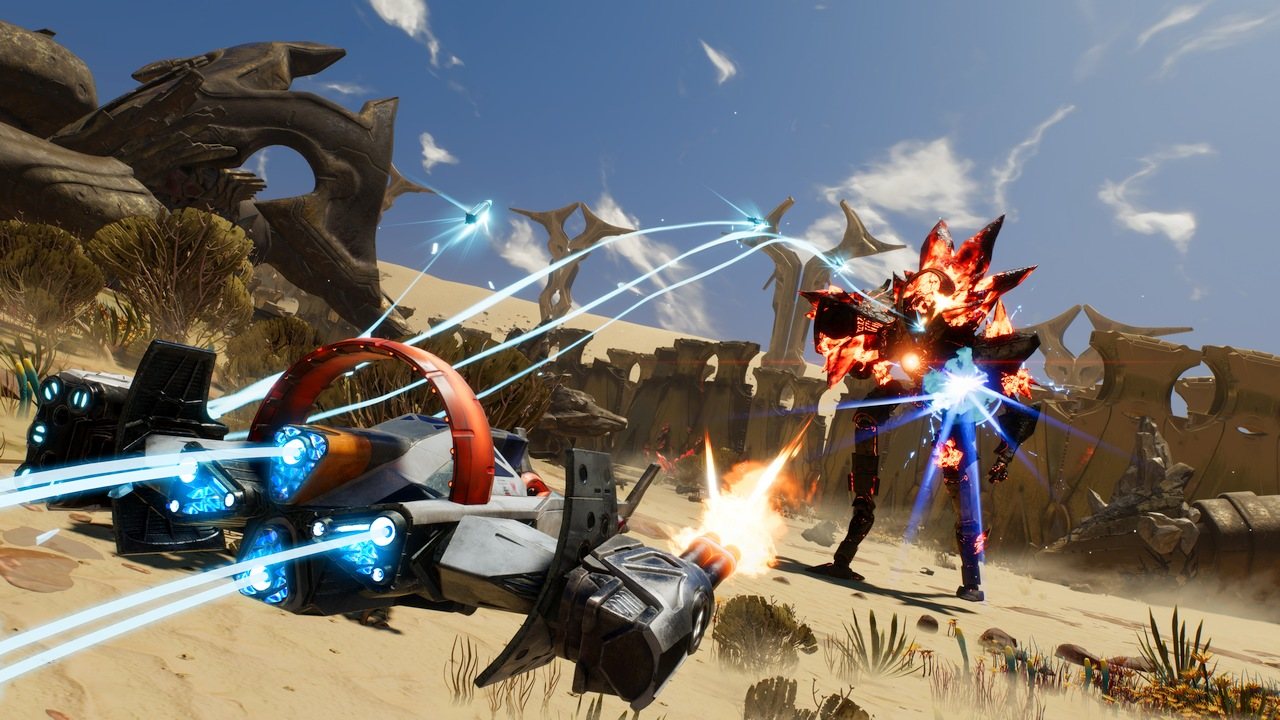
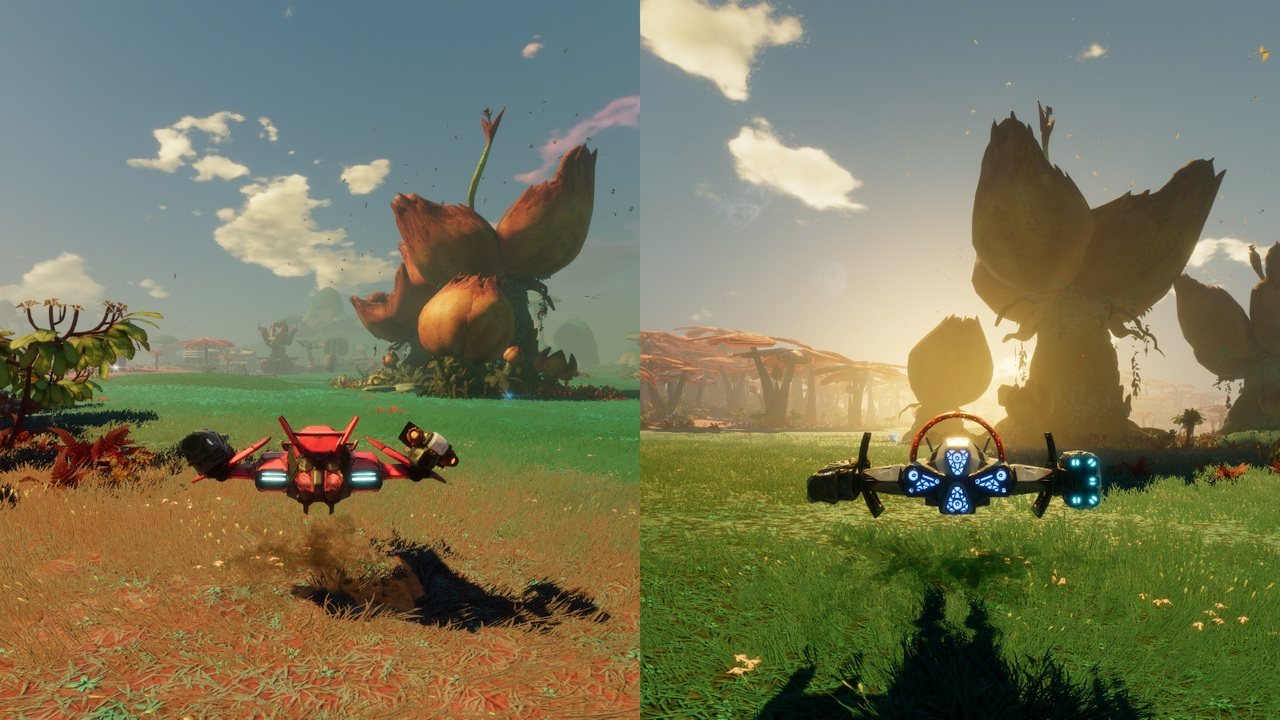
Lead a group of interstellar pilots dedicated to free the Atlas Star System from Grax and the Forgotten Legion. Start your adventure with the full first collection of the Starlink Fleet to defeat Grax with the Starlink: Battle for Atlas™ game, 5 Starships, 9 Pilots, and 15 Weapons included. Features Starships:ZenithNeptunePulseLanceNadir Pilots:Mason Rana Levi McCrayJudgeChase da SilvaHunter HakkaShaidRazor LemayEli ArborwoodKharl Zeon Weapons:Flamethrower Frost Barrage ShredderIron FistCrusherShockwaveHailstormLevitatorVolcanoImploderNullifier MissilesFreeze Ray Mk.2Shredder Mk.2Gauss Gun Mk.2Meteor Mk.2 Mix and match parts to customize your starship, and build your own playstyle with unique pilot abilities and weapons.

Starlink: Battle for Atlas Deluxe Edition screenshotStarlink: Battle for Atlas Deluxe Edition screenshotStarlink: Battle for Atlas Deluxe Edition screenshotStarlink: Battle for Atlas Deluxe Edition screenshotStarlink: Battle for Atlas Deluxe Edition screenshotStarlink: Battle for Atlas Deluxe Edition screenshot

How to redeem

  1. 1Check your Xbox One account and the listed region before purchasing.
  2. 2Find your code and supplier activation instructions in your confirmed order.
  3. 3Open the redeem-code section on Xbox One, enter the code and follow the platform’s prompts.

Supplier instructions

In order to redeem Playstation Network Code please follow instruction below: Go to http://www.SonyEntertainmentNetwork.com Click "Manage Account" and sign in with your Sign-In ID(E-mail Address) and Password. Click on "Redeem Prepaid Card". Enter the code printed on the voucher or PlayStation Network Card and click "Continue". If the code is valid, you will be presented with a description of what the code will deliver to your account. Press "Redeem..." button to add the item or funds to your account.

You might also like