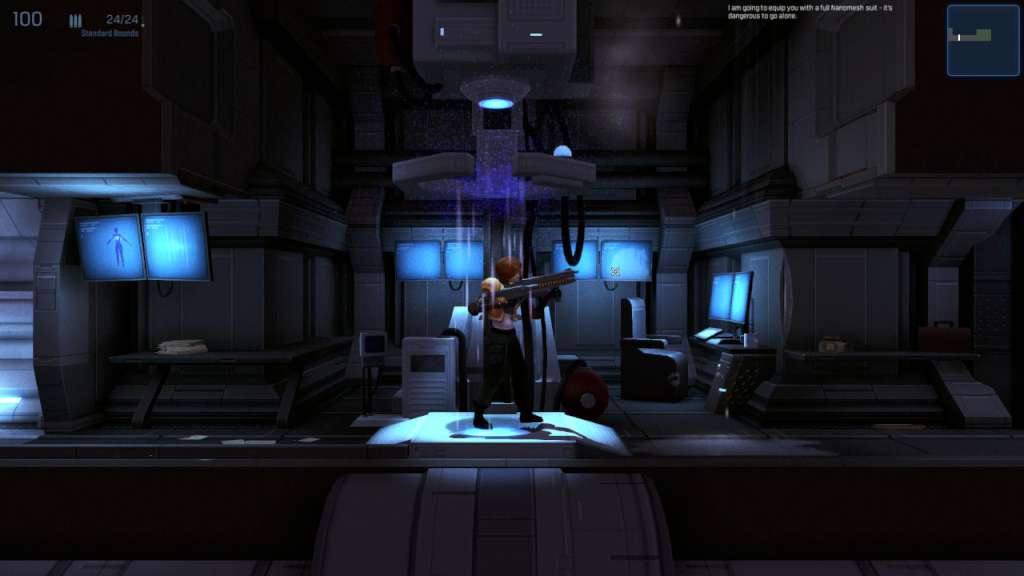
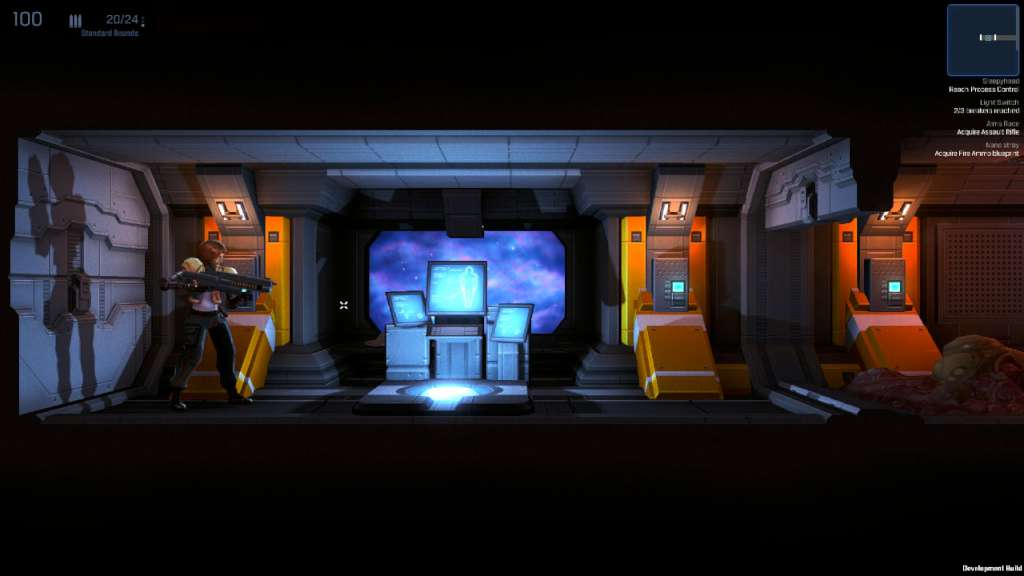
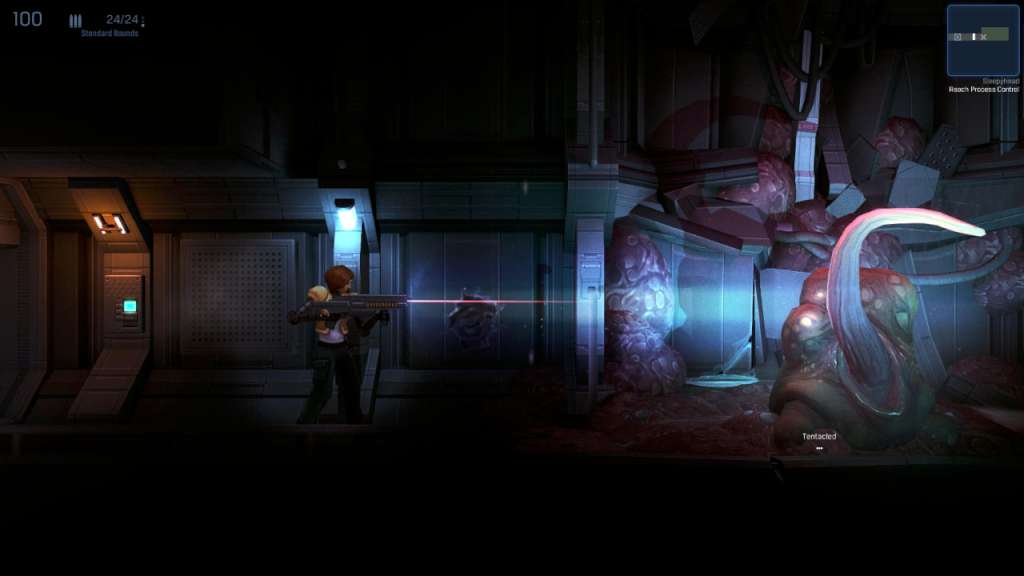
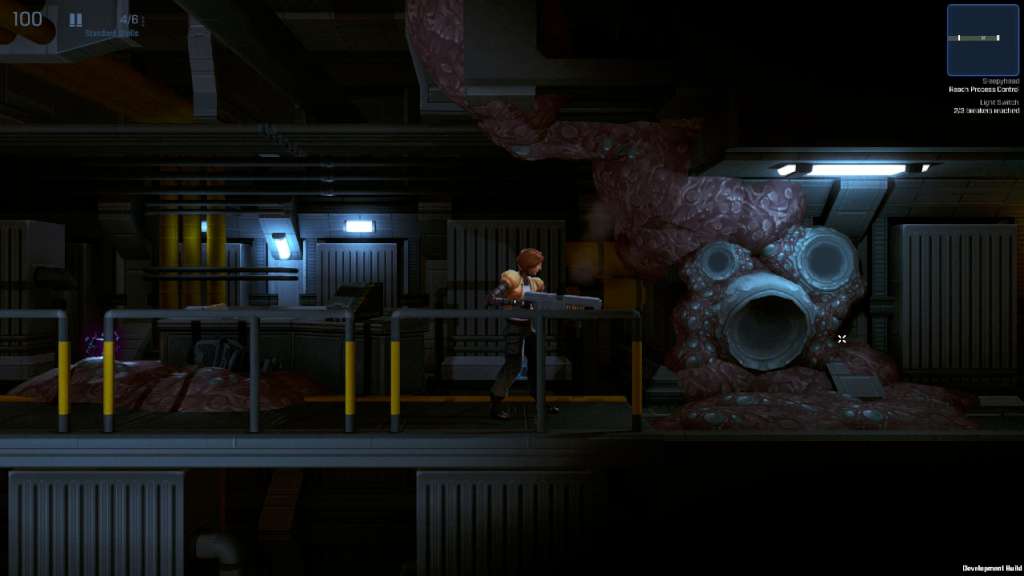
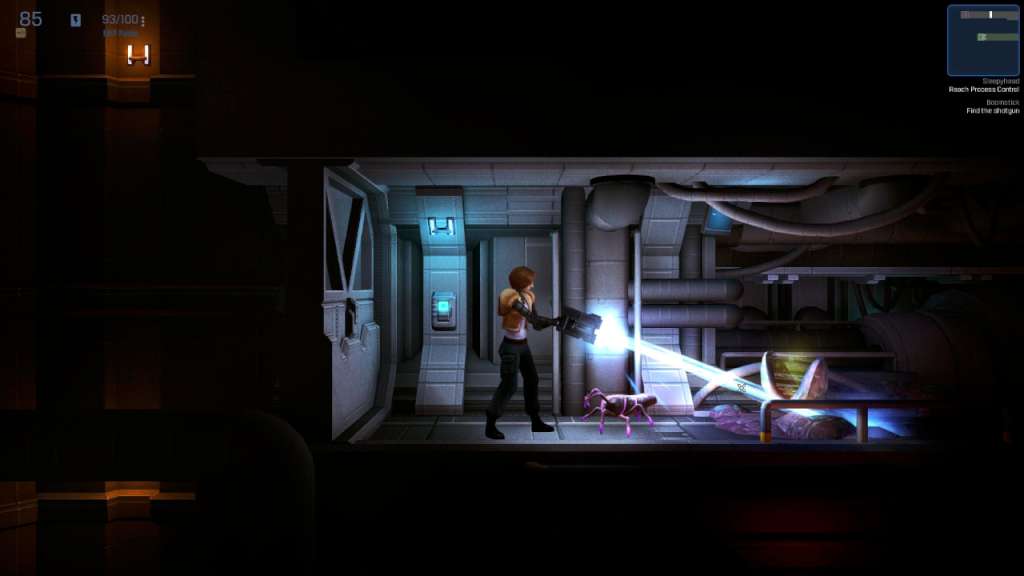
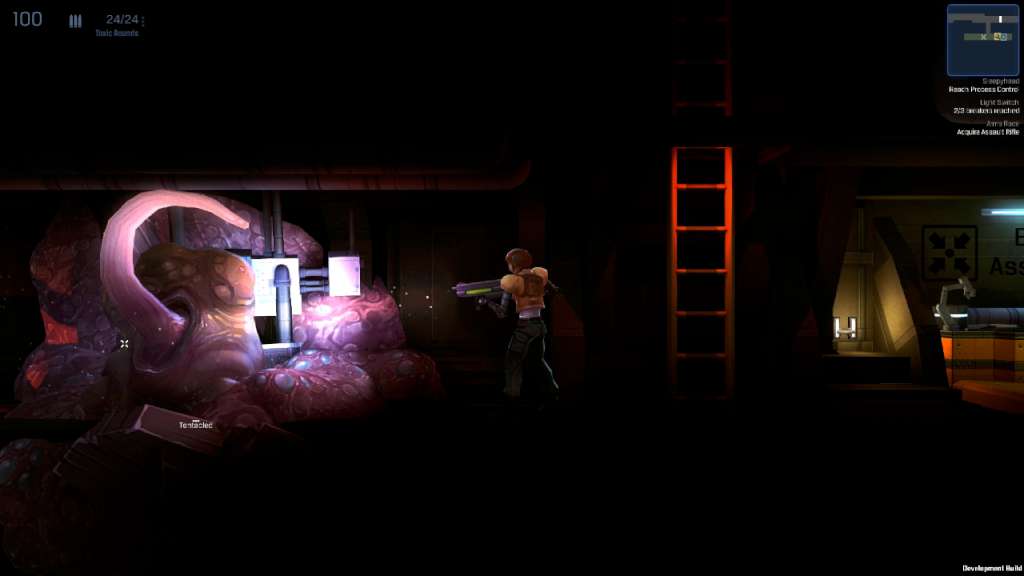
Dark Matter is a 2.5D side-scrolling survival horror game, set in a derelict spaceship besieged by a sinister alien presence, and infested with deadly parasites. As the Ensign, you must explore fetid hallways and abandoned facilities, scavenging for parts and blueprints, expanding your arsenal to up to four deadly weapons and freely customize each to fit your combat style against intelligent, reactive enemies. Dark Matter delivers a hard-hitting take on the survival horror genre in deep space, with a heavy emphasis on tactical combat and exploration. Features 14 levels in a gritty tale of deep space survival 4 weapons, and 4 ammo types. Elemental ammo effects that allow you to freeze, dissolve or set fire to your enemies. Three craftable upgrades to customize your weapons. Collect scrap and alien resources to craft your own tools and health packs. Invest in the weapons and upgrades you prefer, develop your own combat techniques. Non-linear exploration and storytelling with complex enemy AI that reacts to the player’s actions and tactics. Light and darkness are integral parts of gameplay, not just visual touches. Uncompromisingly real-time lights and shadow casting for spine-tingling moments of pure, darkness-fuelled terror. Clean, hand-painted textures and custom shading techniques are combined in a unique visual style. Dynamic soundtrack that adapts to gameplay circumstances.