Get 10% back in Relic Coins on every order
The Sims Medieval cover

SteamGlobal· Gift

The Sims Medieval

€572.25

+€57.23 cashback eligibility in Relic Coins

Check before you play

Platform
Steam
Region
Global
Product type
Gift
Developer
Magic Pockets
Publisher
Electronic Arts, Inc.
Supplier release date
2013-05-09
Genres
Life Simulation

About this product

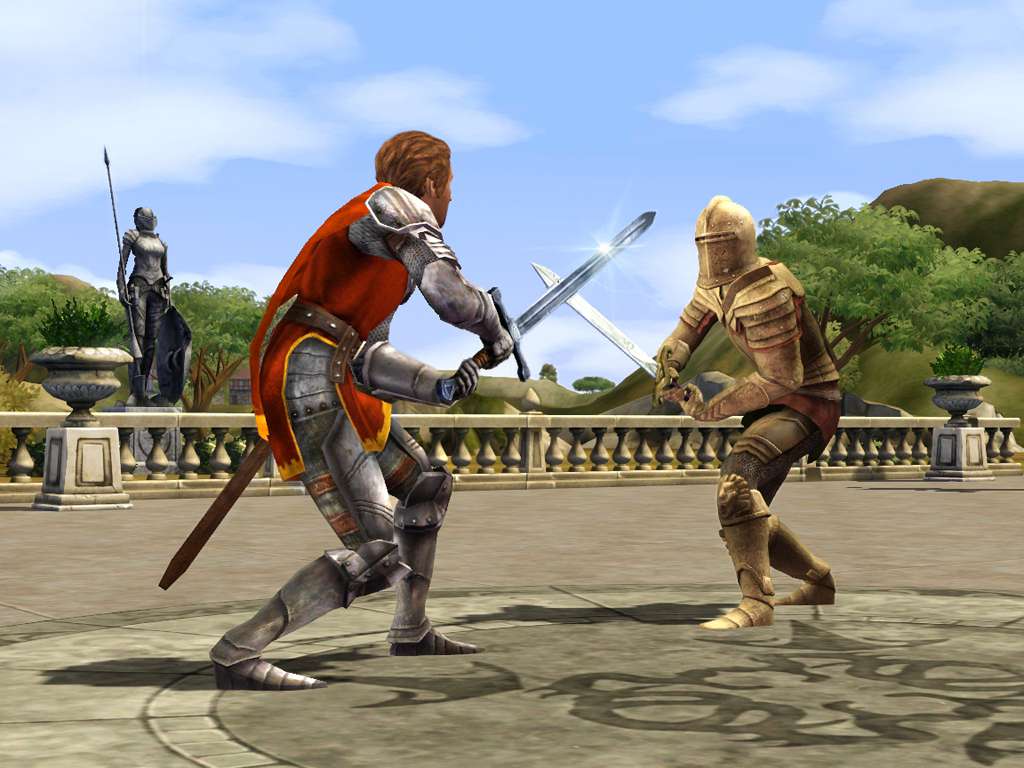
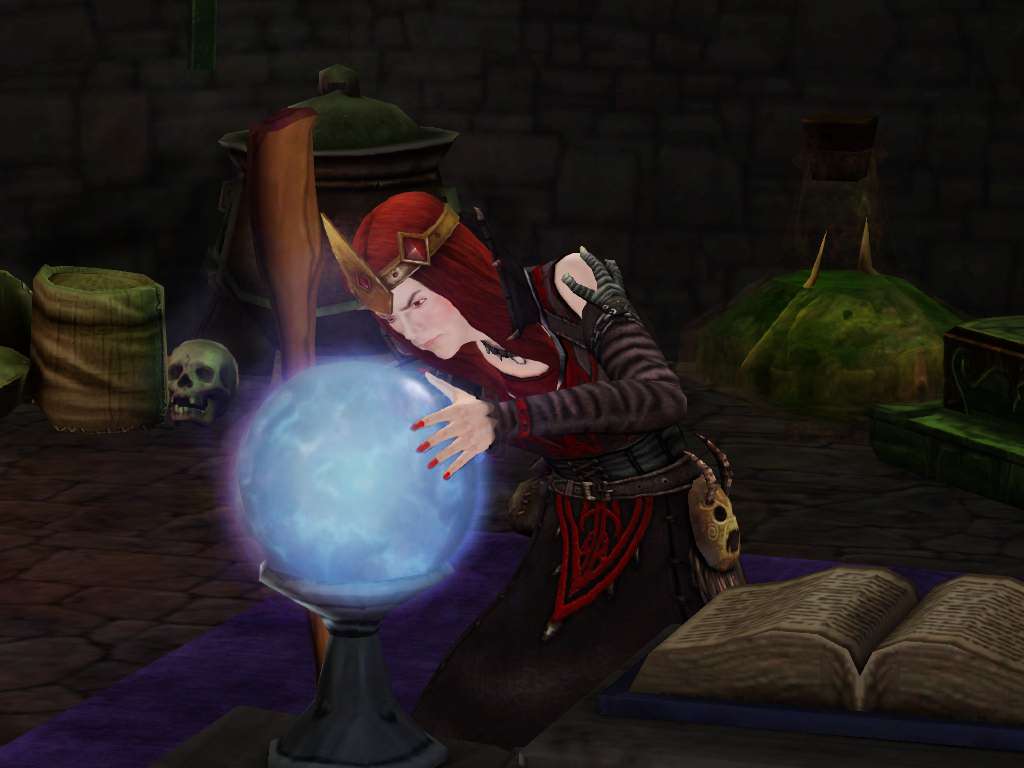
The Sims go back in time and get medieval! The Sims Medieval takes The Sims into the Middle Ages with all new features, new graphics and new ways to play. For the first time, players can create heroes, venture on quests, and build up a kingdom. In an ancient land of adventure, drama and romance, players will be able to get medieval like never before. Features A living world of Sims in an age of adventure, drama, and romance Enhanced graphics, lighting, animations, and more lifelike Sims Create heroes, build up their skills and send them on epic quests Quests drive your kingdom’s story - Good or evil, cruel or kind, romantic or warlike Kingdom Ambitions – Choose a ambitious goal for your kingdom and work to achieve it. Will your kingdom be the most wealthy, most enlightened, a conqueror or a peacemaker? The choice is yours.

The Sims Medieval screenshotThe Sims Medieval screenshotThe Sims Medieval screenshotThe Sims Medieval screenshotThe Sims Medieval screenshotThe Sims Medieval screenshot

How to redeem

  1. 1Check that your Steam account can receive gifts in the listed region.
  2. 2Open the confirmed order and follow the supplier’s gift-delivery instructions.
  3. 3Accept the gift on the required platform account and add it to your library.

Supplier instructions

In order to redeem the code follow the instruction below: Go to http://www.thesims3.com and make an account if you do not already have one. If you already have an account, skip to step 2. If you already have an Origin account, please use the same email and password to register on http://www.thesims3.com. Once you are a registered member of http://www.thesims3.com, login to your account so that you can then register your game codes. Click on the My Page tab. Then click the My Account tab. Click on Register a Game or use this direct link: click here Enter the product code for the expansion pack or stuff pack. Click the green Register button. If the method above won't work, please follow the instructions below: Go to: http://www.origin.com/us/about Click "Download Origin" (from the upper left corner) Download Origin Login into downloaded application Install and start application, login with your Account name and Password (create one here: http://store.origin.com/ if you don't have). Reedem Product Code From the "Origin" drop-down menu (upper left corner) choose "Redeem Product Code...", enter your code and click "Next". Download your Game After successful code verification go to the "MY GAMES" tab and start downloading.

You might also like