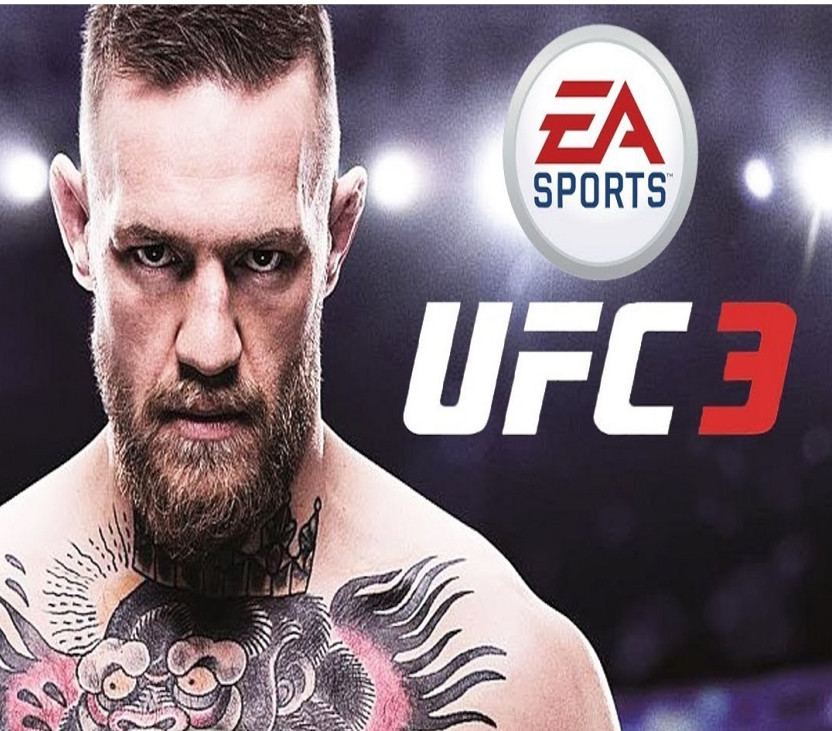
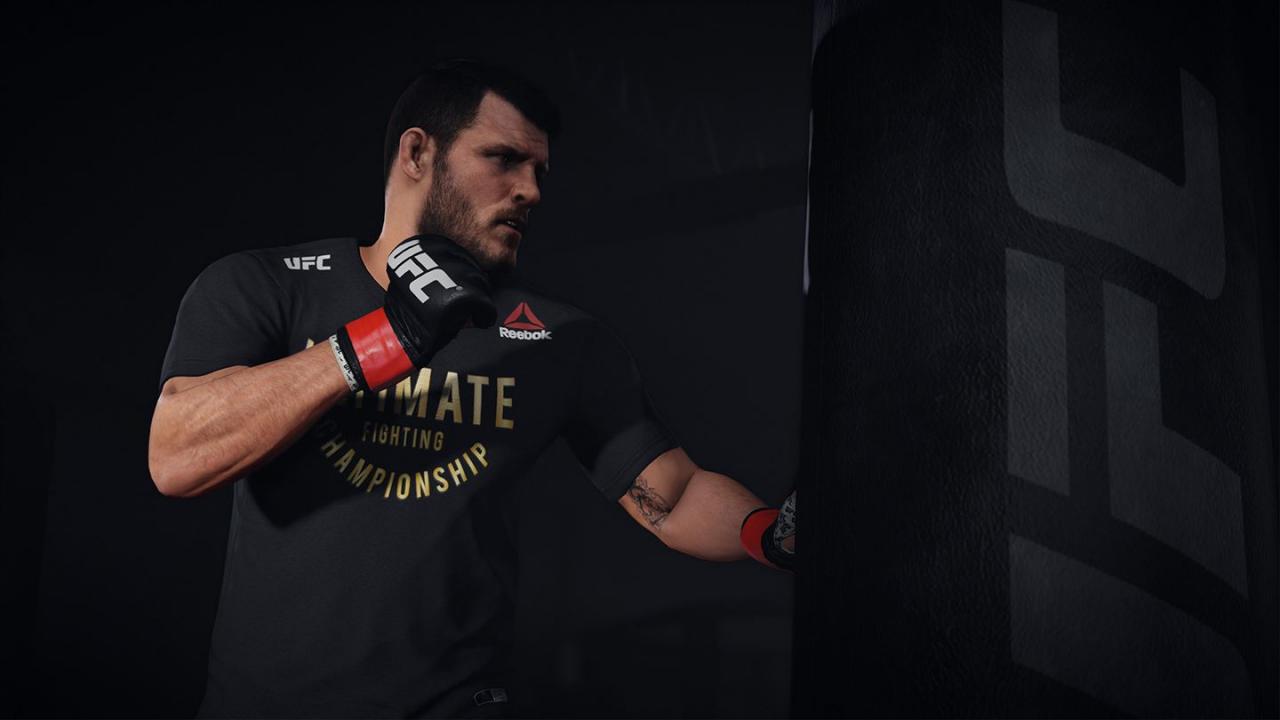
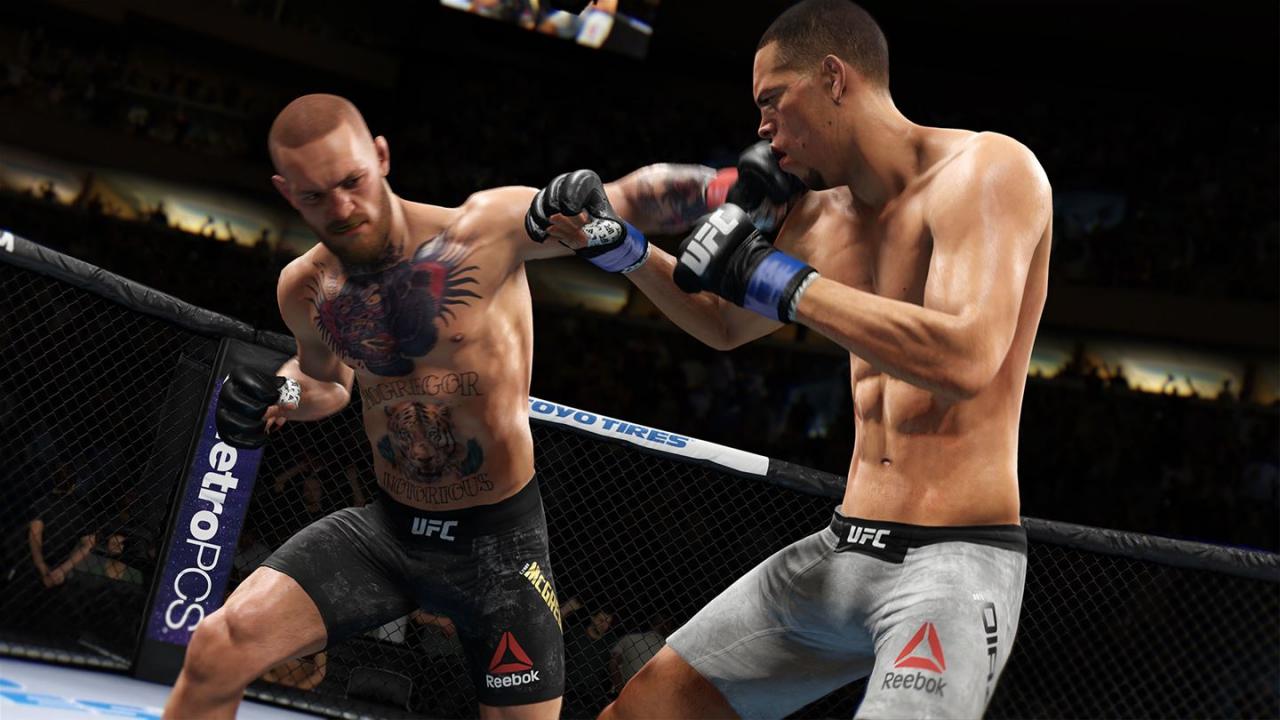
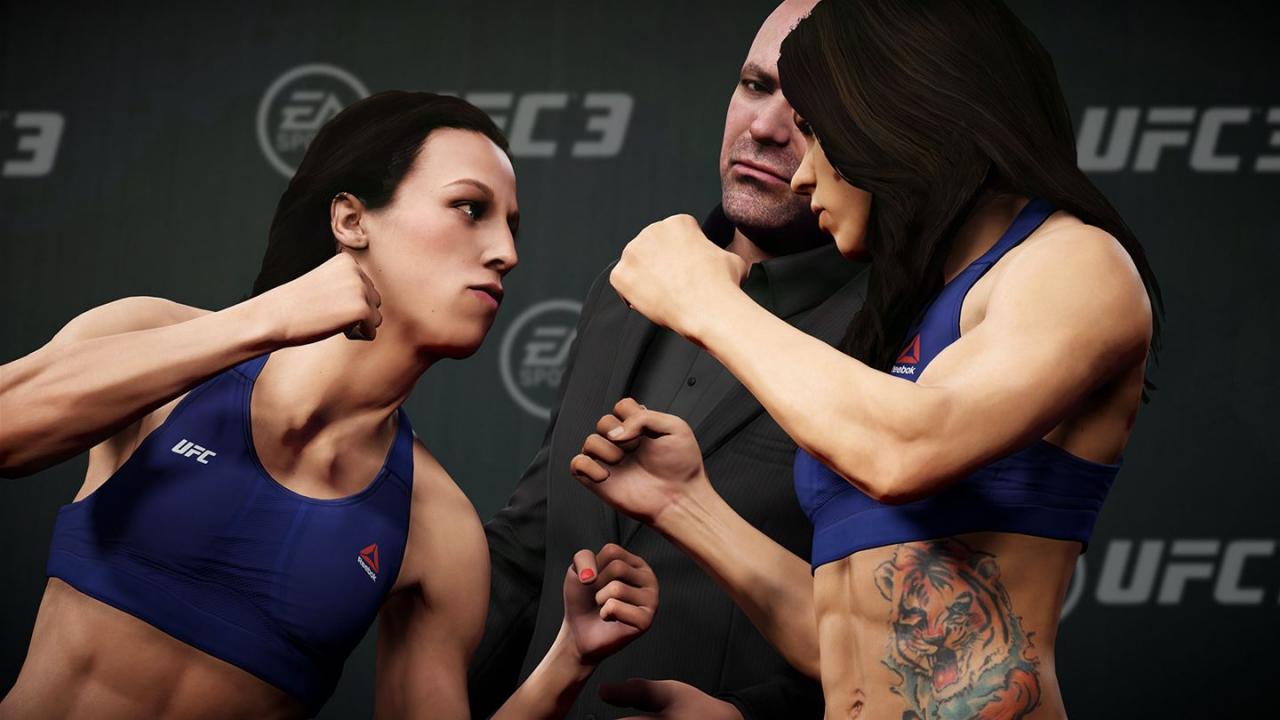
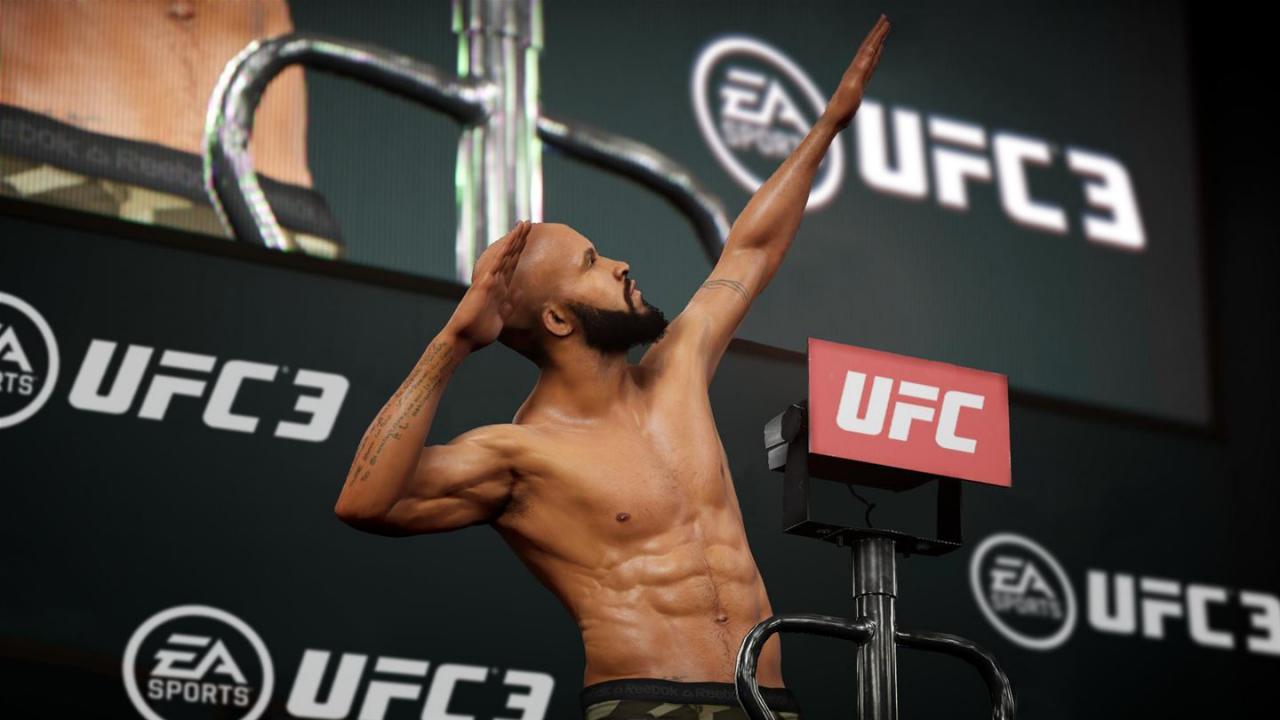
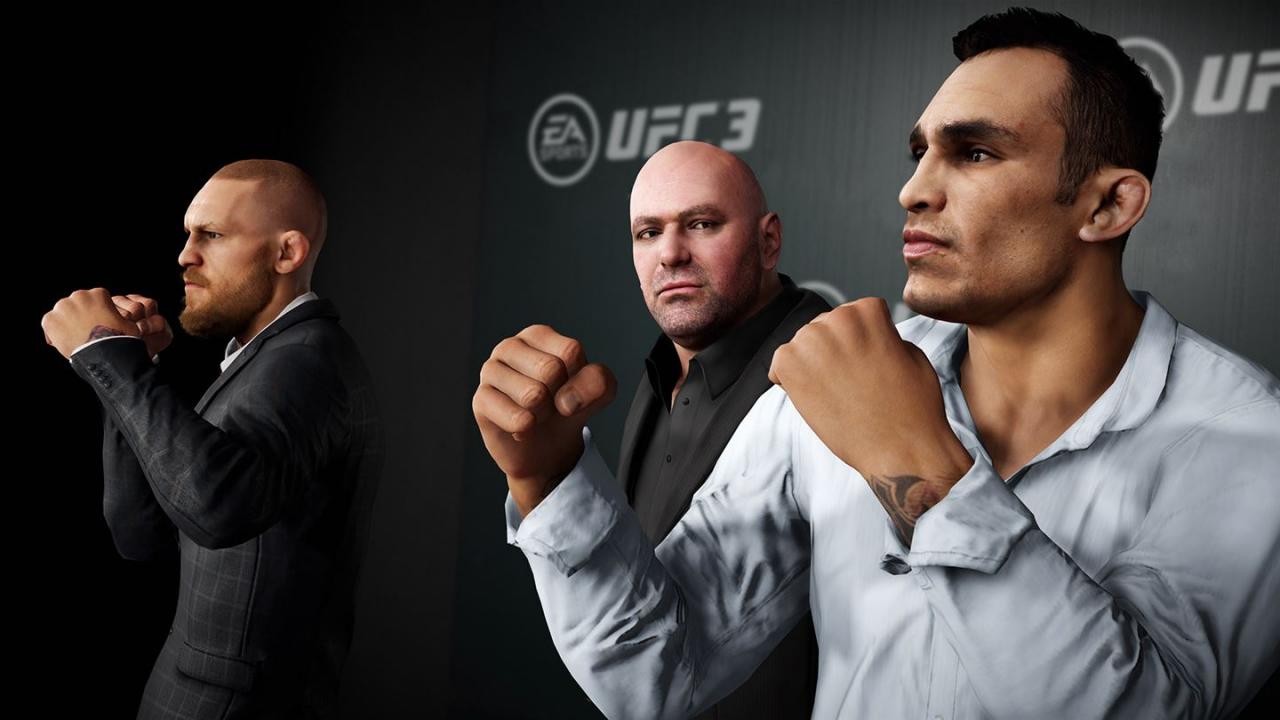
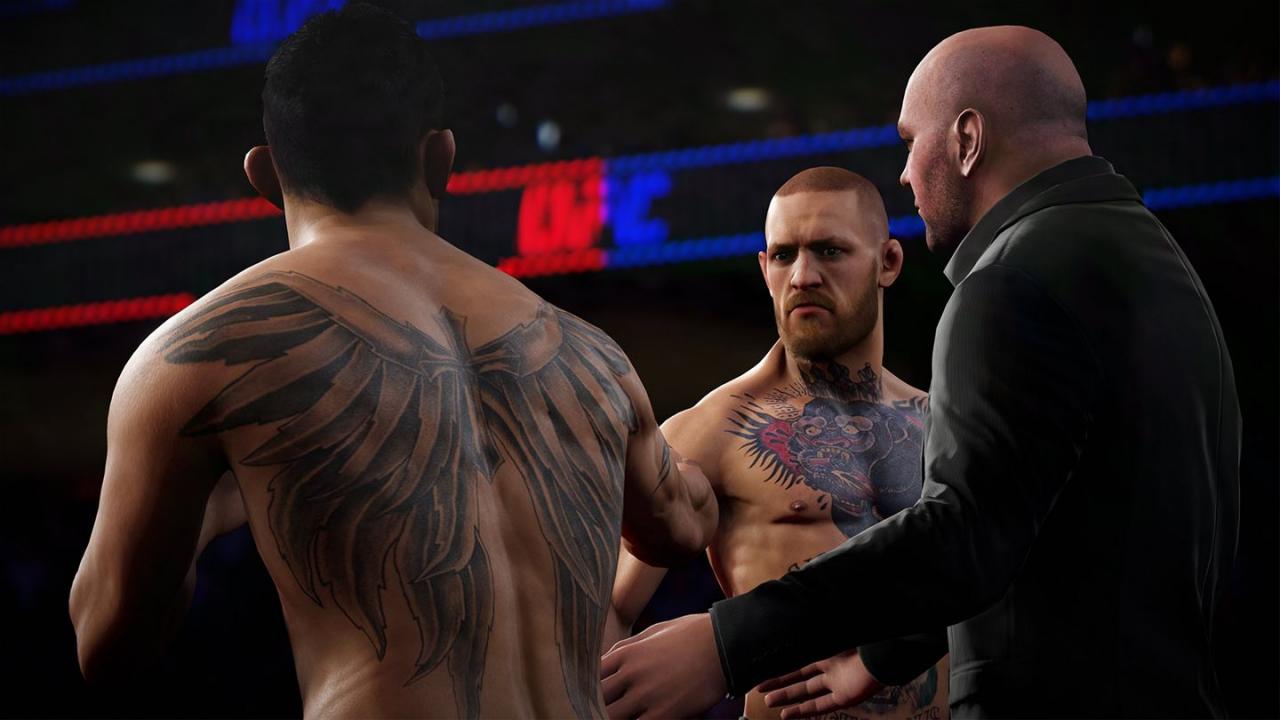
Includes: Base Game UFC 3 - 3000 UFC Points, UFC 3 - Bruce Lee Bantamweight DLC, UFC 3 - Bruce Lee Featherweight DLC, UFC 3 - Bruce Lee Lightweight DLC, UFC 3 - Bruce Lee Welterweight DLC EA SPORTS UFC 3 revolutionizes authentic fighting movement with Real Player Motion Tech, a new animation technology that delivers the most responsive and authentic athletic motion in sports gaming. Every punch, kick, block, and counter has been recaptured and rebuilt on cutting-edge motion-capture tech to look and feel life-like and responsive, delivering a more competitive fighting experience. In G.O.A.T. Career Mode, players must build fight hype to gain fans, earn cash to train at new gyms, and create heated rivalries with other fighters to capture the world's attention. How you promote outside of the Octagon matters as much as how you perform inside of it as you progress to becoming the Greatest of All Time. In addition, an all-new suite of customizable multiplayer modes let you and your friends get into the Octagon and face off in fast, fun, intense pick-up-and-play bouts where a highlight-reel knockout is always only one strike away and victory happens in the blink of an eye.