Get 10% back in Relic Coins on every order
The Sims 3 - Late Night Expansion Pack DLC cover

EA AppGlobal· DLC

The Sims 3 - Late Night Expansion Pack DLC

€4.48

+€0.45 cashback eligibility in Relic Coins

Check before you play

Platform
EA App
Region
Global
Product type
DLC

Check the required base game and edition before purchasing this add-on.

Developer
The Sims Studio
Publisher
Electronic Arts
Supplier release date
2010-10-26
Genres
Life Simulation, Simulation

About this product

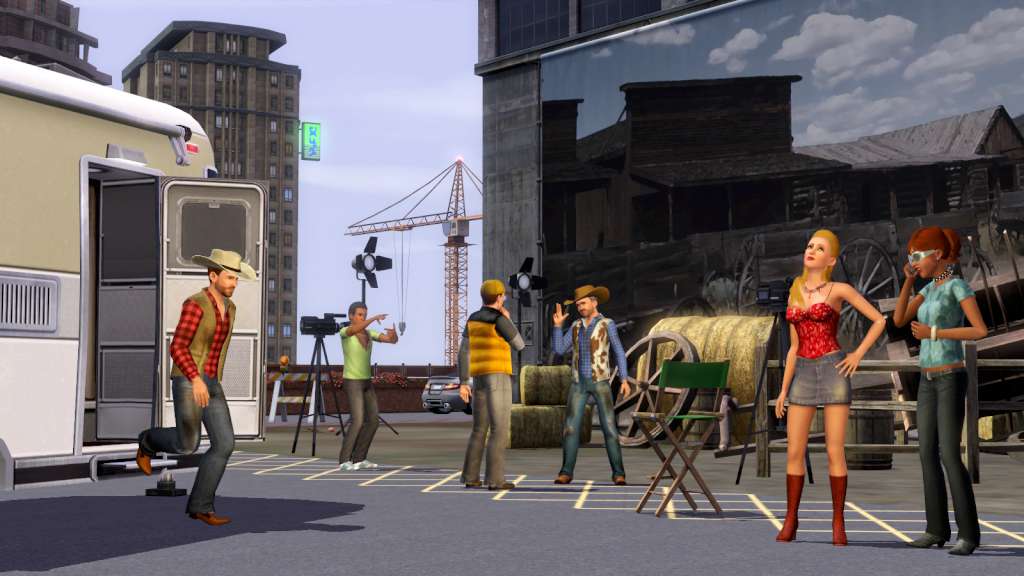
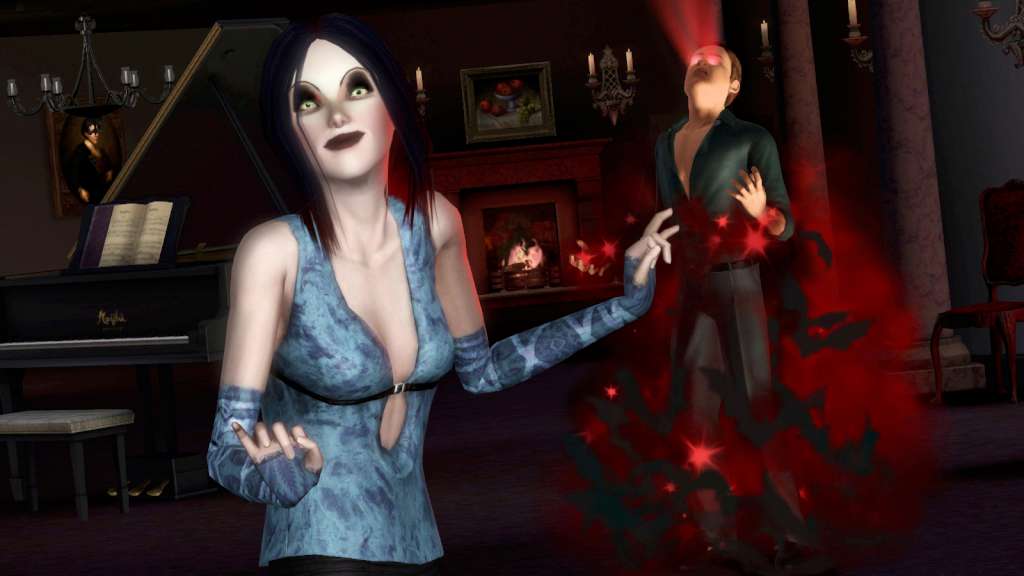
Get your Sims an all-access pass to the hottest spots in town. Whether they mingle with celebrities or enjoy a casual night with friends, your Sims’ social lives are getting a boost! But keep in mind that some scenes are more exclusive than others, so make sure your Sims have the right connections to get past the bouncers at the hottest clubs. Wherever your Sims go, they’ll discover new things to become—adored celebrities, all-night partiers, rowdy bandmates, or sexy vampires. What will your Sims get up to after dark? Features Hang out at the hottest spots in town, from dive bars to dance clubs to chic lounges, complete with bouncers. Gain fame and fortune as a member of a music band, mixologist, director, or local celebrity. Explore certain areas of town in the thick of the night and you may be initiated into the dark life of a vampire. Gain access to exclusive areas and enjoy celebrity perks like penthouse living, luxury hot tubs and cars.

The Sims 3 - Late Night Expansion Pack DLC screenshotThe Sims 3 - Late Night Expansion Pack DLC screenshotThe Sims 3 - Late Night Expansion Pack DLC screenshotThe Sims 3 - Late Night Expansion Pack DLC screenshotThe Sims 3 - Late Night Expansion Pack DLC screenshotThe Sims 3 - Late Night Expansion Pack DLC screenshot

How to redeem

  1. 1Check the required base game, platform and edition before purchasing.
  2. 2Find the code or supplier activation instructions in your confirmed order.
  3. 3Redeem on EA App using the supplied instructions, then install the add-on with the compatible base game.

Supplier instructions

In order to redeem the code follow the instruction below: Go to http://www.thesims3.com and make an account if you do not already have one. If you already have an account, skip to step 2. If you already have an Origin account, please use the same email and password to register on http://www.thesims3.com. Once you are a registered member of http://www.thesims3.com, login to your account so that you can then register your game codes. Click on the My Page tab. Then click the My Account tab. Click on Register a Game. Enter the product code for the expansion pack or stuff pack. Click the green Register button. If the method above won't work, please follow the instruction below: If you have not done so already, create your free Origin/EA account on www.origin.com. Log in to the Sims 3 community website using your Origin email and password. If you are logging in for the first time, use your provided key for the Sims 3 base game during the registration process. To redeem the games on your Sims 3 account select "My Page" -> "My Account" -> "Register a Game" Enter your 20-character key for The Sims 3, Late Night Expansion, or High End Loft Stuff. (note, if you entered the The Sims 3 base game code in step 2, you don’t need to re-enter it here) That's it! The Games will automatically be added to your Origin account, and can be accessed and downloaded through the Origin client.

You might also like