Get 10% back in Relic Coins on every order
Not Tonight cover

Steam Europe - All Countries· Key

Not Tonight

€2.31

+€0.23 cashback eligibility in Relic Coins

Check before you play

Platform
Steam
Region
Europe - All Countries
Product type
Key
Developer
PanicBarn
Publisher
No More Robots
Supplier release date
2018-09-17
Genres
Adventure, RPG, Simulation

About this product

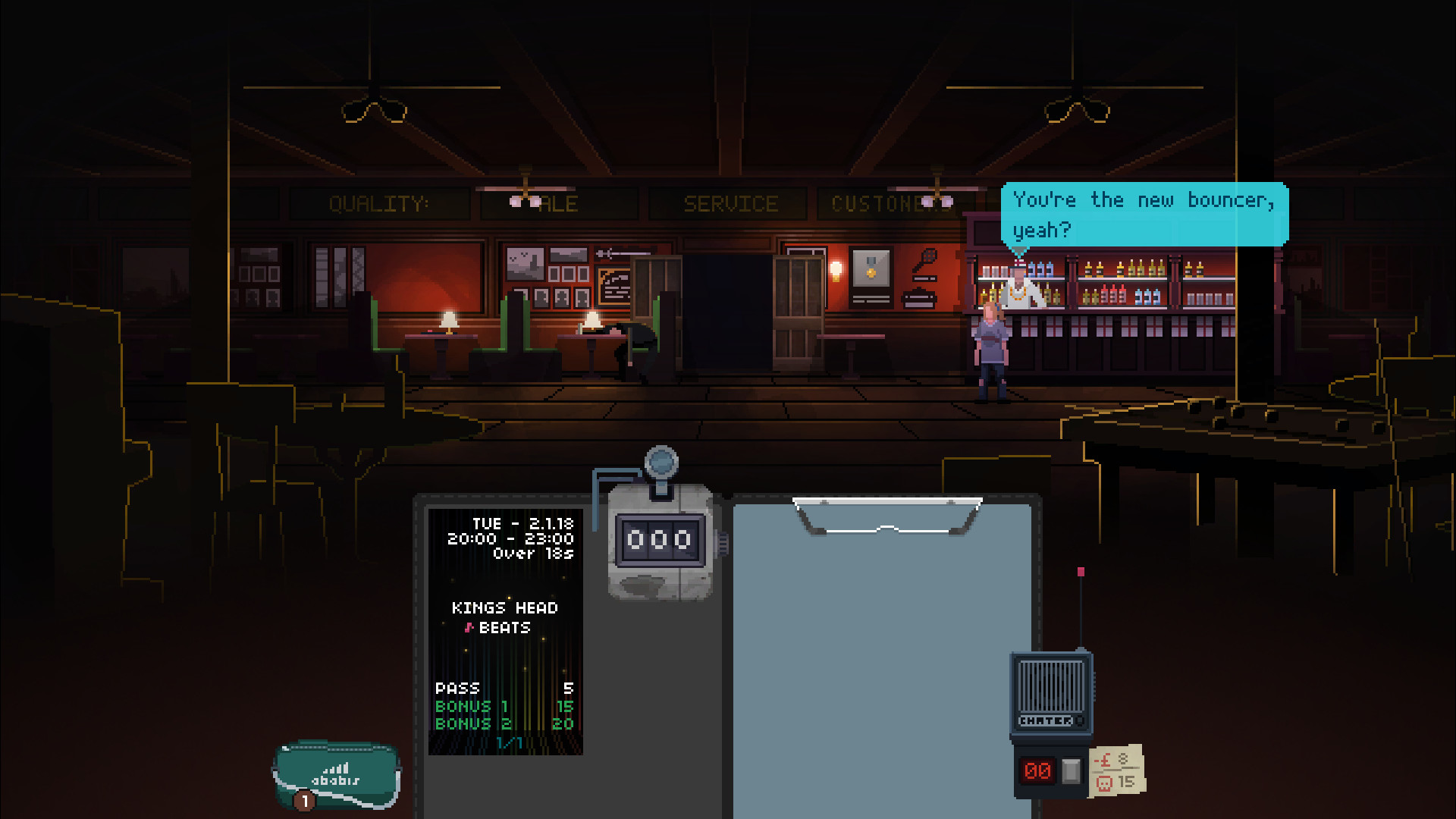
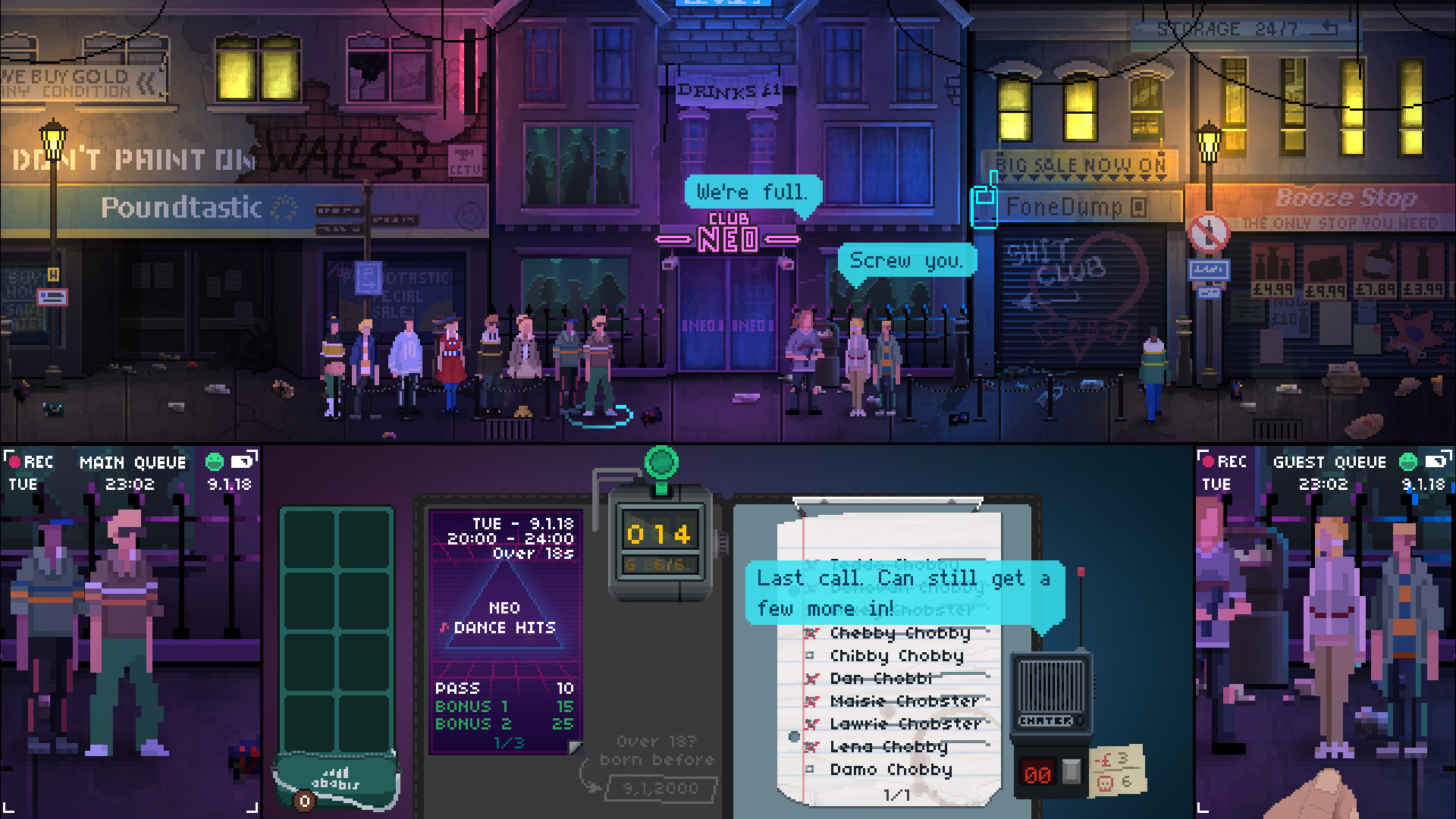
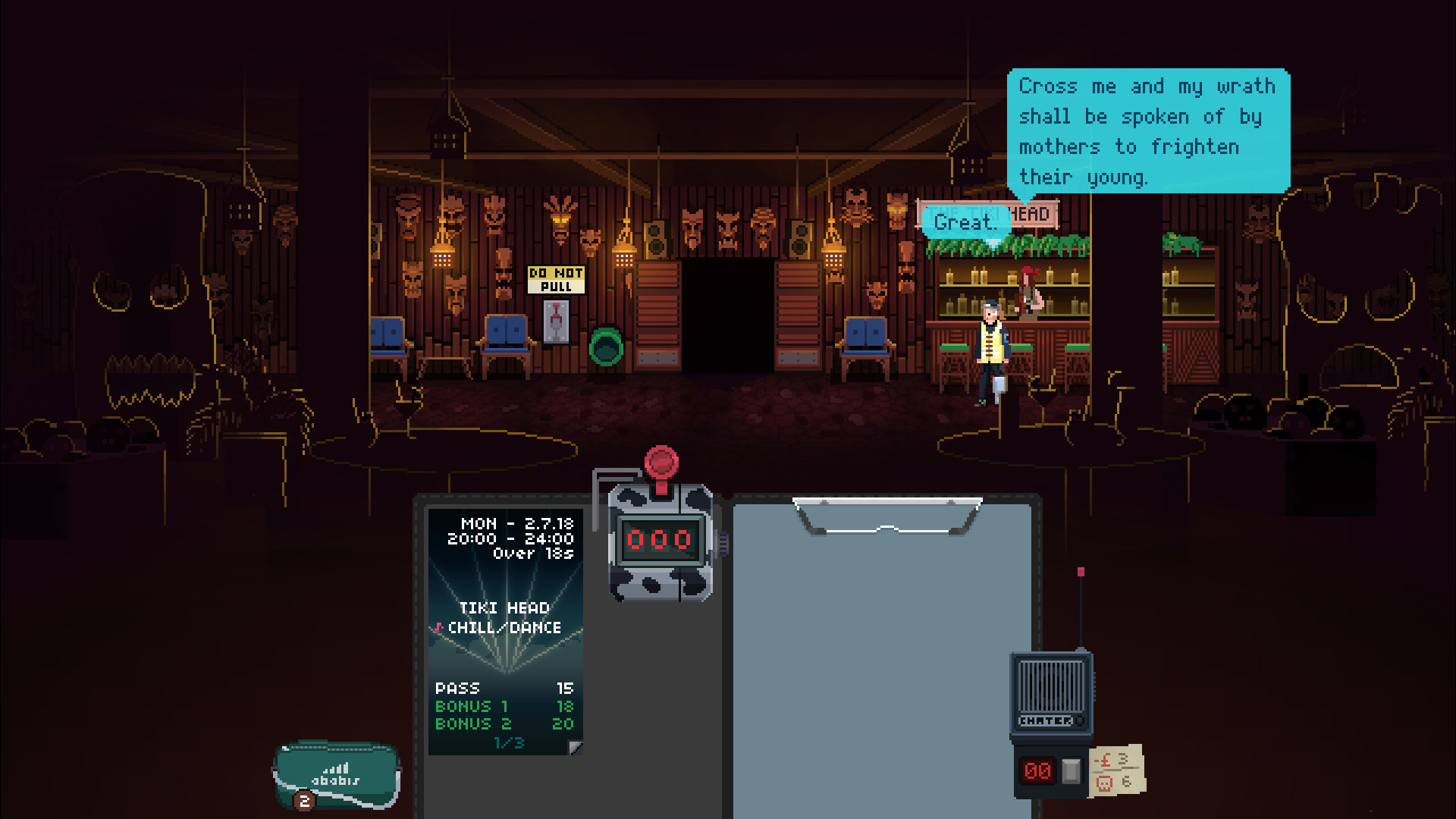
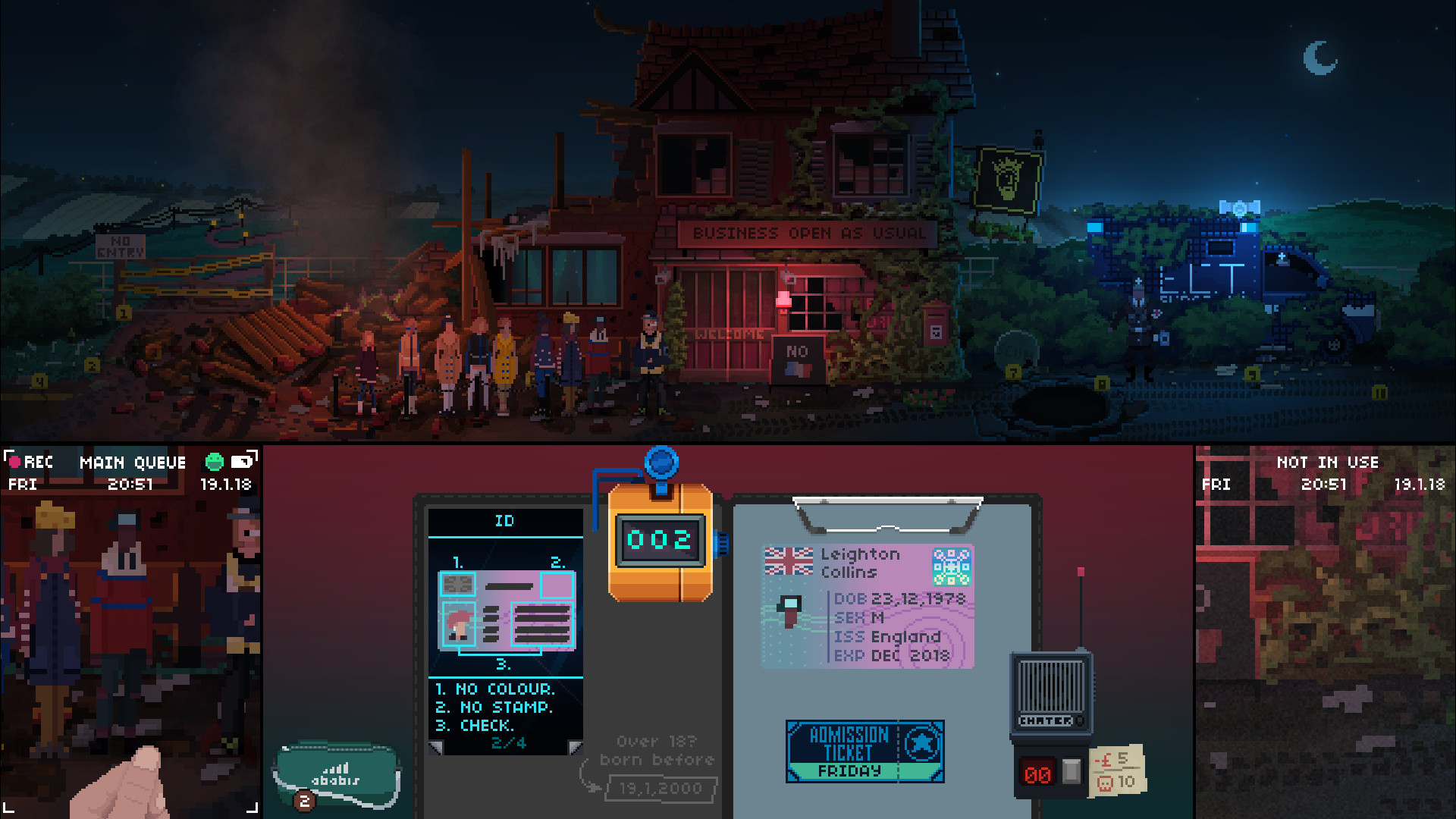
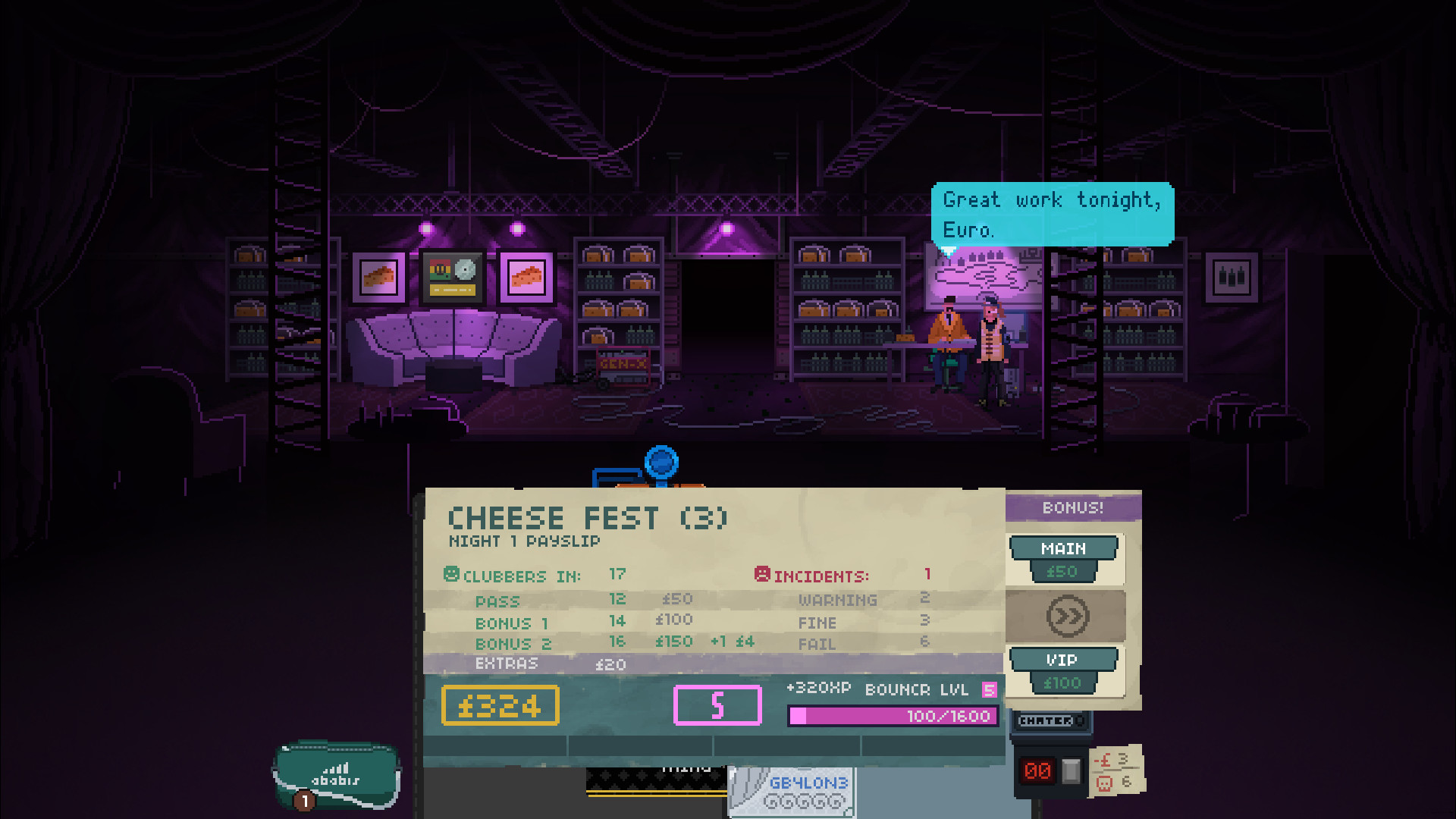
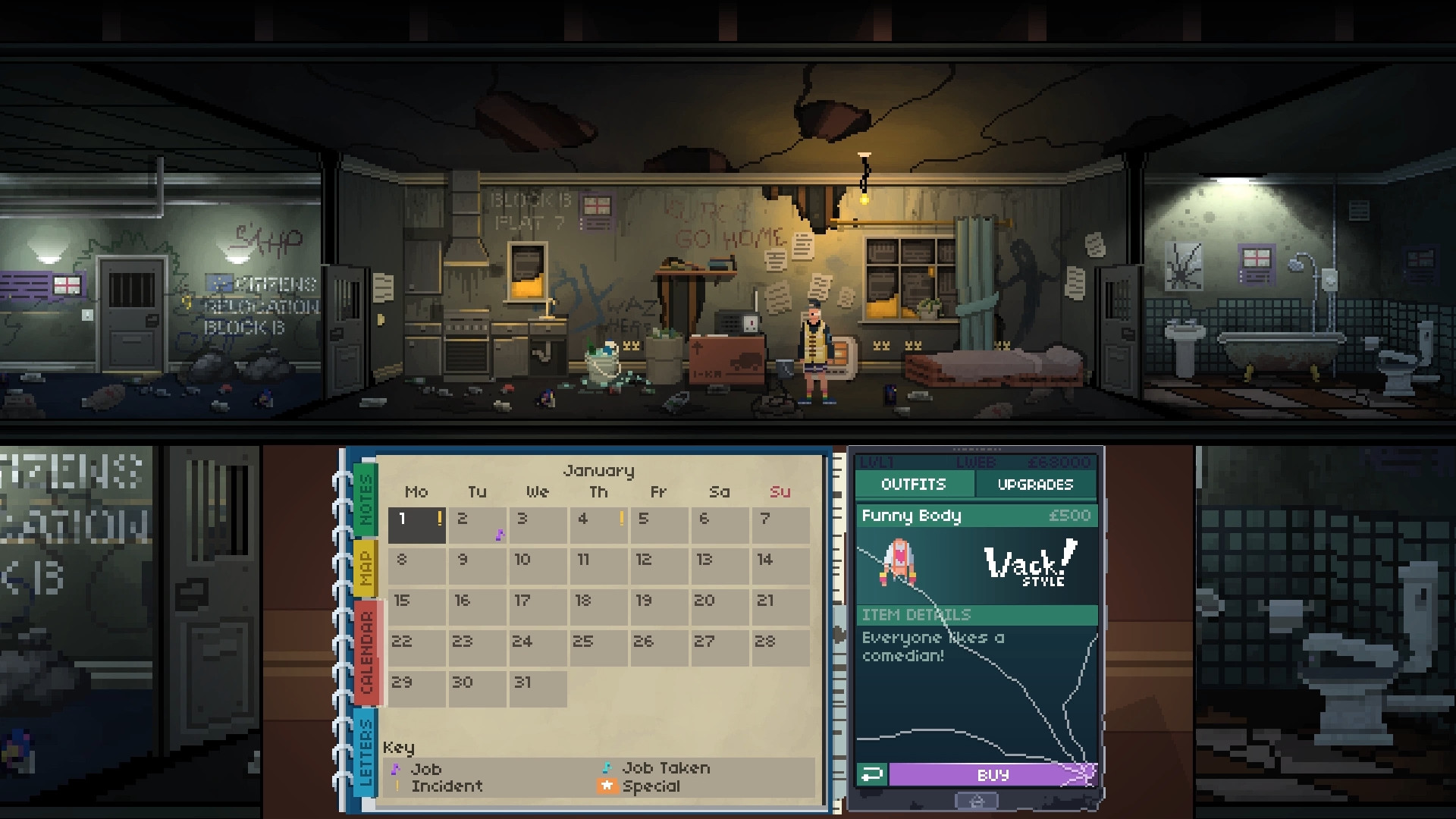
Person of European Heritage #112: Welcome to Relocation Block B, your new home. Your designated role is 'Bouncer'. Work hard, stay out of trouble, and we might let you stay in the UK.In an alternative Britain where Brexit talks have collapsed, an extreme far-right government has taken power. Citizens of European heritage have been rounded up and exiled. Forced out of your previous life, you find yourself in the midst of a booming gig economy, fighting to scrape by and return to the city you call home.Not Tonight is a post-Brexit management game, fusing a time-pressure RPG with a politically charged story where every decision matters. Will you join the resistance and fight the regime -- or keep your head down and hope that one day this will all be a distant memory?FeaturesMan the doors of pubs, clubs, festivals and parties, finding work via the BouncR appCheck IDs, manage guestlists, and stop revellers from becoming unrulyUpgrade your apartment, bouncer and equipment to better prepare yourself for the futureDecide what lengths you'll go to in order to survive in a Britain on the verge of collapse


Not Tonight screenshotNot Tonight screenshotNot Tonight screenshotNot Tonight screenshotNot Tonight screenshotNot Tonight screenshot

How to redeem

  1. 1Check your Steam account and the listed region before purchasing.
  2. 2Find your code and supplier activation instructions in your confirmed order.
  3. 3Open the redeem-code section on Steam, enter the code and follow the platform’s prompts.

Supplier instructions

Go to: http://store.steampowered.com/ and download STEAM client Click "Install Steam" (from the upper right corner) Install and start application, login with your Account name and Password (create one if you don't have). Please follow these instructions to activate a new retail purchase on Steam: Launch Steam and log into your Steam account. Click the Games Menu. Choose Activate a Product on Steam... Follow the onscreen instructions to complete the process. After successful code verification go to the "LIBRARY" tab and start downloading.

You might also like