Get 10% back in Relic Coins on every order
Pumpkin Jack RU cover

SteamRussia· Key

Pumpkin Jack RU

€2.05

+€0.21 cashback eligibility in Relic Coins

Check before you play

Platform
Steam
Region
Russia
Product type
Key
Developer
Nicolas Meyssonnier
Publisher
Headup
Supplier release date
2020-10-23
Genres
Action, Adventure, Indie, Platformer

About this product

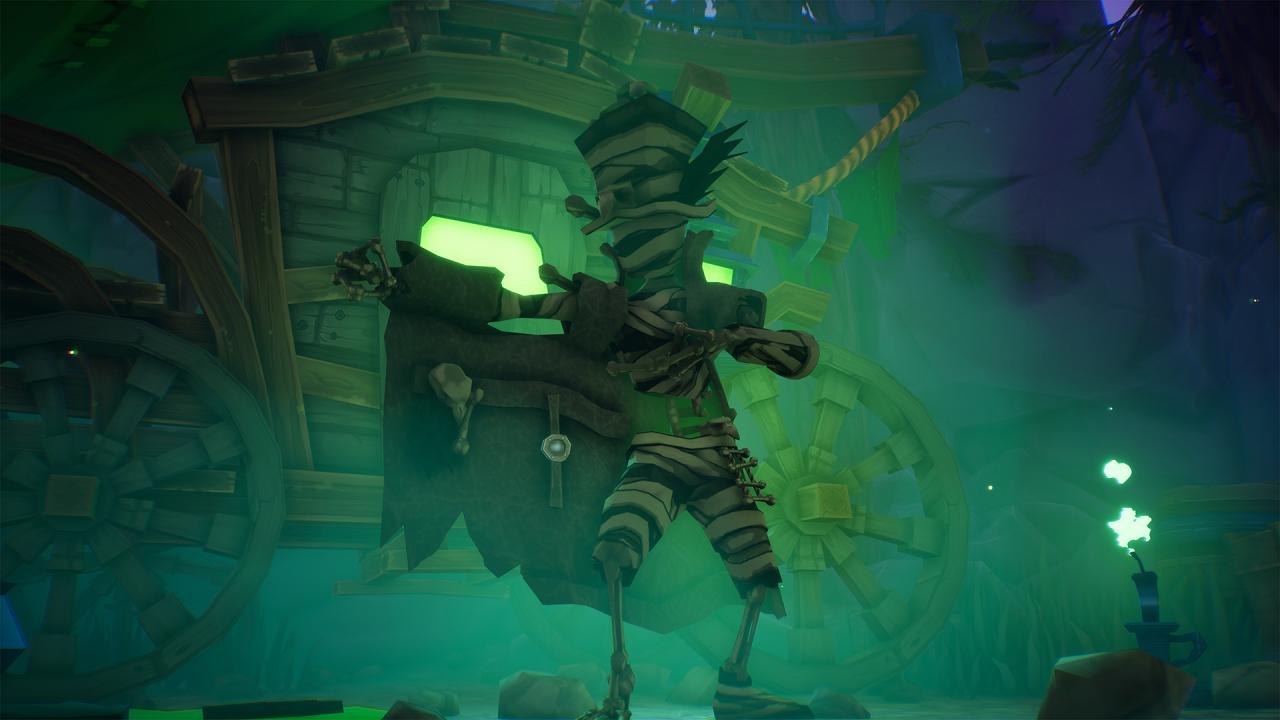
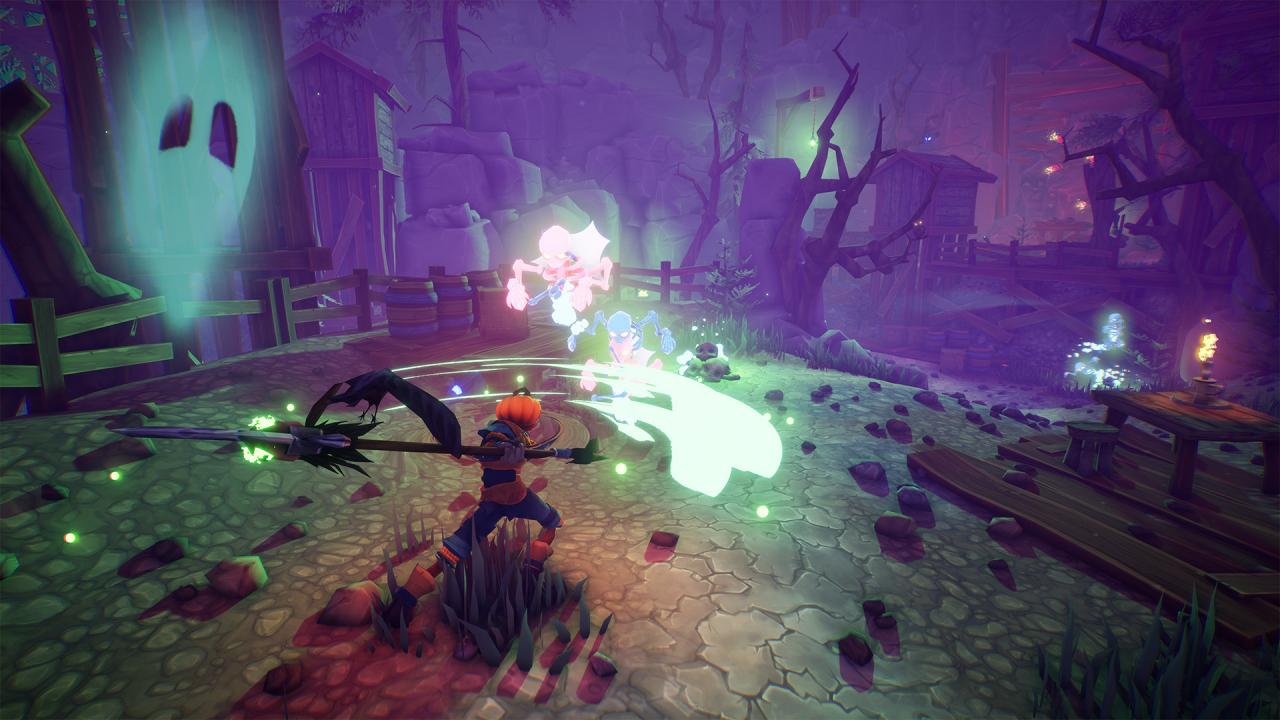
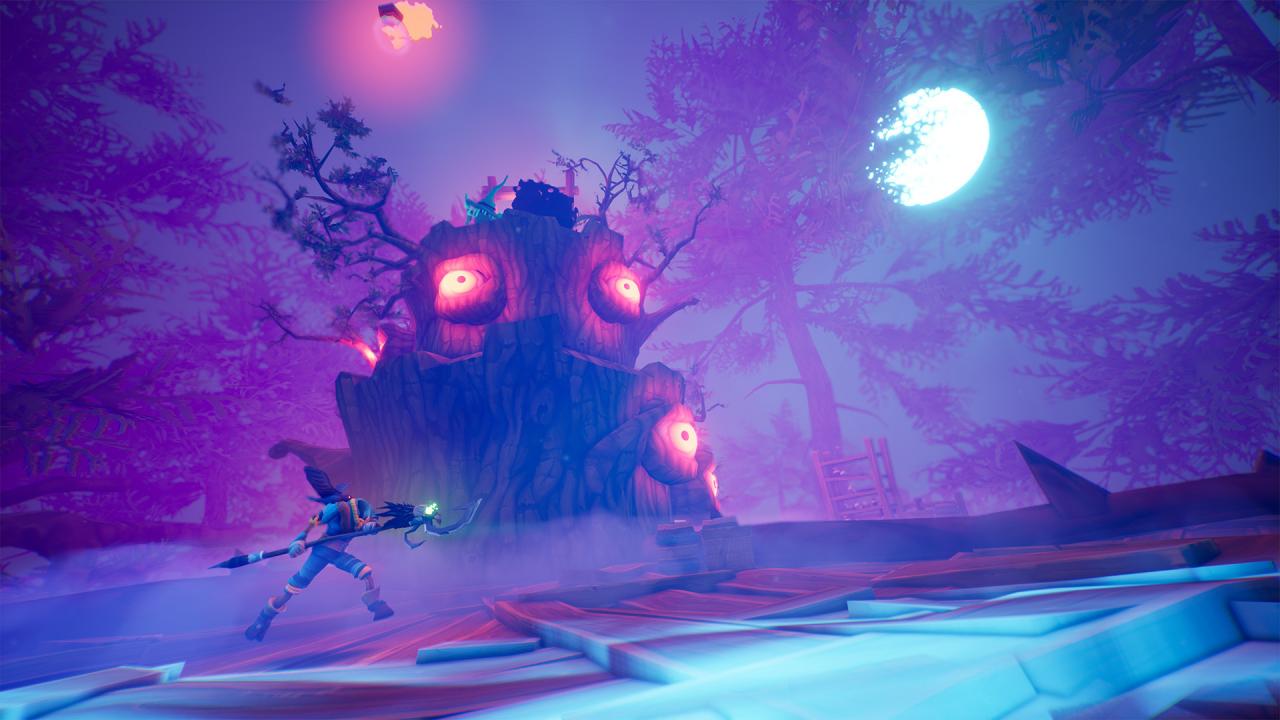
Pumpkin Jack is a spooky scary 3D platformer in which you embody Jack, the Mythical Pumpkin Lord! Dive into an epic adventure through otherworldly landscapes and help the Evil annihilate the Good! Features Colorful Cartoon Setting: Travel through lurid landscapes in levels featuring alluring atmospheres, each crafted with vibrant color palettes, and high-quality lighting effects Fight For Your Life: With challenging beasts lurking around every corner, players must master the art of combo attacks; dodging, and timing to survive dynamic real-time battles! Players must unlock weapons and choose wisely in order to strike down all who oppose them Don't Lose Your Head: Solve puzzles that focus on physics; gravity, and reflection as Jack, or ditch the skinsuit and just use your flaming head to burn books; hammer some moles, create paths for magic spheres; and more as each level introduces new and exciting challenges Find Friends to Fight at Your Side: Helpful companions are there to assist Jack on his journey, including a haughty hooty owl to guide him along; and a snarky crow, itching to assist with long-range attacks

Pumpkin Jack RU screenshotPumpkin Jack RU screenshotPumpkin Jack RU screenshotPumpkin Jack RU screenshotPumpkin Jack RU screenshotPumpkin Jack RU screenshot

How to redeem

  1. 1Check your Steam account and the listed region before purchasing.
  2. 2Find your code and supplier activation instructions in your confirmed order.
  3. 3Open the redeem-code section on Steam, enter the code and follow the platform’s prompts.

Supplier instructions

Go to: http://store.steampowered.com/ and download STEAM client Click "Install Steam" (from the upper right corner) Install and start application, login with your Account name and Password (create one if you don't have). Please follow these instructions to activate a new retail purchase on Steam: Launch Steam and log into your Steam account. Click the Games Menu. Choose Activate a Product on Steam... Follow the onscreen instructions to complete the process. After successful code verification go to the "MY GAMES" tab and start downloading.

You might also like