Get 10% back in Relic Coins on every order
The Evil Within Required cover

SteamRu Vpn· Gift

The Evil Within Required

€42.21

+€4.22 cashback eligibility in Relic Coins

Check before you play

Platform
Steam
Region
Ru Vpn
Product type
Gift
Developer
Tango Gameworks
Publisher
Bethesda Softworks
Supplier release date
2014-10-14
Genres
Action, Horror, Third-Person Shooter

About this product

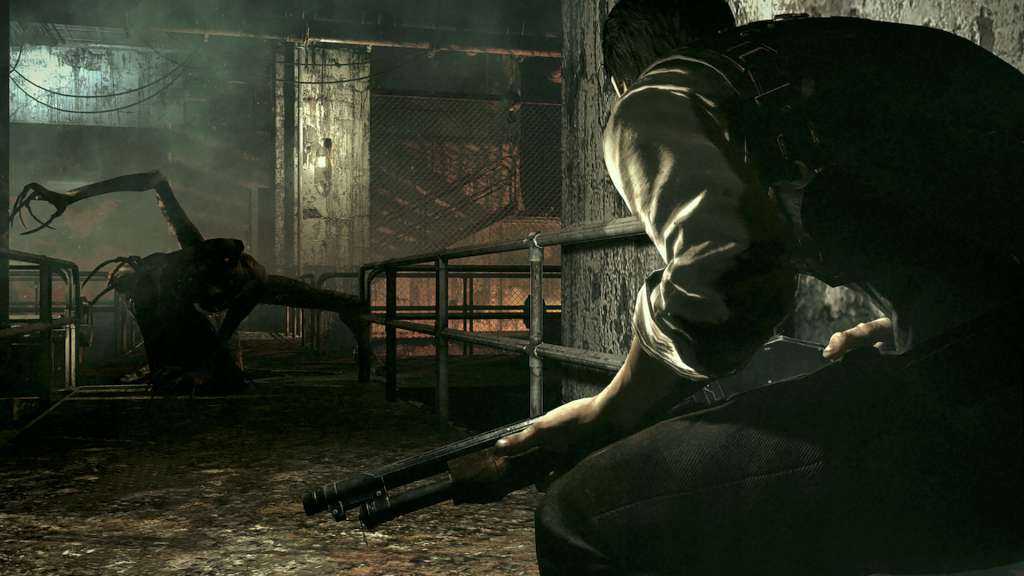
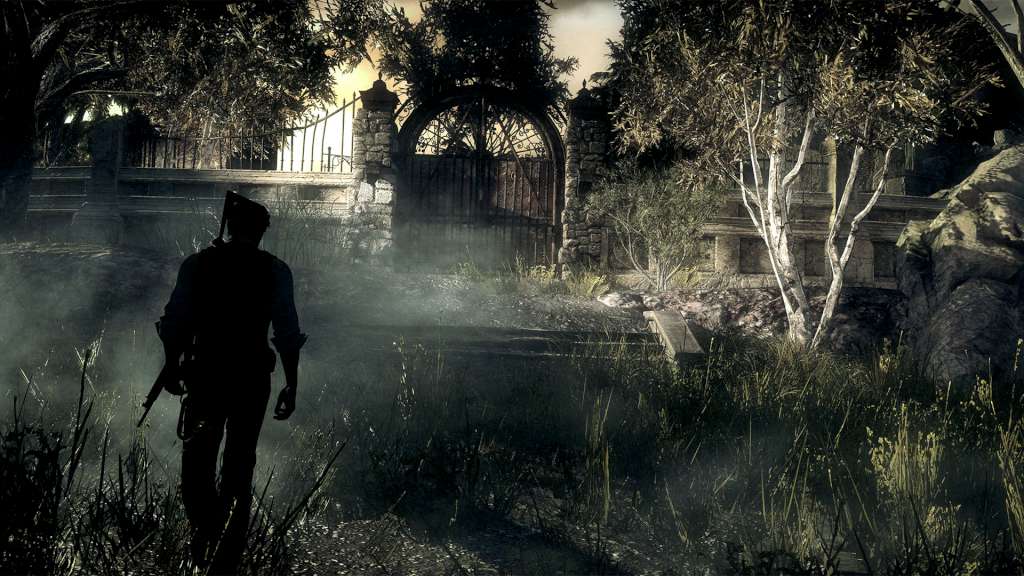
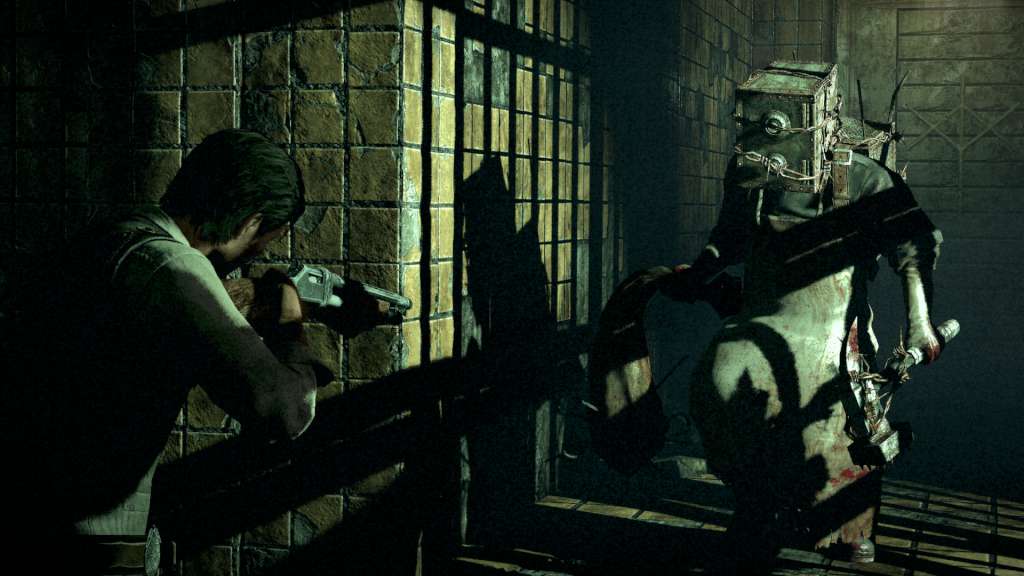
While investigating the scene of a gruesome mass murder, Detective Sebastian Castellanos and his partners encounter a mysterious and powerful force. After seeing the slaughter of fellow officers, Sebastian is ambushed and knocked unconscious. When he awakens, he finds himself in a deranged world where hideous creatures wander among the dead. Facing unimaginable terror, and fighting for survival, Sebastian embarks on a frightening journey to unravel what's behind this evil force. Features Pure Survival Horror Returns; Shinji Mikami, the father of survival horror, is back to direct a chilling new game wrapped in haunting narrative. Tension and anxiety heighten dramatically as you explore the game's tortured world. Brutal Traps and Twisted Creatures; Face unthinkable horrors and cruel traps as you struggle to survive against overwhelming odds. Turn evil against itself by using the same diabolical devices against overwhelming deadly creatures. Unknown Threats in an Uncertain World; Mysterious and wicked fears loom ahead in a world that warps and twists around you. The New Face of Horror; Highly-crafted environments, horrifying anxiety, and an intricate story weave together to create an immersive world that will bring players to the height of tension.


The Evil Within Required screenshotThe Evil Within Required screenshotThe Evil Within Required screenshotThe Evil Within Required screenshotThe Evil Within Required screenshotThe Evil Within Required screenshot

How to redeem

  1. 1Check that your Steam account can receive gifts in the listed region.
  2. 2Open the confirmed order and follow the supplier’s gift-delivery instructions.
  3. 3Accept the gift on the required platform account and add it to your library.

Supplier instructions

Go to: http://store.steampowered.com/ and download STEAM client Click "Install Steam" (from the upper right corner) Install and start application, login with your Account name and Password (create one if you don't have). Please follow these instructions to activate a new retail purchase on Steam: Launch Steam and log into your Steam account. Click the Games Menu. Choose Activate a Product on Steam... Follow the onscreen instructions to complete the process. After successful code verification go to the "MY GAMES" tab and start downloading.

You might also like