Get 10% back in Relic Coins on every order
Shakes on a Plane cover

Xbox Series X|SGlobal· Key

Shakes on a Plane

€4.05

+€0.41 cashback eligibility in Relic Coins

Check before you play

Platform
Xbox Series X|S
Region
Global
Product type
Key
Developer
Huu Games
Publisher
Assemble Entertainment
Supplier release date
2020-12-08
Genres
Action, Simulation, Indie, Casual, Co-op

About this product

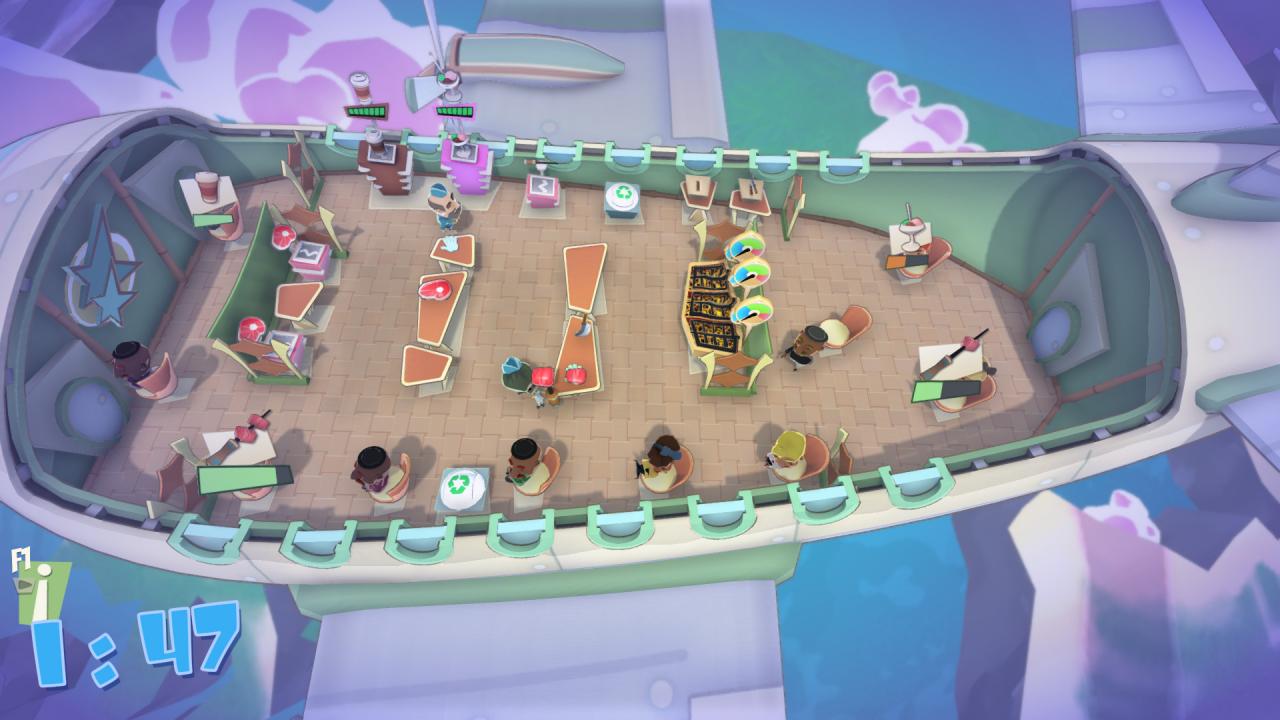
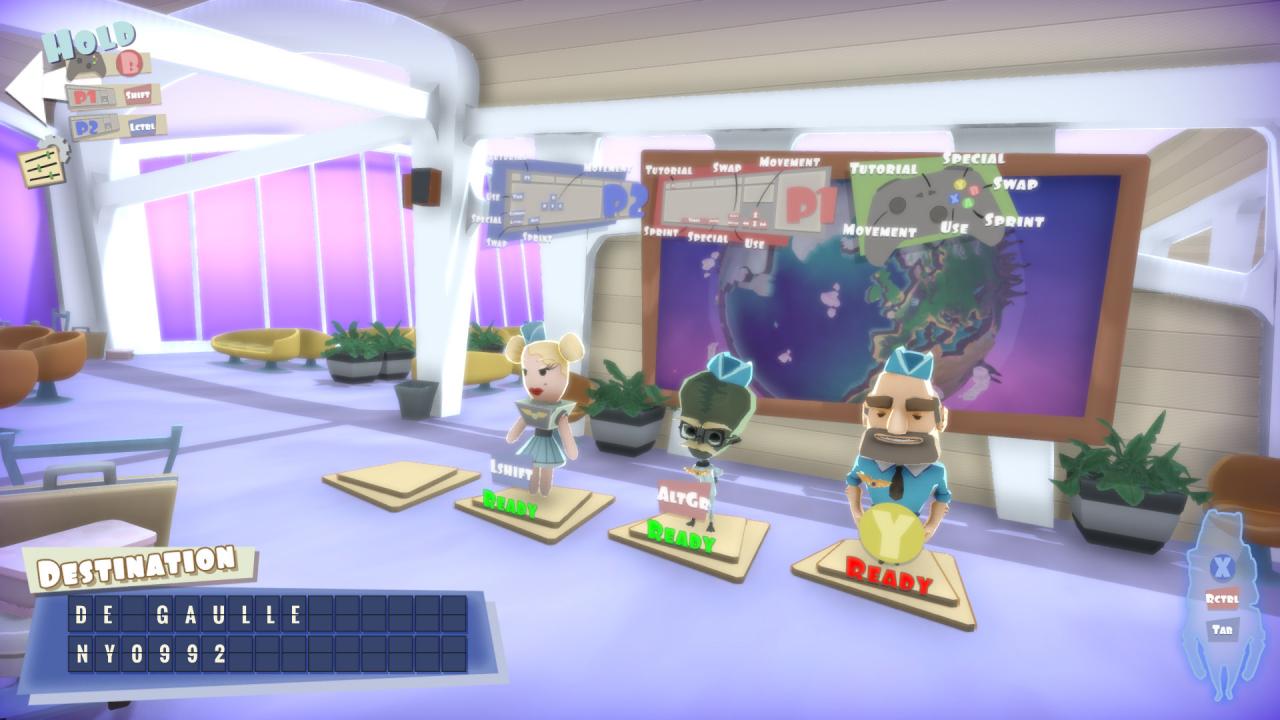
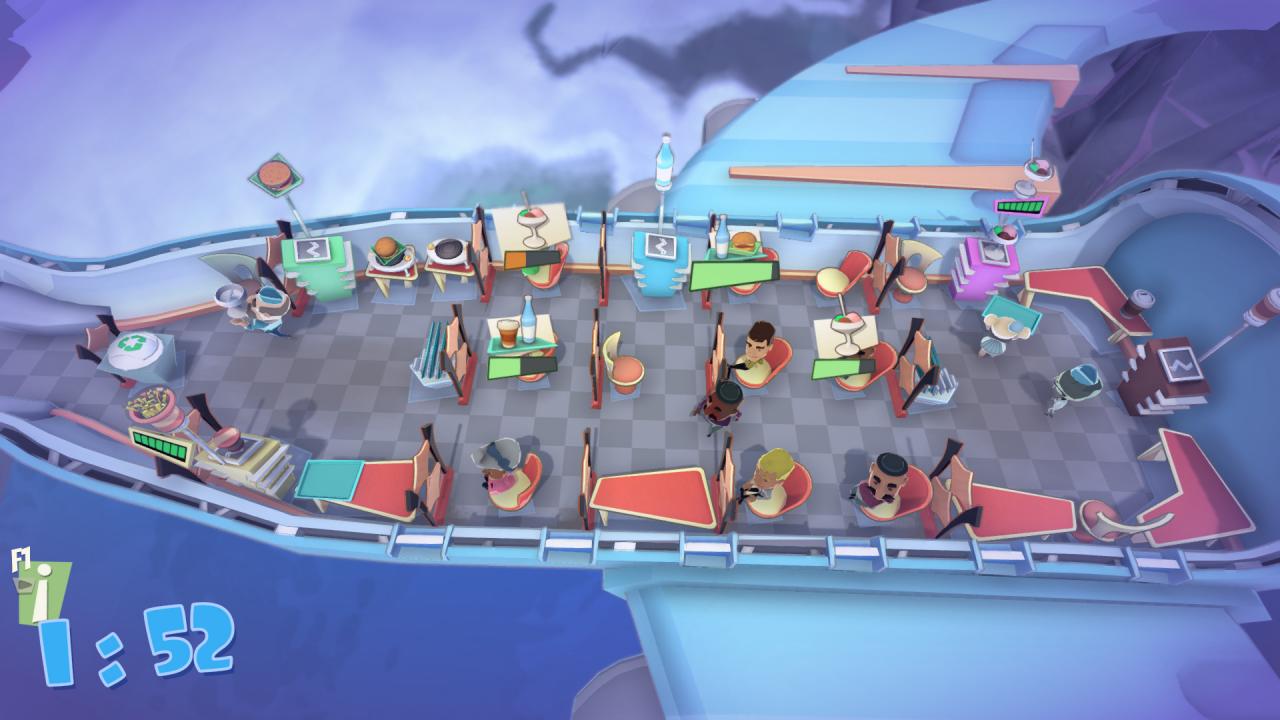
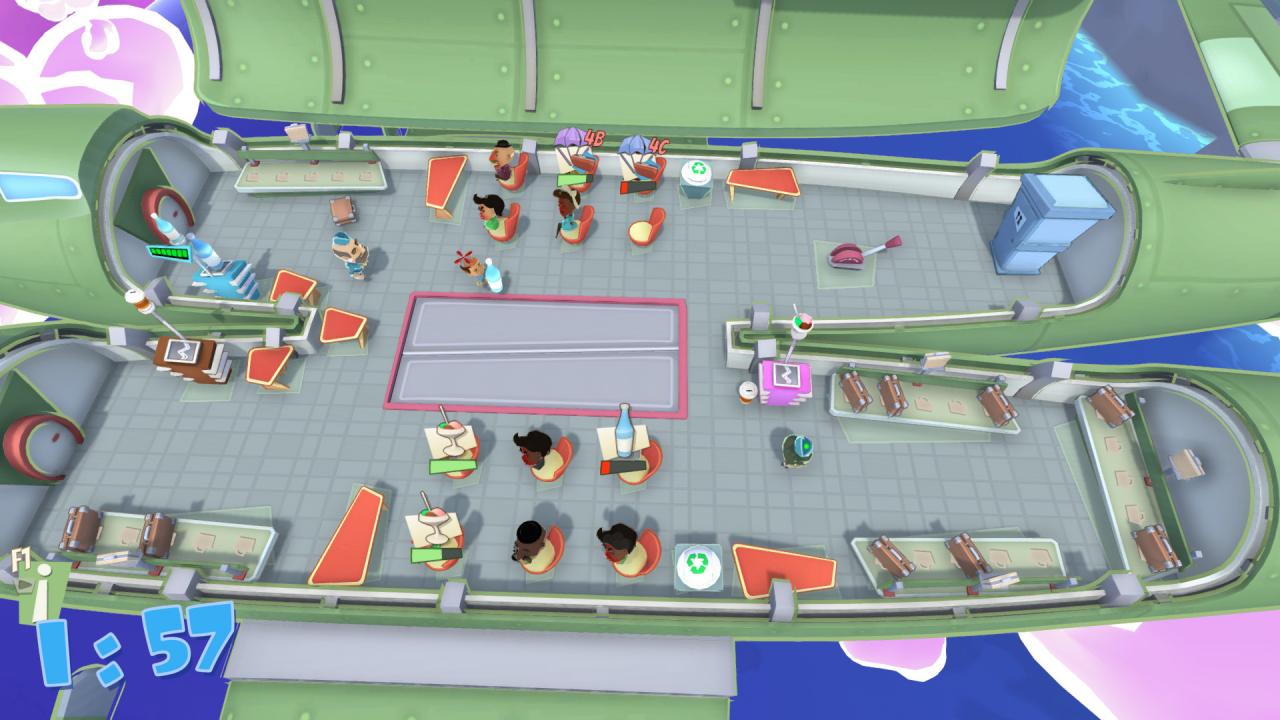
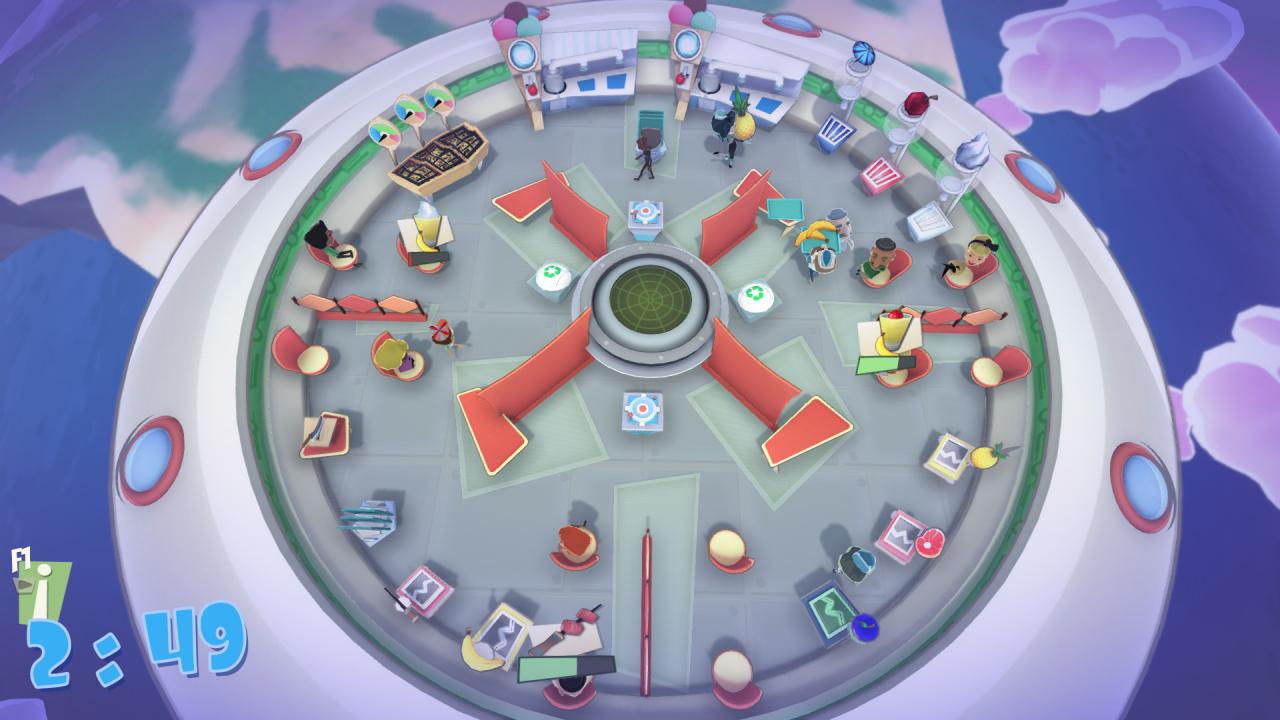
Shakes on a Plane is a chaotic co-op shaking game for one to four players. Flying on various planes with your flight crew, serve up a variety of tasty shakes, burgers, fries and many more dishes before the plane lands on the airport and your passengers rate your services. But it is not only you who creates all the mess. Aliens always had a look on our shiny planet with its weird citizens but undeniable and delicious food they are creating and cooking. The intergalactic community competes in fame rewarding cooking competitions and the species with the most sophisticated meal wins. This is when humanity can play its part in this extraordinary event and show the galaxy what real fast food can taste and look like. Features Serve your passengers with up to four players and cooperate in convincing them that flying with you is always a good decision. The orders vary from shakes, burgers, coffee and even a greater variety of fast food which underlines only the best quality you offer for your passengers. Time is essential and your guests have a high demand of multiple goods all the flight long. Grab tablets to solve various orders at the same time and don’t let them wait too long. Not only turmoils might occur during your flights, walking passengers, moving tables and many more things will complicate your accomplishments on your planes.

Shakes on a Plane screenshotShakes on a Plane screenshotShakes on a Plane screenshotShakes on a Plane screenshotShakes on a Plane screenshotShakes on a Plane screenshot

How to redeem

  1. 1Check your Xbox Series X|S account and the listed region before purchasing.
  2. 2Find your code and supplier activation instructions in your confirmed order.
  3. 3Open the redeem-code section on Xbox Series X|S, enter the code and follow the platform’s prompts.

Supplier instructions

Select “Nintendo eShop” on the HOME Menu to launch the Nintendo eShop. Select the account you want to use. Select “Enter Code” on the left side of the screen. Enter the 16-character download code.Any letters and symbols not used with prepaid codes (i.e. O, I, Z, commas, hyphens, etc.) will be disabled from the on-screen keyboard. Select “Send” to confirm. The game will begin downloading once the code is confirmed.The game icon will appear on the HOME menu, with a download status bar. The status bar will disappear once the game download is complete.

You might also like