Get 10% back in Relic Coins on every order
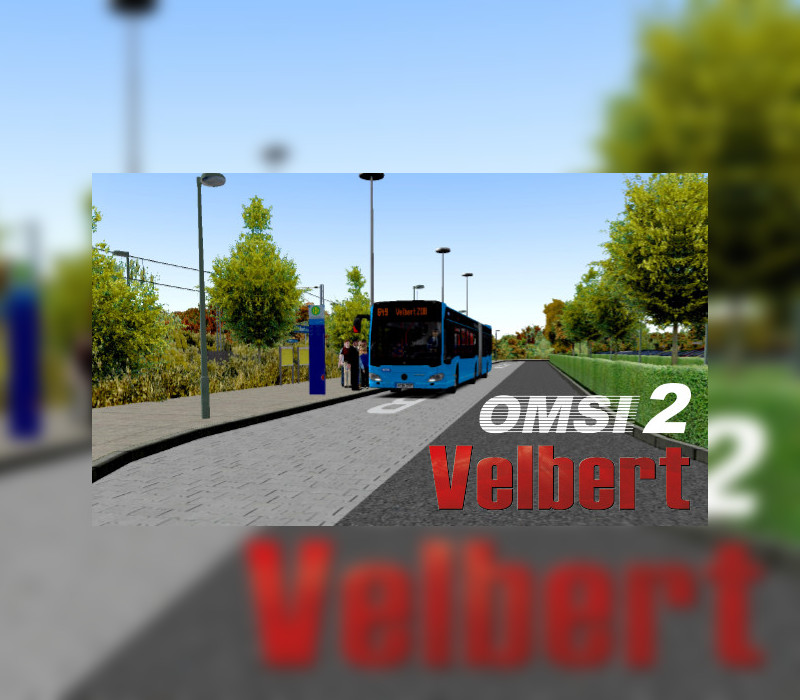
OMSI 2 Add-on Velbert cover

SteamGlobal· Key

OMSI 2 Add-on Velbert

€6.89

+€0.69 cashback eligibility in Relic Coins

Check before you play

Platform
Steam
Region
Global
Product type
Key
Developer
MR-Software GbR
Publisher
Aerosoft GmbH
Supplier release date
2021-06-10
Genres
Casual, Simulation

About this product

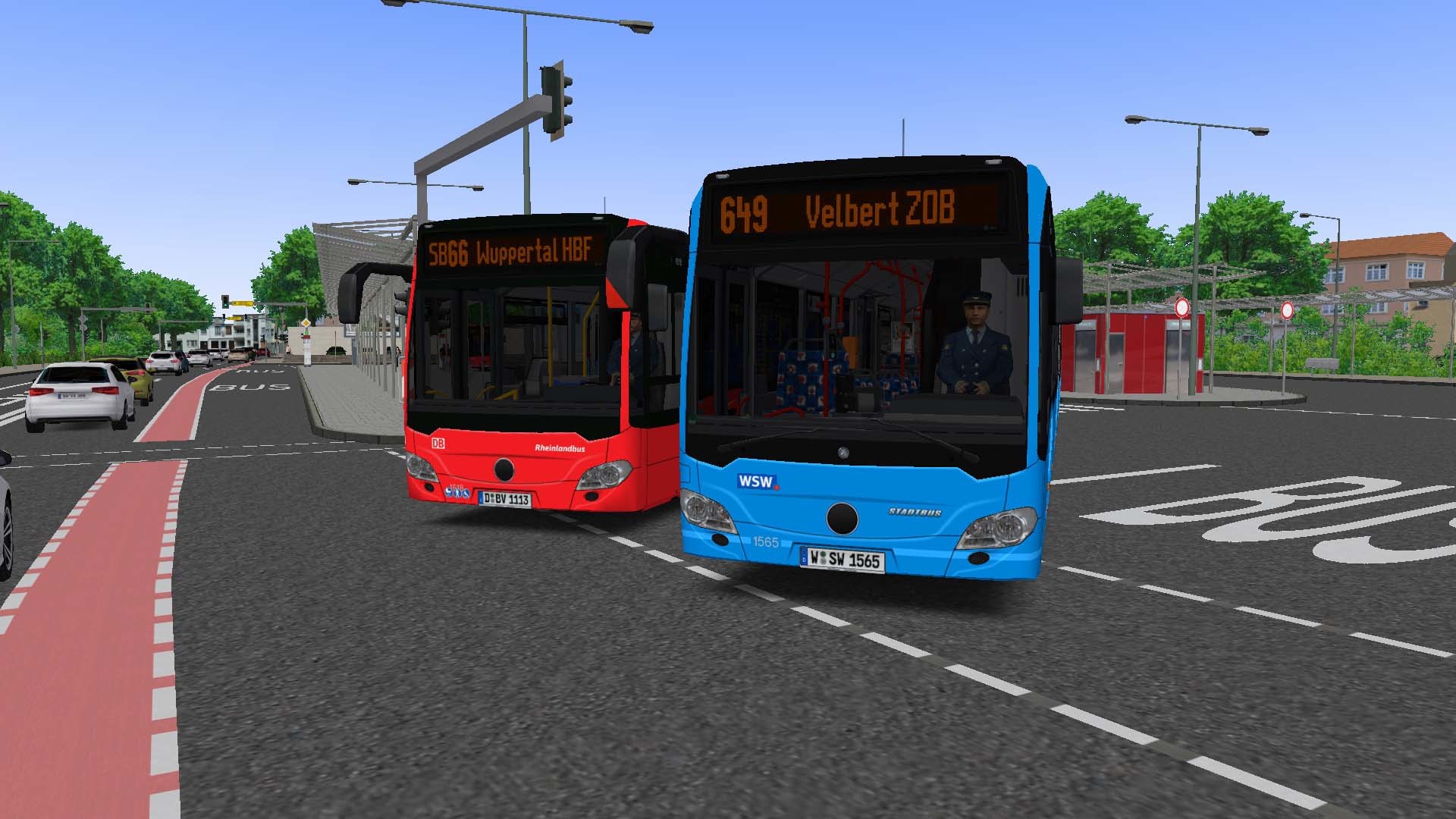
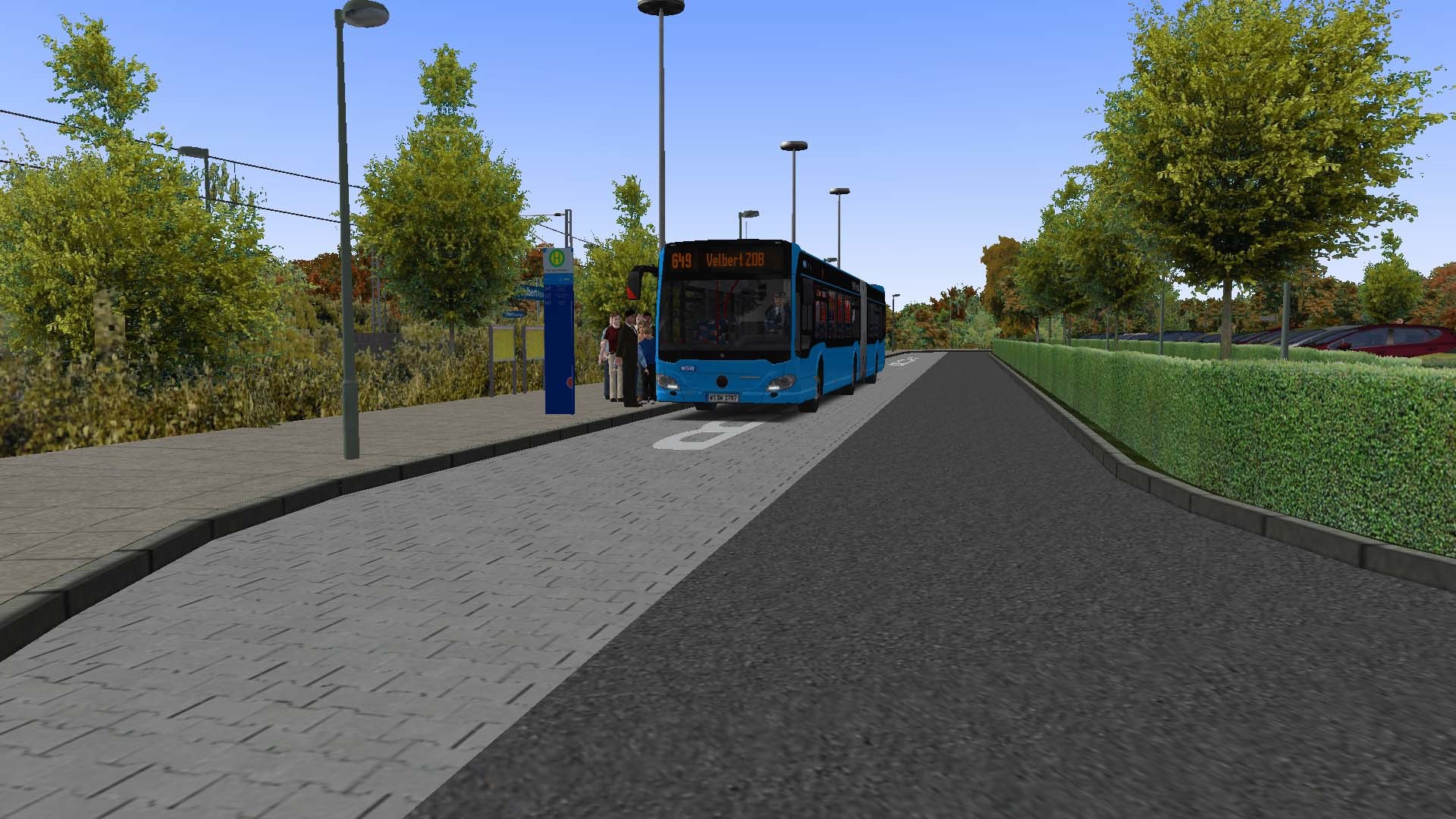
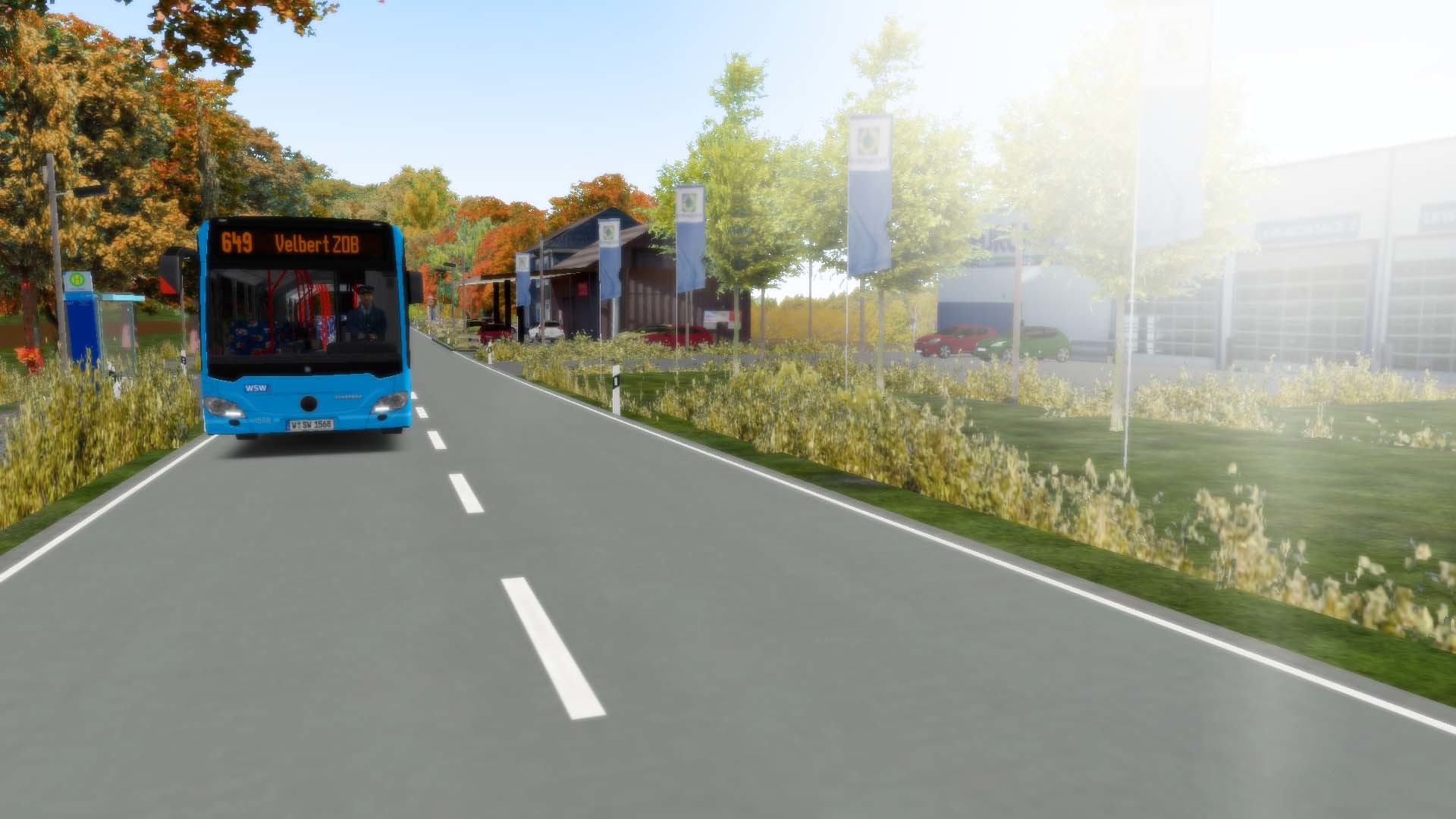
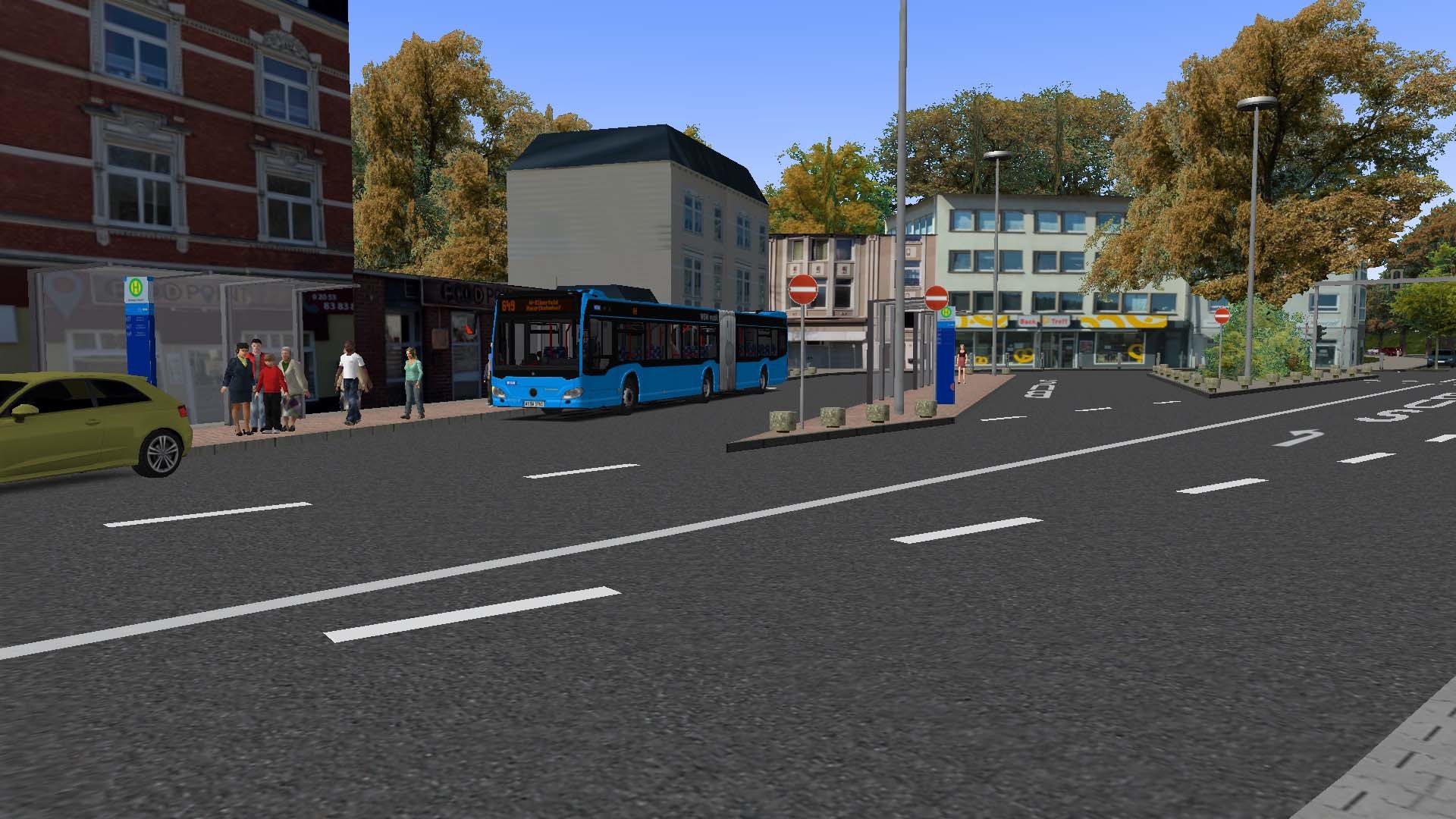
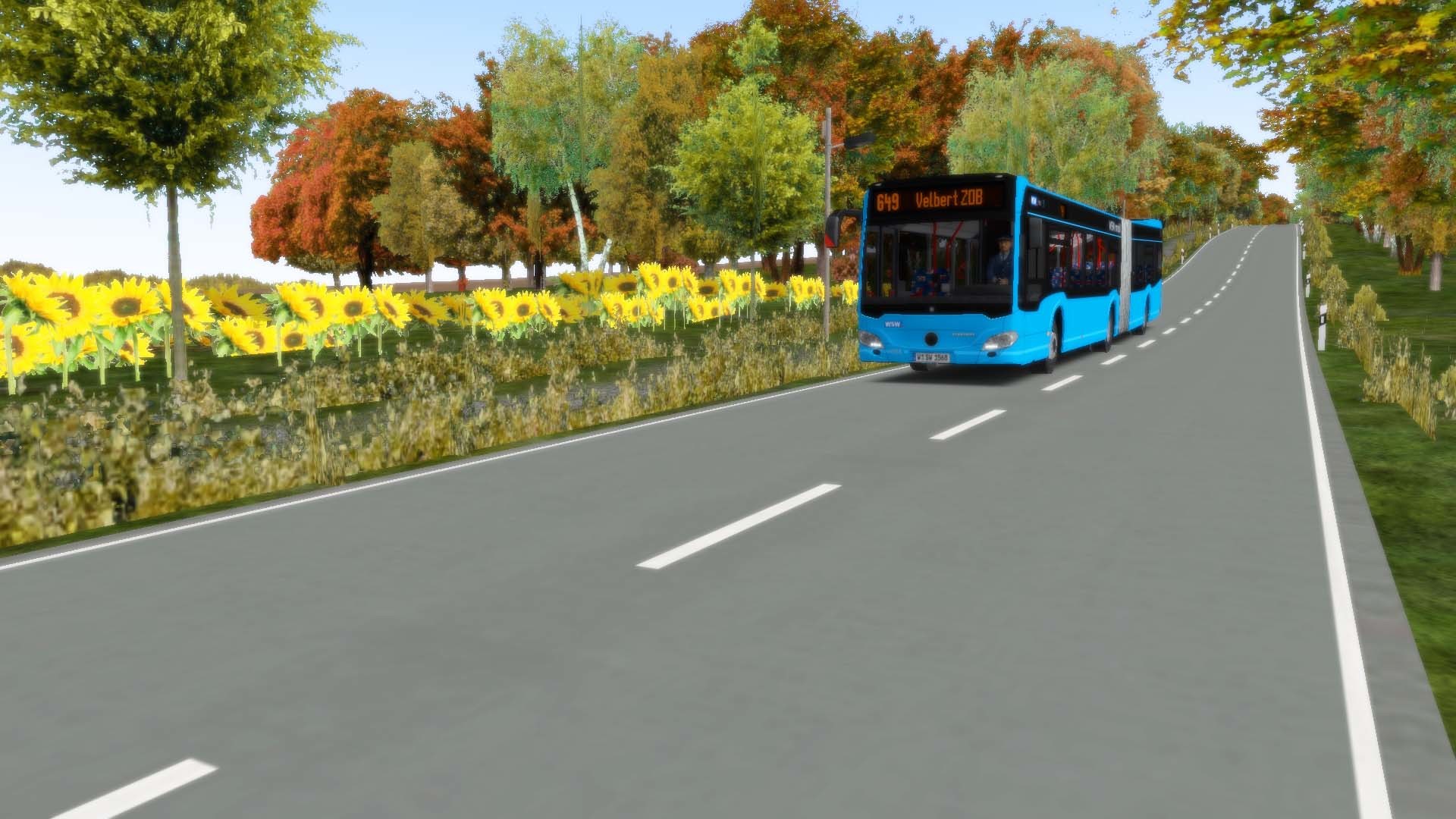
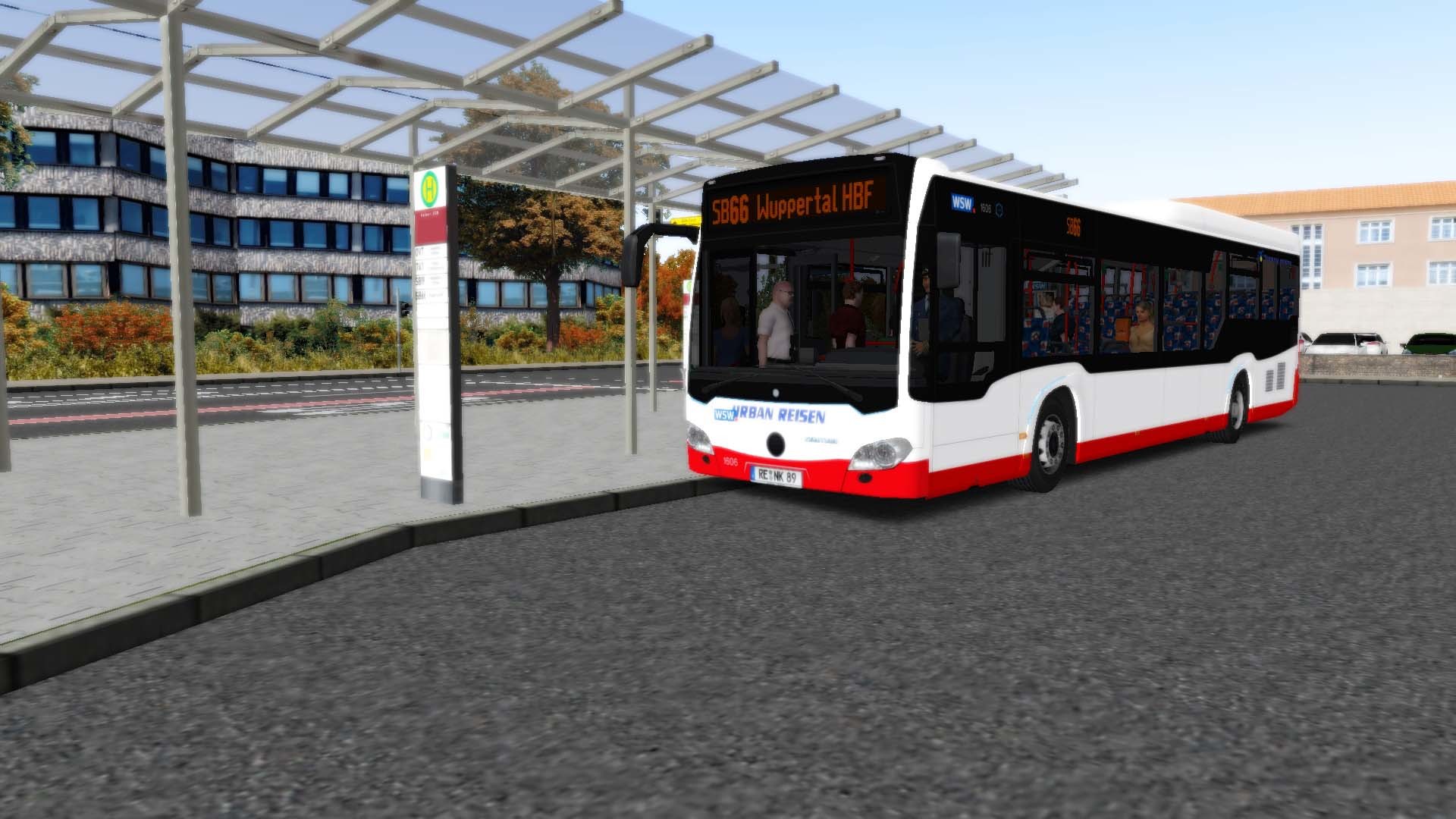
With the new OMSI 2 add-on Velbert you have the opportunity to explore another German city in North Rhine-Westphalia in the heart of the “Niederbergisches Land” with two full bus lines. Over 200 new real buildings were developed especially for this add-on and make the city of Velbert look very realistic. On two different bus lines, you will transport your passengers through the “Bergisches Land” with many differences in altitude from Velbert over Tönisheide, Neviges, and Rosenhügel to the big city and center of the Bergisches Land Wuppertal. The longest bus line 649 serves all towns and cities with each other and, during the night hours, the area between Velbert and Rosenhügel as well. Line SB66, on the other hand, operates a fast and direct connection between the two major transportation hubs Velbert ZOB and Wuppertal HBF via the mountainous A535 highway with large viaducts and a tunnel. Features City bus line 649 with 60 minutes travel time Express bus line SB66 with 30 minutes travel time Real timetable data of WSW and Deutsche Bahn Real elevation data of the area with very special gradients Two large modern bus stations like Velbert ZOB Two smaller transport hubs with rail connections 200 new buildings and objects especially for this add-on 34 kilometers of track 5 kilometers of A535 highway with tunnels and viaducts

OMSI 2 Add-on Velbert screenshotOMSI 2 Add-on Velbert screenshotOMSI 2 Add-on Velbert screenshotOMSI 2 Add-on Velbert screenshotOMSI 2 Add-on Velbert screenshotOMSI 2 Add-on Velbert screenshot

How to redeem

  1. 1Check your Steam account and the listed region before purchasing.
  2. 2Find your code and supplier activation instructions in your confirmed order.
  3. 3Open the redeem-code section on Steam, enter the code and follow the platform’s prompts.

Supplier instructions

Go to: http://store.steampowered.com/ and download STEAM client Click "Install Steam" (from the upper right corner) Install and start application, login with your Account name and Password (create one if you don't have). Please follow these instructions to activate a new retail purchase on Steam: Launch Steam and log into your Steam account. Click the Games Menu. Choose Activate a Product on Steam... Follow the onscreen instructions to complete the process. After successful code verification go to the "LIBRARY" tab and start downloading.

You might also like