Get 10% back in Relic Coins on every order
Box Kid Adventures cover

SteamGlobal· Key

Box Kid Adventures

€2.12

+€0.21 cashback eligibility in Relic Coins

Check before you play

Platform
Steam
Region
Global
Product type
Key
Developer
T-Rex Interactive
Publisher
T-Rex Interactive
Supplier release date
2020-01-28
Genres
Casual, Indie, Strategy

About this product

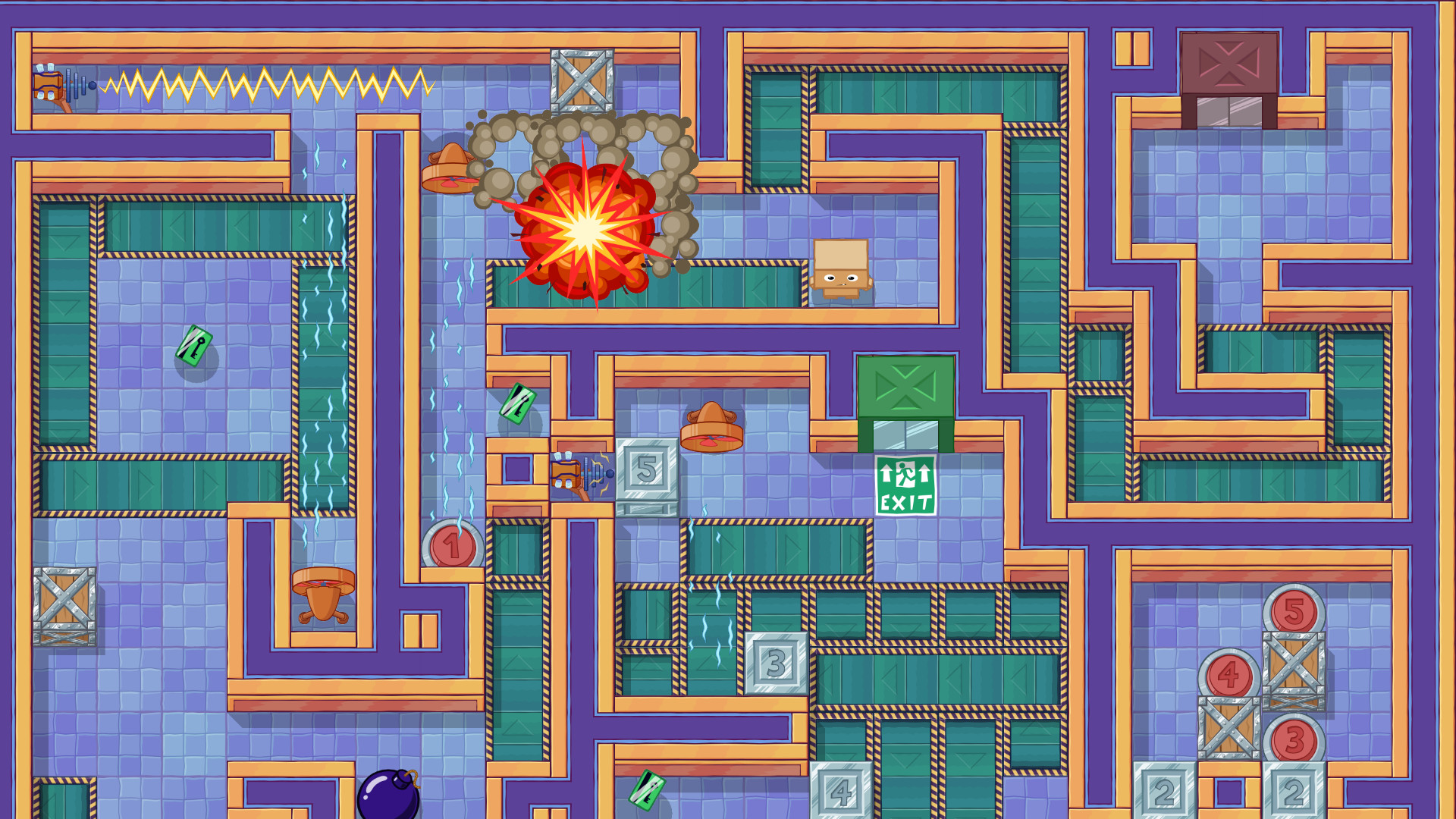
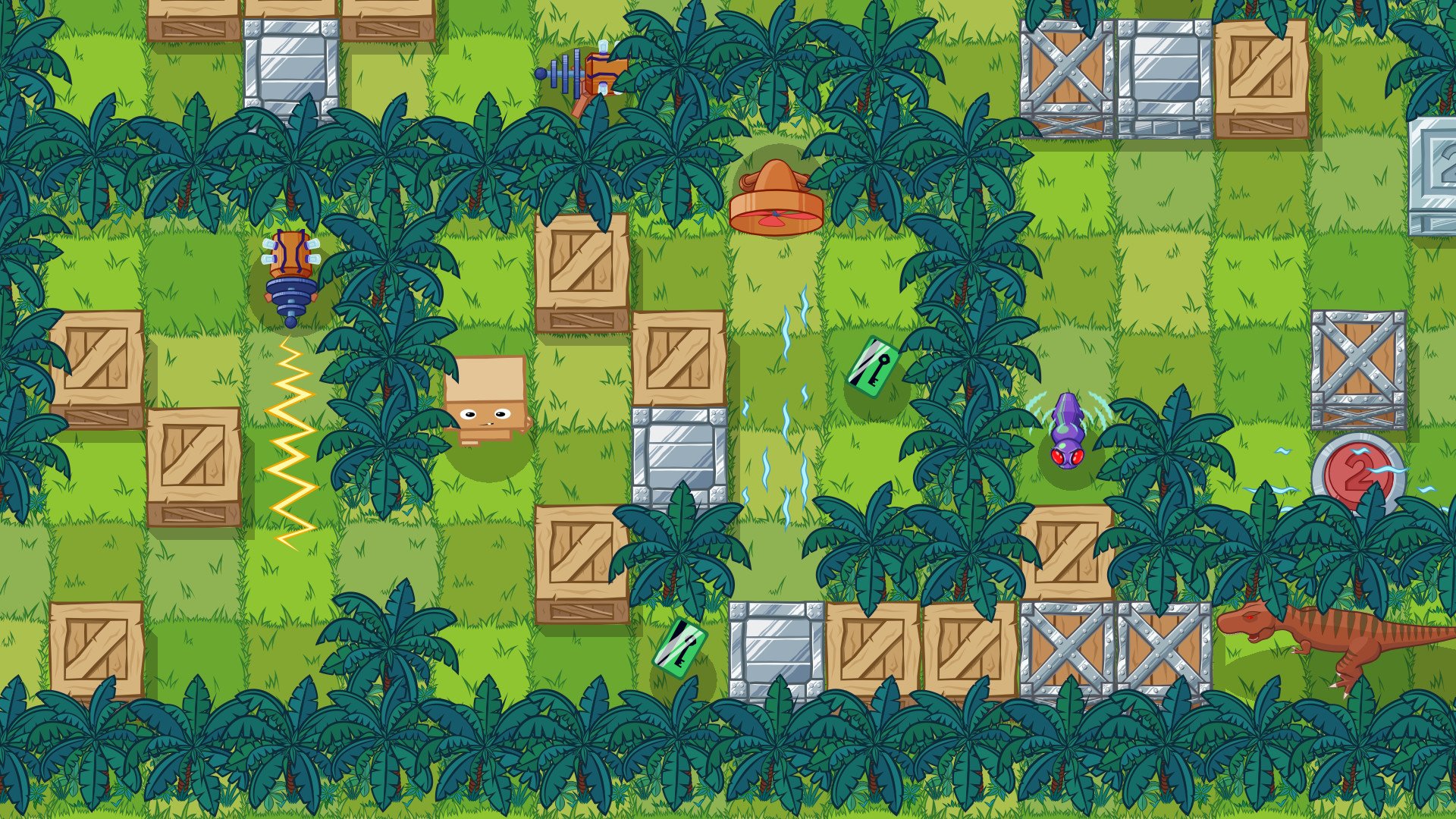
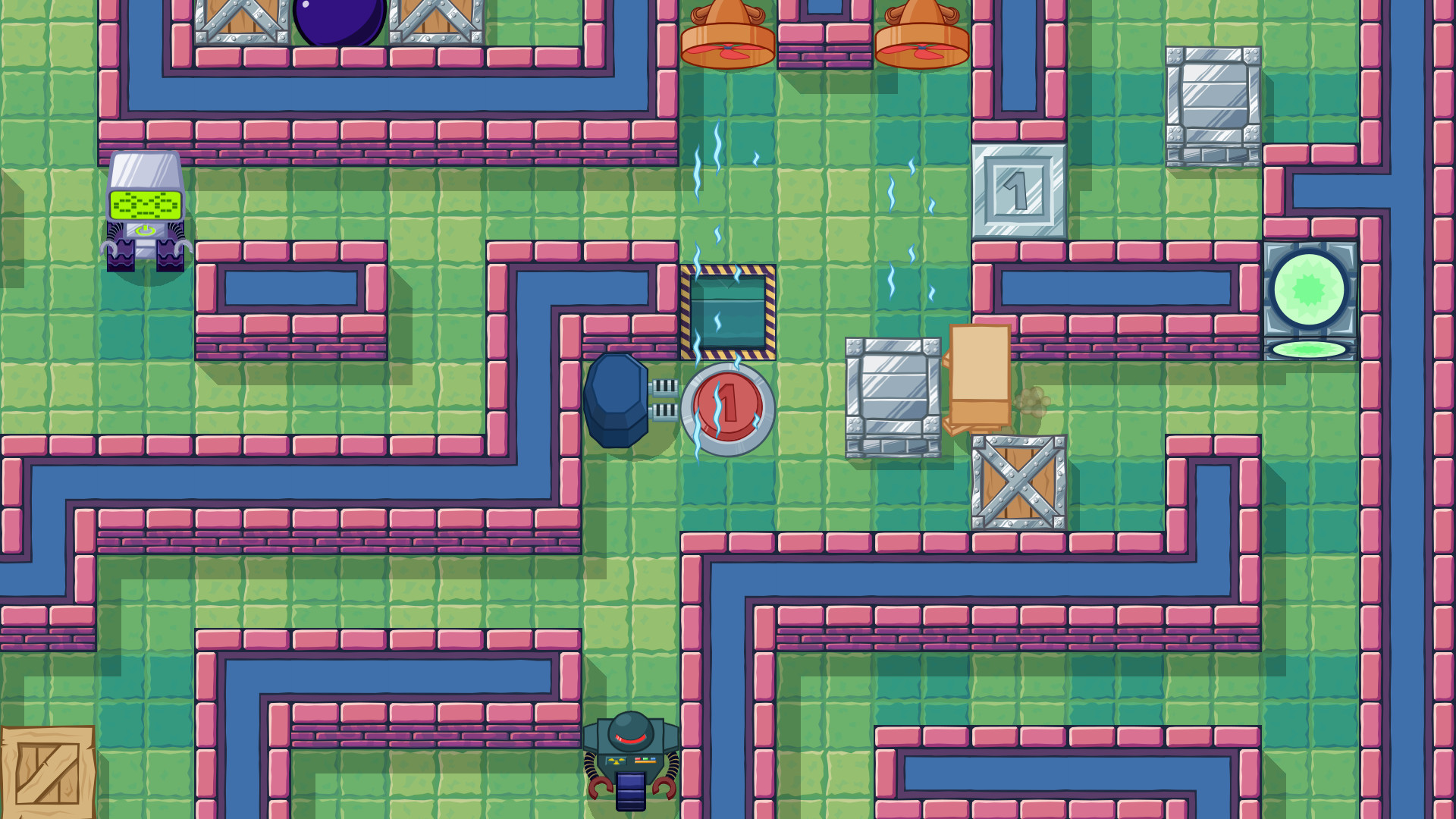
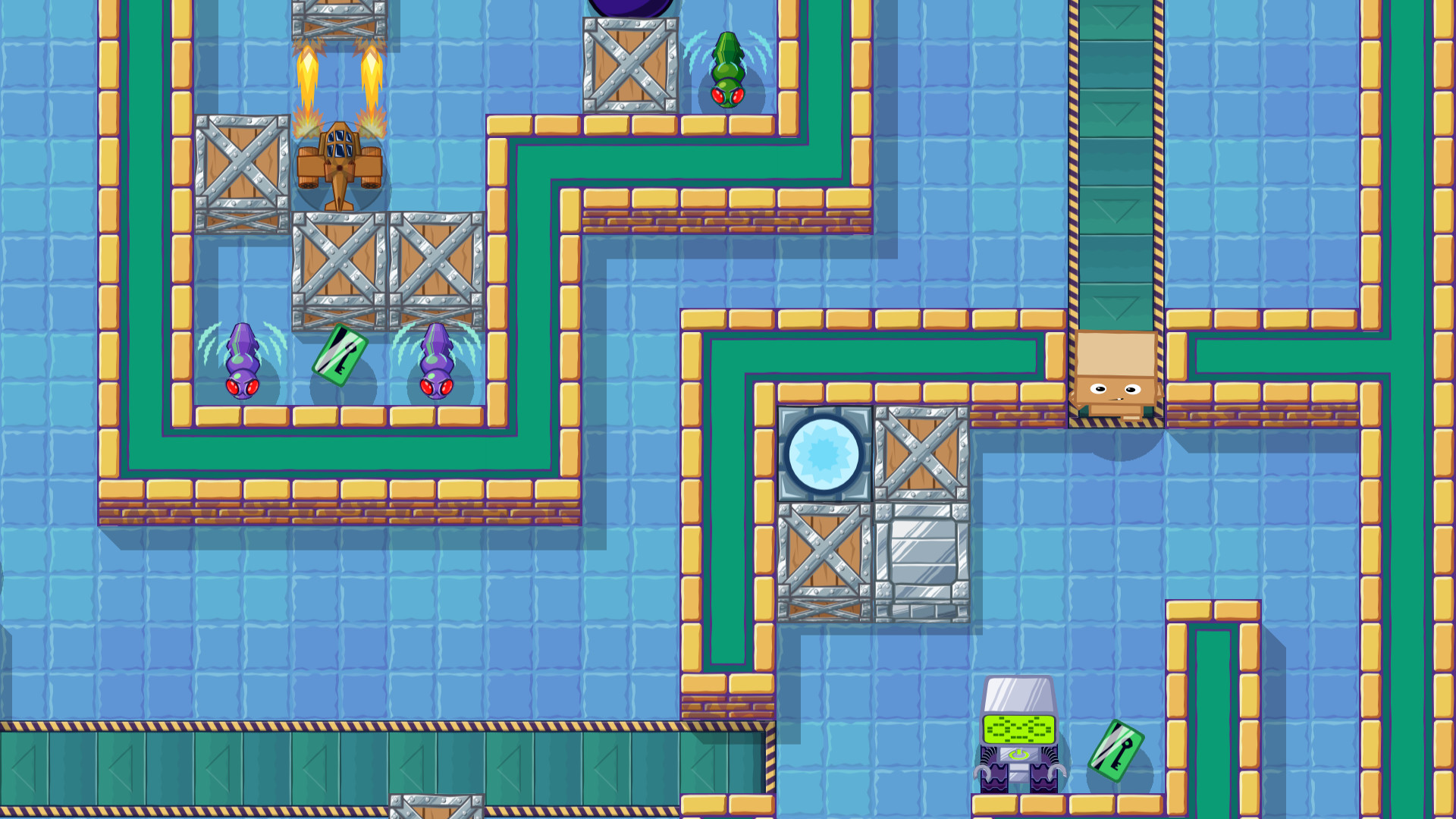
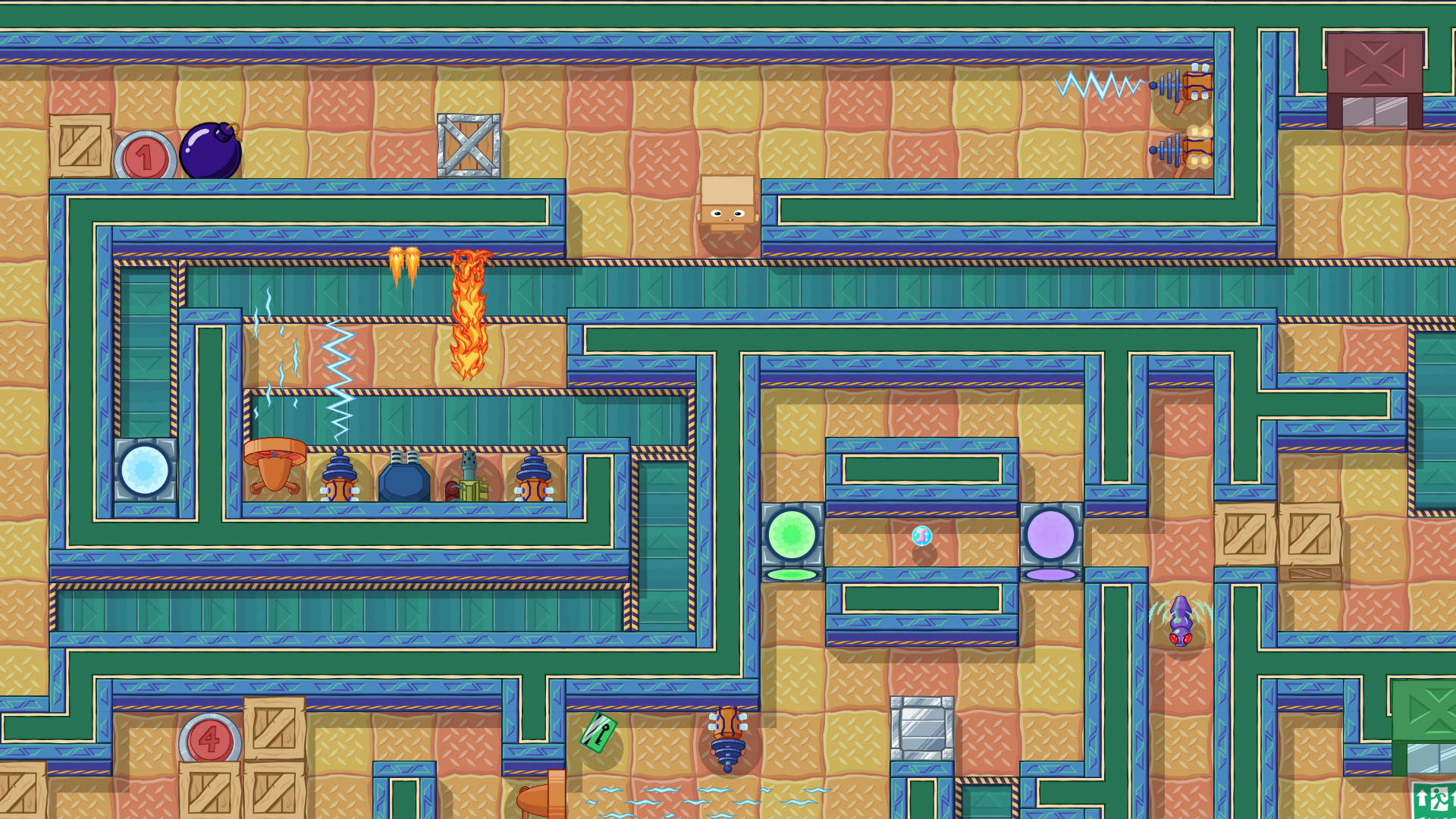
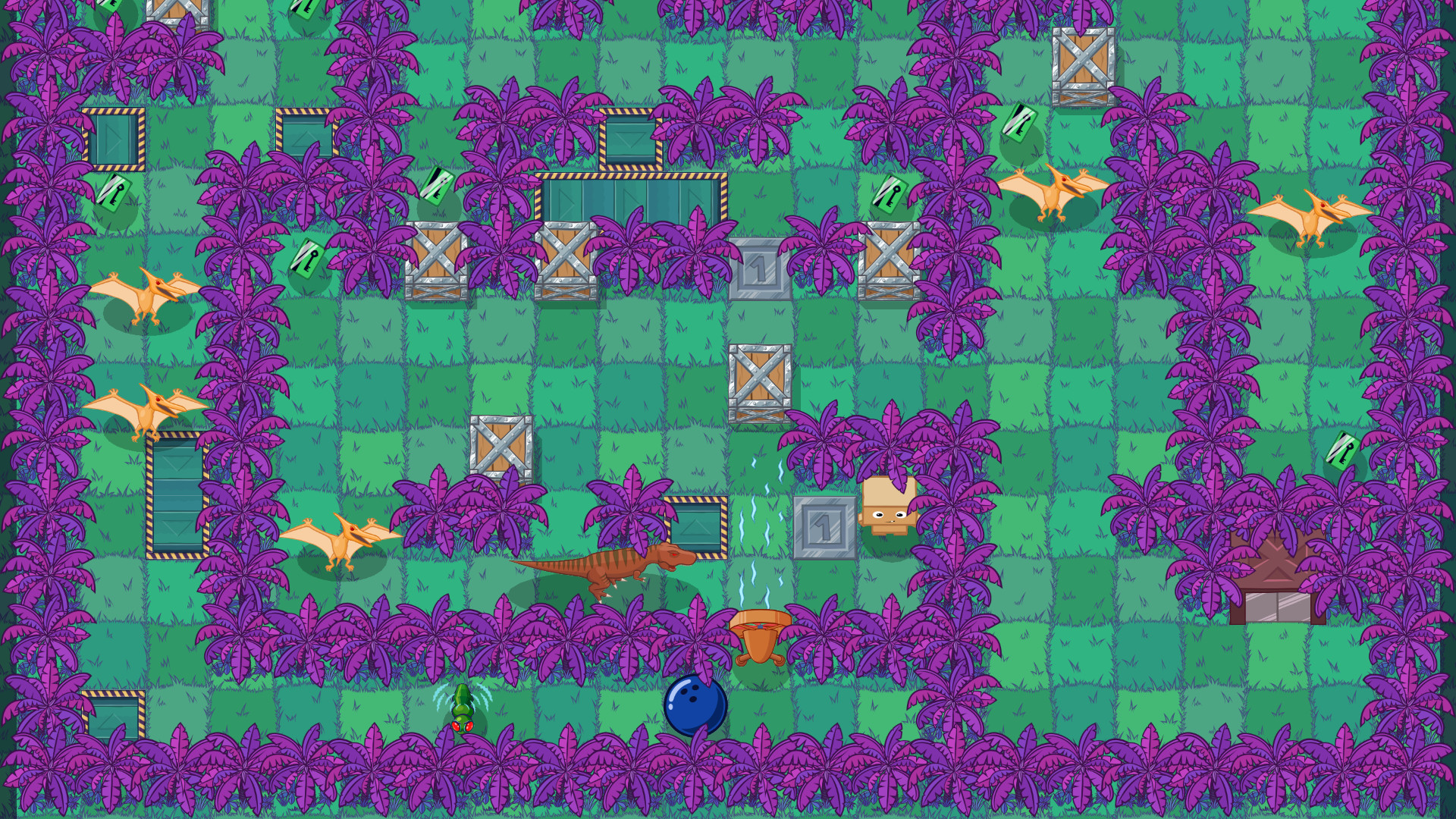
Box Kid Adventures is a dynamic, top-down puzzle game.You play as Box Kid – a toy made of cardboard – going through various levels, full of nasty enemies and brain challenging puzzles."In the age of electronics, the toy-robots became kids favourite playthings. However, a young, ambitious designer, created a new toy. A Kid. A Box Kid! A toy made out of cardboard. A toy that should breathe life into the world of imagination. But the company's CEO wasn't impressed by that idea and he threw Box Kid into the garbage chute... But was that the real reason? Unveil the truth, as you help Box Kid discover his destiny!" Features EXPERIENCE simple but deep gameplay, that really captures the spirit of the 8-bit era. ENJOY beautiful, cartoon graphics in Hi-Definition. GO TROUGH 75 various levels, full of nasty enemies and brain challenging puzzles. CREATE AND SHARE your own levels, with the built-in level editor. EARN KEYS to unlock new characters and levels. DISCOVER the destiny of a cute cardboard hero.

Box Kid Adventures screenshotBox Kid Adventures screenshotBox Kid Adventures screenshotBox Kid Adventures screenshotBox Kid Adventures screenshotBox Kid Adventures screenshot

How to redeem

  1. 1Check your Steam account and the listed region before purchasing.
  2. 2Find your code and supplier activation instructions in your confirmed order.
  3. 3Open the redeem-code section on Steam, enter the code and follow the platform’s prompts.

Supplier instructions

Go to: http://store.steampowered.com/ and download STEAM client Click "Install Steam" (from the upper right corner) Install and start application, login with your Account name and Password (create one if you don't have). Please follow these instructions to activate a new retail purchase on Steam: Launch Steam and log into your Steam account. Click the Games Menu. Choose Activate a Product on Steam... Follow the onscreen instructions to complete the process. After successful code verification go to the "LIBRARY" tab and start downloading.

You might also like