

OtherGlobal· Key
Pro Evolution Soccer 2014 Download
€5.61
+€0.56 cashback eligibility in Relic Coins
Check before you play
- Region
- Global
- Product type
- Key
- Developer
- Konami
- Publisher
- Konami
- Supplier release date
- 2013-11-12
- Genres
- Sport
OtherGlobal· Key
€5.61
+€0.56 cashback eligibility in Relic Coins
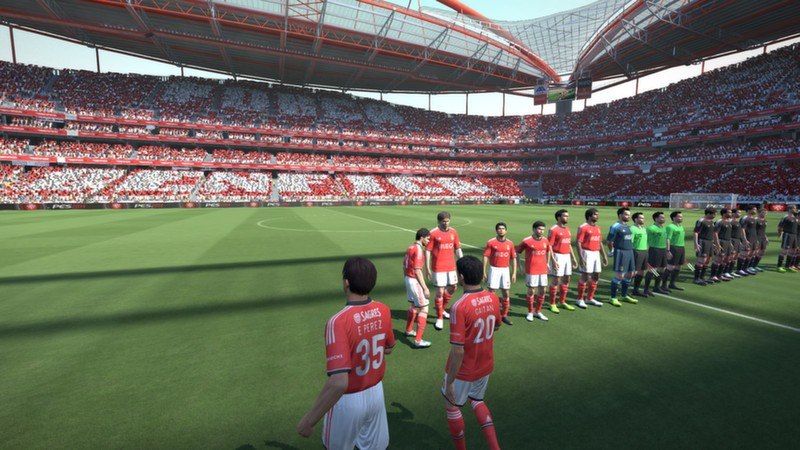
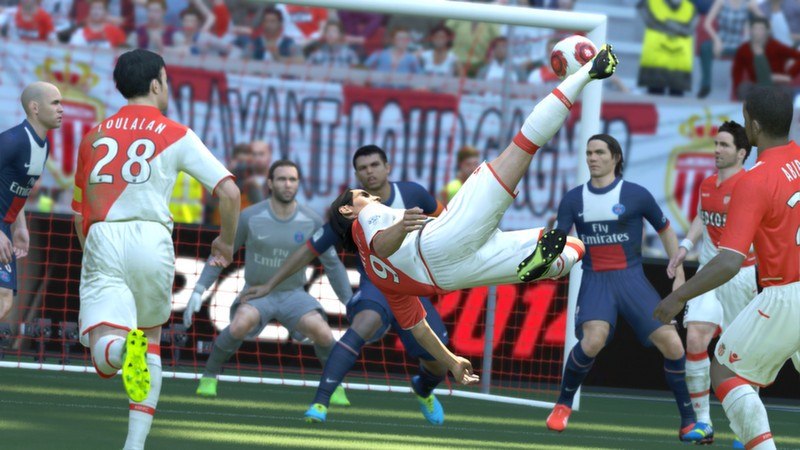
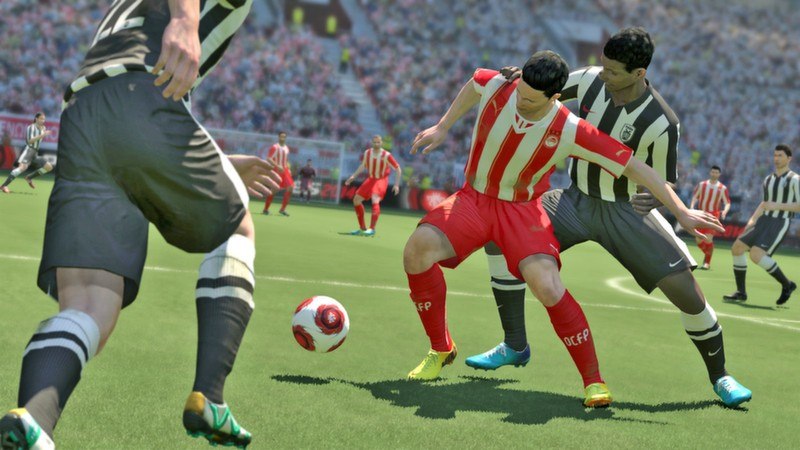
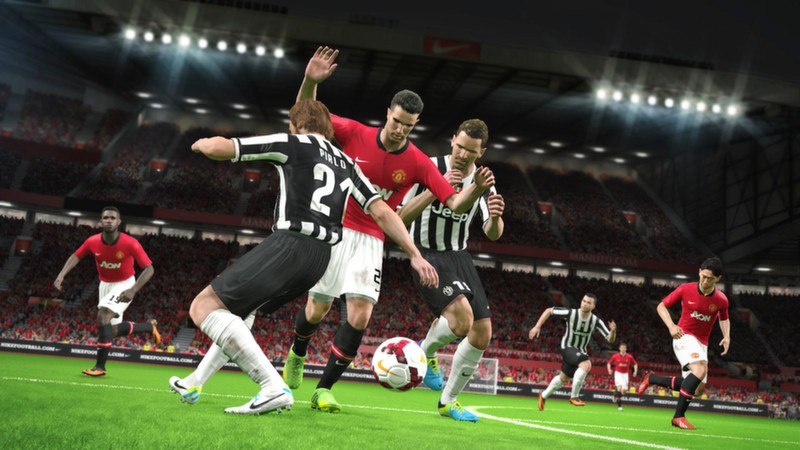
Experience a whole new ball game with KONAMI’s PES 2014. The stunning new FOX Engine has been combined with a revolutionary soccer system that puts the ball at the heart of the action for the first time. Every element has been rebuilt and now features all-new physics systems, custom team and player AI and a huge leap forward in animations and atmosphere. Features TRUEBALL TECH brings absolute freedom to the ball. The ball becomes the centre of the game and learning to control it is essential to success. THE HEART beats within the team motivating them through moments of fluid team play, flashes of individual brilliance and the roar of the crowd. M.A.S.S. (Motion Animation Stability System) creates true physicality for each individual player who interact realistically while jostling and leaning. Controlling the body is a vital skill. THE CORE of the game delivers amazing detail to faces, kits and the stadiums creating the theatre of match day, whether it’s a local derby or the Final of the UEFA Champions League.


Go to: http://store.steampowered.com/ and download STEAM client Click "Install Steam" (from the upper right corner) Install and start application, login with your Account name and Password (create one if you don't have). Please follow these instructions to activate a new retail purchase on Steam: Launch Steam and log into your Steam account. Click the Games Menu. Choose Activate a Product on Steam... Follow the onscreen instructions to complete the process. After successful code verification go to the "MY GAMES" tab and start downloading.