Get 10% back in Relic Coins on every order
Lost in Blindness cover

SteamGlobal· Key

Lost in Blindness

€0.61

+€0.06 cashback eligibility in Relic Coins

Check before you play

Platform
Steam
Region
Global
Product type
Key
Developer
Unseen Interactive
Publisher
Unseen Interactive
Supplier release date
2021-05-17
Genres
Action, Adventure, Indie

About this product

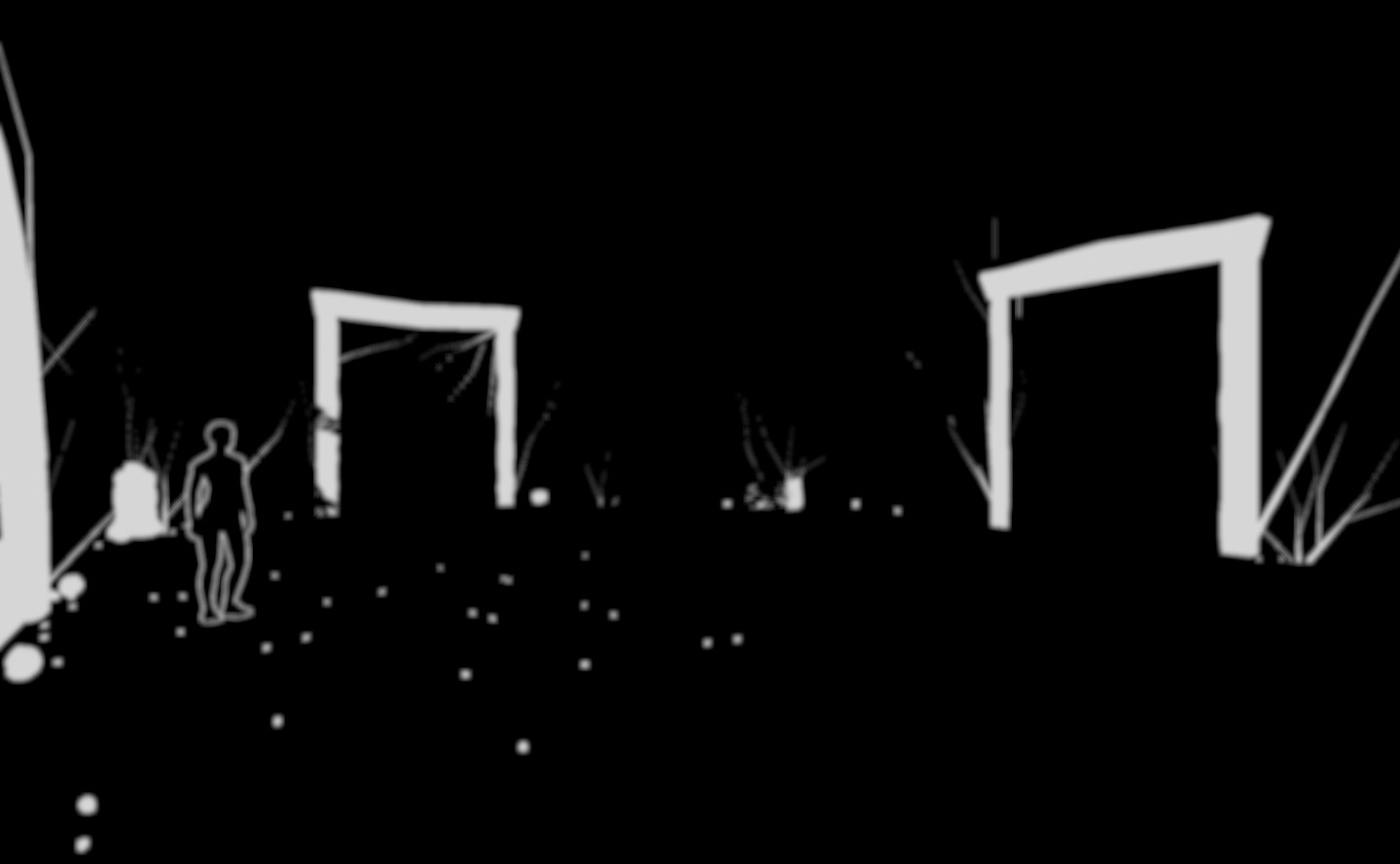
Lost in Blindness is more than just a game, it is a whole new gaming experience! Play as Alex, a young blind archeologist and follow the tracks left behind by the disappearance of the Mayan civilization! In this blind adventure game, discover an incredible 3D environment only by listening to the sounds around you, without using your eyes to see. Explore a temple in the middle of the Amazonia and solve the puzzles that it hides. Thanks to a choice-based dialogue system, make your own decisions that will change the course of your story, to make it even more shocking!And since adventure game should have it’s share of action and infiltration, watch your back… Because it seems that creatures and people don’t want you discovering the secrets protected by this temple! But don’t worry, your friends are here to help you on your journey... at least... you think so...Fellow Videomakers, thanks to our “Streamer Mode”, you can also share your experience with your audience, letting them see your actions and progression live while you are blindfolded! Entertainment guaranteed! Lost in Blindness is the promise of a game like you've never seen before! So... Ready to experience the LOST IN BLINDNESS adventure?


Lost in Blindness screenshotLost in Blindness screenshotLost in Blindness screenshotLost in Blindness screenshotLost in Blindness screenshot

How to redeem

  1. 1Check your Steam account and the listed region before purchasing.
  2. 2Find your code and supplier activation instructions in your confirmed order.
  3. 3Open the redeem-code section on Steam, enter the code and follow the platform’s prompts.

Supplier instructions

Go to: http://store.steampowered.com/ and download STEAM client Click "Install Steam" (from the upper right corner) Install and start application, login with your Account name and Password (create one if you don't have). Please follow these instructions to activate a new retail purchase on Steam: Launch Steam and log into your Steam account. Click the Games Menu. Choose Activate a Product on Steam... Follow the onscreen instructions to complete the process. After successful code verification go to the "LIBRARY" tab and start downloading.

You might also like