Get 10% back in Relic Coins on every order
Jurassic World Evolution 2 cover

SteamGlobal· Key

Jurassic World Evolution 2

€5.80

+€0.58 cashback eligibility in Relic Coins

Check before you play

Platform
Steam
Region
Global
Product type
Key
Developer
Frontier Developments
Publisher
Frontier Developments
Supplier release date
2021-11-09
Genres
Simulation, Strategy

About this product

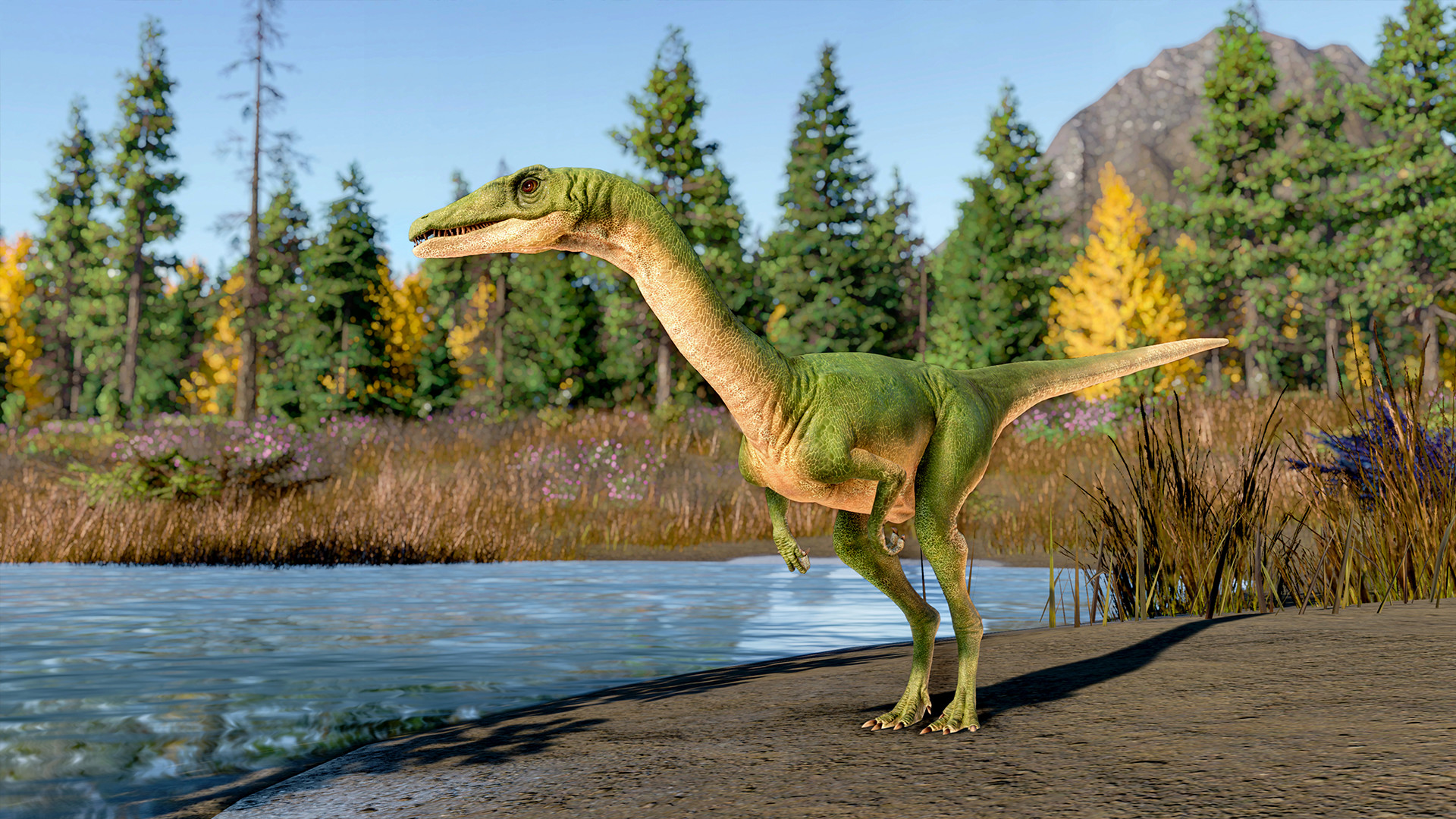
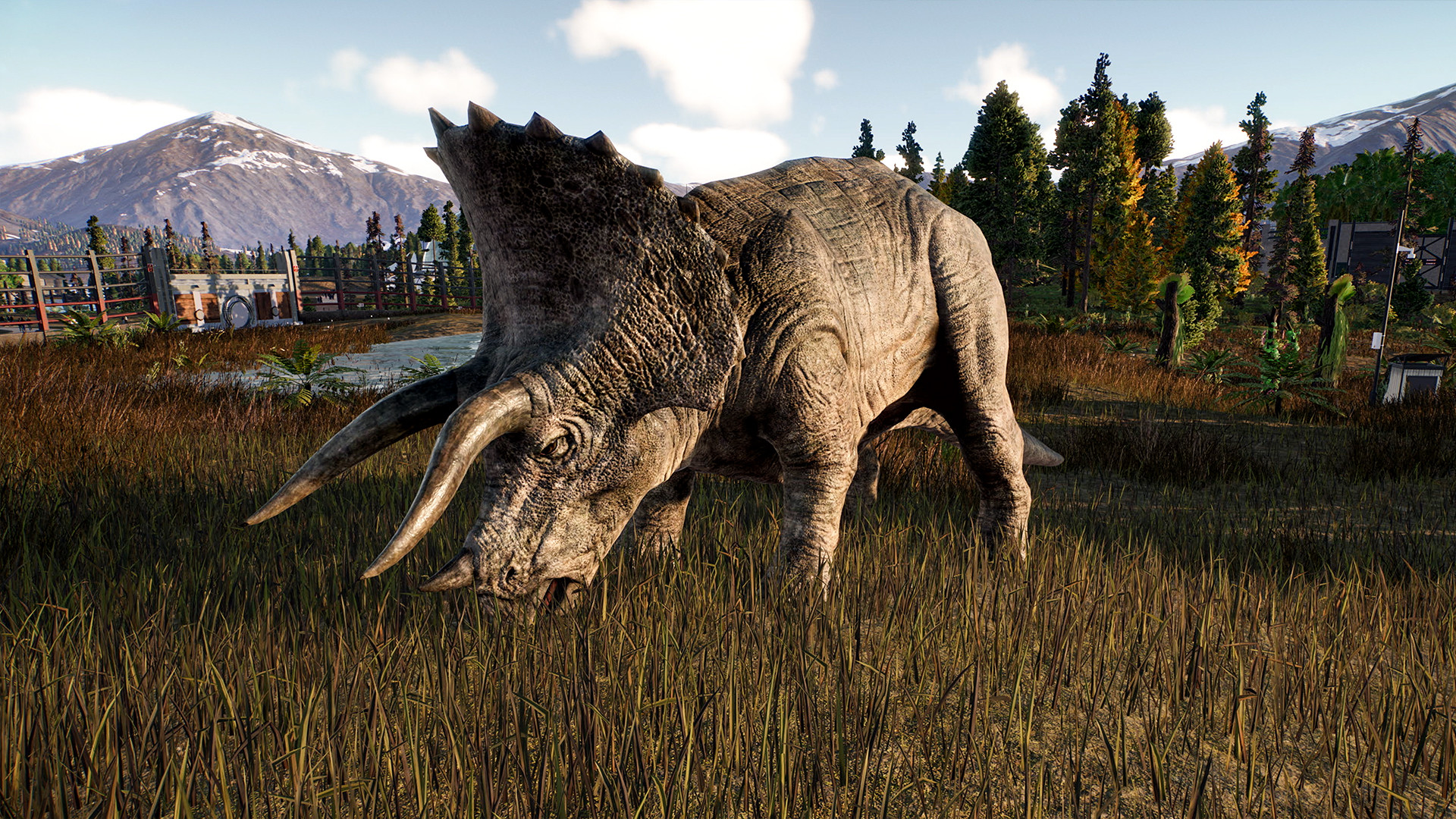
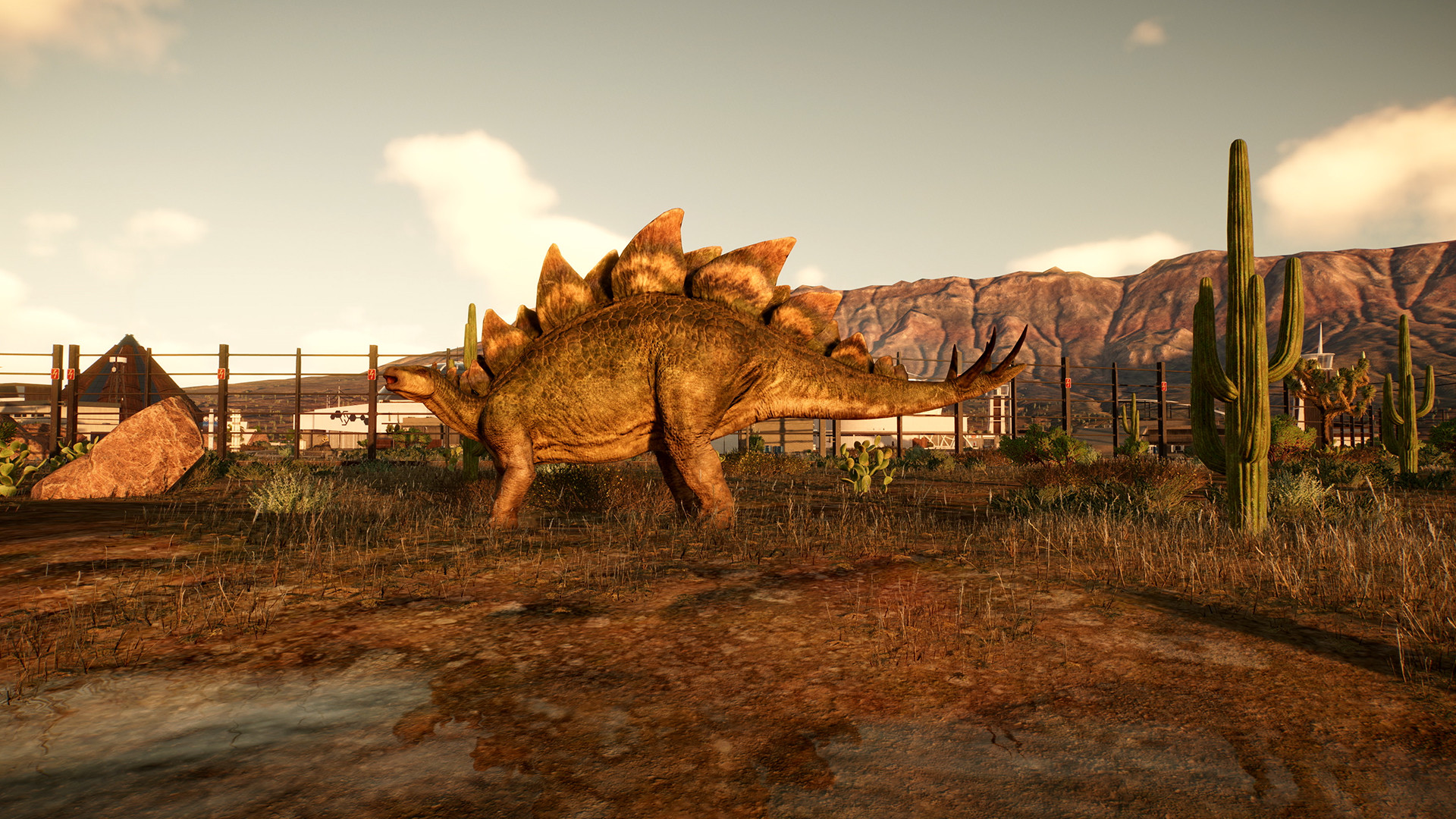
Control and preserve dinosaurs roaming across the United States in Jurassic World Evolution 2, a sequel to the award-winning management sim based on the iconic movies. Set after the events of Jurassic World: Fallen Kingdom, Jurassic World Evolution 2 tasks you with dealing with dinosaurs let loose in the United States. Build your own parks full of specialized facilities to contain the ancient wildlife and ensure their well-being. More than 75 carnivores, herbivores and piscivores will await in the game’s sprawling and educative datatable. Use bioengineering to discover your dinos’ new color patterns or traits. Get creative in the Sandbox Mode, or test your management skills in the Challenge Mode. Discover the amazing Chaos Mode that lets you play through the movies’ legendary scenarios with a twist. Make this Jurassic World yours! Features Create your own dinosaur parks in a sequel to the beloved Jurassic World Evolution House 75 species of dinosaurs in a variety of specialized buildings Manage both your locations and people Bioengineer your dinosaurs Experience “What if” movie scenarios in the Chaos Mode Get creative in the Sandbox mode Take the challenge of the Challenge Mode See the continuation of the story started in the hit movie Jurassic World: Fallen Kingdom

Jurassic World Evolution 2 screenshotJurassic World Evolution 2 screenshotJurassic World Evolution 2 screenshotJurassic World Evolution 2 screenshotJurassic World Evolution 2 screenshotJurassic World Evolution 2 screenshot

How to redeem

  1. 1Check your Steam account and the listed region before purchasing.
  2. 2Find your code and supplier activation instructions in your confirmed order.
  3. 3Open the redeem-code section on Steam, enter the code and follow the platform’s prompts.

Supplier instructions

Go to: http://store.steampowered.com/ and download STEAM client Click "Install Steam" (from the upper right corner) Install and start application, login with your Account name and Password (create one if you don't have). Please follow these instructions to activate a new retail purchase on Steam: Launch Steam and log into your Steam account. Click the Games Menu. Choose Activate a Product on Steam... Follow the onscreen instructions to complete the process. After successful code verification go to the "LIBRARY" tab and start downloading.

You might also like