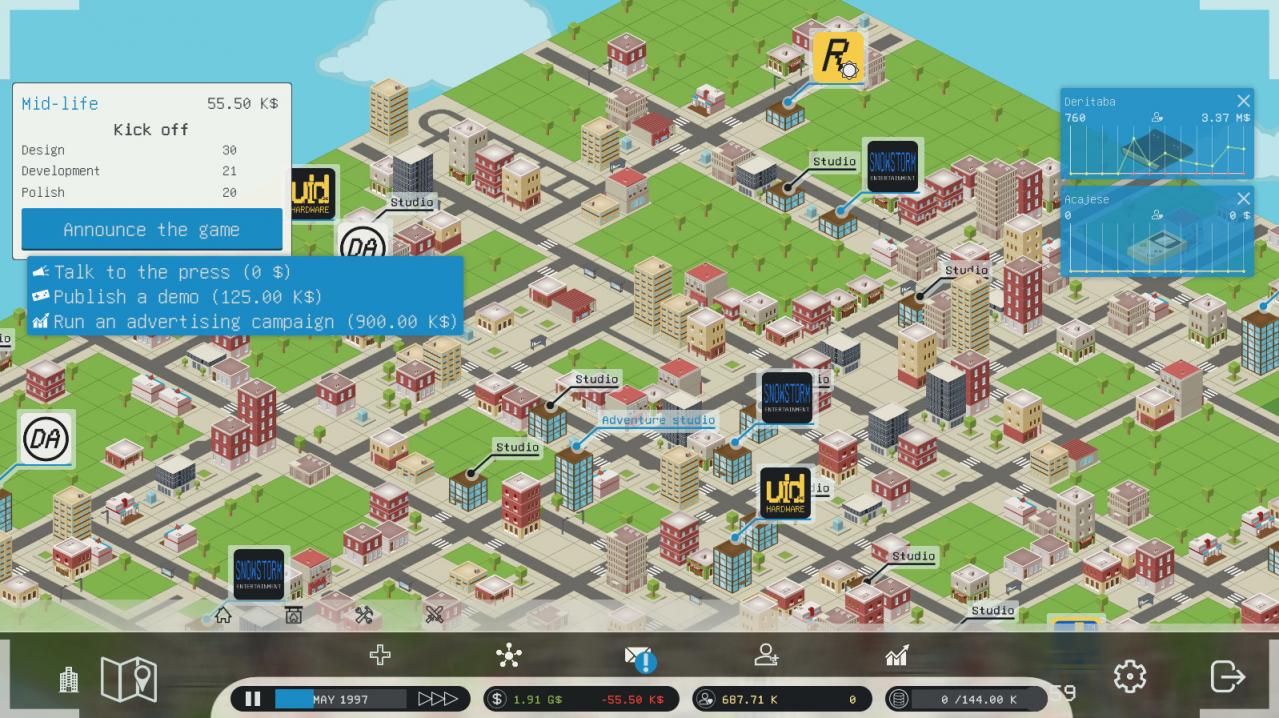
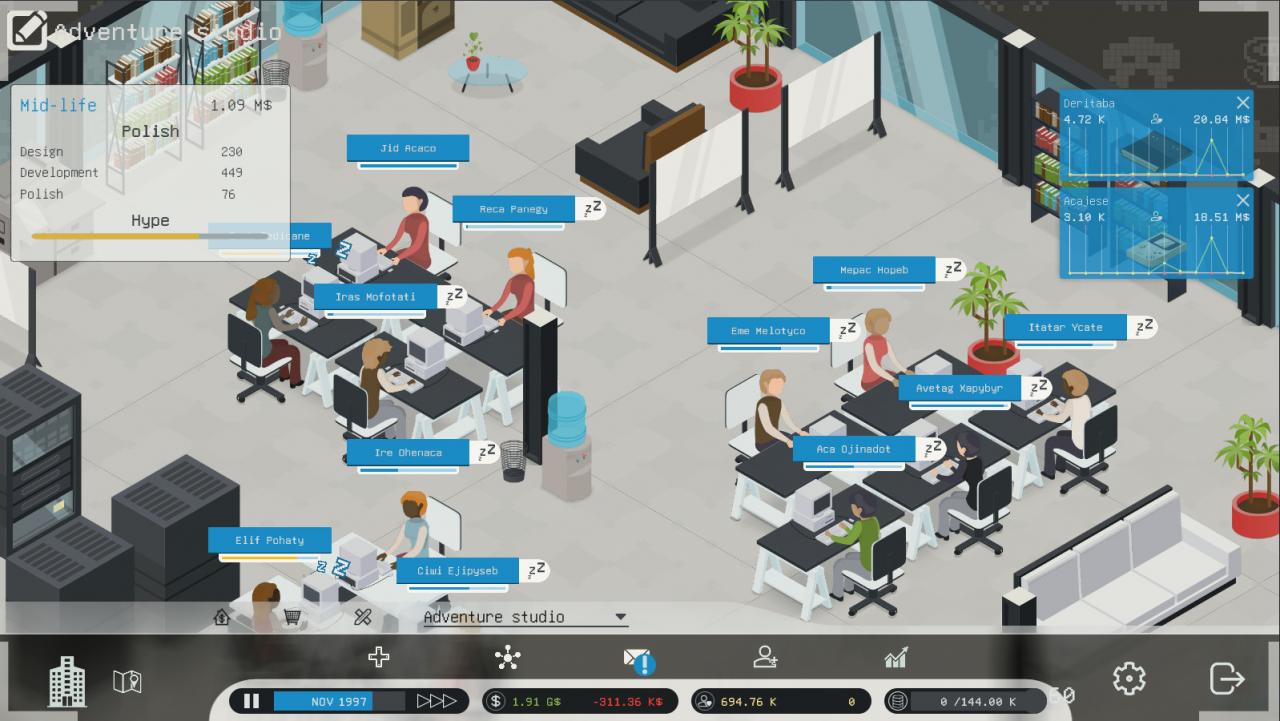
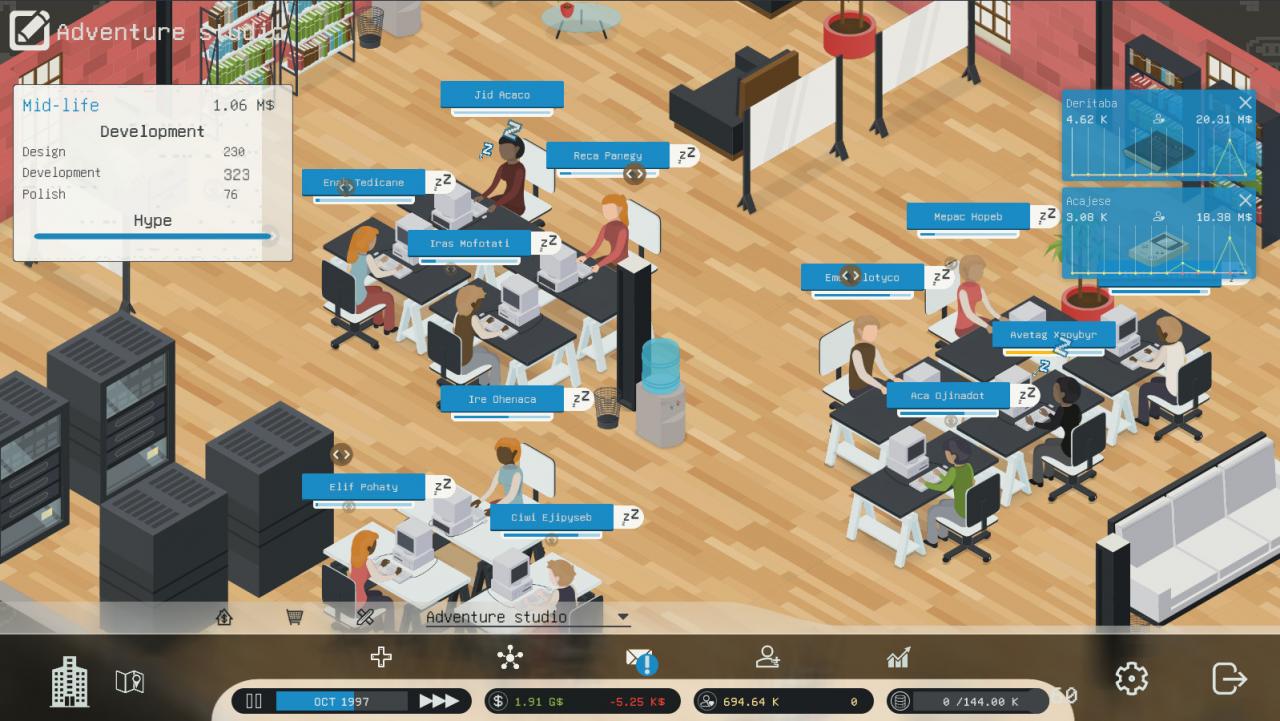
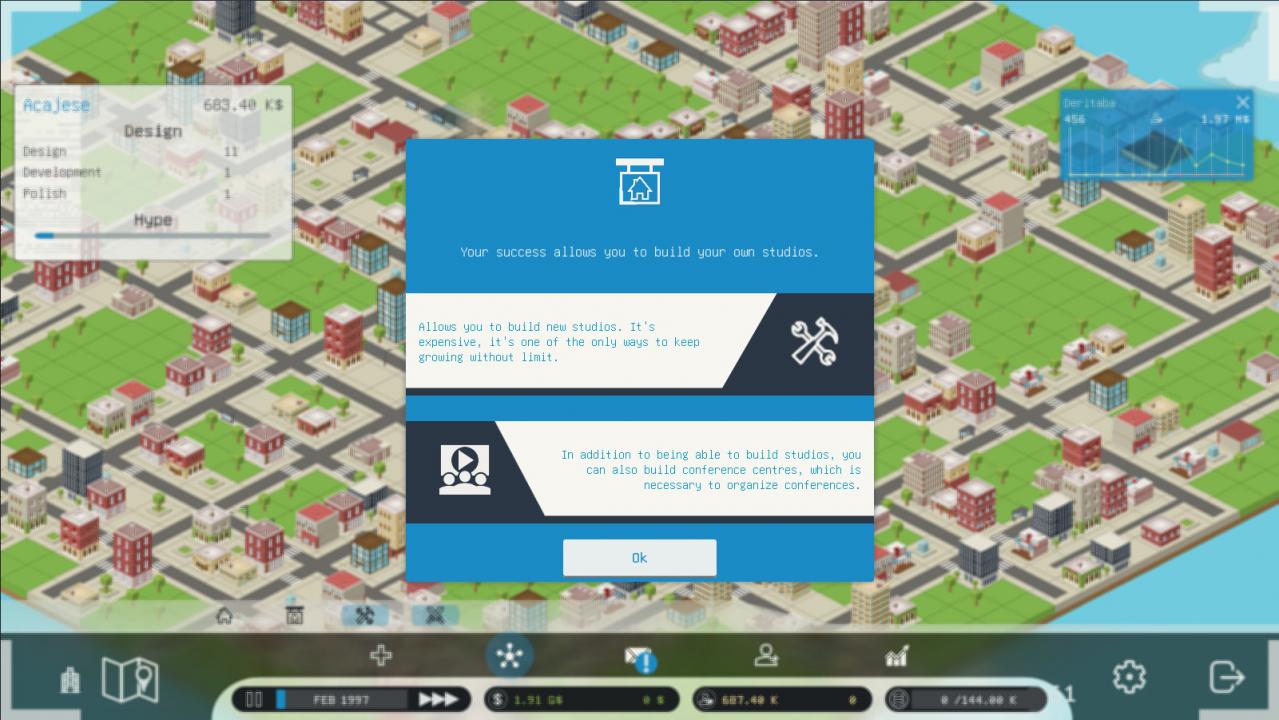
January 1975, you have created your video game company. You are renting a tight place that allows you to develop your first game. Quickly, your games are successful and you already have to move, but it is up to you to cross the city to pick up your next local. In the blink of an eye you are hiring artists to improve the visual aspect of your games. Next came developers and then testers. But a problem remains, even if your games are brilliants, you don't have enough fans to self-publish a big game to make your studio profitable. You will have to turn to video game editors who will carve out the lion's share. Chaining successes is the only way of getting rid of the publishers. Furthermore you will be able to publish your own publishing contracts. Then you will then be ready to dominate the market and buy back your competitors. Features Each game is uniqueMaps and studios are procedurally generated. Combined with random events and customizable studios, you will rediscover the game with each new game. Assign the best studioBrowse the cities and choose the location of your next studio. As my uncle used to say "Honey catches more talents than vinegar !" Furnish your studios carefullyEveryone is not a studio designer, yet every piece of furniture has its place in your studio, and can have an influence on the history of your company. Publish, hire, repeatEach game is unique, but over time new generations of consoles come out. You cannot create a bestseller alone. You have to hire new talents that will help you creating the perfect game