Get 10% back in Relic Coins on every order
Another Lost Phone: Laura's Story cover

Steam Europe - All Countries· Key

Another Lost Phone: Laura's Story

€10.49

+€1.05 cashback eligibility in Relic Coins

Check before you play

Platform
Steam
Region
Europe - All Countries
Product type
Key
Developer
Accidental Queens
Publisher
PLAYDIUS Ent.
Supplier release date
2017-09-21
Genres
Casual, Indie

About this product

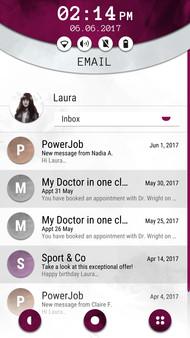
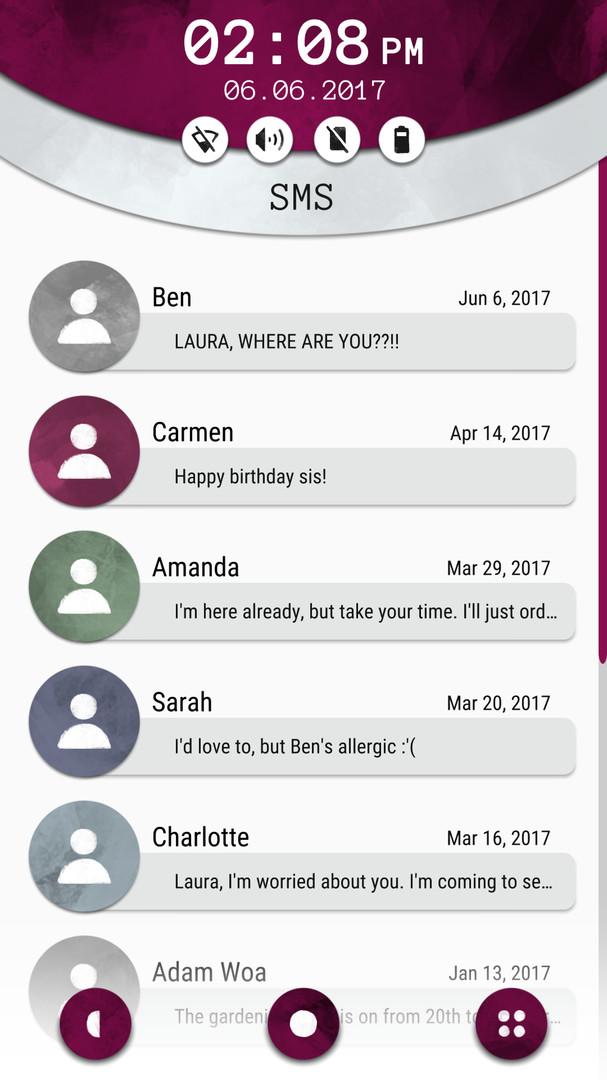
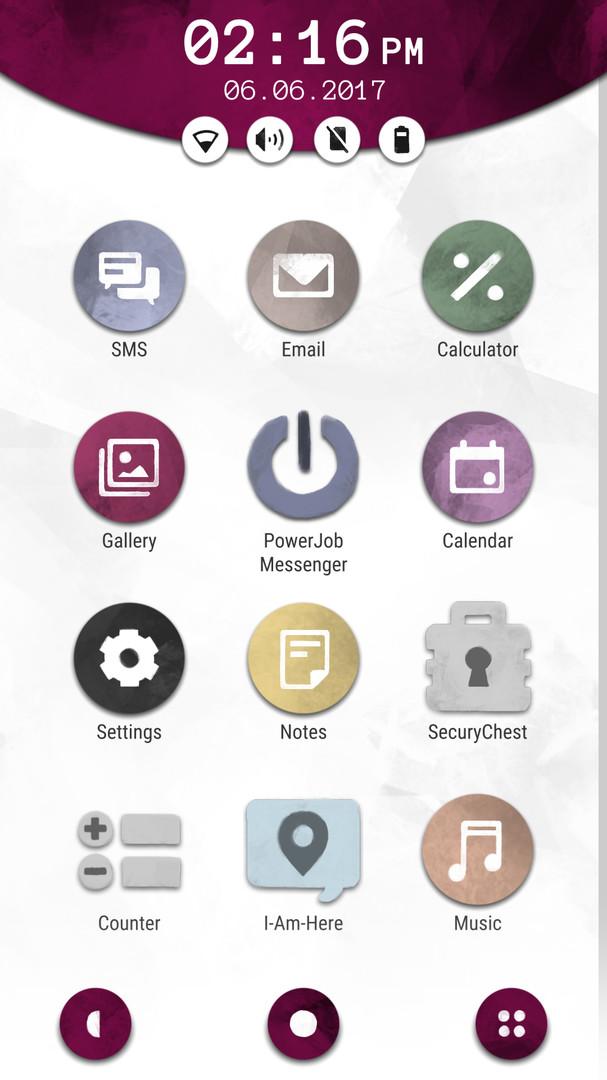
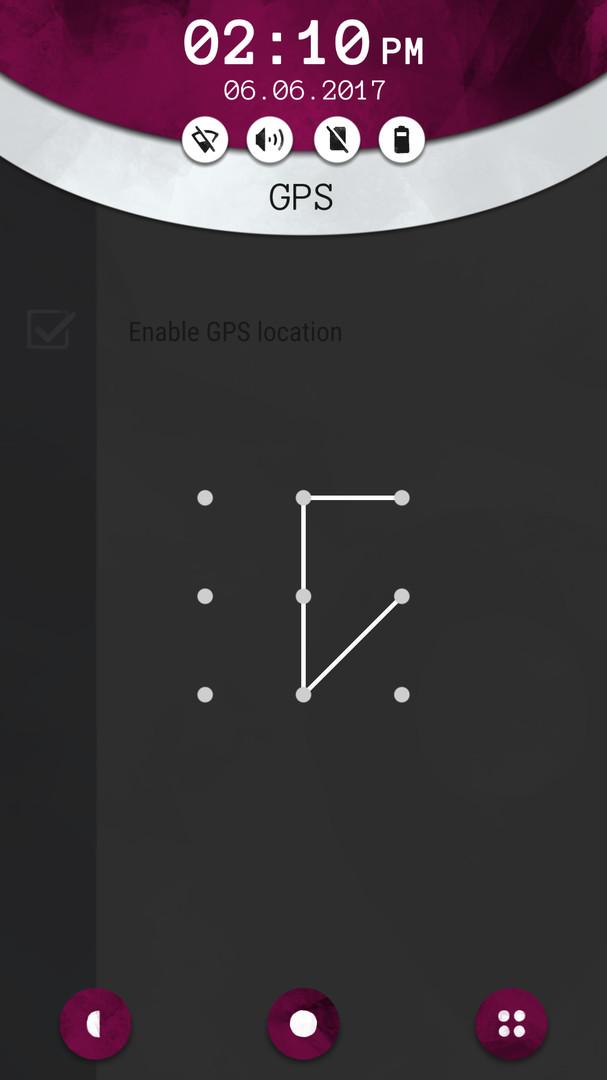
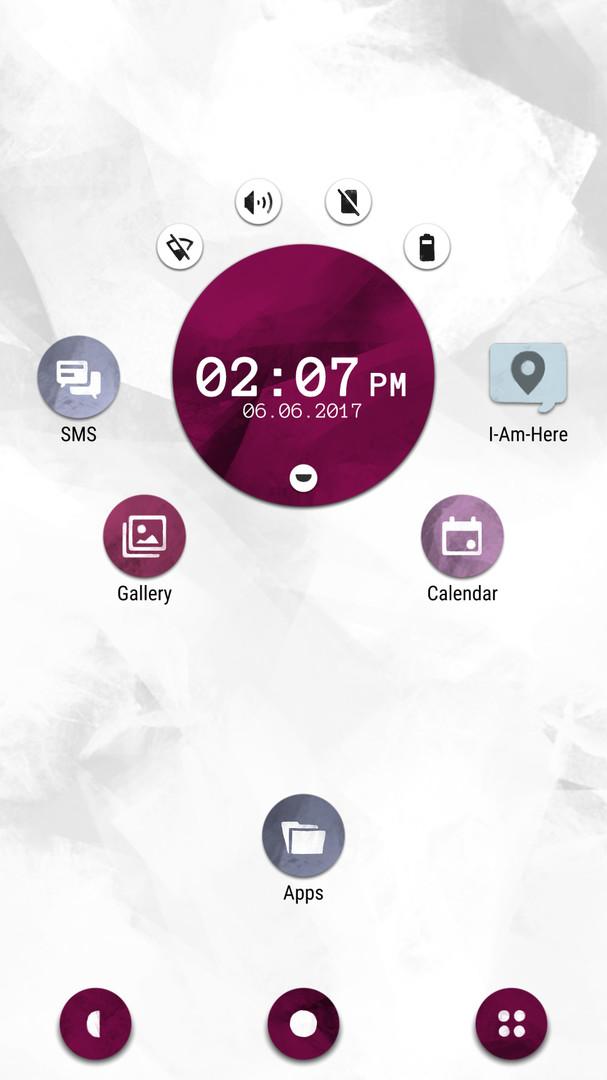
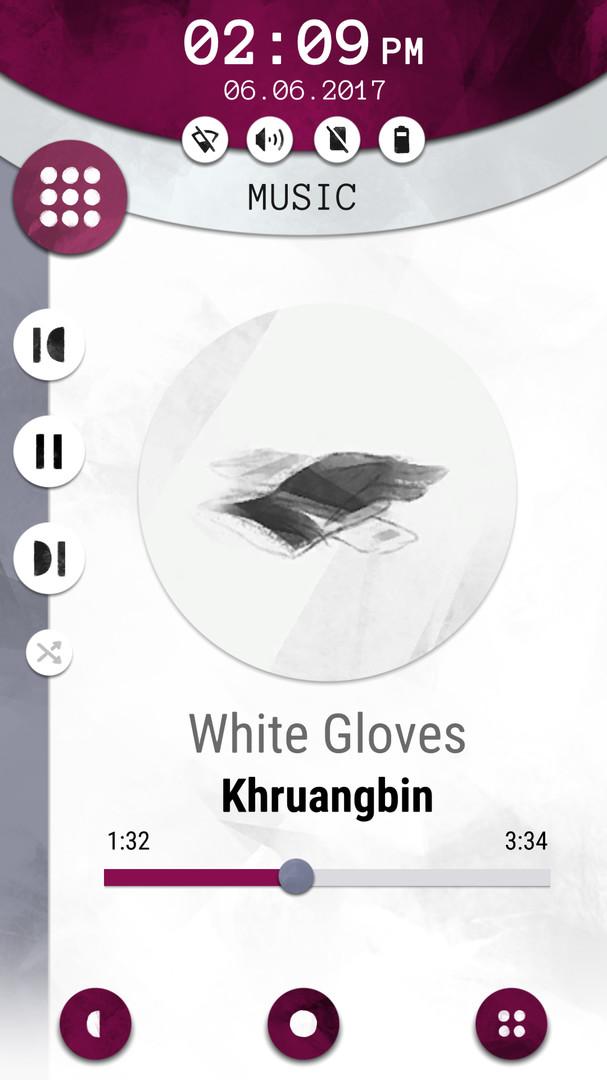
Another Lost Phone is a game about exploring the social life of a young woman whose phone you have just found.This game is designed as a narrative investigation where you must piece together elements from the different applications, messages and pictures to progress. Scrolling through the phone’s content, you will find out everything about Laura: her friendships, her professional life and the events that led to her mysterious disappearance and the loss of this phone.Features Combine your findings from the phone’s apps, messages and photo galleries to uncover the mystery surrounding Laura’s disappearance. Delve into the professional life, relationships & social habits of a young adult in the digital age. Experience a relatable story and build empathy with the characters, allowing you to explore difficult topics and social issues. Act as yourself in a game that bridges the gap between reality and fiction. If you close the app but still think about the game, have you truly stopped playing?

Another Lost Phone: Laura's Story screenshotAnother Lost Phone: Laura's Story screenshotAnother Lost Phone: Laura's Story screenshotAnother Lost Phone: Laura's Story screenshotAnother Lost Phone: Laura's Story screenshotAnother Lost Phone: Laura's Story screenshot

How to redeem

  1. 1Check your Steam account and the listed region before purchasing.
  2. 2Find your code and supplier activation instructions in your confirmed order.
  3. 3Open the redeem-code section on Steam, enter the code and follow the platform’s prompts.

Supplier instructions

Go to: http://store.steampowered.com/ and download STEAM client Click "Install Steam" (from the upper right corner) Install and start application, login with your Account name and Password (create one if you don't have). Please follow these instructions to activate a new retail purchase on Steam: Launch Steam and log into your Steam account. Click the Games Menu. Choose Activate a Product on Steam... Follow the onscreen instructions to complete the process. After successful code verification go to the "MY GAMES" tab and start downloading.

You might also like