Get 10% back in Relic Coins on every order
Elmarion: the Lost Temple cover

SteamGlobal· Key

Elmarion: the Lost Temple

€2.61

+€0.26 cashback eligibility in Relic Coins

Check before you play

Platform
Steam
Region
Global
Product type
Key
Developer
Fleon Games
Publisher
Fleon Games
Supplier release date
2021-08-26
Genres
Adventure, Indie, RPG

About this product

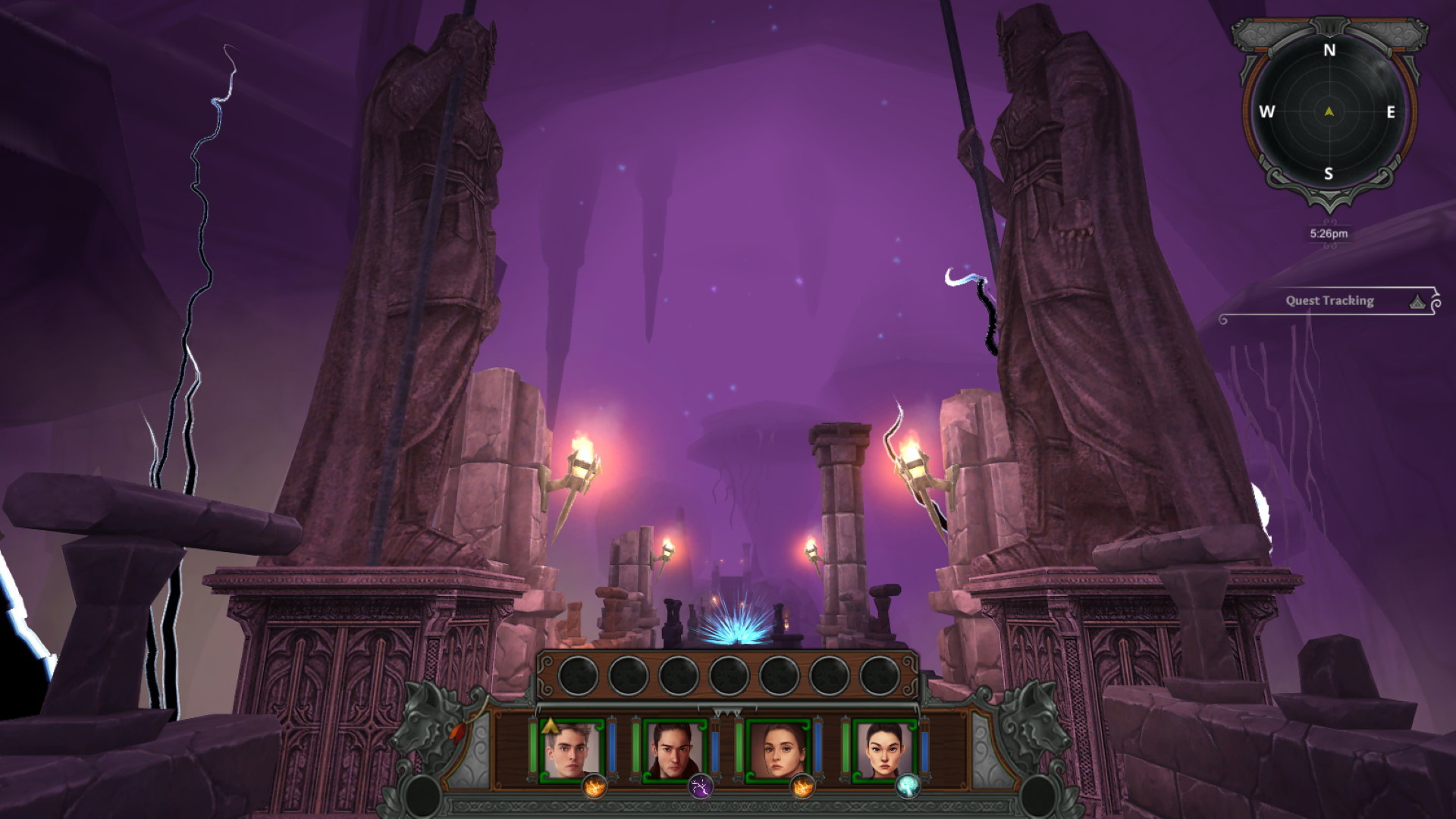
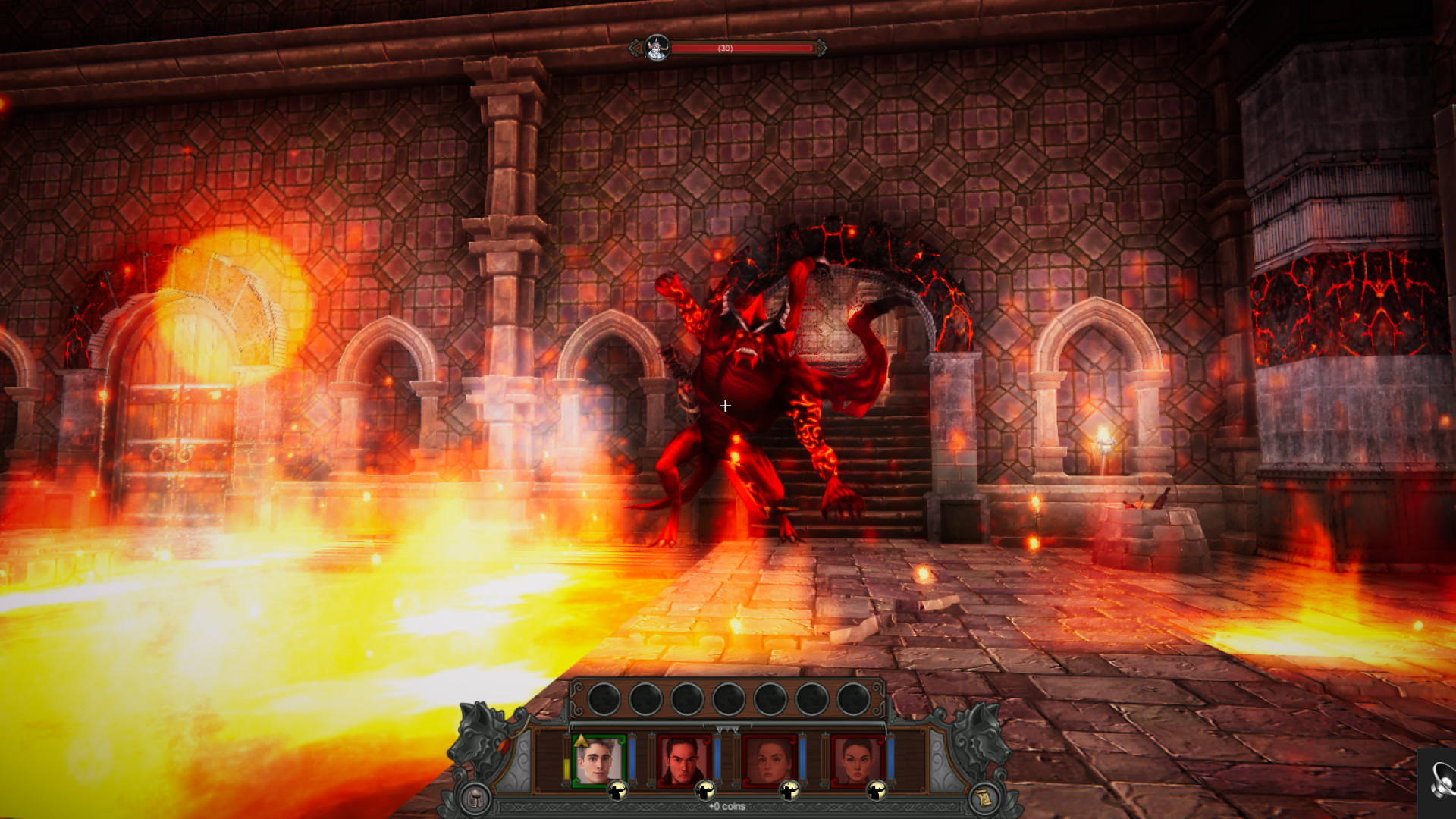
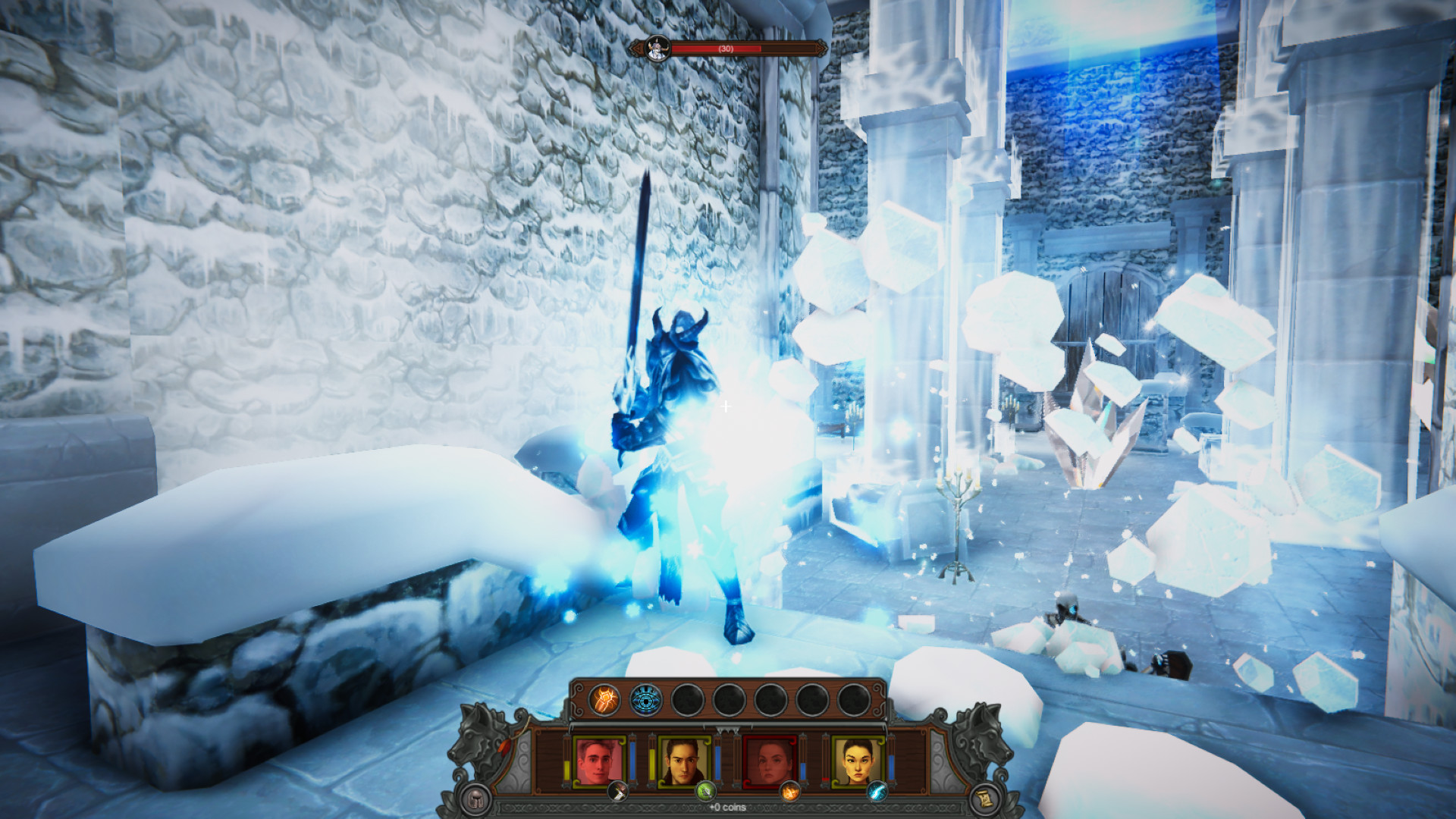
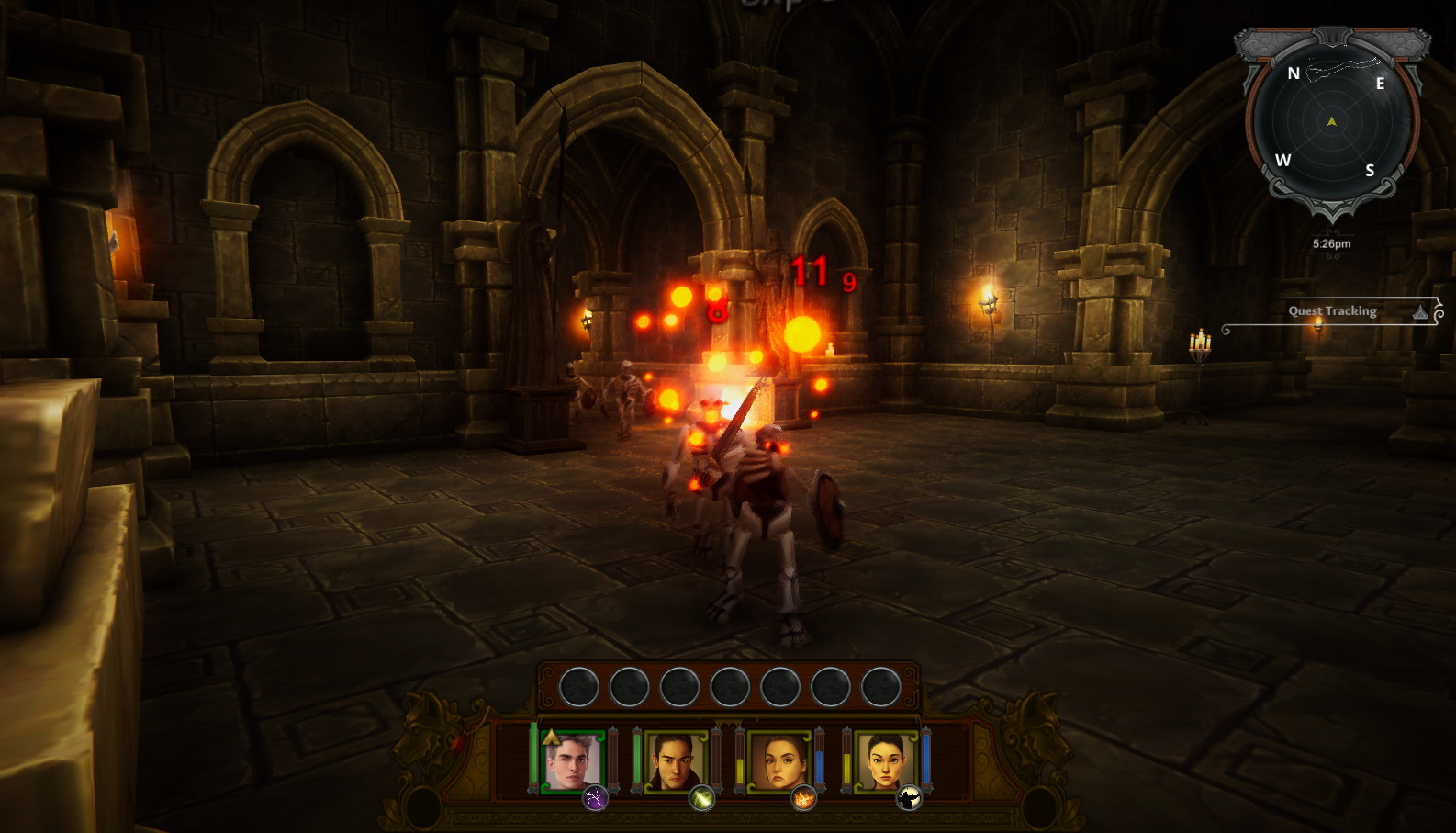
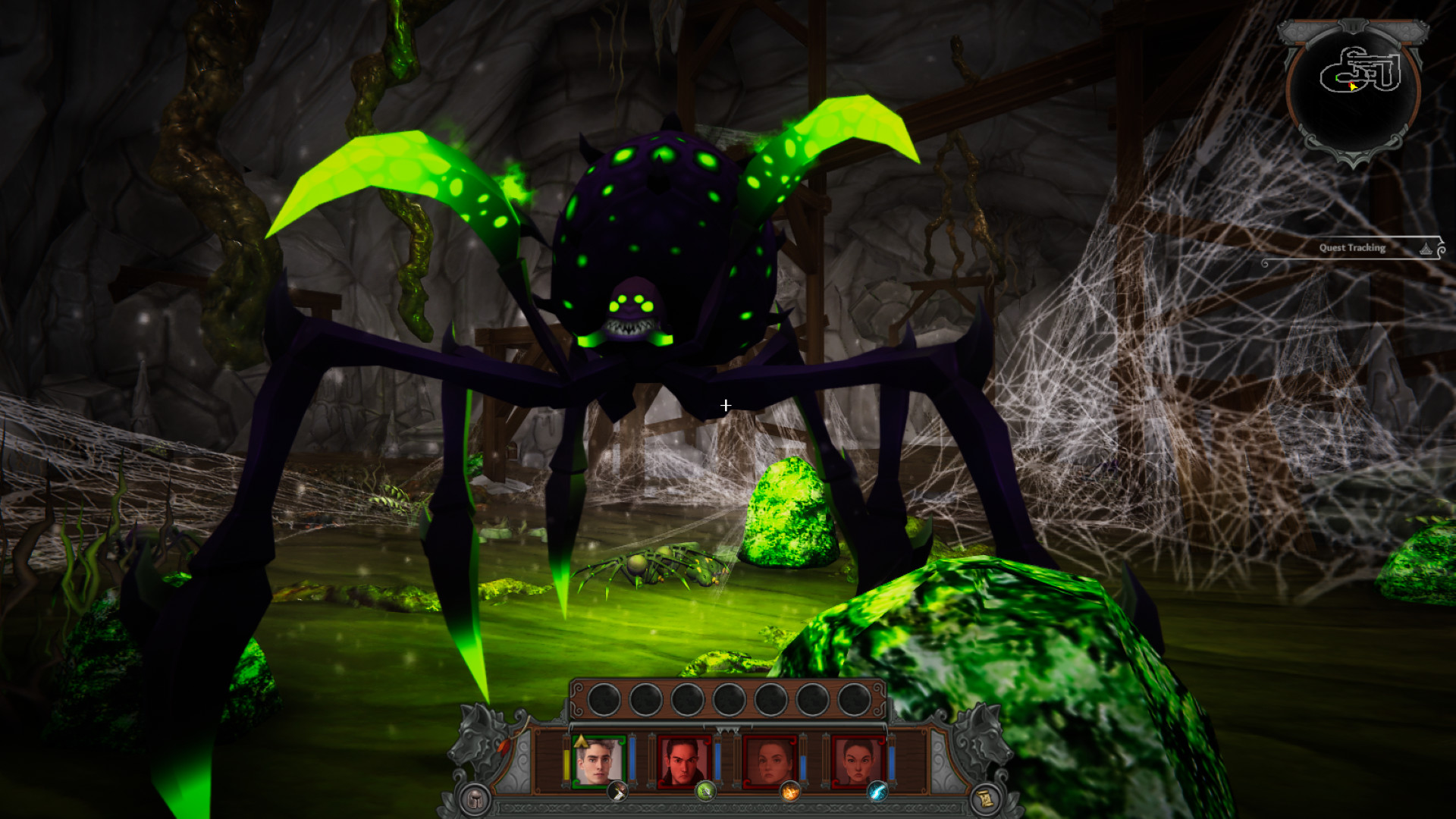
"Elmarion: the Lost Temple" is a real-time party-based first-person RPG in the spirit of games like Might and Magic, Wizardry, Legend of Grimrock, Diablo.The player controls a squad of 4 brave adventurers.Each hero can be one of 8 different classes: knight, archer, fire mage, ice mage, air mage, nature mage, cleric, necromancer.During the game, the squad explores the dungeons and clears them of monsters using a combination of different abilities of each hero.Each class of heroes has 10 unique skills. Thus, there are 80 different skills available in the game that you can try on your enemies!Items and Equipment: Dungeons contain many great magic weapons and armor. Try them on the heroes.Excess items can be sold in the "village" from a merchant and with the proceeds to buy valuable potions, scrolls, armor. To quickly move to the village, the game provides portals.The game consists of one safe village and several dungeons: main, fire, ice, air, natural and some others. History The king of one of the kingdoms learned about an ancient powerful artifact hidden in an abandoned temple, and sent a detachment of brave adventurers after him, promising them a generous reward for this.Purpose of the game: to get this ancient powerful artifact.


Elmarion: the Lost Temple screenshotElmarion: the Lost Temple screenshotElmarion: the Lost Temple screenshotElmarion: the Lost Temple screenshotElmarion: the Lost Temple screenshot

How to redeem

  1. 1Check your Steam account and the listed region before purchasing.
  2. 2Find your code and supplier activation instructions in your confirmed order.
  3. 3Open the redeem-code section on Steam, enter the code and follow the platform’s prompts.

Supplier instructions

Go to: http://store.steampowered.com/ and download STEAM client Click "Install Steam" (from the upper right corner) Install and start application, login with your Account name and Password (create one if you don't have). Please follow these instructions to activate a new retail purchase on Steam: Launch Steam and log into your Steam account. Click the Games Menu. Choose Activate a Product on Steam... Follow the onscreen instructions to complete the process. After successful code verification go to the "LIBRARY" tab and start downloading.

You might also like