Get 10% back in Relic Coins on every order
1... 2... 3... KICK IT! (Drop That Beat Like an Ugly Baby) cover

SteamGlobal· Gift

1... 2... 3... KICK IT! (Drop That Beat Like an Ugly Baby)

€155.39

+€15.54 cashback eligibility in Relic Coins

Check before you play

Platform
Steam
Region
Global
Product type
Gift
Developer
Dejobaan Games, LLC
Publisher
Dejobaan Games, LLC
Genres
Action, Indie

About this product

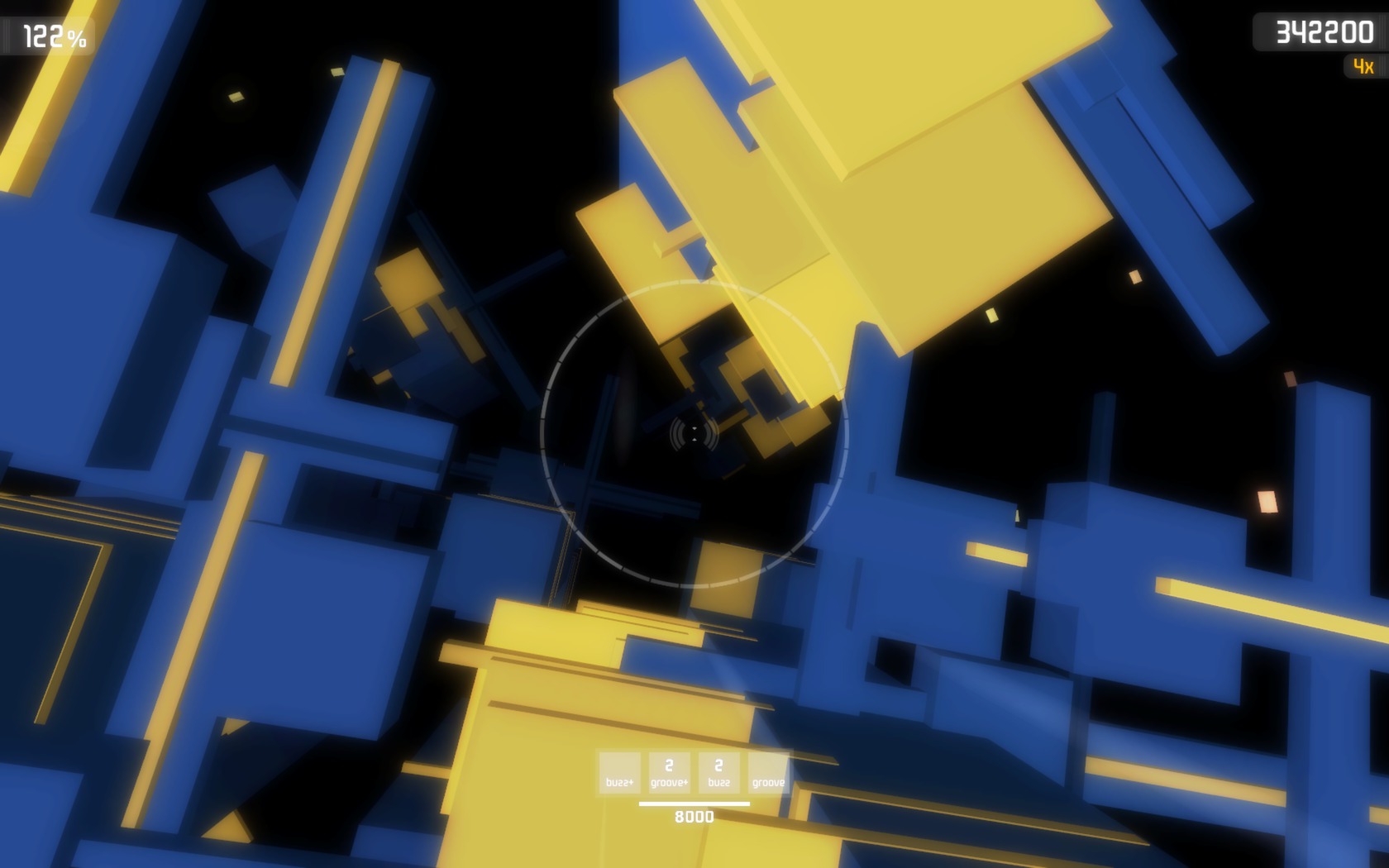
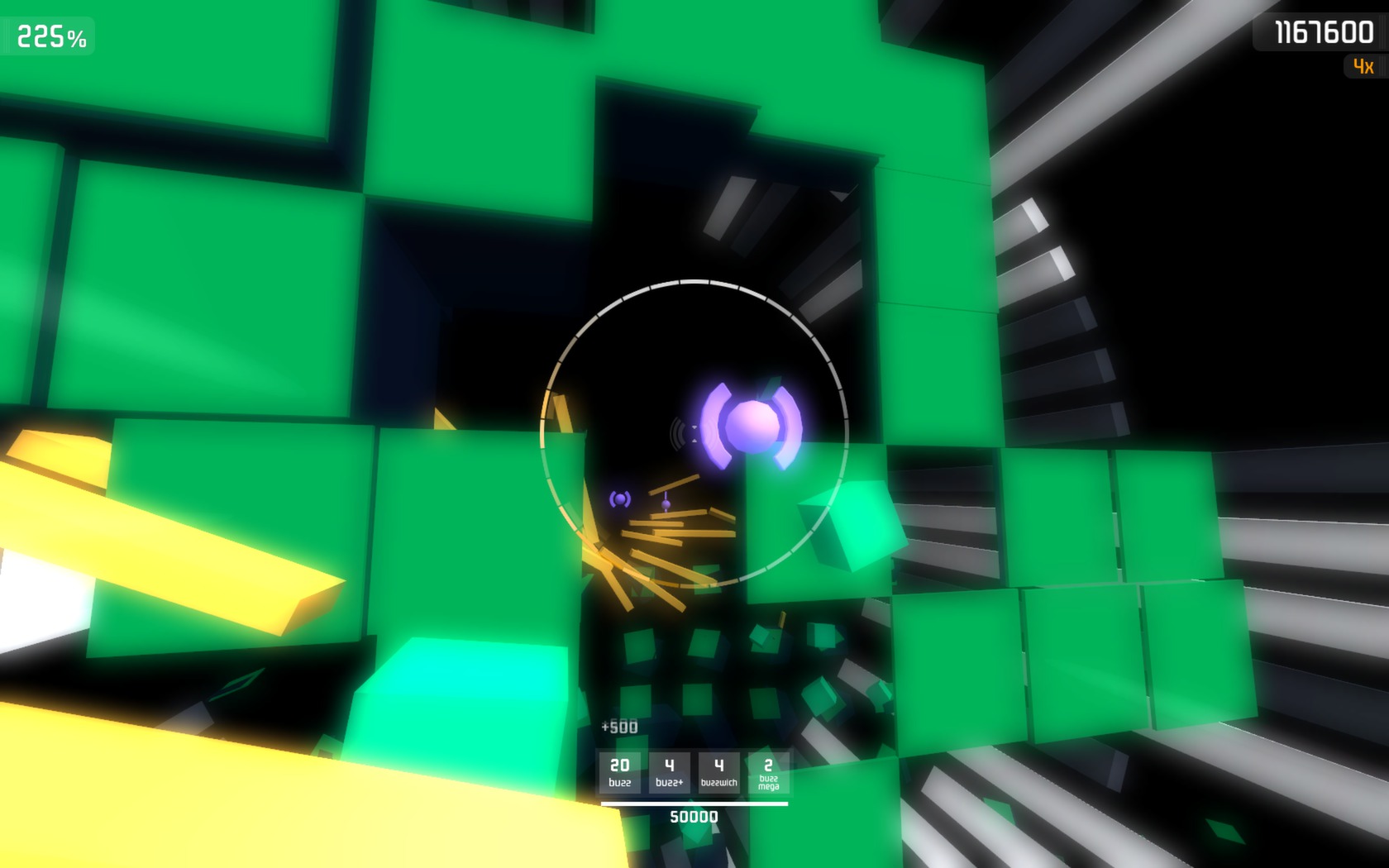
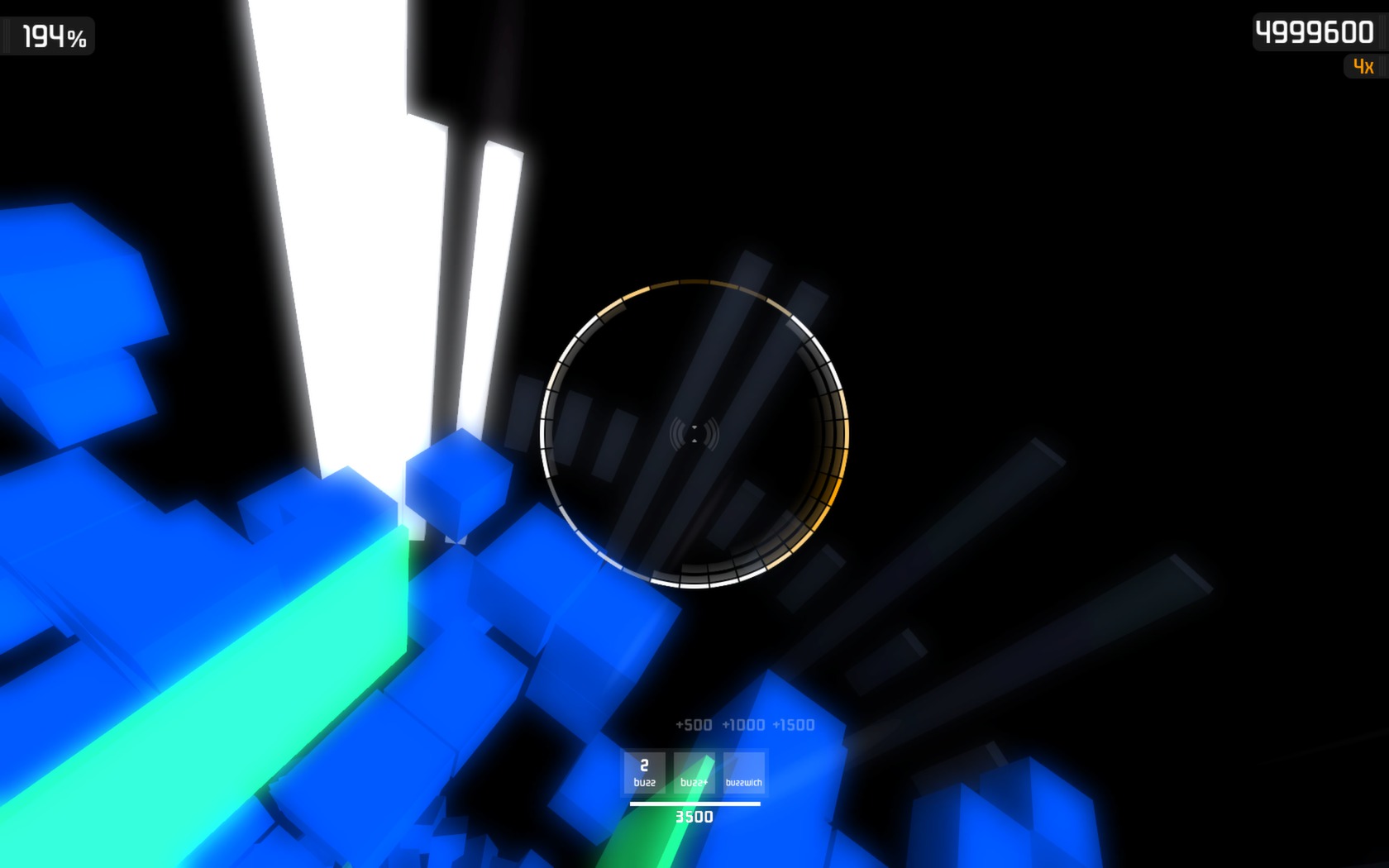
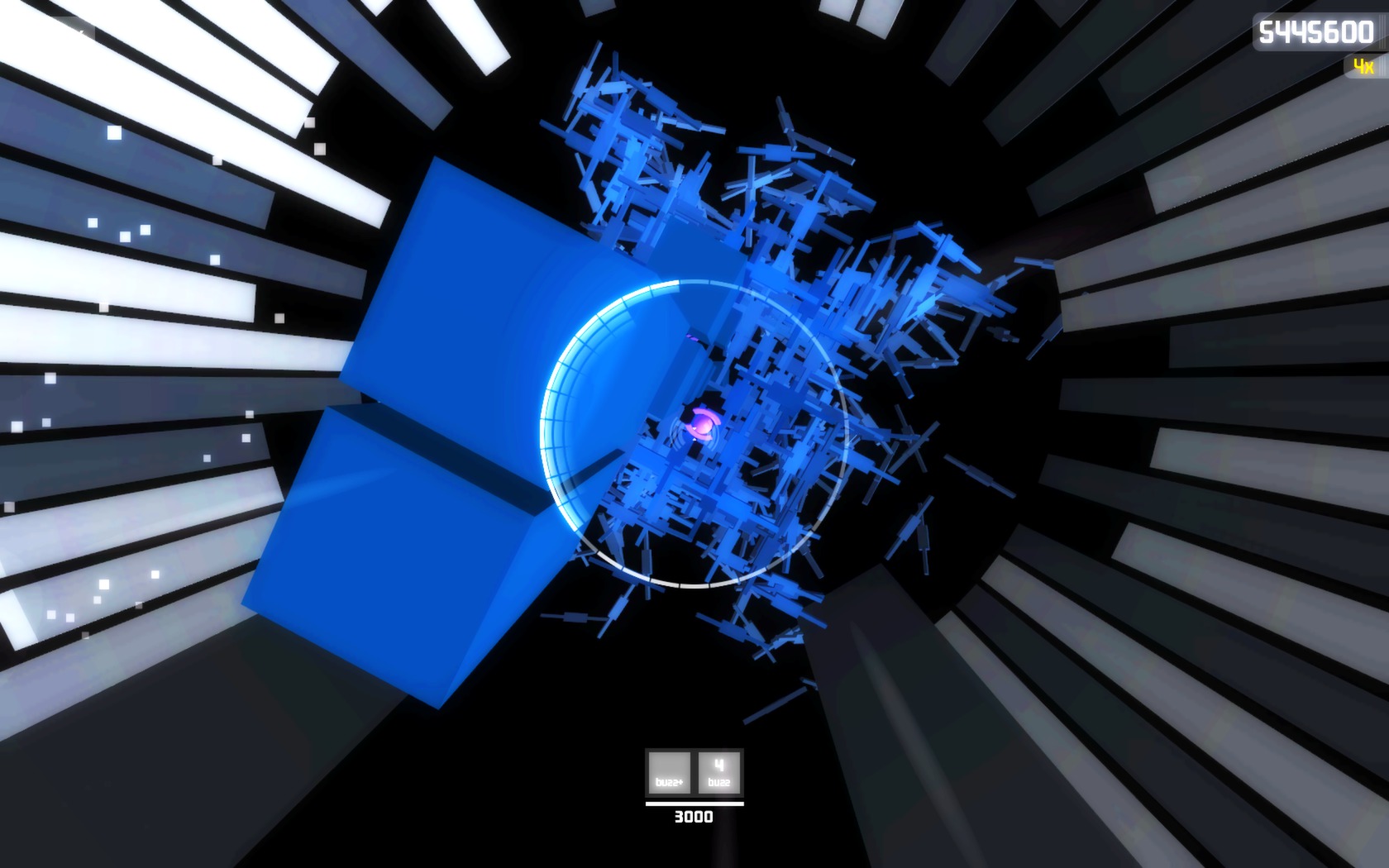
Battle your favorite drum 'n' bass track, or relax as you fly through that trance album. "Ugly Baby" takes your MP3 music library and creates floating cities for you to explore. Ten years after the events in Dejobaan's award-winning AaaaaAAaaaAAAaaAAAAaAAAAA!!! -- A Reckless Disregard for Gravity, technology has advanced to the point where individuals can create architecture with colossal 3D printers.You've taken to building giant, kilometers-long aerial sculptures inspired by your own music, and are now BASE jumping from them for sport. These jumps are all about style and timing. Buzz those girders, groove along that building, and finish with a twist for extra points, all the while listening to your own soundtrack. Ugly Baby is currently available as a playable pre-release on Steam. Key features: Play different floating worlds built from your MP3 library Execute stunts such as buzzes and grooves. Tweak a city's DNA to warp them and create your own experiences.


1... 2... 3... KICK IT! (Drop That Beat Like an Ugly Baby) screenshot1... 2... 3... KICK IT! (Drop That Beat Like an Ugly Baby) screenshot1... 2... 3... KICK IT! (Drop That Beat Like an Ugly Baby) screenshot1... 2... 3... KICK IT! (Drop That Beat Like an Ugly Baby) screenshot

How to redeem

  1. 1Check that your Steam account can receive gifts in the listed region.
  2. 2Open the confirmed order and follow the supplier’s gift-delivery instructions.
  3. 3Accept the gift on the required platform account and add it to your library.

Supplier instructions

"Please remember that we are NOT responsible for any problems that may arise from purchasing and using Steam Gifts. You are doing it at your own risk. "Please note, that due to recent Valve Steam Gift policy update Steam Gifts for games that are covered by VAC ban program can no longer be added to Inventory. Make sure that you are logged in to the proper account before entering the link as Steam Gifts can be only added to your library or rejected. How do I use a Steam gift given to me? If you do not already have Steam, download and install Steam here. Once you have Steam installed, you will be prompted to create an account or login to an existing Steam account. If you do not have an account, please create one. You will receive an e-mail containing a link that will open Steam allowing you to redeem your gift. After clicking the link, you will receive a notification at the top right corner in the Steam client informing that you have a new gift.

You might also like