Get 10% back in Relic Coins on every order
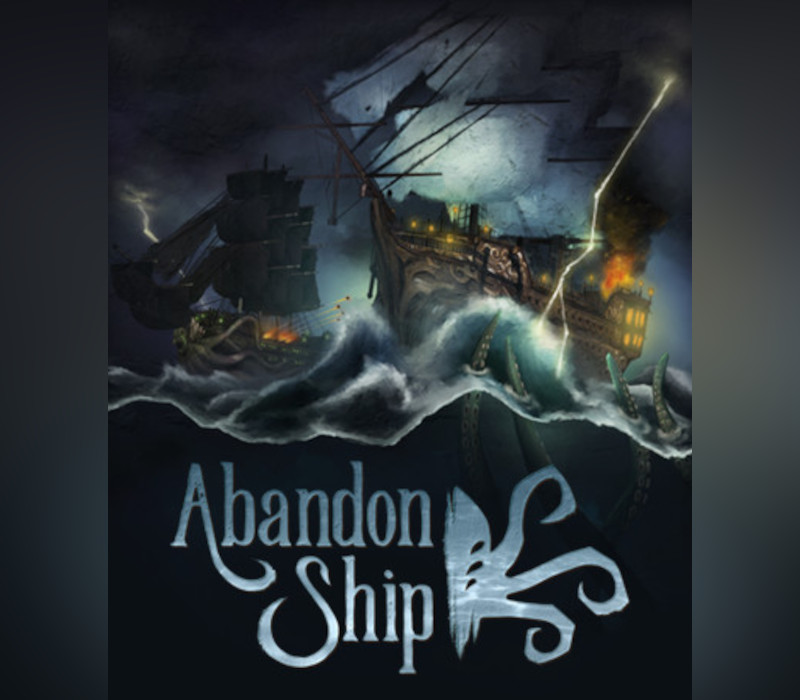
Abandon Ship RU cover

SteamEurope· Key

Abandon Ship RU

€1.77

+€0.18 cashback eligibility in Relic Coins

Check before you play

Platform
Steam
Region
Europe
Product type
Key
Developer
Fireblade Software
Publisher
Fireblade Software
Supplier release date
2018-02-21
Genres
Adventure, Strategy, Indie

About this product

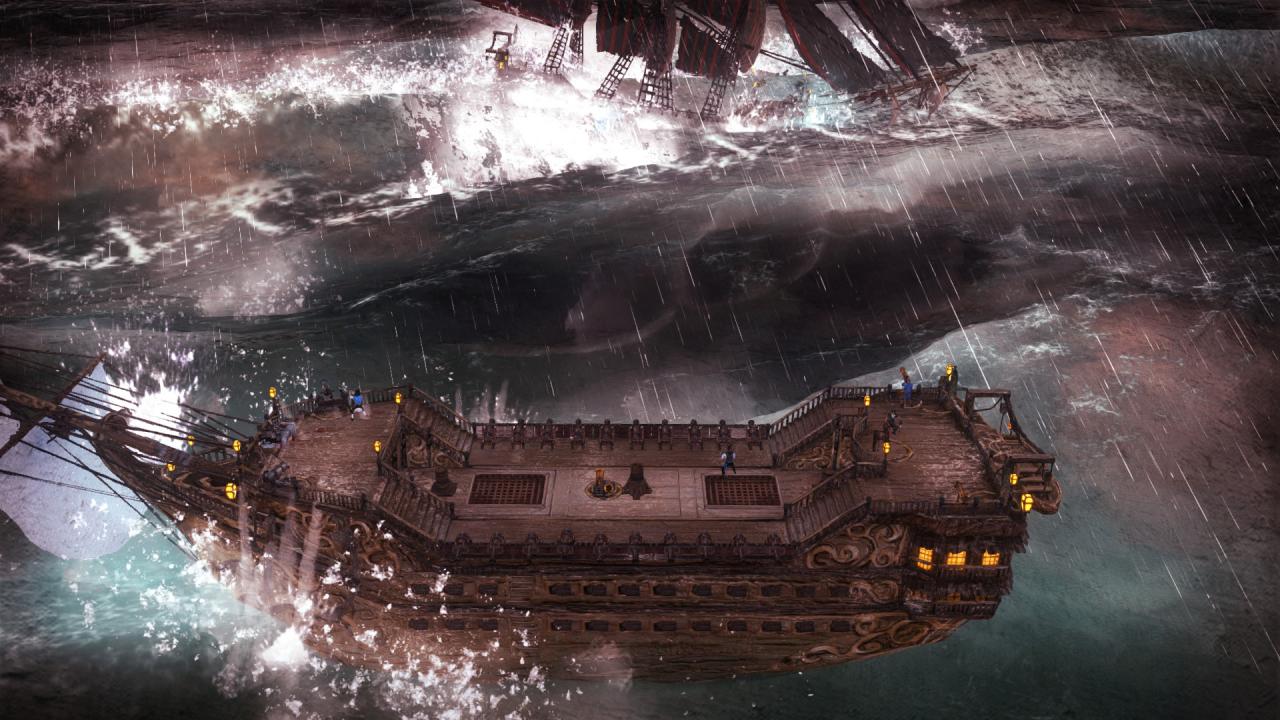
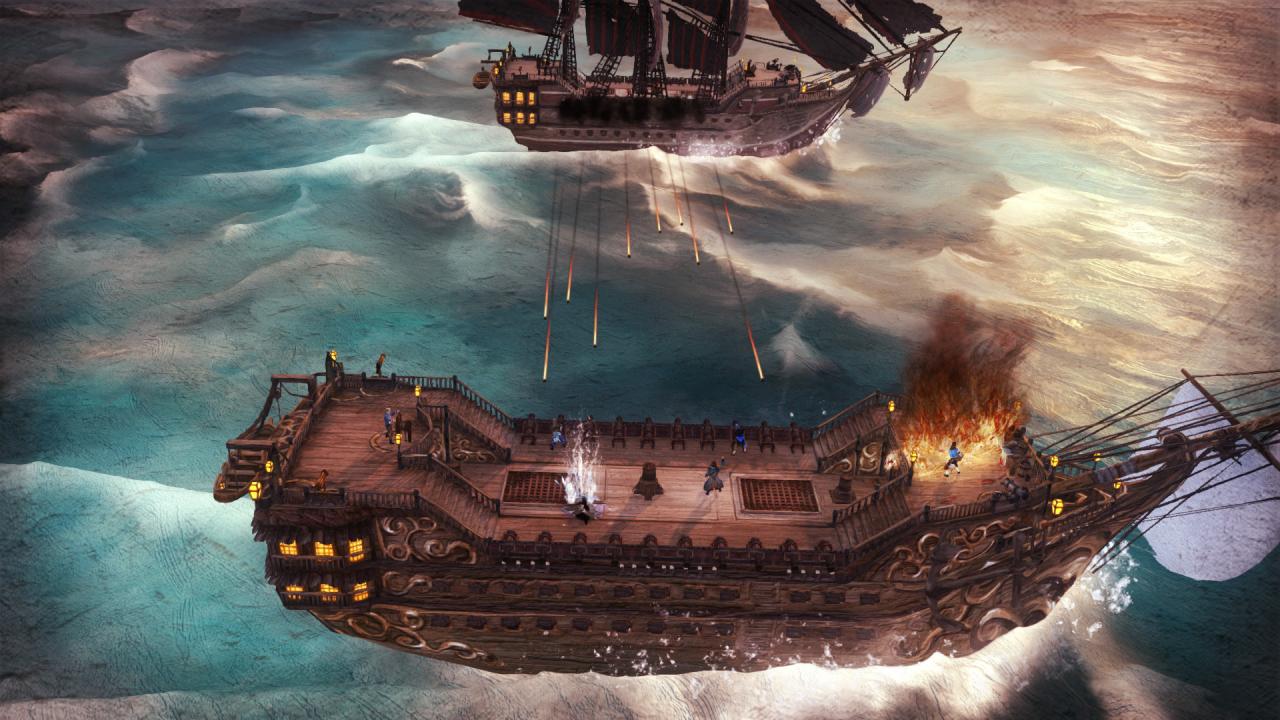
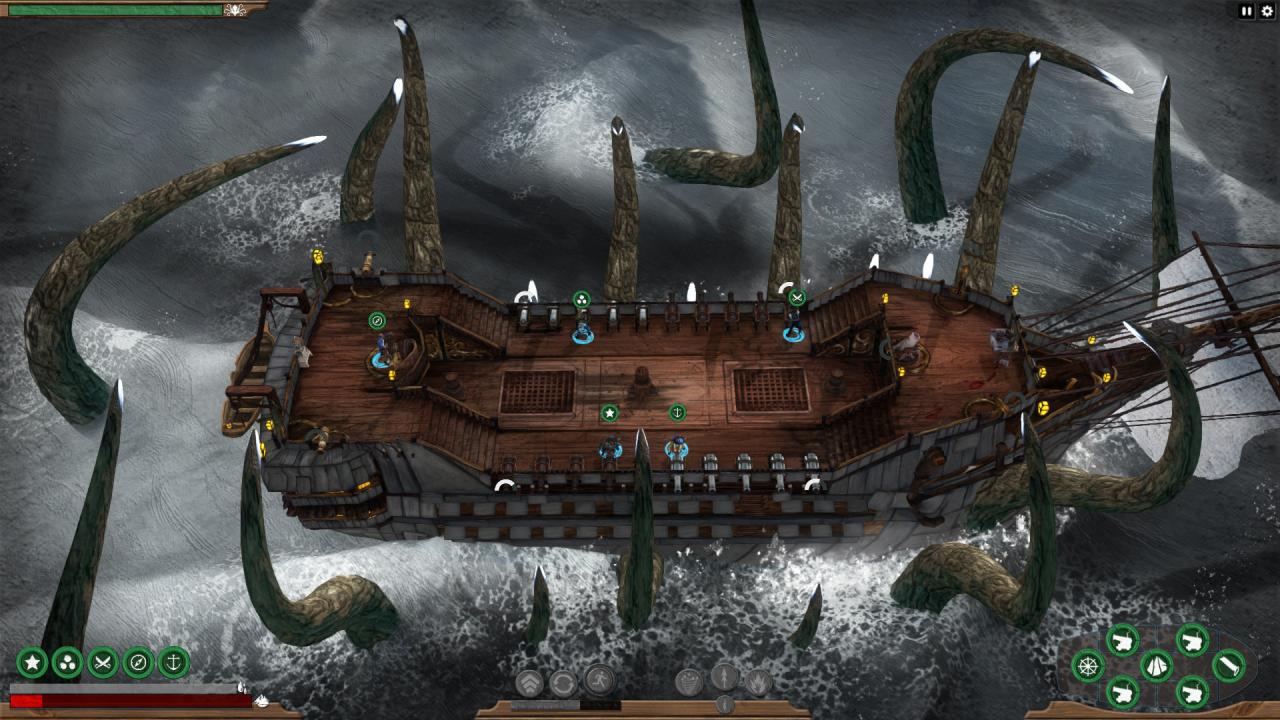
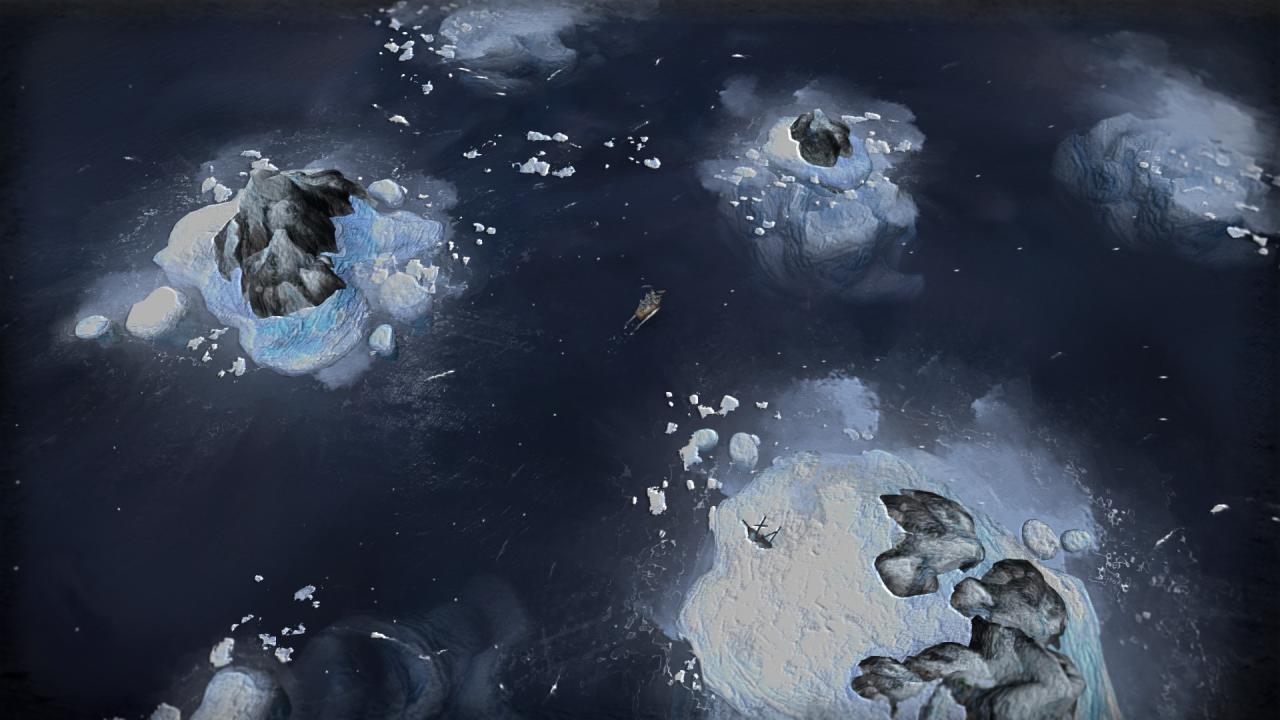
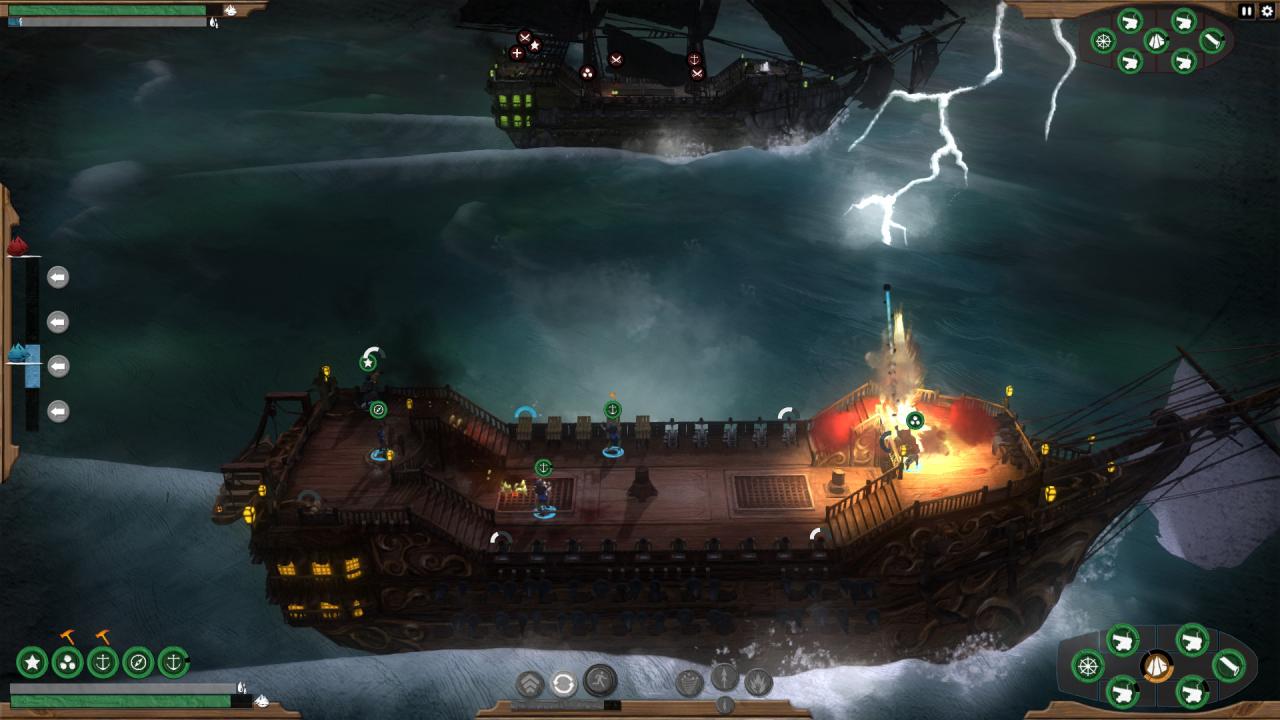
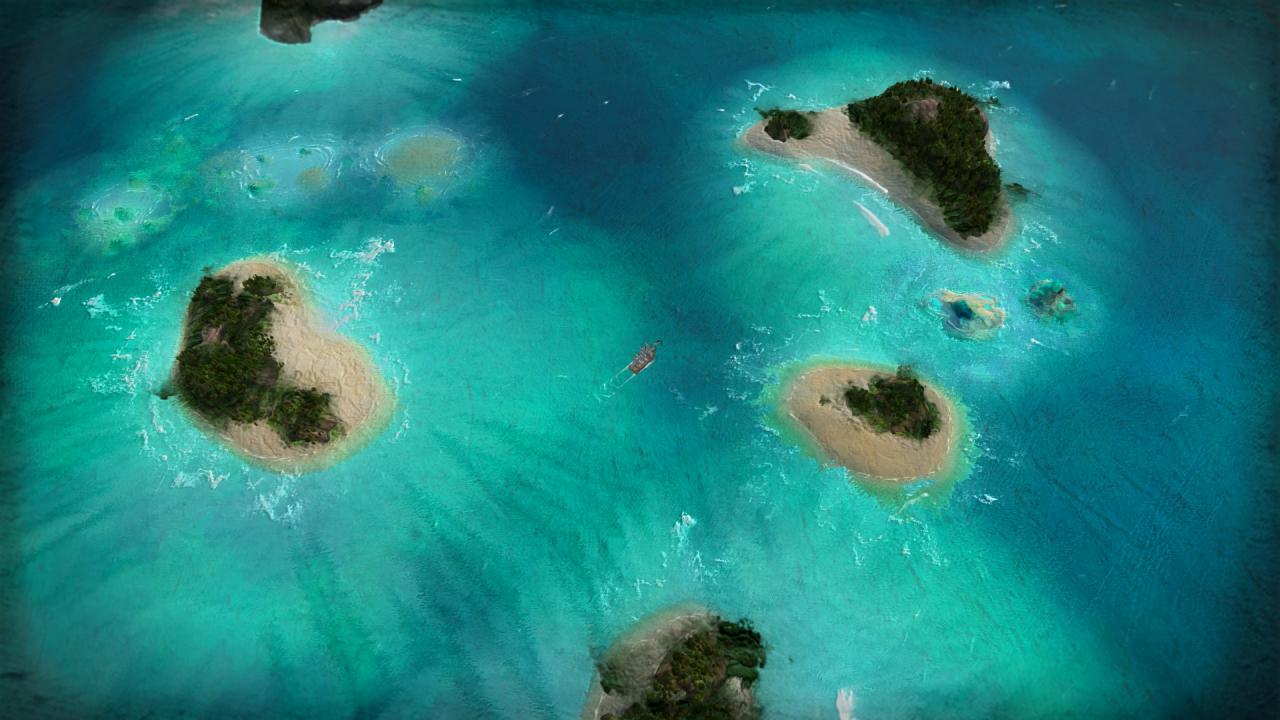
Be the Captain. Survive on the Edge in a World with Consequences. In Abandon Ship you take command of a ship and her crew, exploring a diverse, procedurally generated world, taking on quests and dealing with random events. Frequently, you will end up engaging other ships in combat, the player having to employ their best tactics in order to out-manoeuvre and out-gun the enemy.The game focuses on “Age of Sail” ships in a Fantasy setting, framed in an Art Style inspired by classic Naval Oil Paintings. Ship Destruction is not the End. Life in the world of Abandon Ship can be brutal. Death is permanent. But the game doesn’t end if your vessel is destroyed. You are the Captain, and as long as the Captain is alive, there is always hope. By escaping to a Lifeboat, or even being stranded, alone in the water, there is still a chance to survive and fight your way back to the top. Snatch Victory from the Jaws of Defeat. Combat is tactical and savage. Each battle is hard-fought, always on the edge of defeat. Your only chance of overcoming the odds is to employ every advantage you can and utilise all the tools at your disposal. Reap What You Sow. Explore a fantasy world that reacts to your actions. Quests may drastically change the environment. Make decisions that create friends or enemies that may later come back to help or hinder you.

Abandon Ship RU screenshotAbandon Ship RU screenshotAbandon Ship RU screenshotAbandon Ship RU screenshotAbandon Ship RU screenshotAbandon Ship RU screenshot

How to redeem

  1. 1Check your Steam account and the listed region before purchasing.
  2. 2Find your code and supplier activation instructions in your confirmed order.
  3. 3Open the redeem-code section on Steam, enter the code and follow the platform’s prompts.

Supplier instructions

Go to: http://store.steampowered.com/ and download STEAM client Click "Install Steam" (from the upper right corner) Install and start application, login with your Account name and Password (create one if you don't have). Please follow these instructions to activate a new retail purchase on Steam: Launch Steam and log into your Steam account. Click the Games Menu. Choose Activate a Product on Steam... Follow the onscreen instructions to complete the process. After successful code verification go to the "MY GAMES" tab and start downloading.

You might also like