Get 10% back in Relic Coins on every order
Deep Blue 3D Maze in Space cover

SteamGlobal· Key

Deep Blue 3D Maze in Space

€0.63

+€0.06 cashback eligibility in Relic Coins

Check before you play

Platform
Steam
Region
Global
Product type
Key
Developer
Ice Code Games
Publisher
Ice Code Games
Supplier release date
2017-05-17
Genres
Action, Adventure, Casual, Indie

About this product

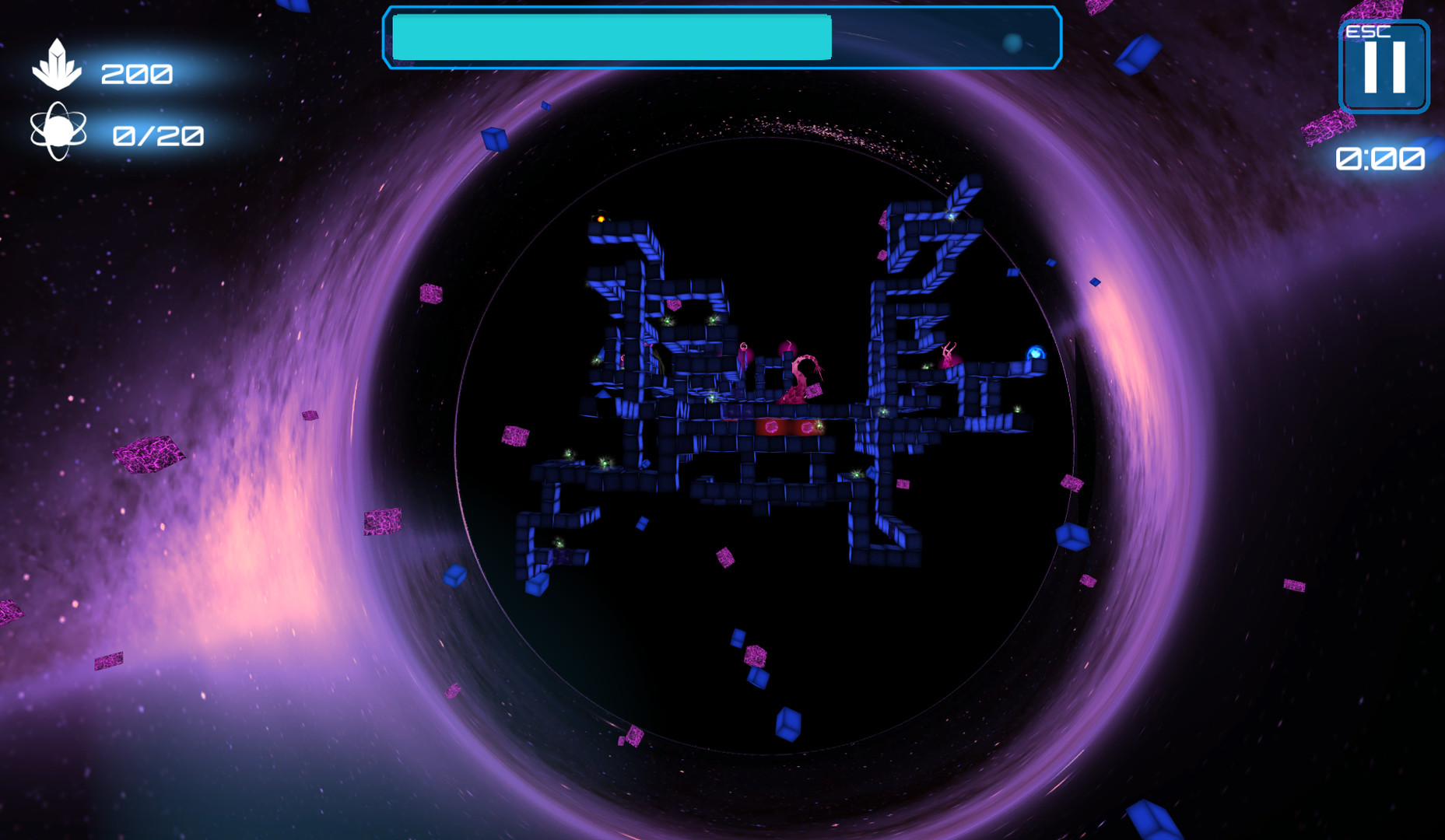
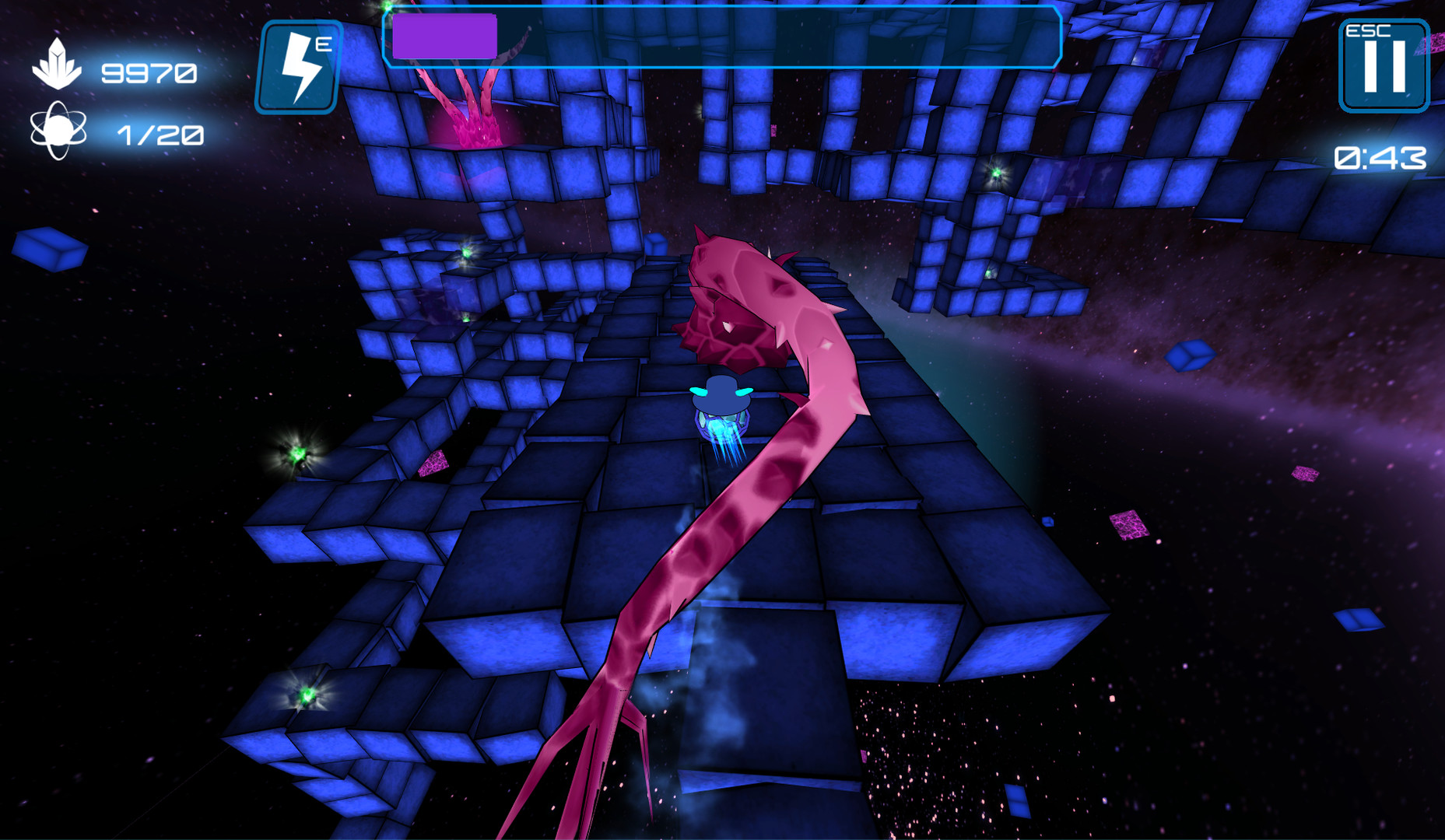
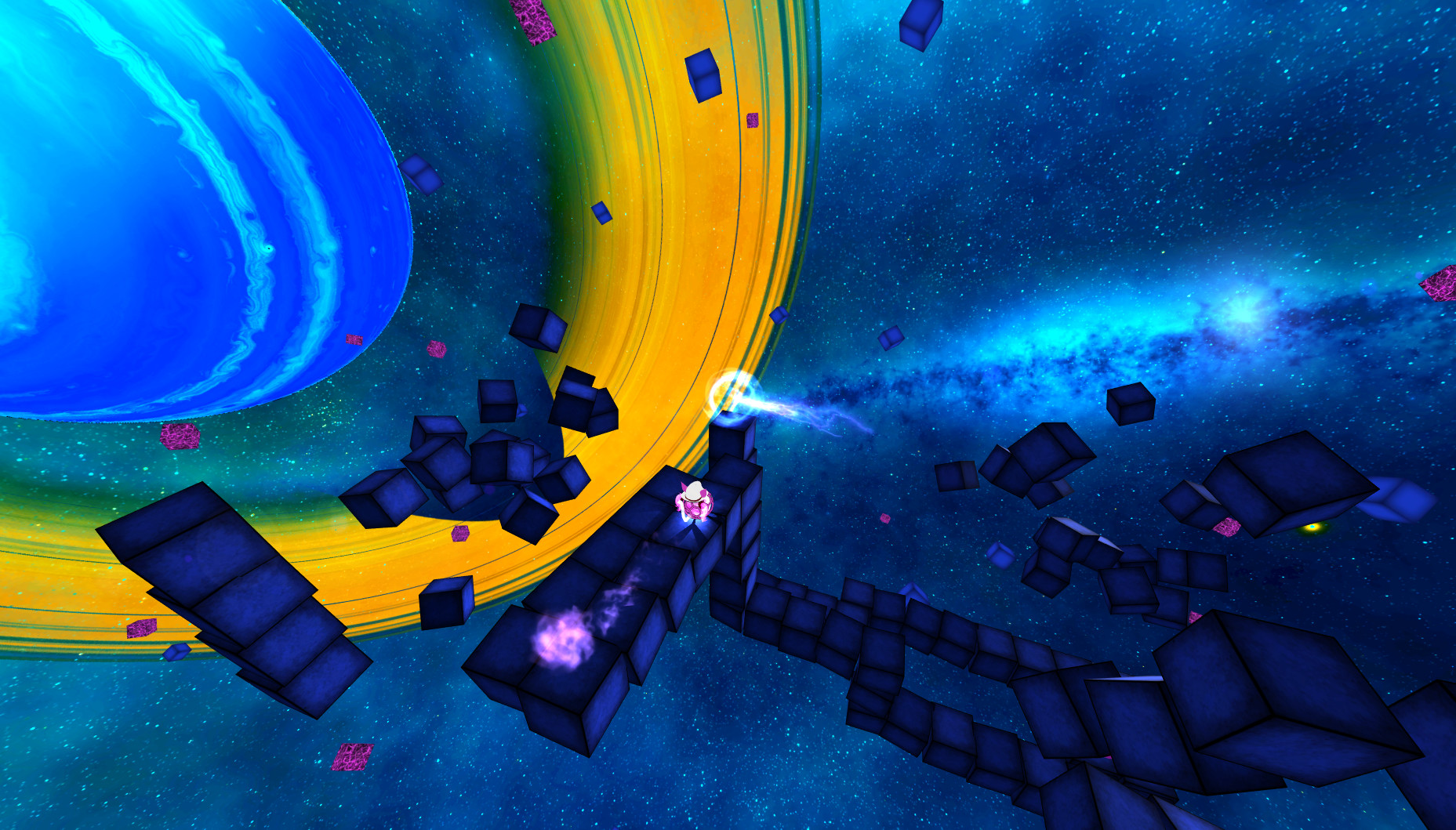
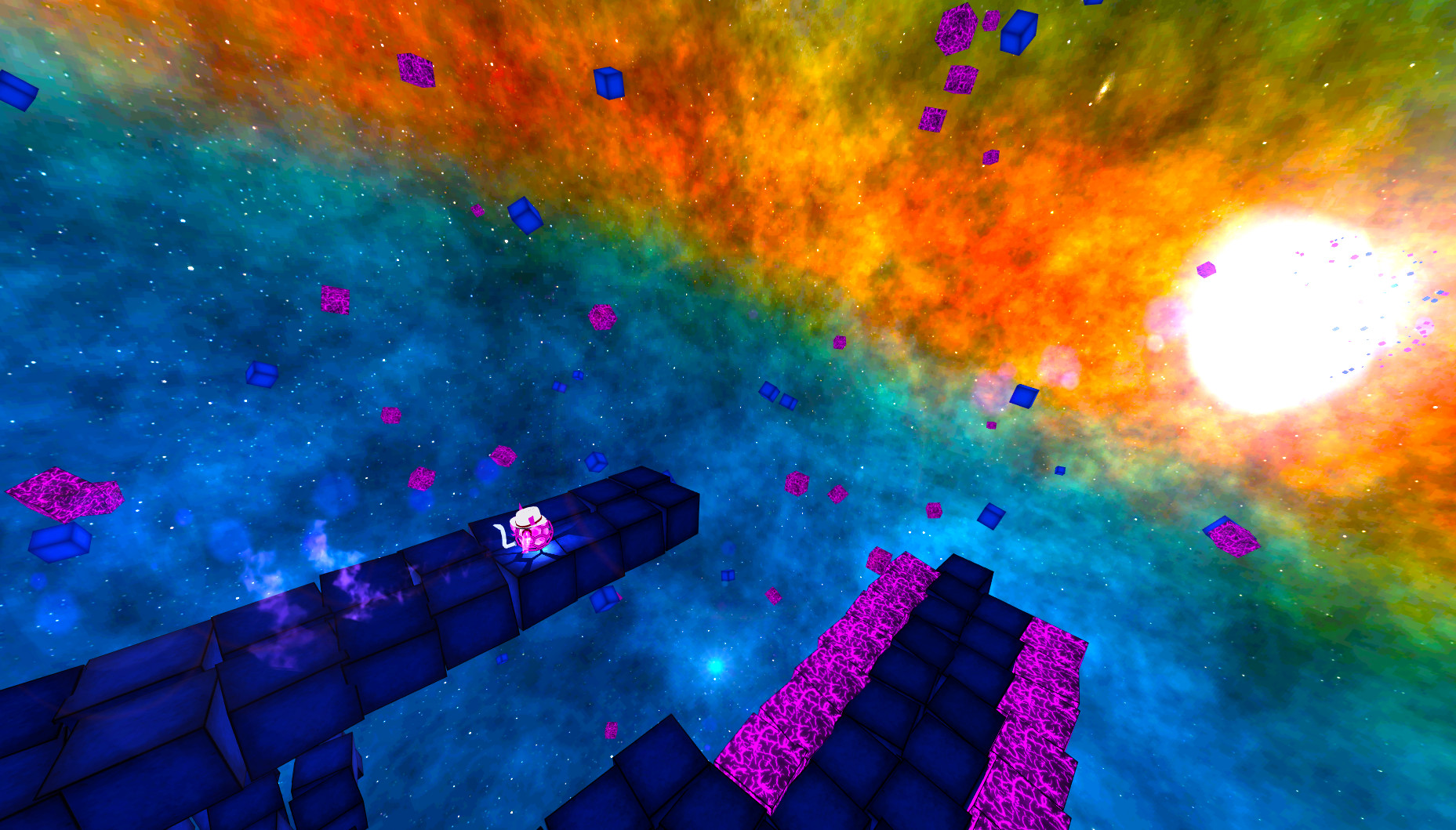
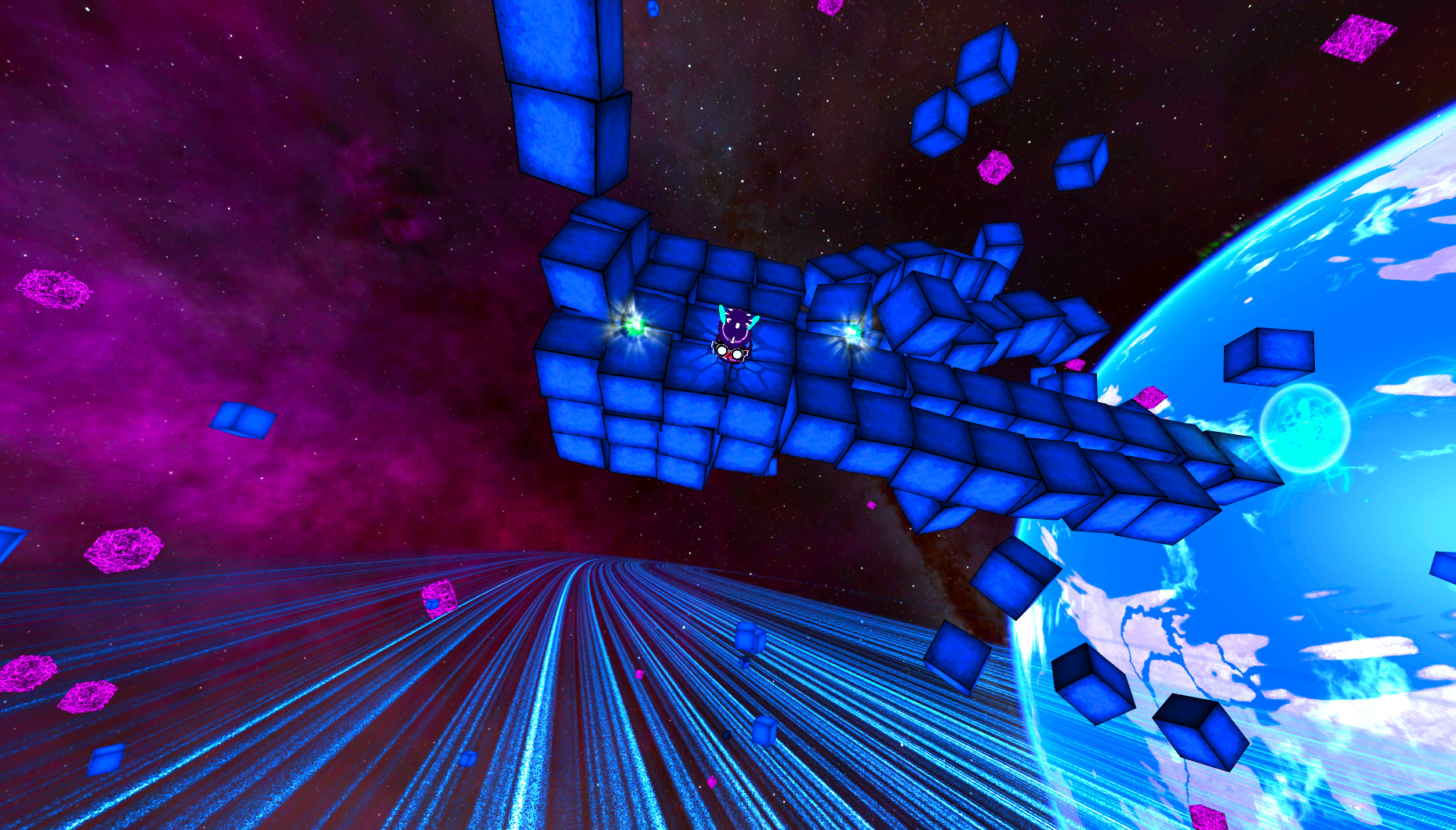
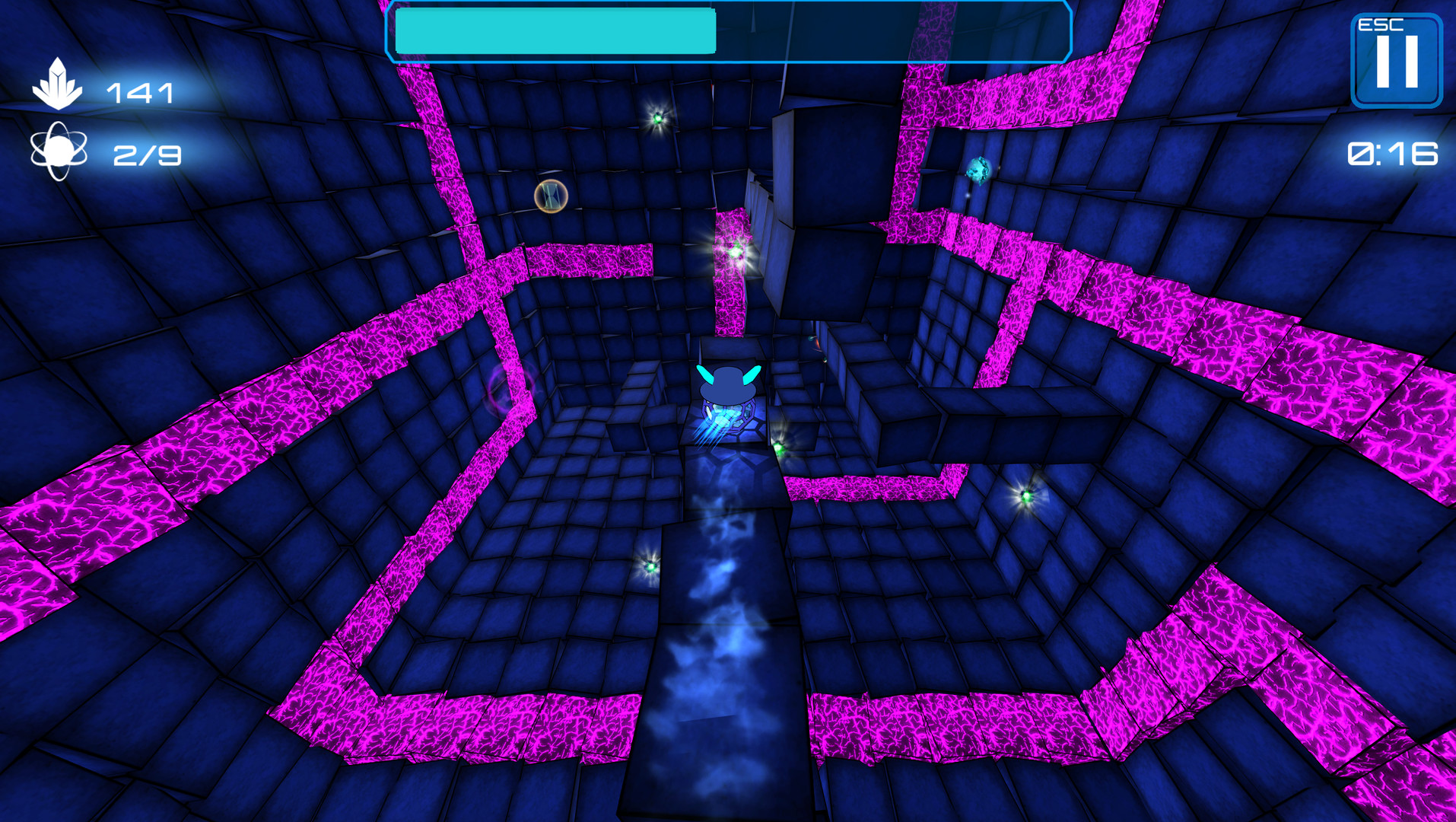
A multi-dimensional gaming experience beyond anything you’ve ever played before. Deep Blue: Prepare to have your mind blown.Take a surreal adventure through space, move between unexplored parts of the universe and beware of everything that is purple! This journey requires caution, concentration, and imagination to find the path and avoid danger. Find your way through an impossible platform architecture and escape on time from destruction. Try to control the constantly rolling ball which moves in the three-dimensional maze, avoid deadly obstacles, collect gravitons which will keep the ball on the platform, open and get to the portal before the platform explodes. Sounds easy, right? Just try by yourself :)Game Features: Customized platforms that will blow your spatial orientation and reflex Four different worlds (parts of universe) Dynamic gameplay and unique visual style Endless runner mode available as bonus levels Additional VR Support Six balls with different properties Five types of modification and boosts for a ball


Deep Blue 3D Maze in Space screenshotDeep Blue 3D Maze in Space screenshotDeep Blue 3D Maze in Space screenshotDeep Blue 3D Maze in Space screenshotDeep Blue 3D Maze in Space screenshotDeep Blue 3D Maze in Space screenshot

How to redeem

  1. 1Check your Steam account and the listed region before purchasing.
  2. 2Find your code and supplier activation instructions in your confirmed order.
  3. 3Open the redeem-code section on Steam, enter the code and follow the platform’s prompts.

Supplier instructions

Go to: http://store.steampowered.com/ and download STEAM client Click "Install Steam" (from the upper right corner) Install and start application, login with your Account name and Password (create one if you don't have). Please follow these instructions to activate a new retail purchase on Steam: Launch Steam and log into your Steam account. Click the Games Menu. Choose Activate a Product on Steam... Follow the onscreen instructions to complete the process. After successful code verification go to the "LIBRARY" tab and start downloading.

You might also like